
Getting started with the Social Sharing & SEO extension
Social Sharing & SEO adds sharing links to your Views’ entries, lets Yoast SEO use your entries’ fields in each entry page’s title and description, and keeps Views with Prevent Direct Access out of SEO plugins’ sitemaps.
Video walkthrough
Installing the Social Sharing & SEO extension #
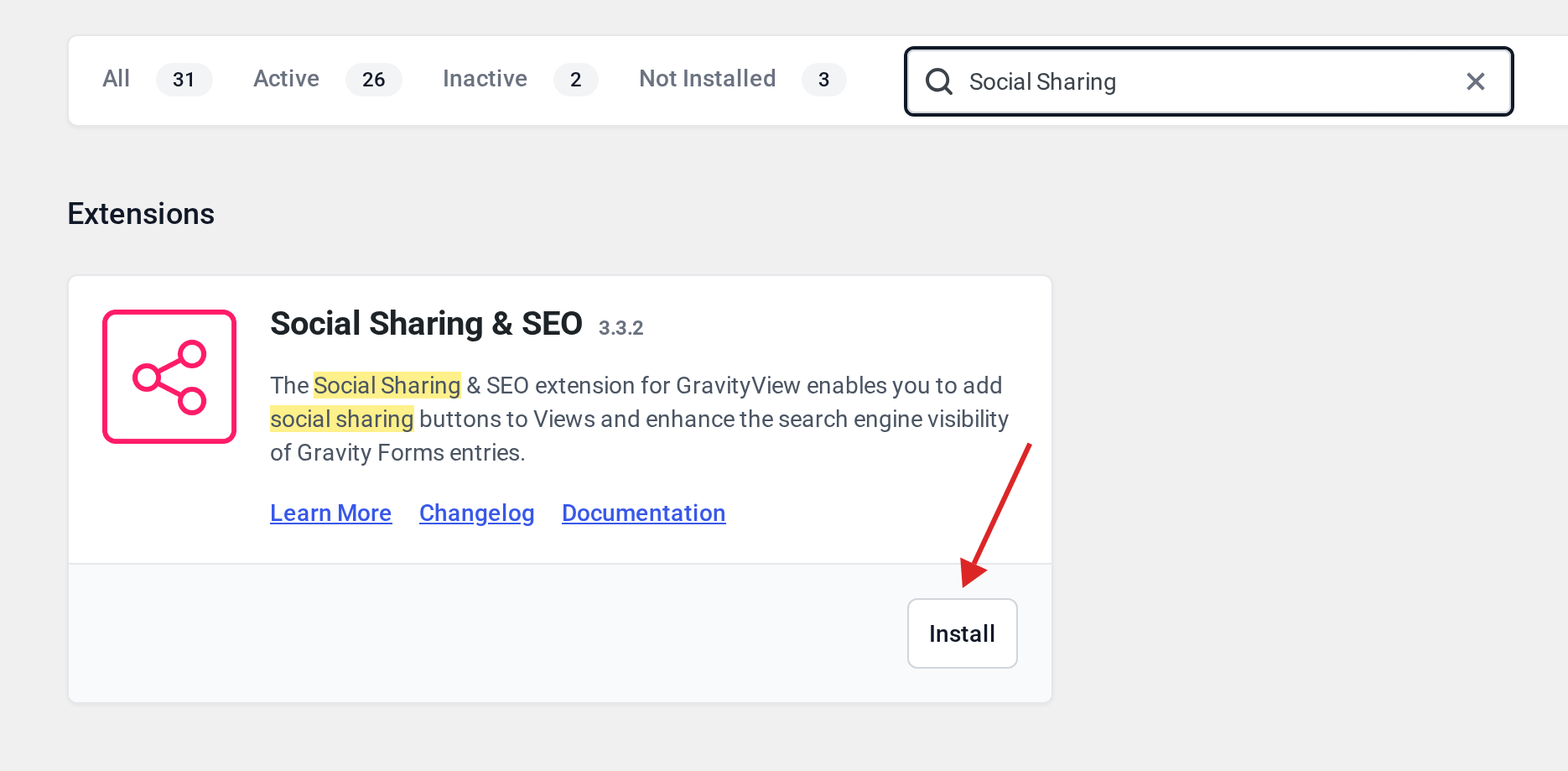
Go to GravityKit, then Manage Your Kit. Under Extensions, find Social Sharing & SEO and click Install.
Adding sharing links #
The extension adds a Sharing field to the View editor. Add it to the Single Entry layout and choose the service in Sharing Plugin. With WordPress’s own social icons you then pick from Facebook, LinkedIn, Pinterest, Reddit and X; each link shares the entry’s URL. Jetpack’s sharing buttons are offered when Jetpack’s sharing module is active; see Setting up sharing buttons with JetPack.
Entry titles and descriptions in Yoast SEO #
With Yoast SEO active, the extension adds Single Entry title and description fields to the View. They accept field merge tags, so each entry page gets its own title and description. See Setting up SEO for Views with Yoast SEO.
Keeping private Views out of sitemaps #
GravityView leaves Views with Prevent Direct Access on out of the sitemap WordPress generates. The extension does the same for Yoast SEO, Rank Math, All in One SEO, SEOPress, The SEO Framework, Slim SEO, Jetpack and SmartCrawl. There is nothing to configure.

