
Showing images and URLs in DataTables printouts
The Print button on a DataTables View prints each link’s address after the link text, so URLs are on the page without any code. It formats each cell the same way as the Excel export, and Showing URLs in DataTables Excel exports lists what each kind of column holds.
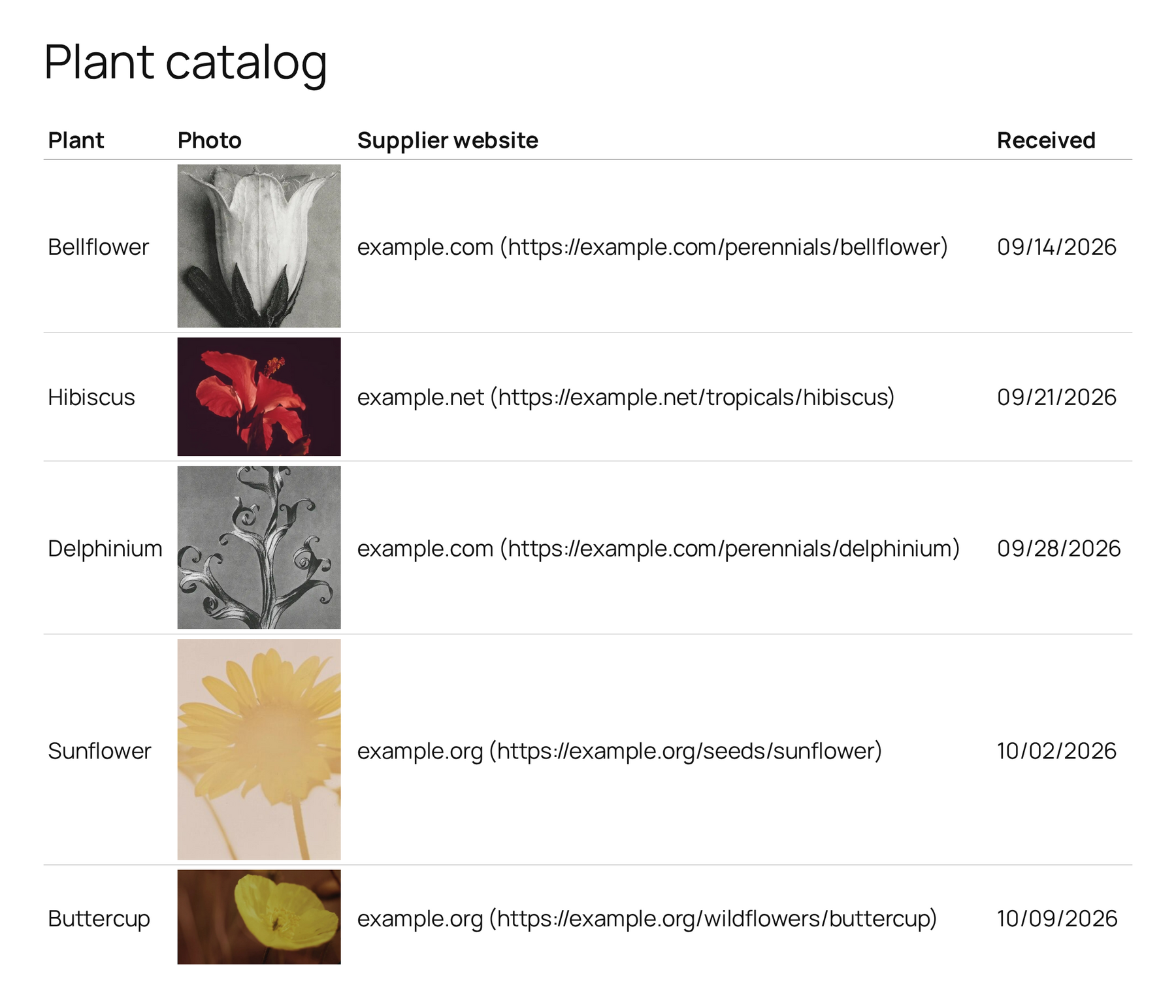
For an image, the Print button prints its address, or its alternative text when the image doesn’t open in a lightbox. The code below adds the pictures to the printout.
Print the images #
- Edit your View.
- In the Settings box, click the Custom Code tab.
- Paste the code below into Custom JavaScript.
- Click Update.
/**
 * Prints the images in a DataTables View when a visitor clicks Print.
 * Everything else prints as GravityView formats it, with each link's address.
 */
document.addEventListener( 'DOMContentLoaded', function () {
    wp.hooks.addFilter( 'gk.datatables.options', 'gk-datatables-print-images', function ( options ) {
        ( options.buttons || [] ).forEach( function ( button ) {
            if ( 'print' !== button.extend ) {
                return;
            }

            // GravityView's own print formatting: plain text, with each link's address.
            var formatAsText = button.exportOptions.format.body;

            button.exportOptions.format.body = function ( data, row, column, node ) {
                var cell   = new DOMParser().parseFromString( '<div>' + data + '</div>', 'text/html' ).body.firstChild;
                var images = [];

                // Set each image aside, with a link that holds only the image, and leave a marker.
                cell.querySelectorAll( 'img[src]' ).forEach( function ( image ) {
                    var link = image.closest( 'a' );
                    var item = ( link && '' === link.textContent.trim() ) ? link : image;

                    item.replaceWith( 'gk-print-image-' + images.length + '-end' );
                    images.push( image.getAttribute( 'src' ) );
                } );

                // Format the rest of the cell as GravityView does.
                var text = document.createElement( 'div' );
                text.textContent = formatAsText( cell.innerHTML, row, column, node );

                var html = text.innerHTML;

                // Put each image back where its marker is.
                images.forEach( function ( src, index ) {
                    var image = document.createElement( 'img' );
                    image.src = src;
                    image.style.maxWidth = '150px';

                    html = html.split( 'gk-print-image-' + index + '-end' ).join( image.outerHTML );
                } );

                return html;
            };
        } );

        return options;
    } );
} );Note: Adding custom JavaScript to your Views and Where to put code samples explain where code goes.
Each image now prints in its cell, up to 150 pixels wide. To print larger images, change 150px in the code. Everything else prints as before: links keep their addresses, and columns hidden in the table stay out of the printout.
If you added the code from an older version of this page #
This page used to give a shorter snippet with stripHtml: false. Replace it with the code above: in DataTables 3.14 the old snippet prints links without their addresses and adds the table’s hidden sorting column to the printout.

