Case study
How West Fork School District powers student registration, job listings, and applicant tracking with GravityKit
Cory Robbins is a musician turned technologist who runs special projects for West Fork School District. Using GravityKit as a platform, he’s built a student registration and enrollment system now in its third year, and a district-wide forms hub and job board called FlowPoint that uses over a dozen GravityKit products. GravityKit has enabled West Fork to bolster operations across the district, and replace expensive third-party tools with WordPress-based systems that are affordable, more capable, and easier to manage.
Meet Cory Robbins
Cory is the Assistant Technology Coordinator and Assistant Band Director at West Fork School District. His formal education is in music composition and performance, but he’s always loved technology and solving problems with it.
After joining West Fork School as a Systems Administrator, Cory quickly automated what he could, then started taking on bigger projects, like upgrading server platforms, phone systems, and growing the district’s technology footprint. After being promoted to Assistant Technology Coordinator, Cory began taking on bigger projects involving custom systems running on Gravity Forms and GravityKit.

Discovering GravityKit
Cory found GravityKit several years ago when he was searching for a way to display Gravity Forms entries on the front end of a WordPress site.
I’m not exaggerating when I say this discovery changed my professional life and altered the trajectory of a great many of my projects since.
After convincing his Superintendent to purchase the unlimited plan, Cory never looked back. GravityView was, in his words, “easily the most capable plugin for displaying and editing entries on the front end.”
What started as dashboards and simple entry editing for staff, students, and parents has since evolved into something much bigger. More recently, Cory discovered that GravityKit’s extensibility made it possible to use it as a platform for administrative infrastructure, and began expanding its capabilities with custom code, and additional tools to build fully custom systems.
Building with GravityKit
Cory shared two major projects that showcase how deeply GravityKit is embedded in the district’s operations.
Project 1: Student registration and enrollment
This system, now in its third year, makes heavy use of GravityView for the returning student workflow. Families see a dashboard listing their previously registered students. Once they select a student, the single entry view loads the current year’s registration form, with previous data carried over automatically via a custom plugin.
Parents can complete fee payments within the form, select high school parking spots using a custom image hotspot tool, and verify their data—all in a single flow. Completing registration returns them to the dashboard (powered by GravityView), that shows their current registrations.
The system also leverages GravityExport, allowing the district to sync registration data with their student information system. Each year has brought enhancements, and each year has proven easier for parents, easier for staff, and better for efficiency.
Project 2: Administrative operations platform (FlowPoint)
FlowPoint is a district-wide operations platform for managing forms, workflows, and internal processes. Cory built it using GravityKit, tools from the wider Gravity Forms ecosystem, and custom development.
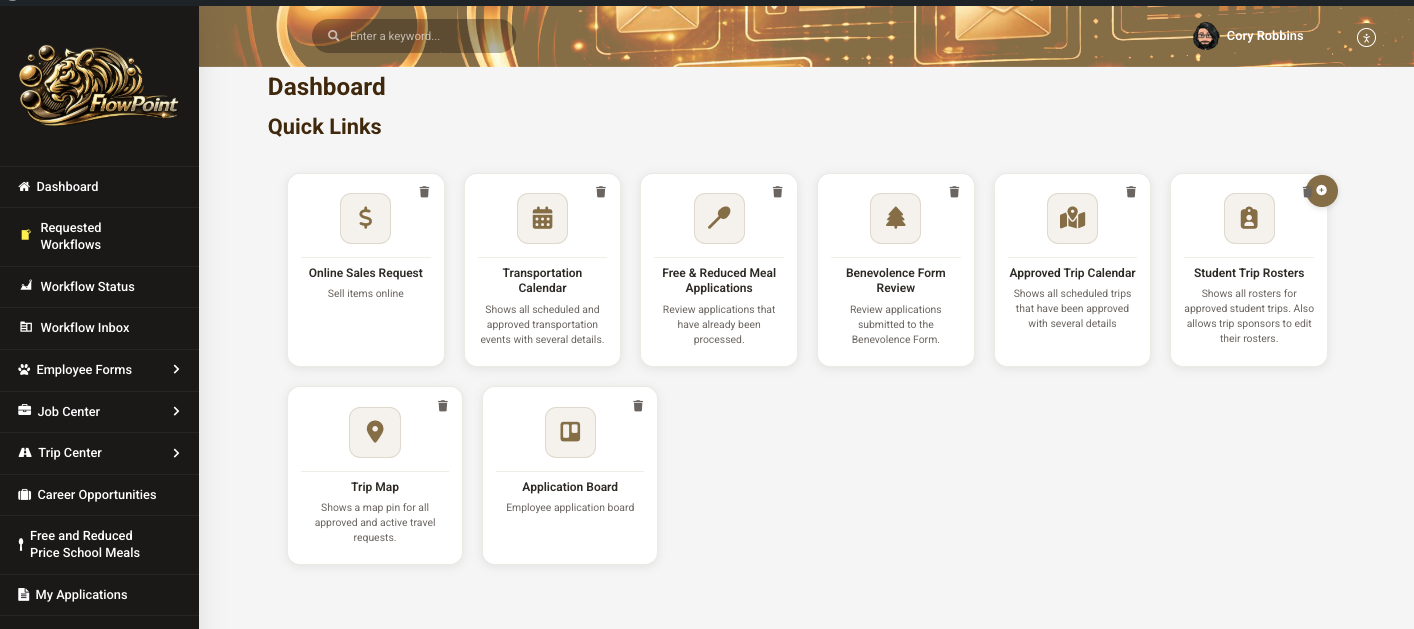
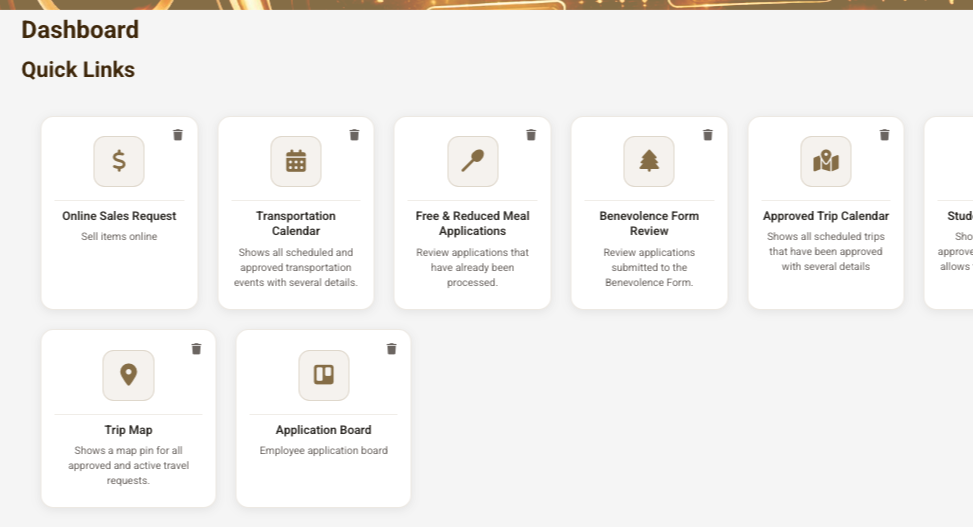
The site centers on a dashboard powered by a single GravityView View. Cory added a “quick entry” feature that lets users add new entries through a modal, with the view updating to show the new card immediately. Administrators can create “global” cards and assign them to any combination of site roles.
The standout feature is the career opportunities section where authorized users can create job listings that appear on the opportunities page. Here, Cory uses GV Logic to inject styles conditionally based on job status and type. The single entry page showcases the full job listing alongside an embedded Gravity Forms form used for applications.
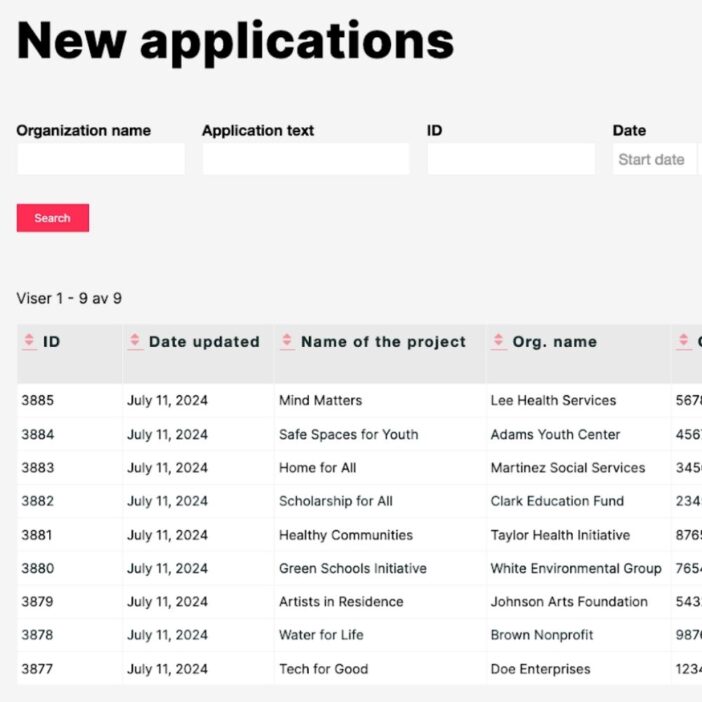
Authorized staff have access to a separate View where they can see new applications in a table as they are submitted. GravityEdit inline editing lets them change the status between “new,” “shortlisted,” “selected,” and “rejected,” with GV Logic automatically updating row styling to reflect the relevant status.
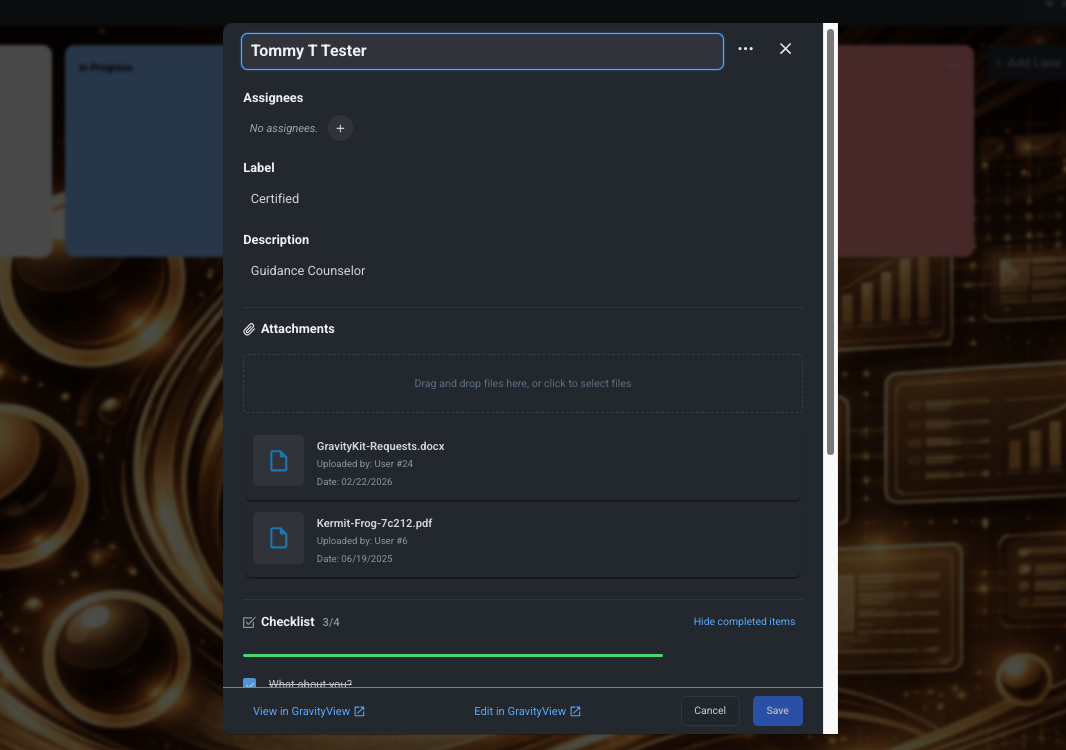
Applicants are also automatically added to a GravityBoard organized by hiring status. Once a candidate is selected, they move into an onboarding workflow where staff can progress them through each step using a visual Kanban board.
The system also includes a “My Applications” page which allows applicants to check their application status, and update certain parts of their existing applications.
Thanks to the Gravity Forms ecosystem, Cory was able to replace a costly commercial job application platform with a system that’s more capable and affordable!
This new system seems far more robust, more useful, and far easier to use and manage. It is also way cheaper than the original one we purchased.
The impact
Cory plans to keep building with GravityKit for the foreseeable future, and already has some ideas for new projects.
GravityKit has saved me countless hours of work, provided incalculable inspiration, and made a much higher quality of product the standard for our district tools. It has given me the ability to create tools that reshape the way we operate, without being required to spend months on custom builds.
Takeaways
By building on top of GravityKit’s existing capabilities, Cory was able to deliver innovative tools that serve an entire school district. Cory’s work at West Fork shows that GravityKit isn’t just a set of plugins; it’s a platform for building powerful systems and workflows that grow with the needs of your organization.

Ready to get
started?
GravityKit’s integrated toolkit of Gravity Forms add-ons transforms your data into actionable applications.
Browse more case studies
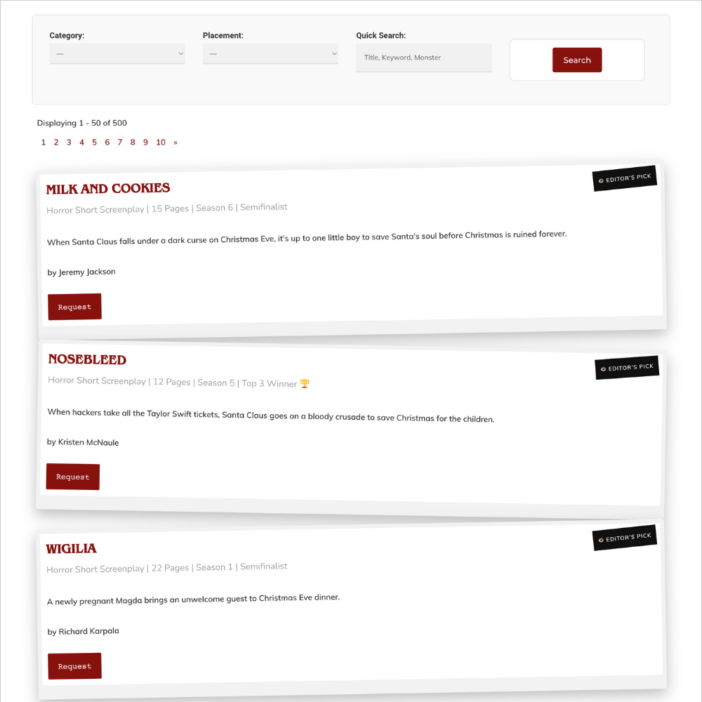
Killer Shorts
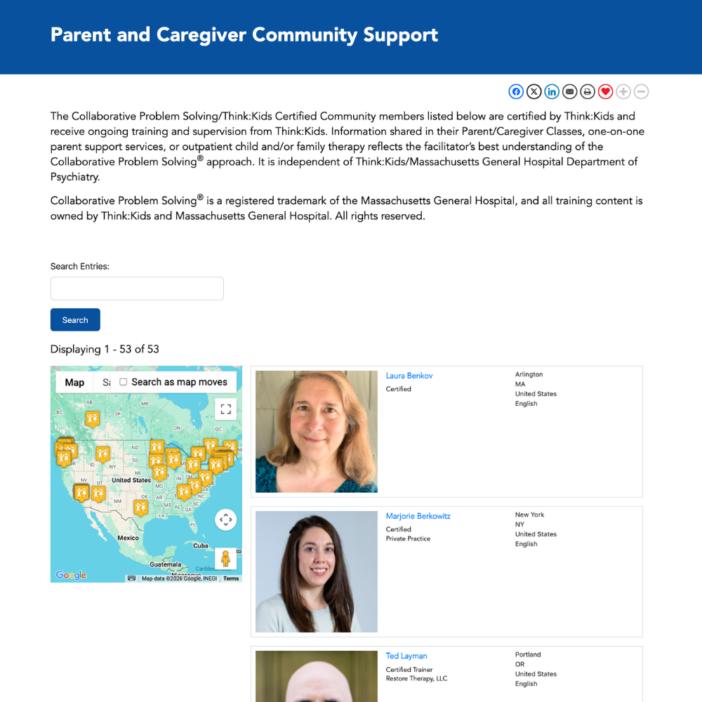
Think:Kids
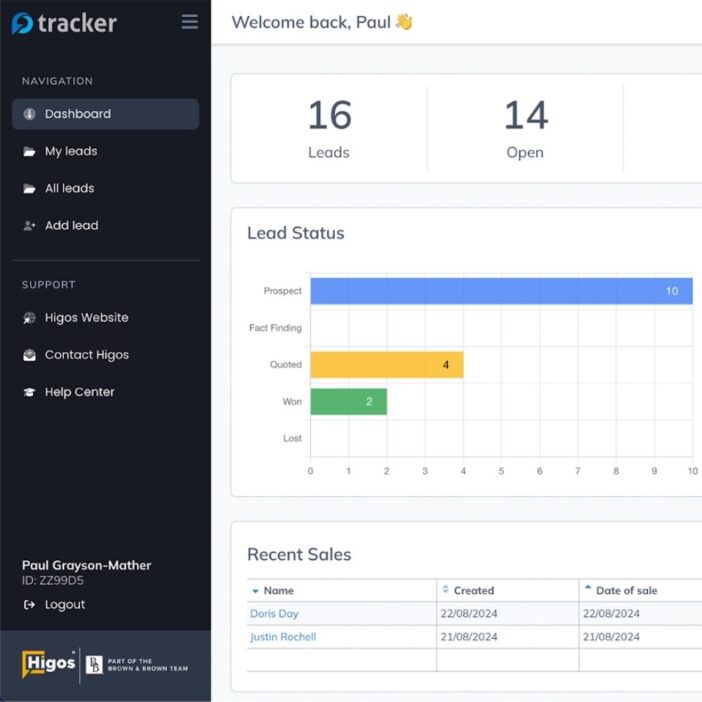
Leadpal
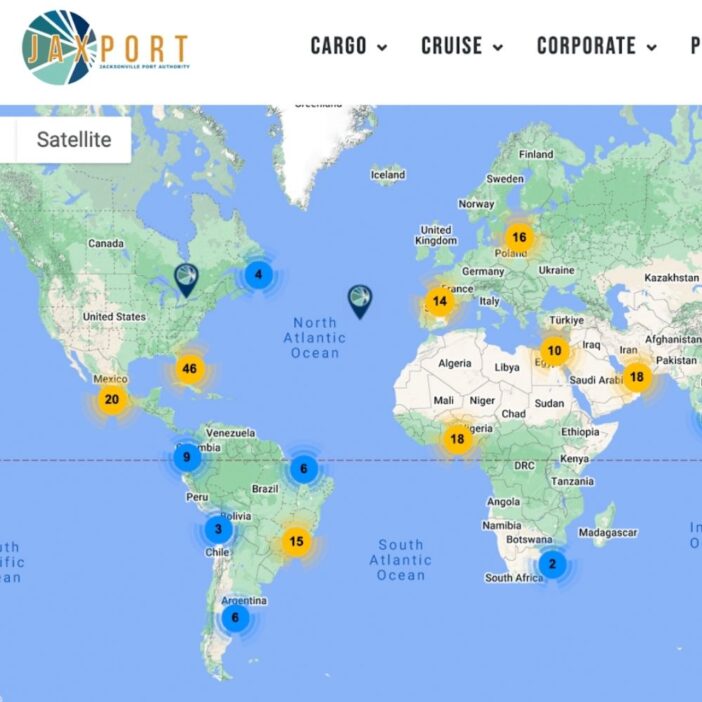
Jacksonville Port Authority
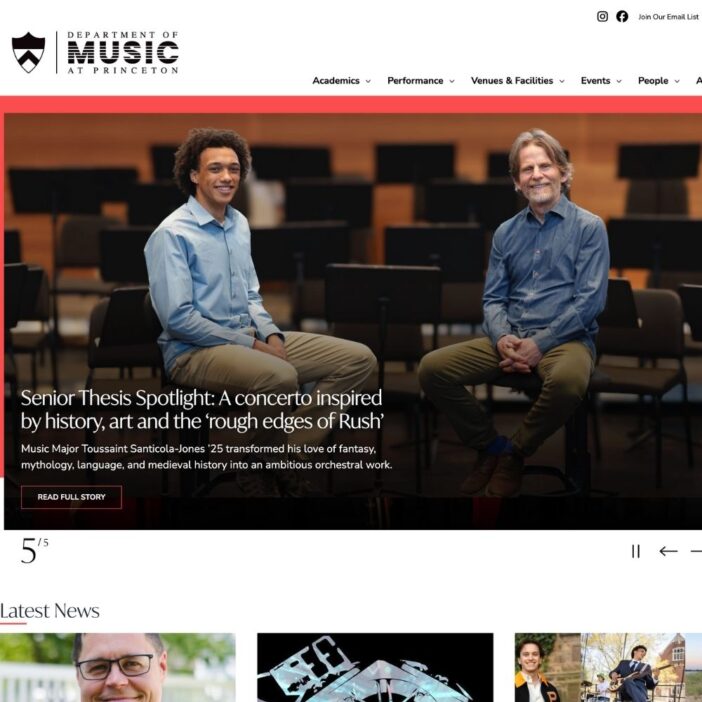
Princeton University
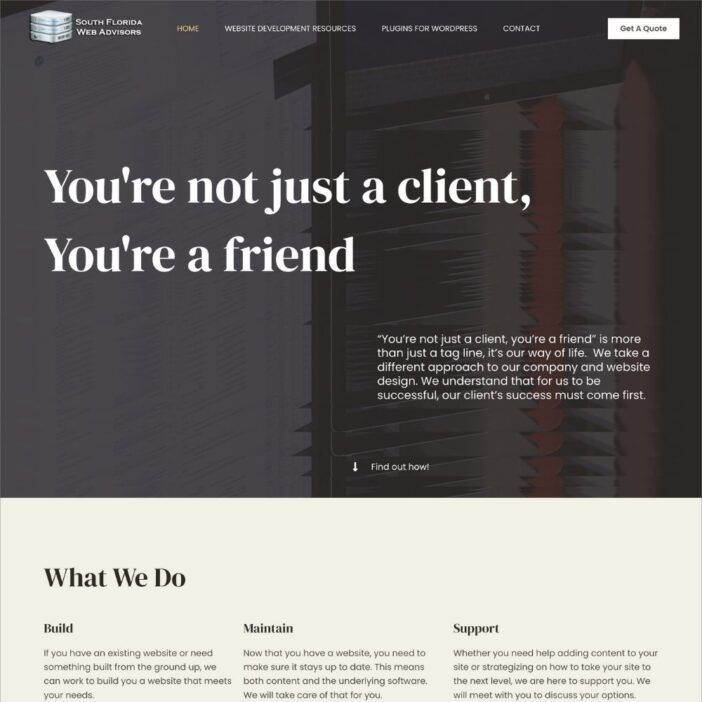
South Florida Web Advisors
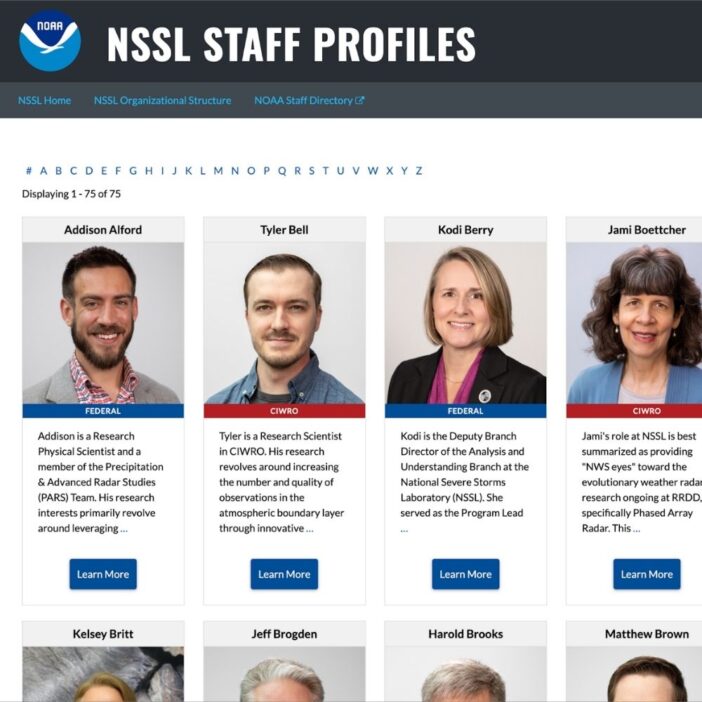
NSSL
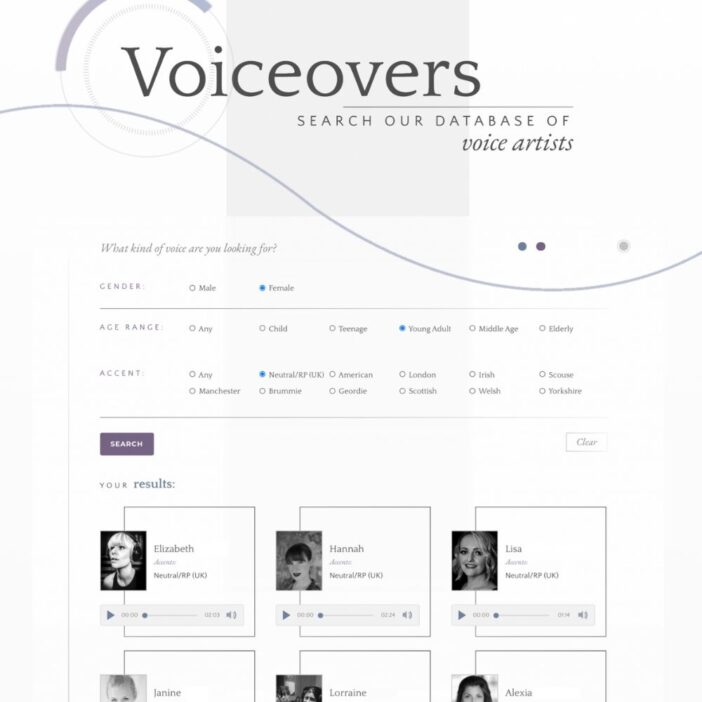
Dragonfly
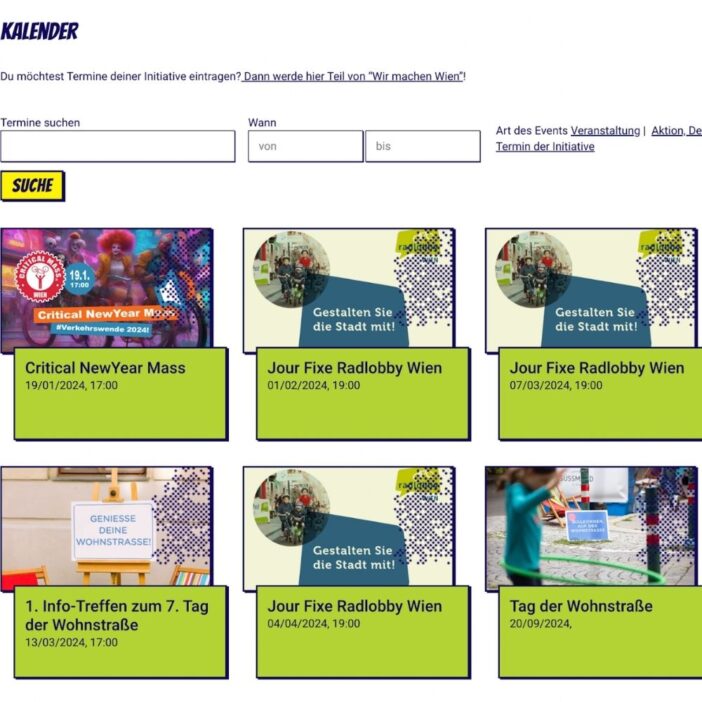
HappyTree IT
Mediebruket
Bet Hannon
Experience Solutions
Slight Revision
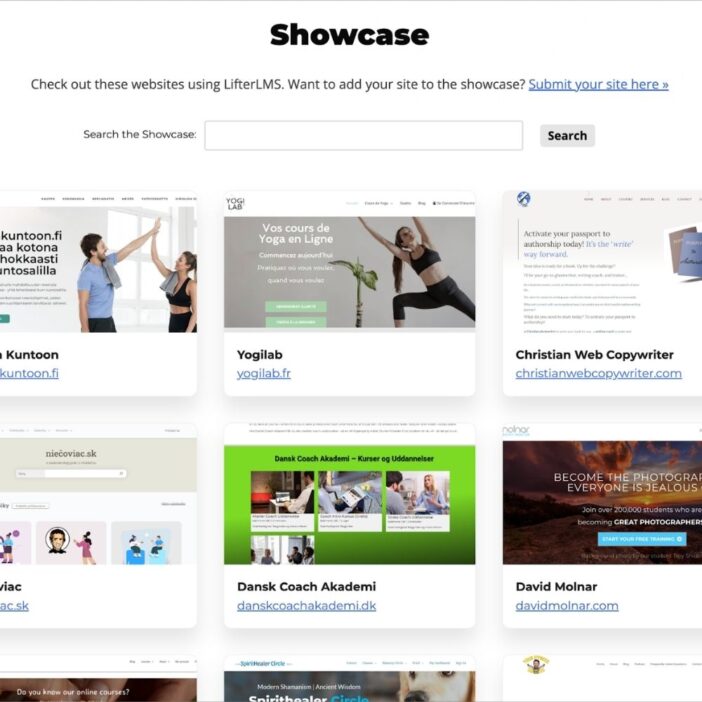
LifterLMS
Jamie Madden
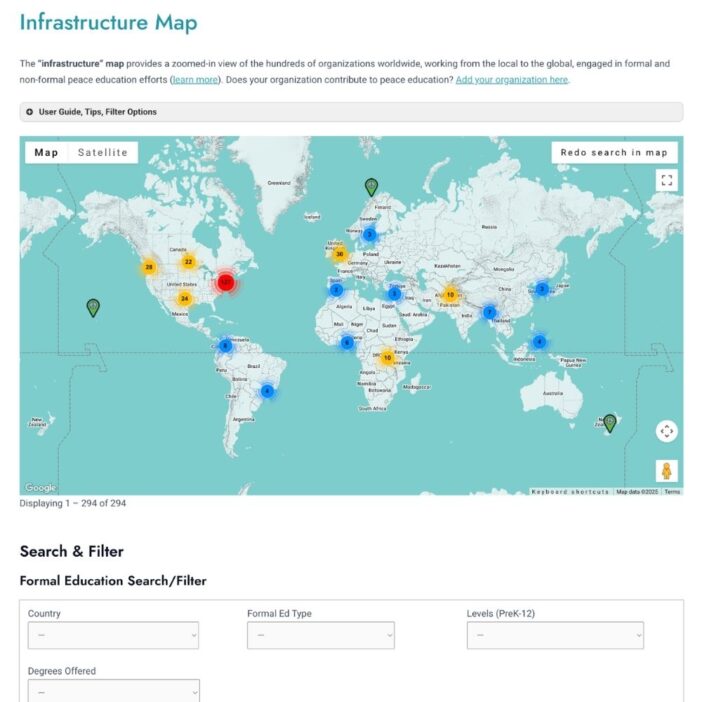
GCPE
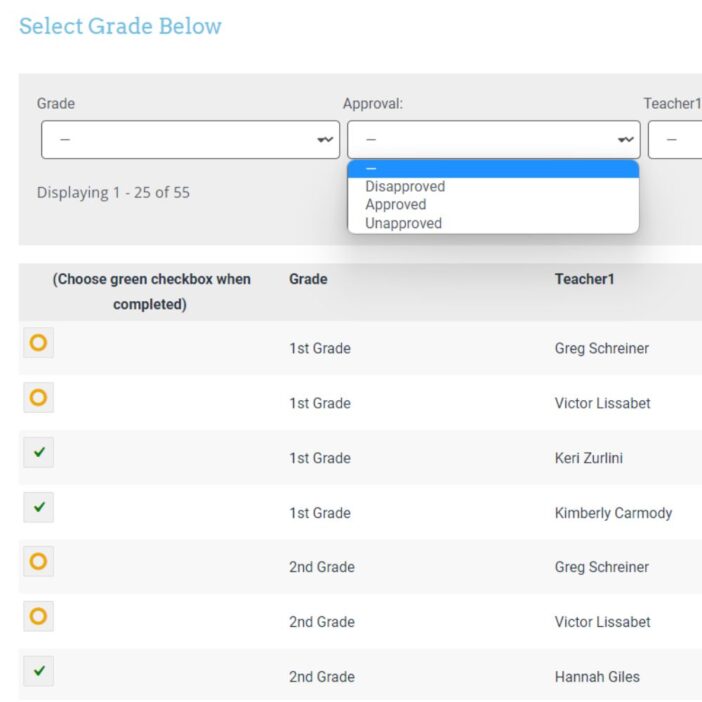
Rochelle Victor
43Folders
Nile Flores