
All Use Cases
With GravityKit, you can build just about anything!
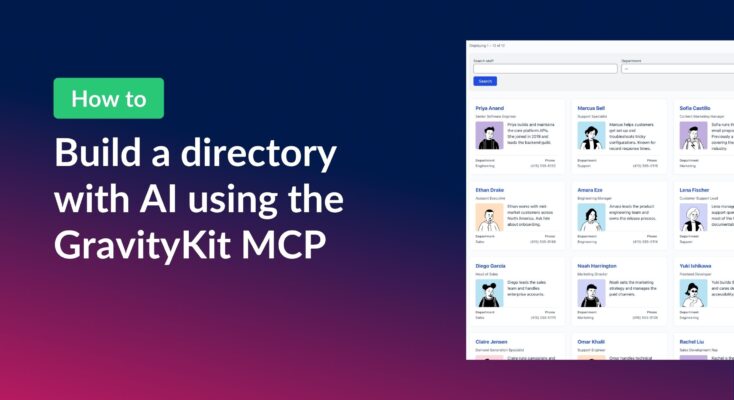
How to build a searchable directory on Gravity Forms by chatting with AI
Build a searchable directory from your Gravity Forms entries by chatting with AI. See how the free GravityKit MCP creates a GravityView directory in minutes.
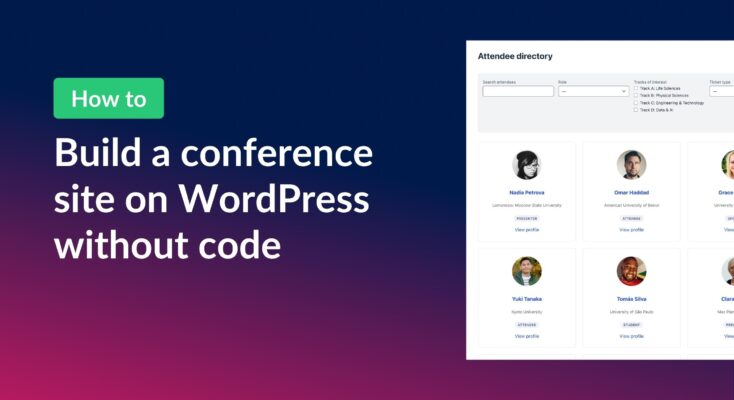
How to build a conference website on WordPress (attendee registration + abstract submission)
Build a conference registration and abstract submission site on WordPress with GravityKit, no code: forms, an attendee directory, sessions, and PDF certificates.
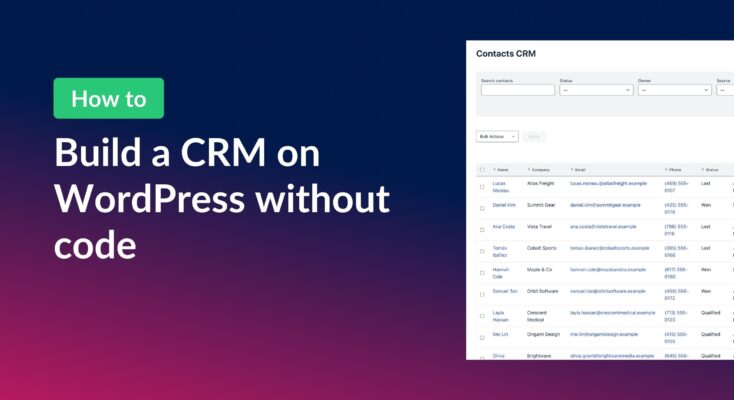
How to build a WordPress CRM without code (a contact database you own)
Build a simple WordPress CRM with GravityView. Turn the Gravity Forms entries you already collect into a no-code contact database you own, with no monthly fees.
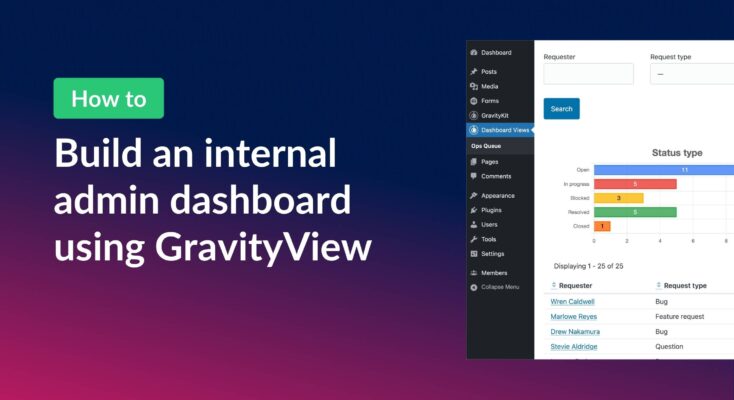
How to build an internal admin dashboard on WordPress without code
Build an internal WordPress admin dashboard with GravityView Dashboard Views. Embed forms data, charts, and KPIs inside wp-admin with role-based access.
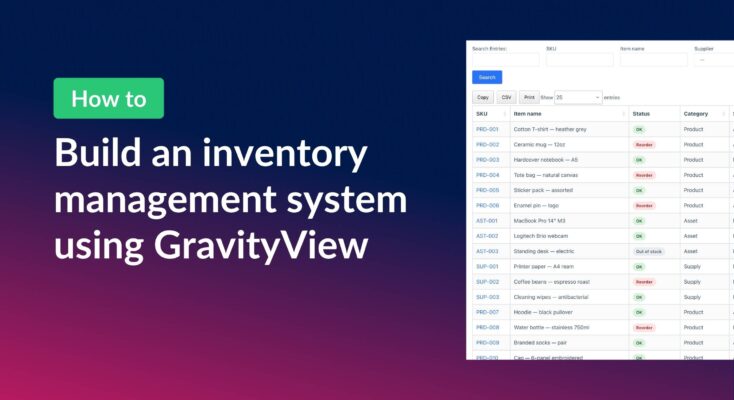
How to build a WordPress inventory management system (without code)
Build a WordPress inventory management system with Gravity Forms and GravityView. Track stock, edit quantities from the front end, and skip the heavy ERP.
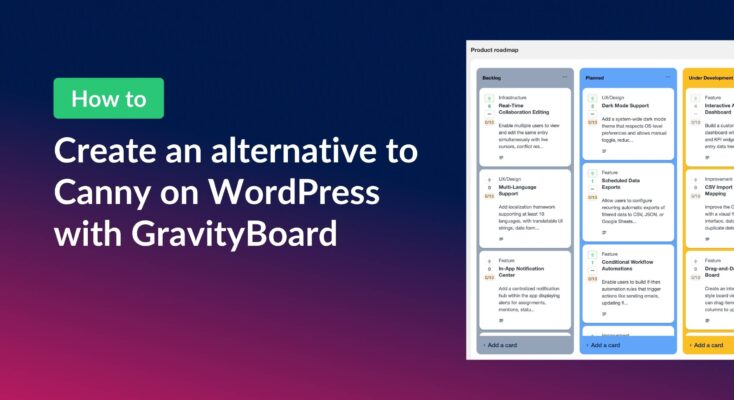
How to build a Canny alternative on WordPress with GravityBoard voting
Build a Canny alternative on WordPress with GravityBoard’s new card voting — collect, rank, and manage feature requests without leaving your site.
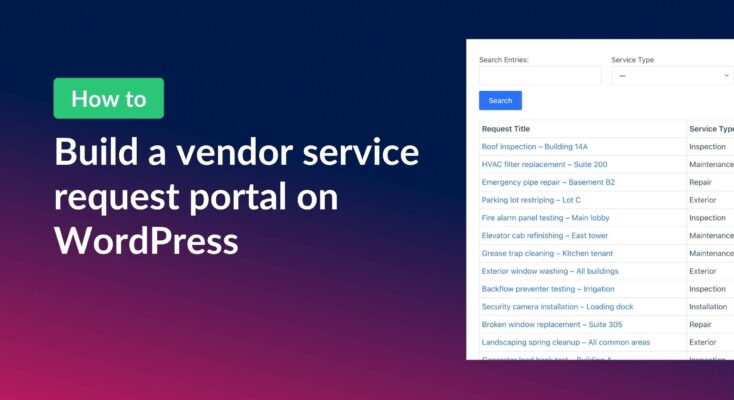
How to build a vendor service request portal with Gravity Forms and GravityView
Learn how to build a vendor portal where users submit, track, edit, and cancel service requests using Gravity Forms and GravityView Pro.
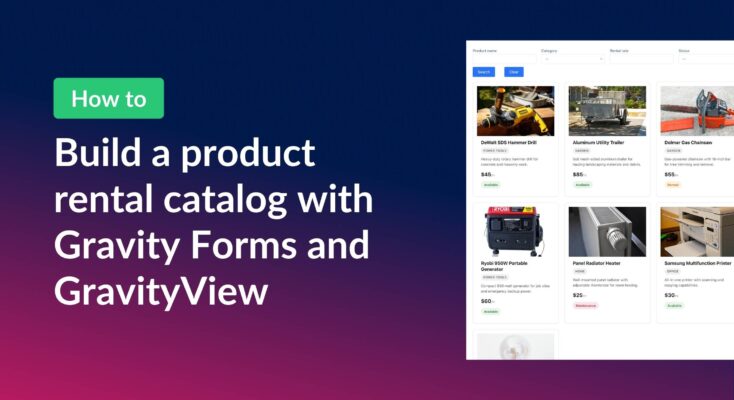
How to build a product catalog on WordPress with GravityView
Build a searchable product catalog or equipment directory on WordPress without WooCommerce. Use Gravity Forms for data entry and GravityView for a filterable front-end display.
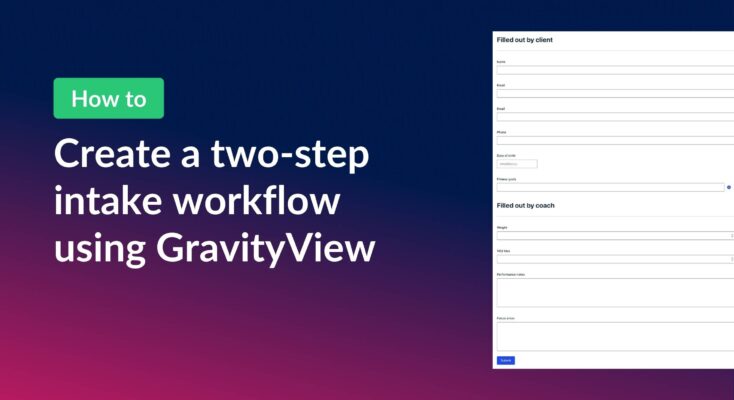
How to create a two-step intake workflow with Gravity Forms and GravityView
Learn how to build a two-step intake workflow where customers start a form online and staff complete it later. Uses GravityView’s Search Bar and Edit Entry features.

How to combine data from multiple forms into one unified View
If you use multiple Gravity Forms on your site, you’ve probably wished there was a way for users to see all their submissions in one place. In this exanple, we have separate forms for time-off requests, expense reports, and IT support tickets. While each…
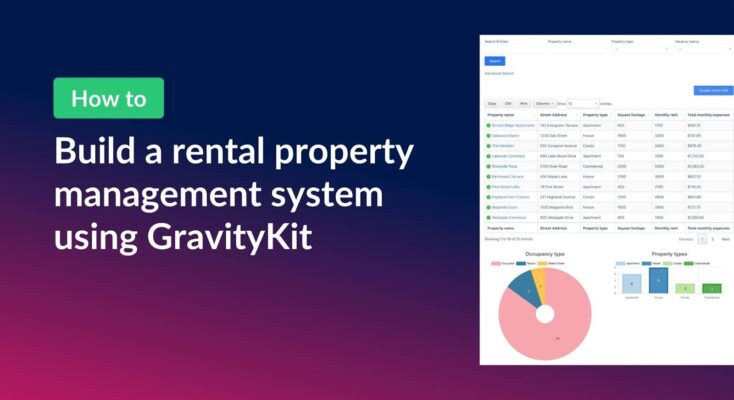
How to build a rental property management system on WordPress using GravityKit
Managing rental properties means juggling a lot of moving parts. This can include tenant details, lease dates, monthly expenses, vacancy tracking, and more. Spreadsheets get messy fast, and dedicated property management software can be expensive and overly complex for smaller portfolios. In this tutorial,…
How to create a dynamic careers page on WordPress using GravityKit
In this tutorial, you’ll learn how to build a fully functional and user-friendly careers page using Gravity Forms and GravityView. We’ll walk through creating job listings, application forms, and admin views so visitors can browse open positions and apply directly, while hiring teams can…
How to build an employee evaluation system on WordPress using GravityKit
Managing employee evaluations is often slow, inconsistent, and awkward for everyone involved. Chasing managers for feedback, emailing documents back and forth, and keeping track of approvals can quickly turn into a mess. In this tutorial, we’ll build a streamlined employee evaluation workflow that runs…

How to build a WordPress document library (in 5 simple steps)
Ensuring that your digital documents are organized and easy to find can be a challenge! That’s why an effective document management system is so important in today’s data-oriented world. A document management system, or document library, is a collection of digital documents presented in…
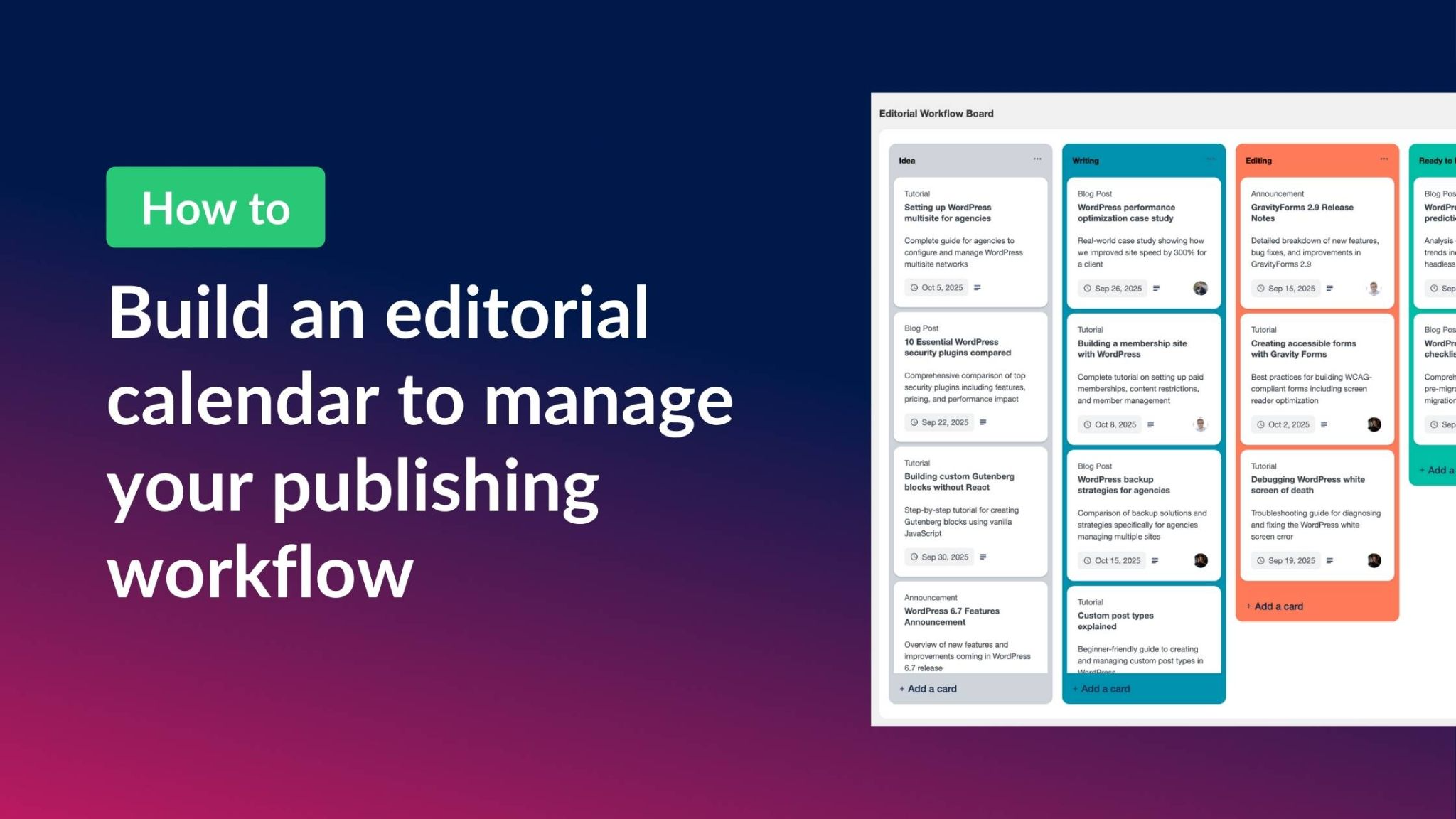
How to build an editorial calendar on WordPress to manage your publishing workflow
Managing content without an editorial calendar is like trying to navigate without a map. You miss deadlines, duplicate topics, and struggle to coordinate with your team. Yet most WordPress editorial calendar plugins are either too basic or overcomplicated for what you actually need. With…

How to build an applicant tracking system (ATS) on WordPress without code
Most applicant tracking systems (ATS) are expensive, overly complex, and not designed for WordPress users. That leaves many small businesses and hiring teams struggling with tools that don’t integrate with their existing site. With Gravity Forms and GravityBoard, you can create a Kanban-style applicant…
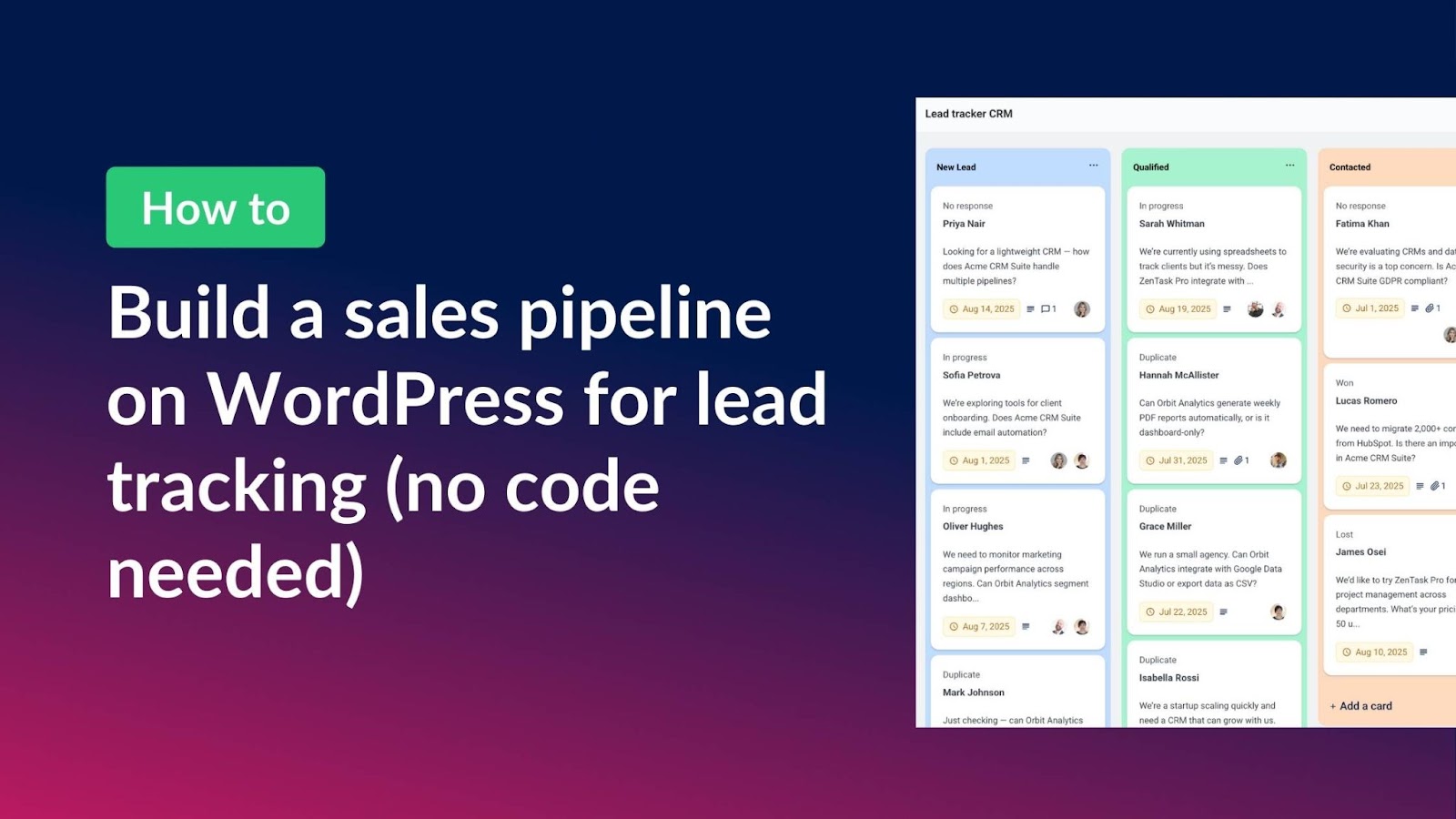
How to build a sales pipeline on WordPress for lead tracking (without code)
Looking for a simple way to manage your leads without paying for complicated external CRM tools? With Gravity Forms and GravityBoard you can create a Kanban-style sales pipeline directly inside your WordPress site. In this tutorial, you’ll learn how to set up a fully…
How to build a volunteer management system on WordPress without code
Nonprofits depend on volunteers, but managing them efficiently can be a challenge. While many organizations turn to expensive software solutions, there’s a more affordable, flexible alternative: build your own volunteer management system using WordPress. In this step-by-step guide, you’ll learn how to create a…

How to build an intranet to power your business with Gravity Forms & GravityView (no code required)
Looking for a way to manage your team, projects, or HR processes from one central place, without the cost of expensive SaaS solutions? With Gravity Forms and GravityKit, you can create a powerful, flexible intranet on WordPress that’s tailored to your business needs (all…
How to build a quote calculator for lead gen using Gravity Forms (step by step tutorial)
Build a lead-generating quote calculator with Gravity Forms and GravityView. Collect pricing requests, capture lead data, and follow up with potential clients without writing code.
How to create and edit front-end user profiles using Gravity Forms and GravityView
Do you use Gravity Forms to register users on your WordPress site? Want to allow users to view and update their profiles from the front end (no backend access required)? In this updated tutorial, I’ll show you how to: Let’s dive in! Download the…

How to build a project management system for team collaboration on WordPress (without code!)
Are you tired of bouncing between Trello boards, spreadsheets, and email threads? In this tutorial, I’ll show you how to build a fully interactive project management system right inside WordPress using Gravity Forms and GravityBoard. GravityBoard gives you drag-and-drop task management, team collaboration, file…

How to build a contact list with direct email functionality on WordPress without code
Need an easy way to manage contacts and reach out to people directly from your WordPress website? In this tutorial, I walk you through how to build a fully functional contact list (or address book) using Gravity Forms and GravityView. You’ll learn how to…
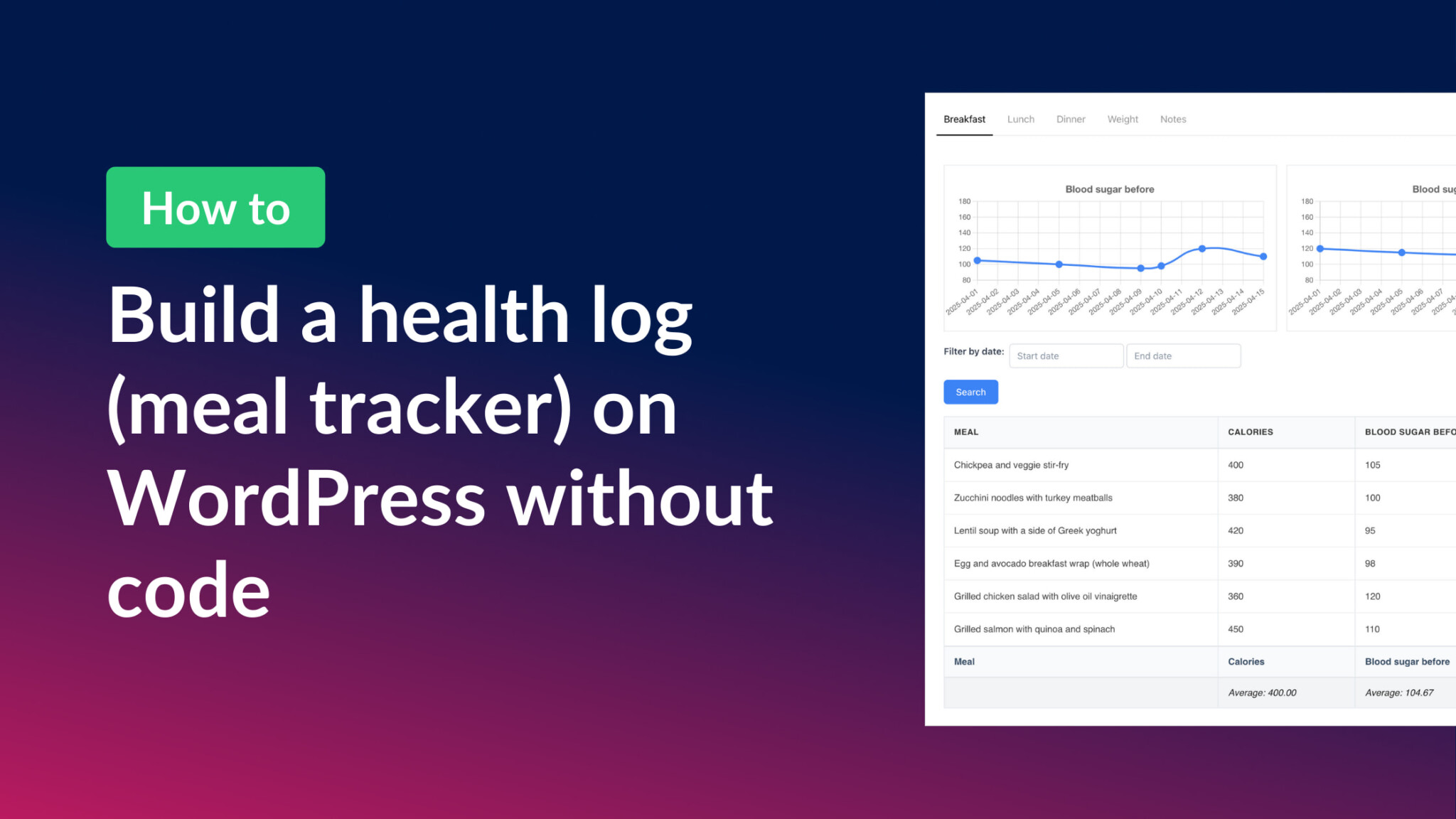
How to build a health log and meal tracker on WordPress without code
Build a no-code health log and meal tracker on WordPress using Gravity Forms and GravityKit. Includes meal tabs, trend charts, and a personal notes dashboard.

How to build a member directory on WordPress without code
Build a searchable, grid-style member directory on WordPress without code using GravityView. Step-by-step tutorial for communities, networks, and professional groups.

How to build a dynamic event registration system on WordPress without code
Build a complete event registration system on WordPress without code. Uses Gravity Forms and GravityView to handle session submissions, attendee browsing, and registrations.
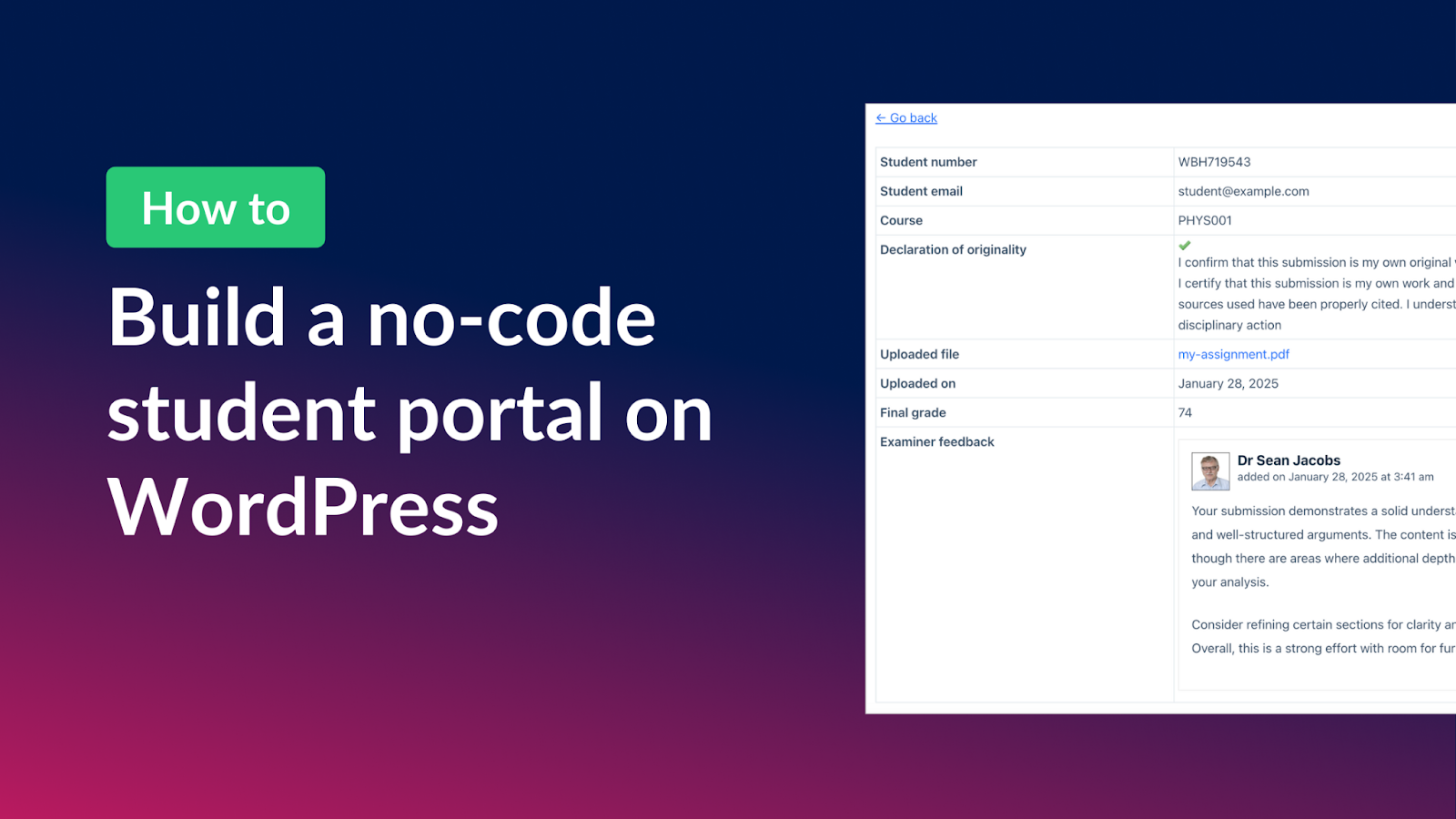
How to build a student portal for assignment submissions on WordPress (without code!)
Build a student portal on WordPress where learners submit assignments, check grades, and receive feedback. Step-by-step tutorial using Gravity Forms and GravityView.

How to create an ordering system for a hotel on WordPress without code
Build an automated ordering system on WordPress using Gravity Forms and GravityKit. The hotel breakfast ordering example applies to any order workflow, no code required.

How to build a task management system on WordPress without code
Build a custom task management app on WordPress with Gravity Forms and GravityView. Let users add, filter, sort, and update tasks from the front end without writing code.

How to build a user feedback board on WordPress without code
Build a user feedback board on WordPress where visitors submit ideas, upvote suggestions, and track request status. Uses Gravity Forms and GravityView, no code required.
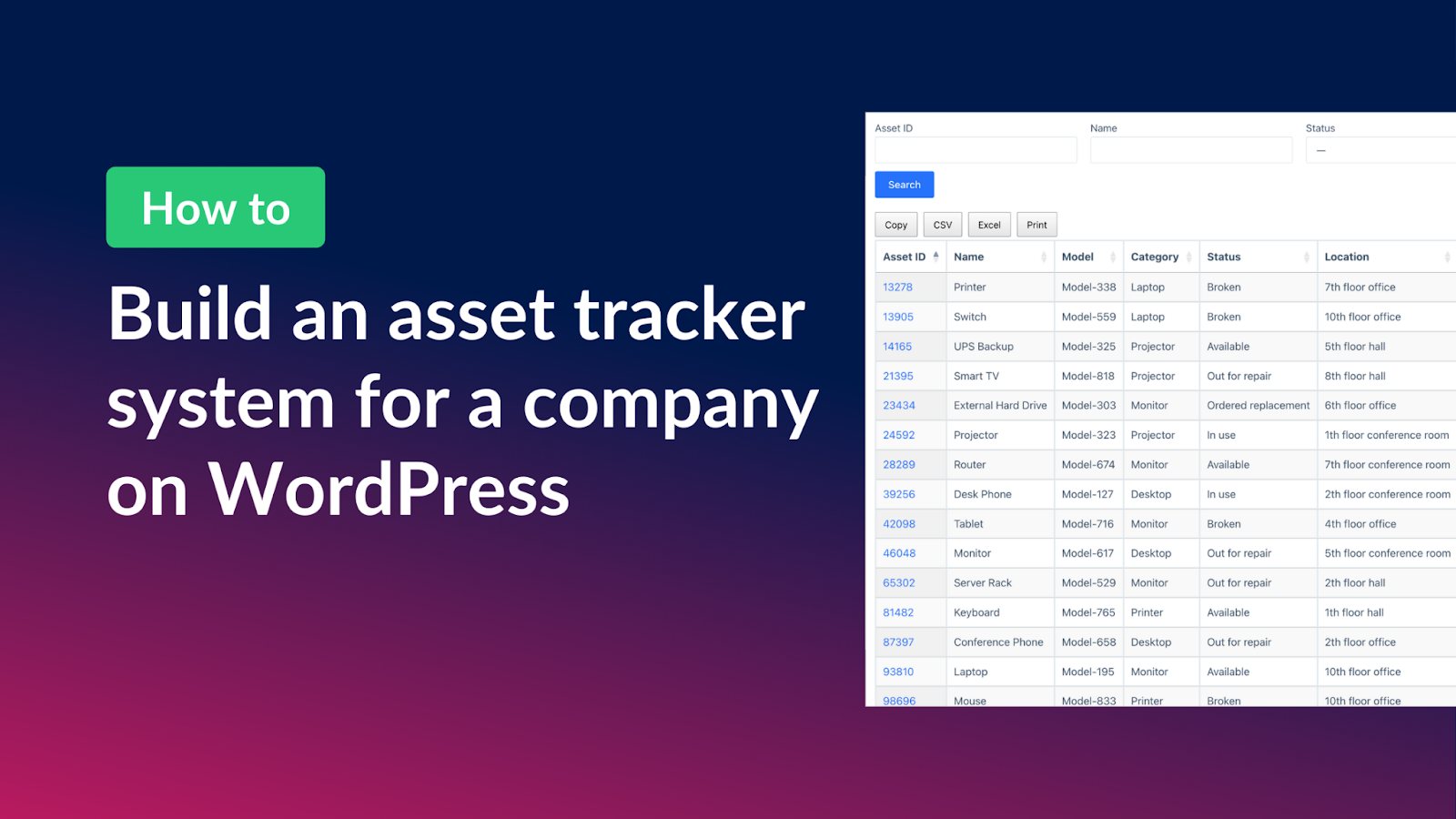
How to build an asset tracker on WordPress without code
Build a fully functional asset tracker on WordPress using Gravity Forms and GravityView. Download the free template, customize it, and track equipment without writing any code.
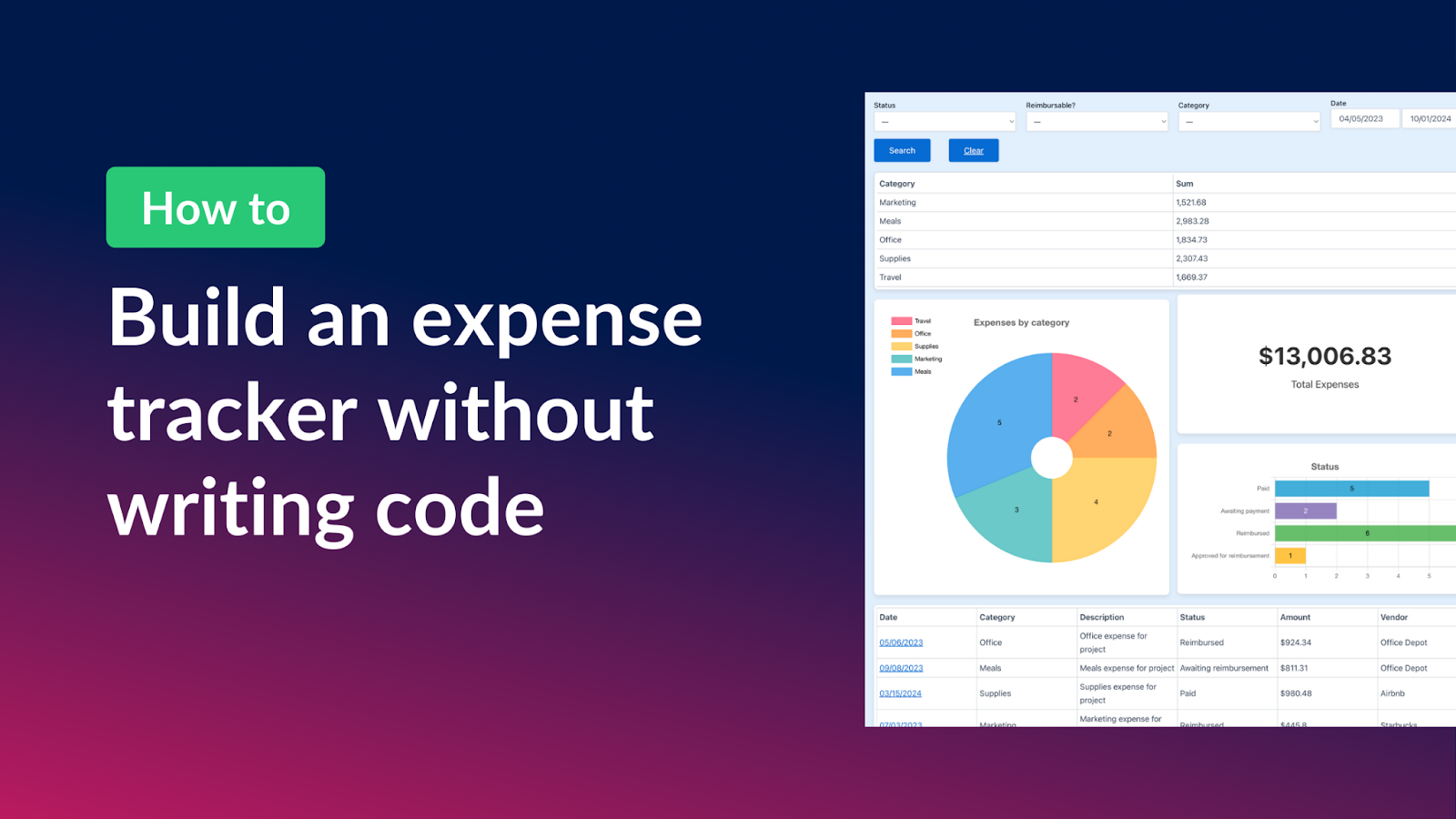
How to build an expense tracker on WordPress without code
Build a complete expense tracker on WordPress without any code. Track business costs or personal budgets using Gravity Forms and GravityKit, with charts and category summaries included.

How to build a bug tracker for project management on WordPress (without code)
Build a custom WordPress bug tracker using Gravity Forms and GravityView. Manage issues, assign priorities, and track status without costly off-the-shelf project tools.
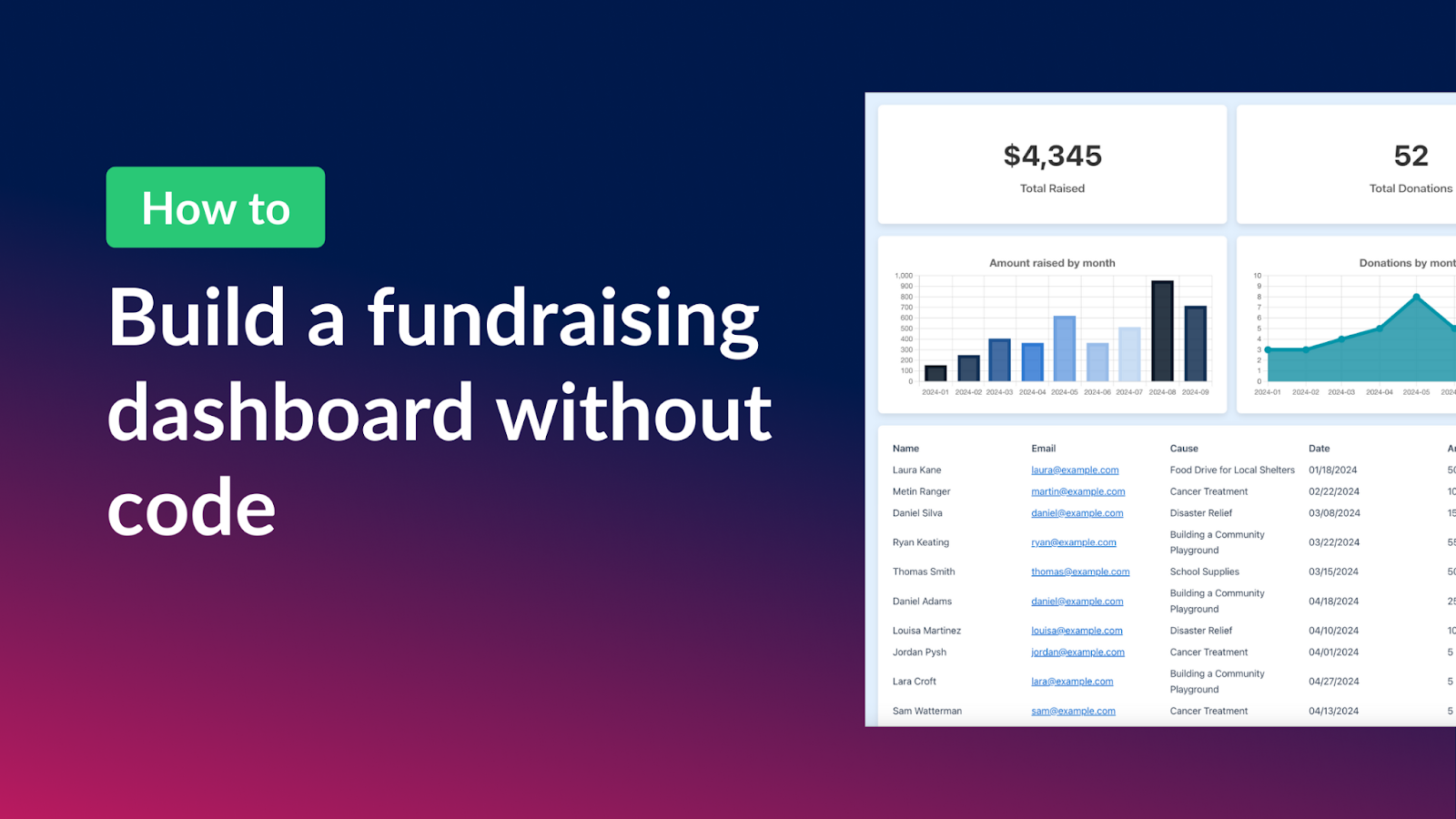
How to create a fundraising dashboard on WordPess for your nonprofit or charity
Build a custom fundraising dashboard on WordPress to track donations and campaigns. Free template included. Uses Gravity Forms and GravityKit with no code required.
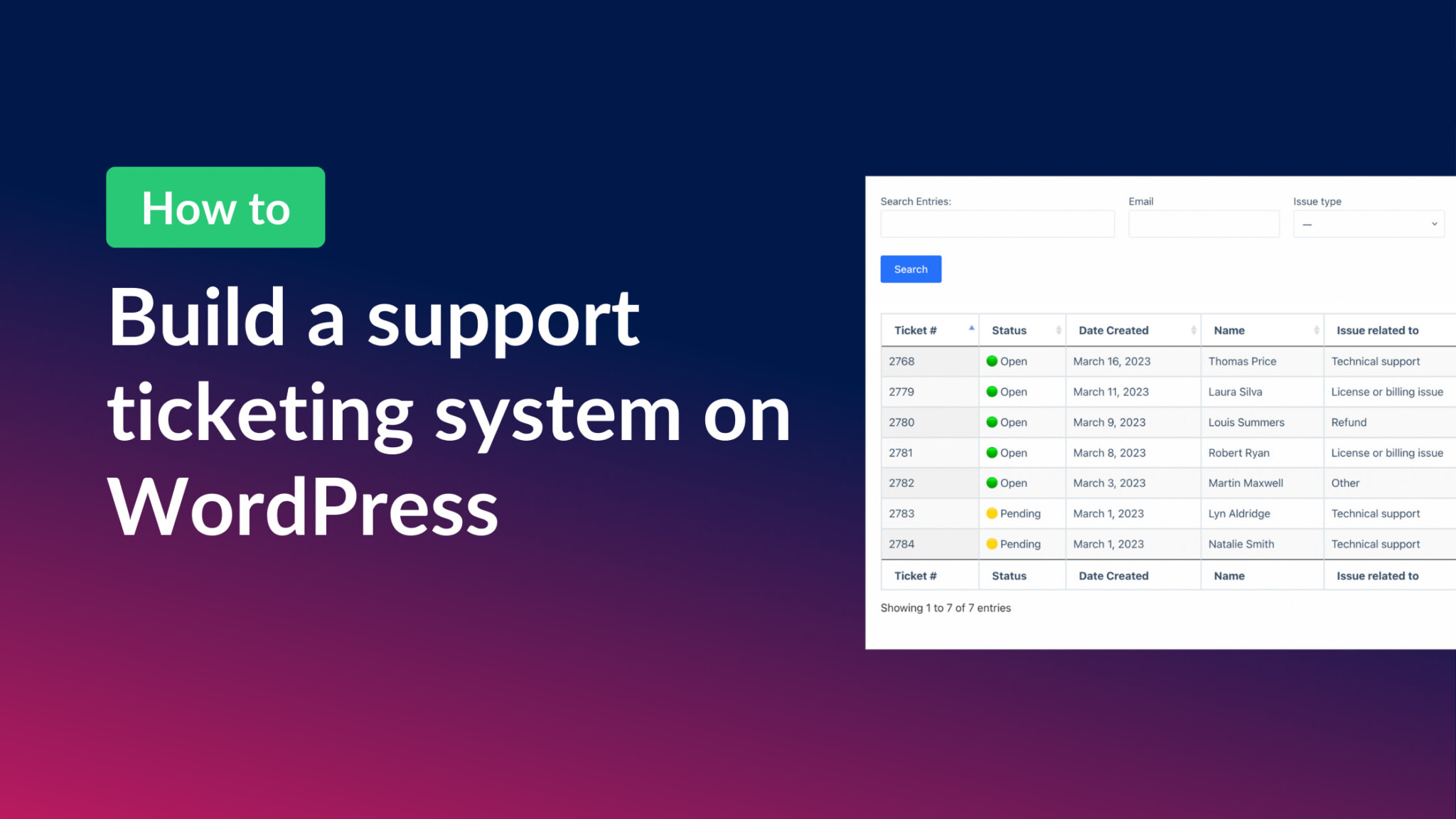
How to build a support ticket system on WordPress without code
Build a support ticketing system on WordPress with no code. Uses Gravity Forms for submissions and GravityView for a customizable front-end management interface with status tracking.

How to create your own academic journal on WordPress without code
Launch a peer-reviewed academic journal on WordPress without code. Walk through the submission form, reviewer dashboard, and searchable article archive with Gravity Forms + GravityView.

Helpful tips right in your inbox.
Subscribe to get the latest articles, information on releases and helpful Gravity Forms tips!