
Sign in with a magic link
A magic link lets you sign in to your GravityKit account without typing a password. You enter your email, we send you a secure one-time link, and clicking it signs you in. It’s handy if you’ve forgotten your password or simply prefer not to use one.
Step 1: Choose the magic link option
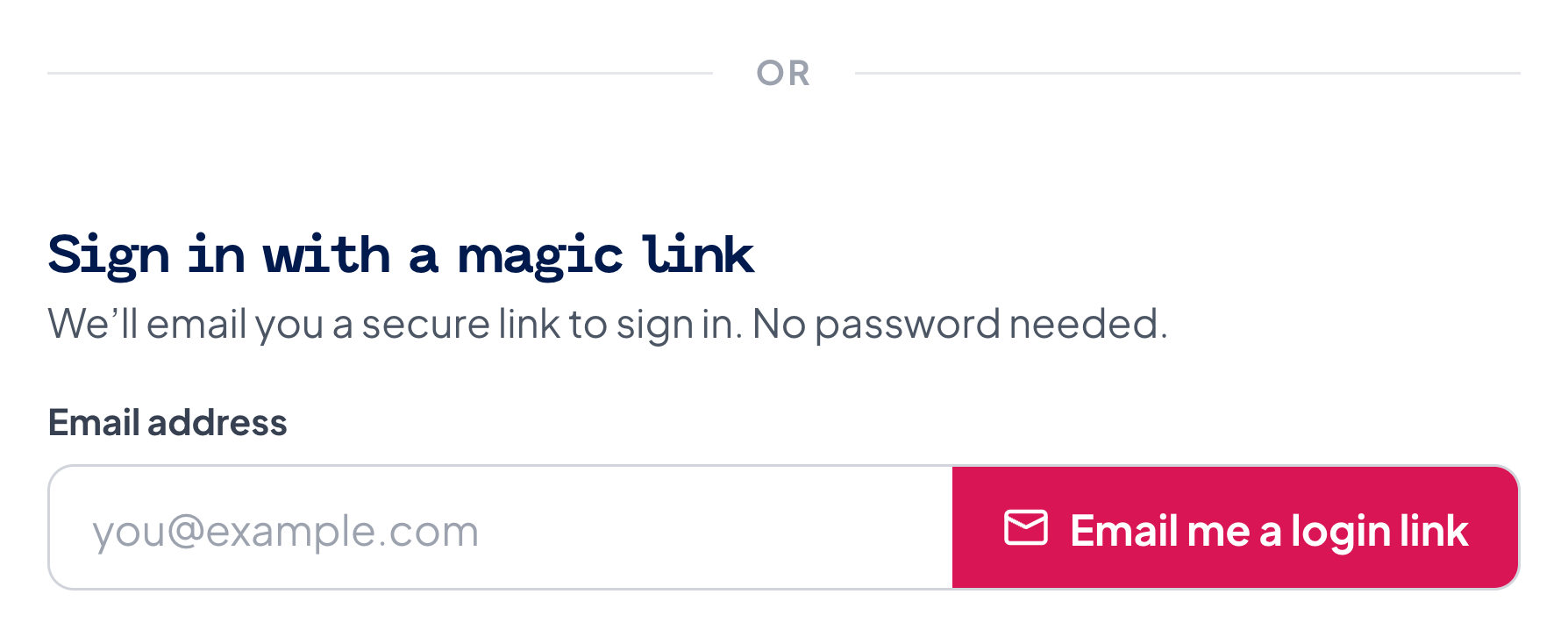
Head over to gravitykit.com/sign-in. Below the usual email-and-password login, you’ll find Sign in with a magic link.
Step 2: Enter your email
Type the email address on your GravityKit account and click Email me a login link.
Use the email address on your GravityKit account (the one you signed up or purchased with). You’ll always see the same “check your inbox” confirmation whether or not the email matches an account, so if no link arrives, double-check that you entered the right address.
Step 3: Open the email and click the button
Check your inbox for an email titled Your GravityKit sign-in link and click Sign me in.
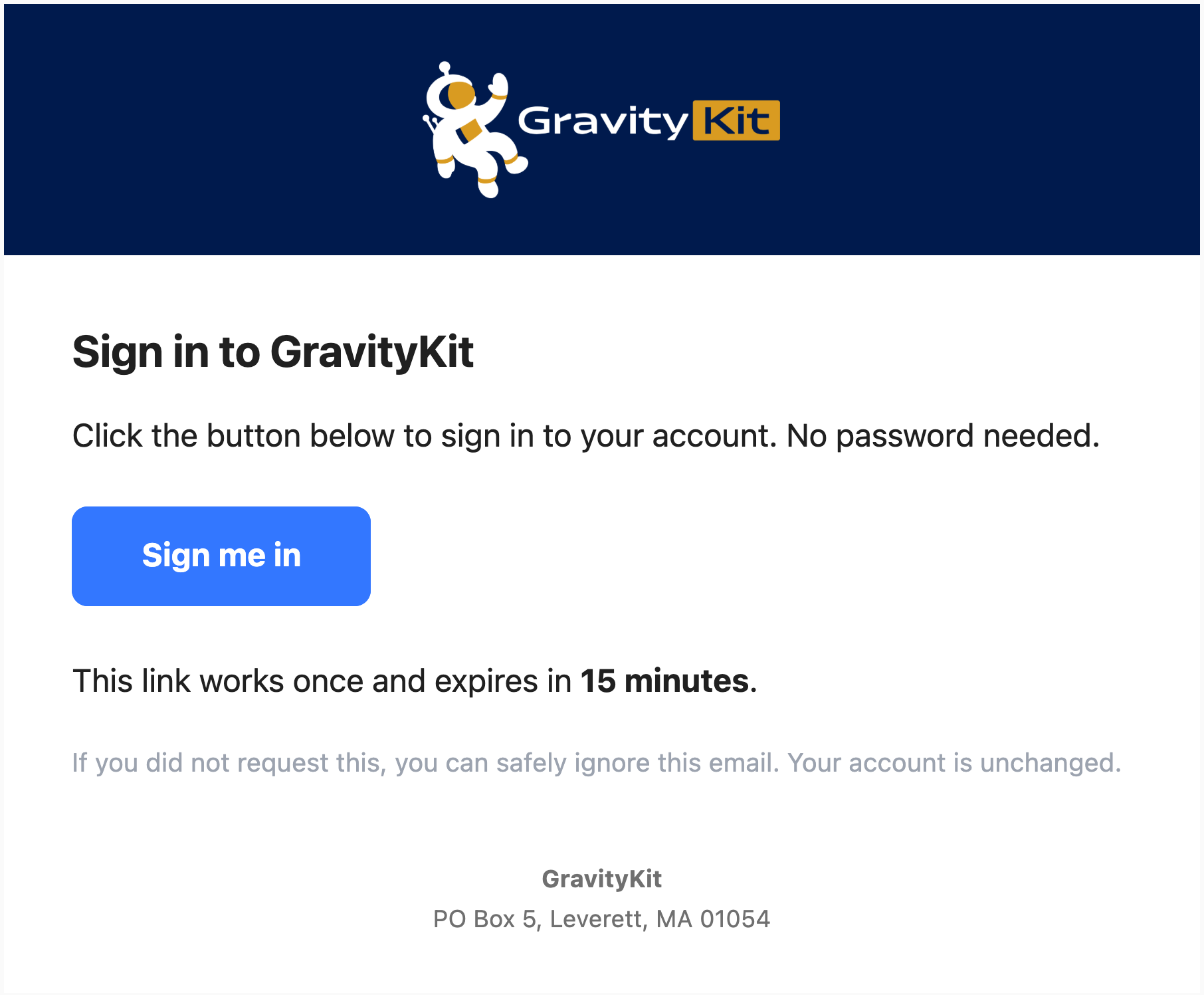
The link works once and expires after 15 minutes. If it runs out, just request a new one.
Step 4: Confirm to finish signing in
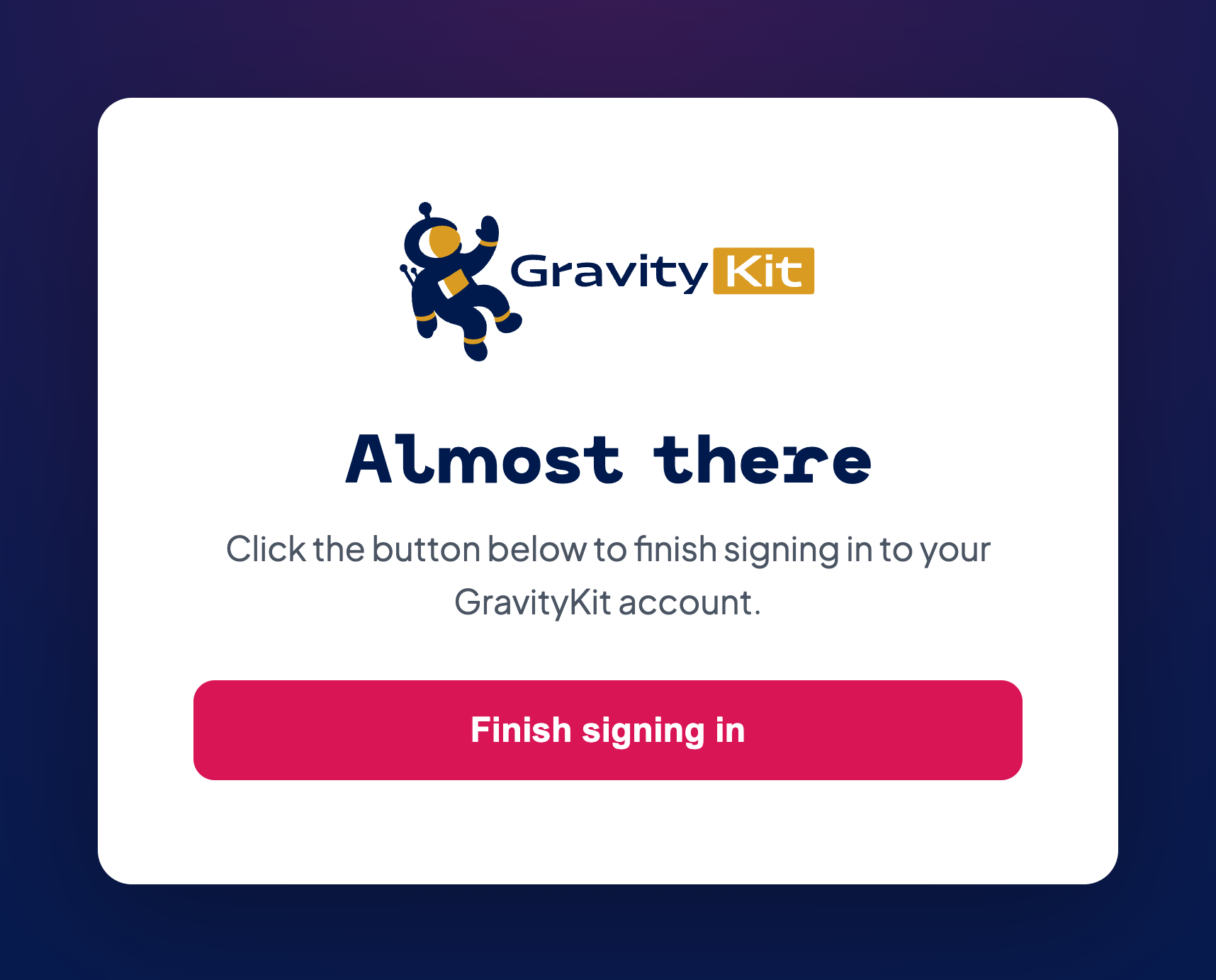
You’ll land on a short confirmation page. Click Finish signing in to complete your login.
You’re in
You’ll be taken straight to your account. No password required.
Good to know
- Didn’t request it? You can safely ignore the email. Your account is unchanged, and nothing happens unless you click the link and confirm.
- Don’t see the email? Check your spam folder, and make sure you used the same email address that’s on your account.
- Administrators and staff accounts sign in with a password and two-factor authentication (not magic links) for added security.
- Prefer to reset your password instead? Use the Forgot password? link on the sign-in page.

