The license key keeps disappearing
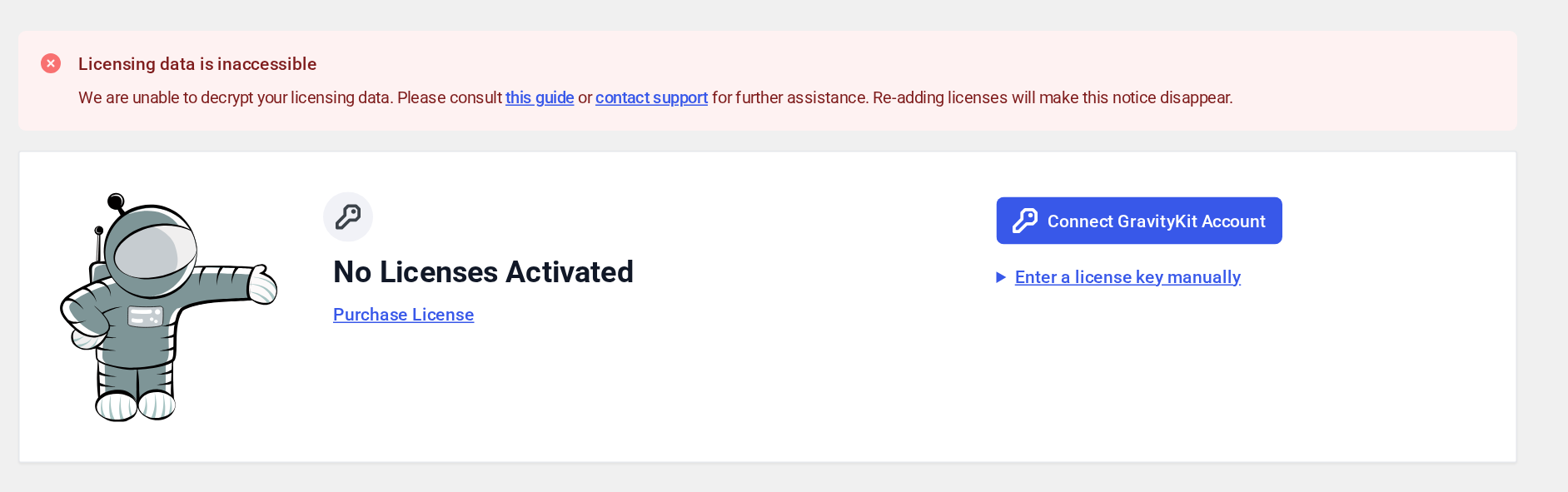
If your GravityKit license keys have disappeared from the Manage Your Kit page, or you see a Licensing data is inaccessible notice there, the keys that protect your licensing data have changed. GravityKit encrypts the license data it stores with your WordPress secret keys (the salts in wp-config.php). When those keys change, GravityKit can no longer read the stored licenses, and your products show as unlicensed. On a site connected to your GravityKit account, the notice reads Your license data couldn’t be unlocked instead, with a Reconnect button.
What changes your secret keys #
Something in your environment regenerated the WordPress secret keys. The usual causes:
- Site migrations, server moves, or copying between staging and production. A new environment brings a fresh
wp-config.phpwith new salts, so license data carried over from the old database no longer matches. This is the most common cause. - Security plugins that rotate keys automatically, such as Sucuri Security, WP Defender, and Salt Shaker. WP Defender regenerates them every 60 days unless you turn it off.
- Your hosting provider rotating the keys, sometimes automatically on a schedule.
- Migration or backup plugins that regenerate salts when importing a site.
Restore your licenses #
Re-enter each license key on the Manage Your Kit page under the GravityKit menu. Re-adding a license fetches a fresh copy from our server and saves it with your current keys, and the notice goes away.
On a site connected to your GravityKit account, click Reconnect instead. It restores the licenses managed through the connection in one step. Keys you entered manually still need to be re-entered. See Managing connected sites.
If re-adding a key tells you the license has reached its activation limit, you can manage your activated sites from your GravityKit account, or contact our support team.
Prevent it from happening again #
Re-adding the keys fixes the immediate problem, but if something keeps changing your secret keys, the licenses will disappear again. To make your licenses independent of those changes:
- Define a
GRAVITYKIT_SECRET_KEYconstant (recommended). Add a line such asdefine( 'GRAVITYKIT_SECRET_KEY', '<random value>' );towp-config.php, using a long random value (you can generate one here). GravityKit then uses this key instead of the WordPress salts, so later changes to the salts no longer affect your licenses. Your current licenses were saved with the old keys, so re-enter your license keys, or click Reconnect, right after you add the constant. When you move the site, copy the same line into the newwp-config.php. - Hard-code your license keys in
wp-config.php. After the keys change, GravityKit reads them from there and adds them back by itself within about five minutes. - Stop the source from changing the keys. Turn off automatic key changes in your security plugin (steps below), or ask your hosting provider not to rotate the keys.
If you are confident that your security keys have not changed and you are still seeing this issue, please contact our support team for further assistance.
Disabling security key rotation in Sucuri Security #
- In your WordPress dashboard, go to Sucuri Security, then Hardening & Prevention.
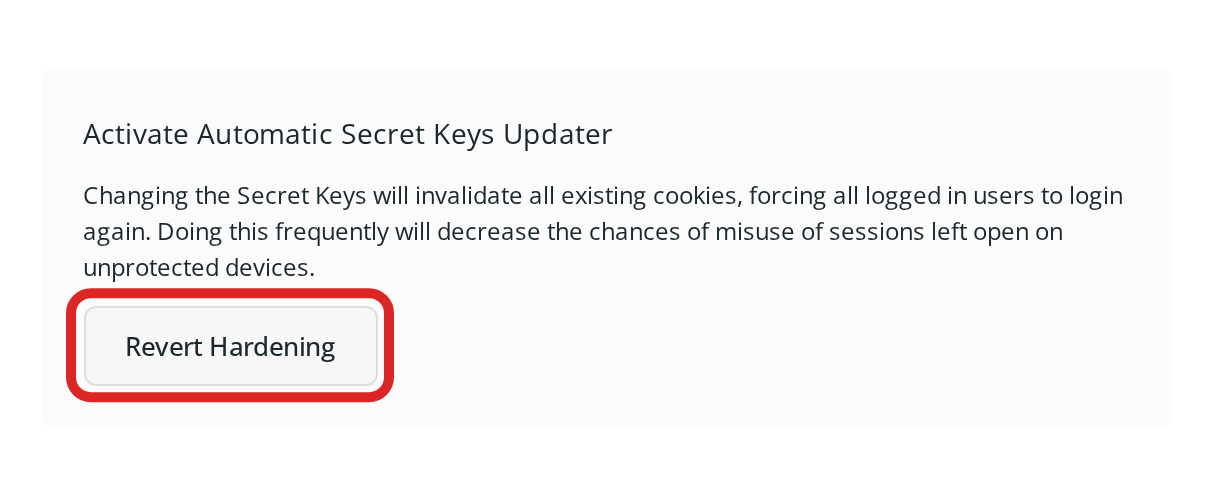
- Find Activate Automatic Secret Keys Updater and click Revert Hardening. If the button reads Apply Hardening, the updater is already off.
Disabling security key rotation in WP Defender #
- In your WordPress dashboard, go to Defender, then Hardening.
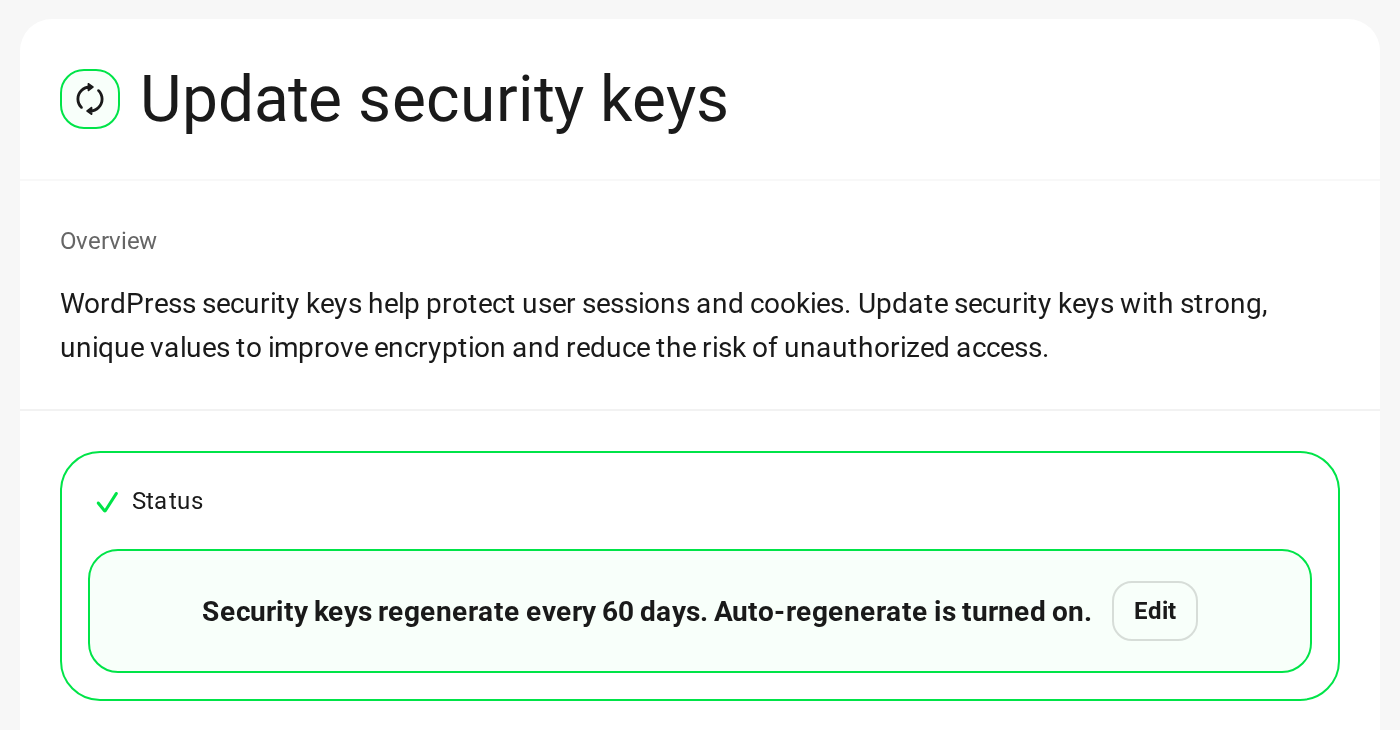
- Open the Actioned tab and select Update security keys. If its status says auto-regenerate is turned on, click Edit. The recommendation moves back to the Hardening tab.
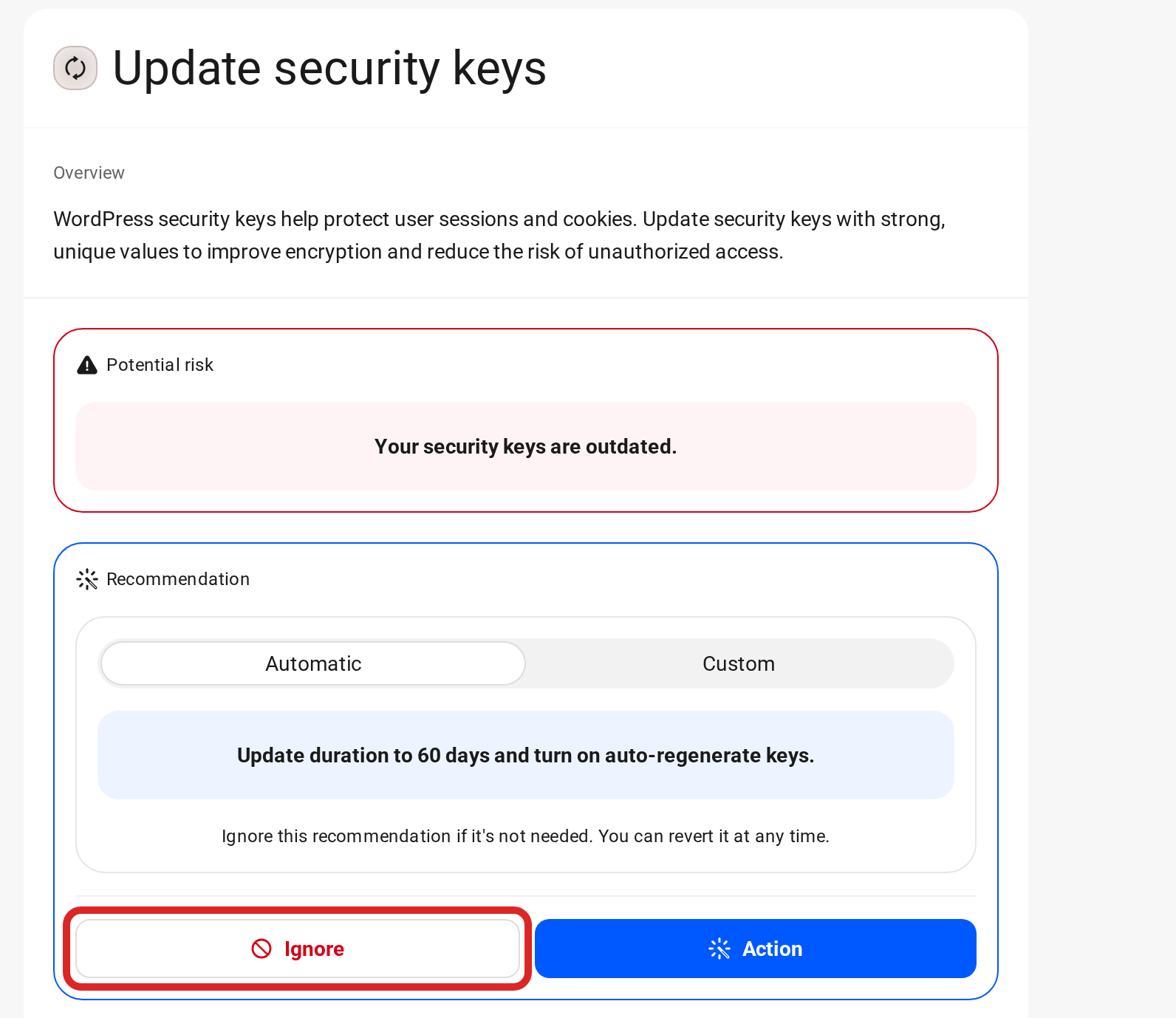
- On the Hardening tab, select Update security keys and click Ignore. Don’t click Action, which regenerates the keys straight away.