
Upgrading your license
You can upgrade your license at any time, and you pay only the difference in cost from the license you already hold. Lifetime licenses are included: upgrading to a lifetime license credits the unused time on your current license, and upgrading from one credits the full price you paid for it.
1. Open the Licenses page #
Sign in to your GravityKit account. It opens on the Licenses page, which lists your licenses.
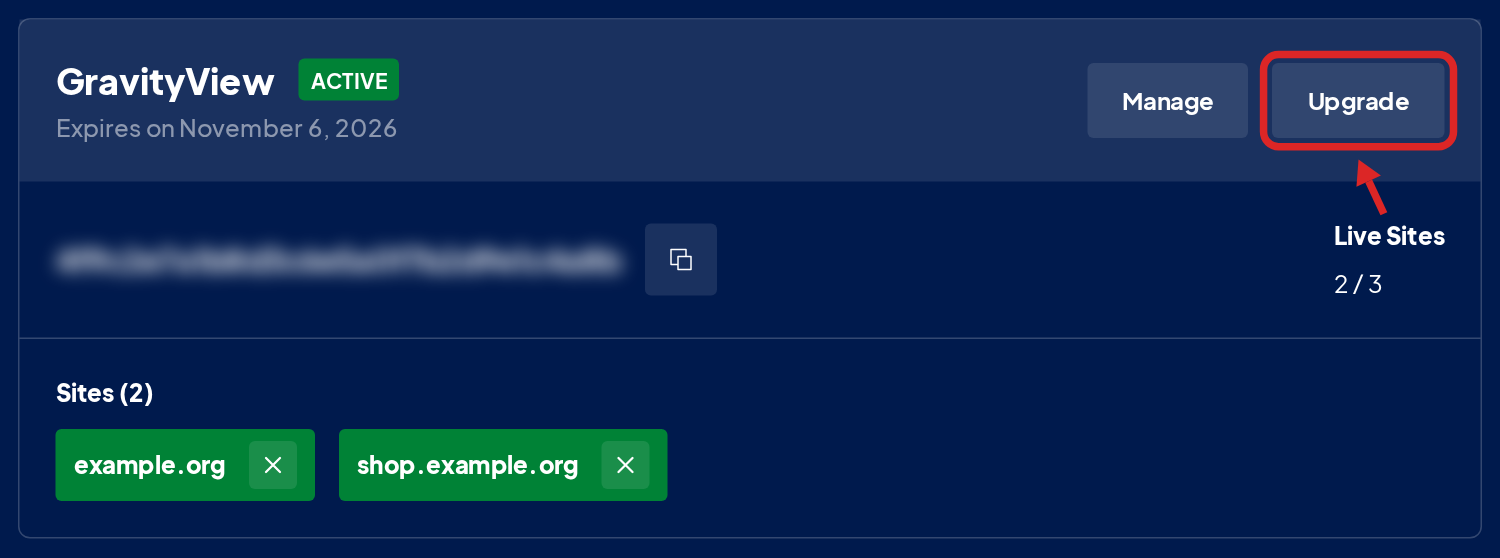
2. Click Upgrade on the license #
Find the license you want to upgrade and click Upgrade at the top of its card. The button appears only when an upgrade is available for that license. If you don’t see the license, click the All tab.
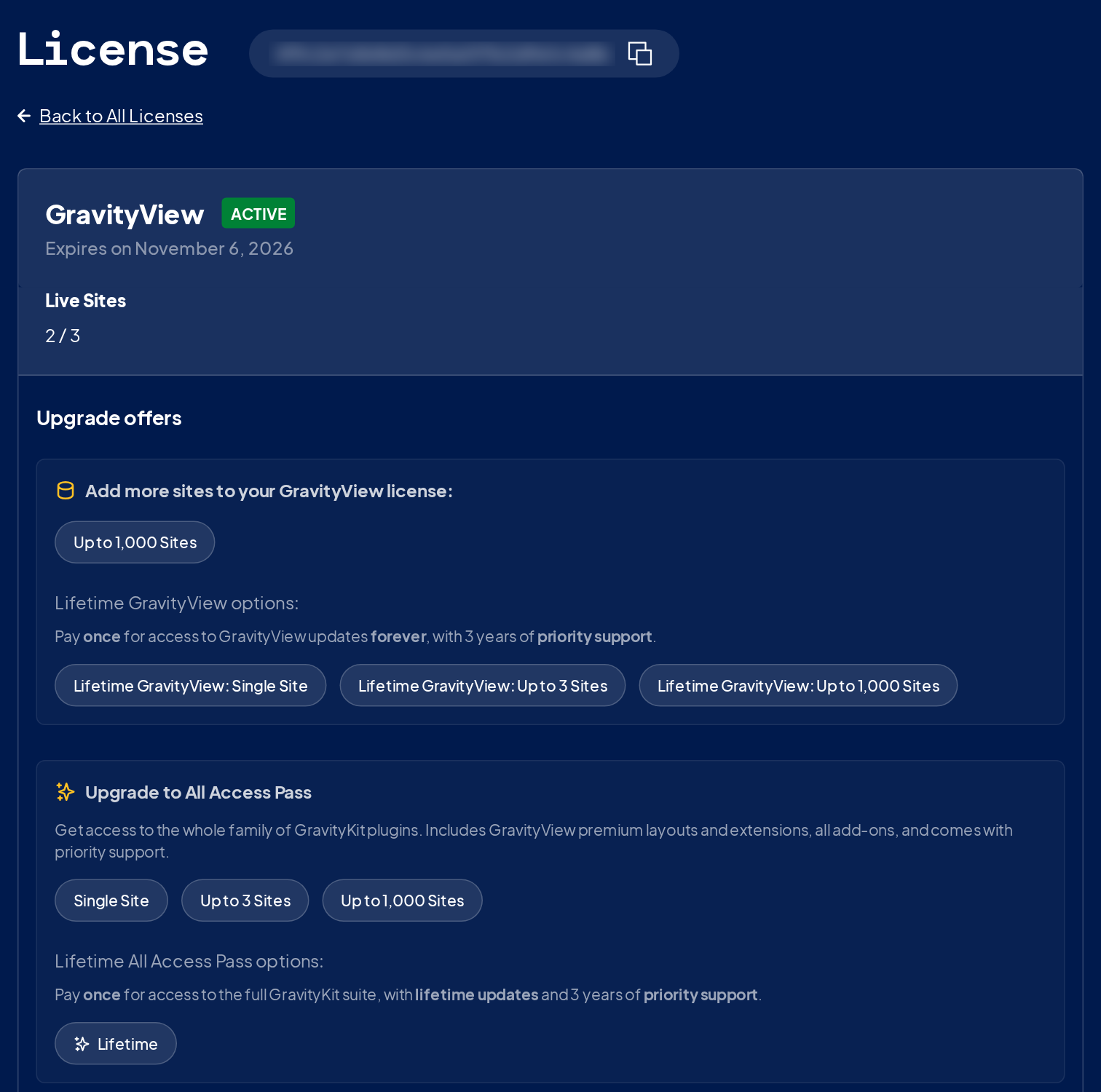
3. Choose the upgrade #
The upgrade offers are grouped: more sites for the same product, lifetime options, the All Access Pass, and other upgrades. Click the one you want.
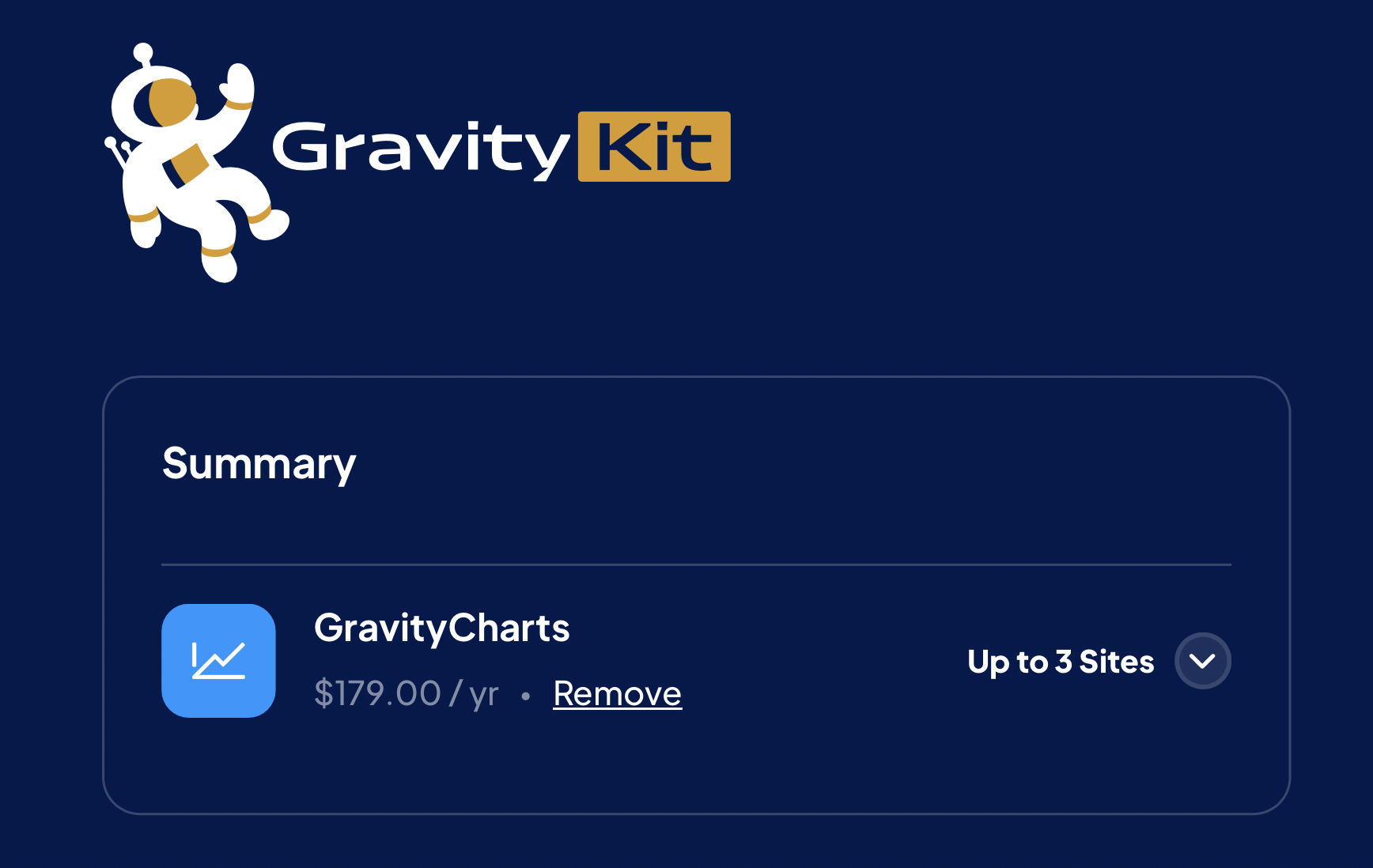
4. Complete the checkout #
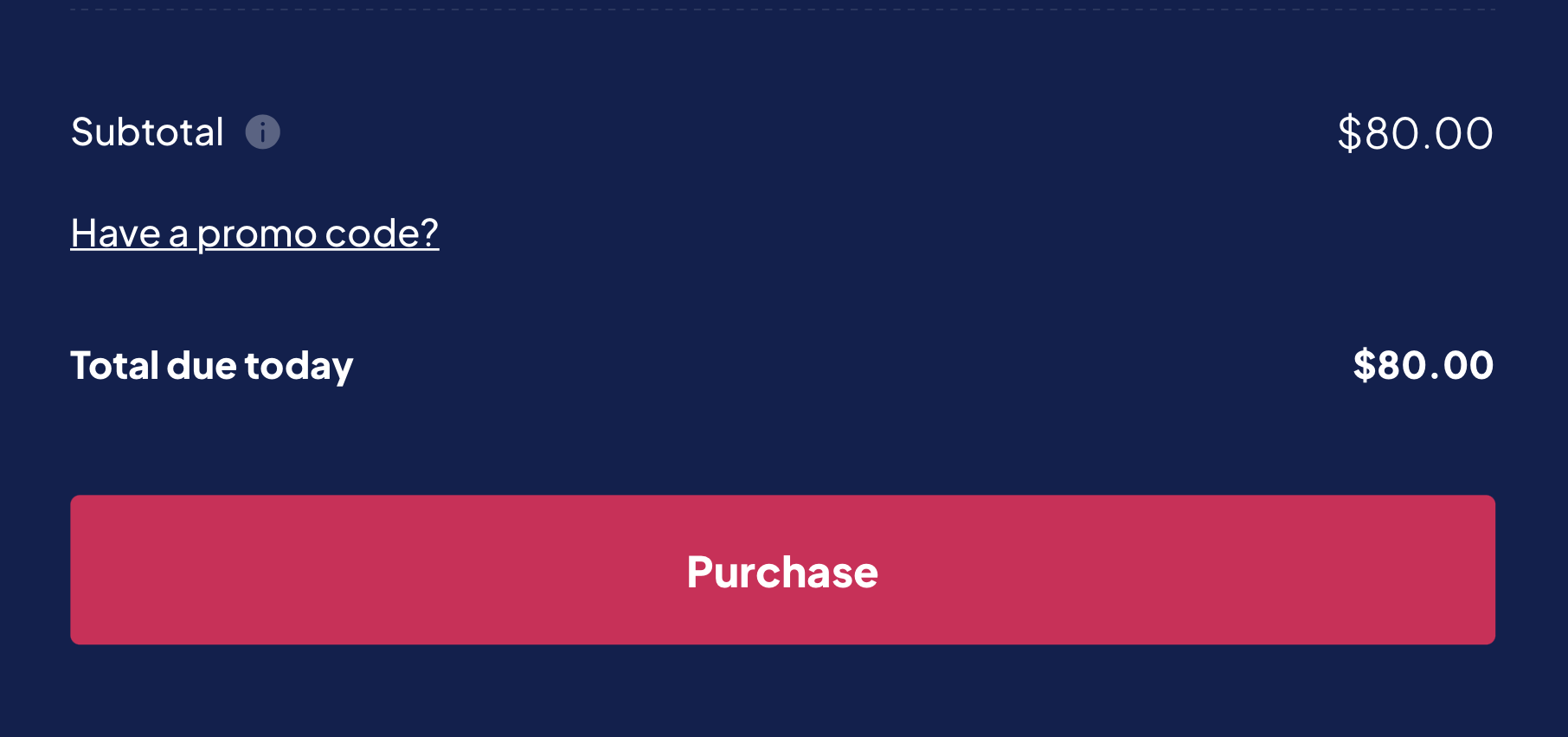
Checkout opens with the upgrade price applied.
If you have any questions, contact our support team.

