
GravityView
Gravity Forms is the best WordPress form plugin, but sometimes you need to display form entries on the front end. That’s where GravityView comes in.
GravityView is a powerful add-on for Gravity Forms that allows you to display Gravity Forms entries on the front end. Display your entries using a variety of beautiful layouts, filter views, allow users to edit their own entries, and much more. Here you’ll learn about configuring new Views, how to display entries on a map or calendar, how to display user profiles, and more.

GravityView vs Formidable Views: In-depth comparison
GravityView and Formidable Views are both form-based web application builders for WordPress. While both plugins enable you to harness your form data in creative ways, they have different focuses: In this post, I compare both plugins by taking an in-depth look at their features,…

GravityView vs Toolset: In-depth comparison
I compare GravityView and Toolset Blocks, two popular plugins for displaying dynamic content on WordPress. Both plugins offer a robust set of features and customization options, but they have different focuses and capabilities. Whether you’re looking for a Toolset alternative, or you’re trying to…

How to build a member directory on WordPress without code
Looking for an easy way to create a sleek, searchable member directory for your website? With GravityView, you can turn Gravity Forms entries into a fully functional directory—no coding required! In this tutorial, I’ll walk you through the entire process of building a dynamic…

How to build a dynamic event registration system on WordPress without code
Using Gravity Forms, GravityView, and the free Gravity Forms Dynamic Lookup add-on, you can create a seamless and automated event registration system! In this guide, I’ll walk you through building a full event registration setup for a fictional marketing conference. We’ll start by creating…
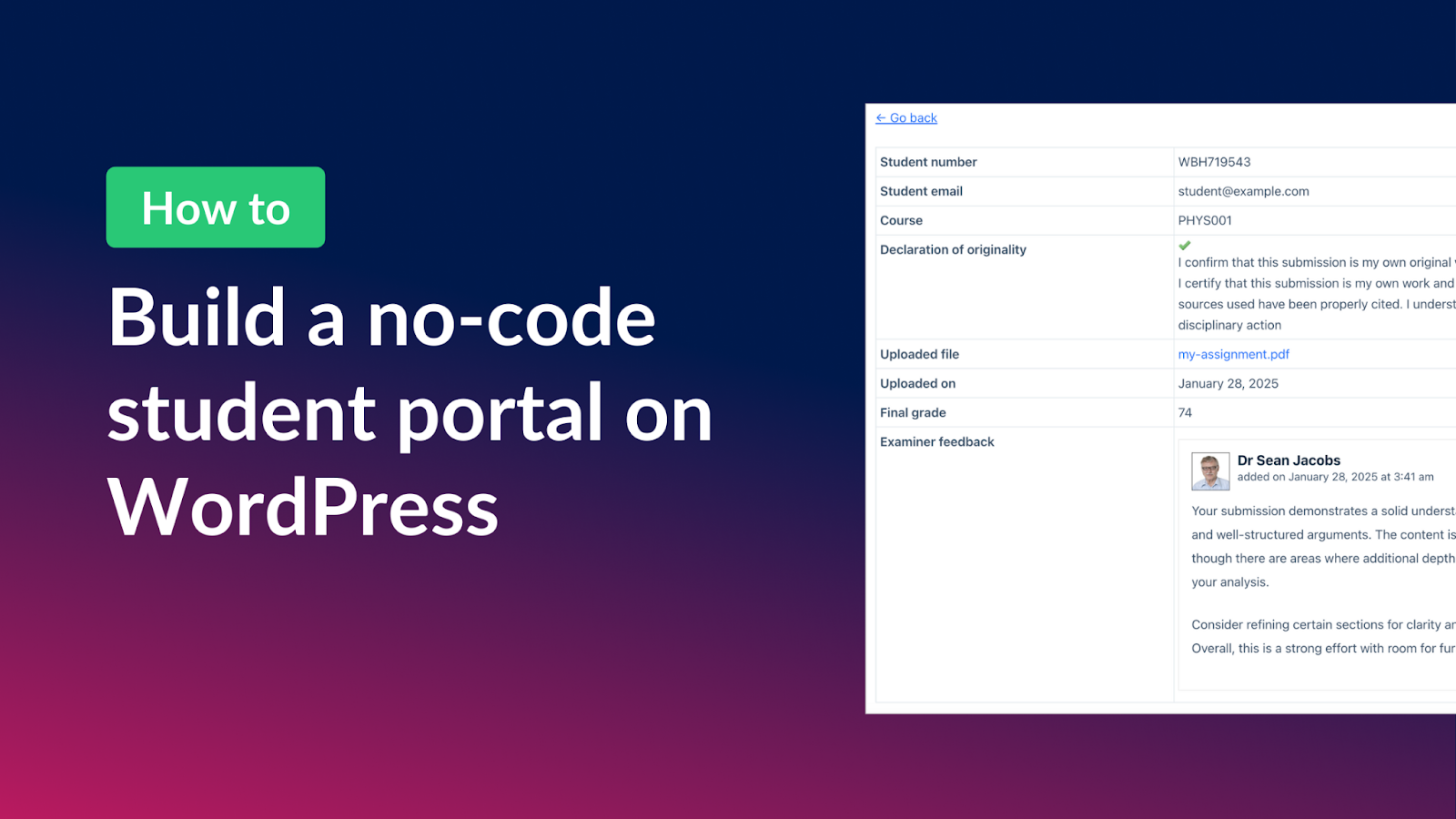
How to build a student portal for assignment submissions on WordPress (without code!)
Managing student assignments can be a challenge, especially when it comes to tracking submissions, organizing feedback, and keeping everything accessible for both students and examiners. With Gravity Forms and GravityView, you can build a fully functional student portal that streamlines the entire process—allowing students…

How to create an ordering system for a hotel on WordPress without code
Looking to create an automated ordering system on WordPress? In this tutorial, we’ll create a breakfast ordering system for a hotel using Gravity Forms and GravityKit. Bear in mind that you can apply this to any kind of automated system that you want to…

How to build a task management system on WordPress without code
Does your team suffer from a lack of collaboration, inefficient task execution, and missed deadlines? If so, it’s time to think about implementing a WordPress task management system! After all, what better platform to use for task management than the world’s most popular CMS?…

How to build a user feedback board on WordPress without code
Have you ever wished you had an easy way for users to share feedback on your products? In this tutorial, I’ll show you how to build a fully functional user feedback board where visitors can submit ideas, vote on suggestions, and track the status…