
Product Updates
Here at GravityKit, we build powerful add-ons for Gravity Forms, the most popular form plugin for WordPress. Our suite of plugins is the best solution for displaying, editing, importing, and exporting Gravity Forms entries.
As one of the few Gravity Forms certified developers, our plugins are recognized as robust, reliable, and excellently supported! We regularly publish updates to all of our plugins. Here you’ll find blog posts about all of our new releases and updates.

Launch Log: GravityView 3.0, plus upgrades to Block MCP and GravityKit MCP
GravityView 3.0 lands with the new Vantage theme, frontend bulk actions, and AI-assisted View creation. This launch log also covers updates to GravityKit MCP, Block MCP, and Dashboard Views.
Announcing GravityView 3.0: a fresh new look, AI View creation, and native page builder support
GravityView 3.0 is here: restyle Views with the new Vantage theme, build them with AI, embed them in any page builder, and run bulk actions on the front end.

Launch Log: GravitySearch arrives, plus AI spam review and GravityView fixes
This week, releases are anchored by a brand-new product! GravitySearch joins the GravityKit suite with cross-form entry search for Gravity Forms. Alongside it, Gravity Forms Zero Spam picks up an AI-powered review step, and GravityView sees fixes for Enhanced Security, Edit Entry, and Entry…
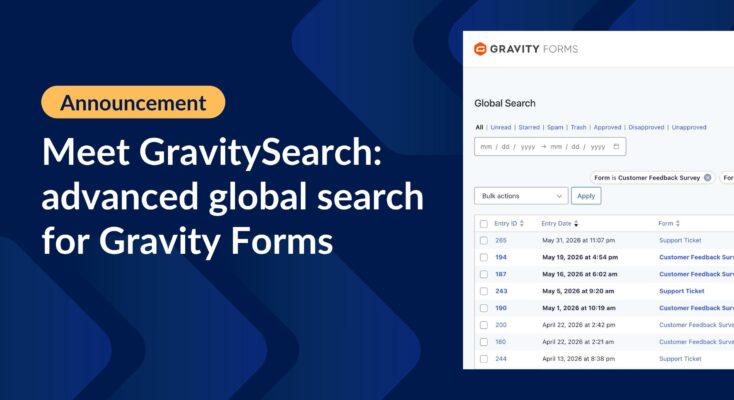
Meet GravitySearch: advanced global search for Gravity Forms
GravitySearch adds cross-form search to Gravity Forms: find any entry from one screen, build advanced filters, and preview results without leaving the page.

Launch Log: 3D maps in the Maps Layout, plus enhanced conditional logic in Charts and Calendar
3D map types and an Edit Entry location picker land in the Maps Layout, plus conditional logic upgrades in GravityCharts and GravityCalendar.

Launch Log: WordPress 7 polish, cloud storage monitoring, and a GravityView 3.0 beta update
GravityView 2.61.0 adapts to WordPress 7, GravityExport adds cloud storage monitoring, plus fixes across GravityImport, Maps, and a GravityView 3.0 beta update.

Launch Log: Reusable import profiles, Edit Entry fixes, and bulk actions in GravityView 3.0 beta
GravityImport gains reusable import configurations and WP-CLI support, GravityView ships fixes to interactive features and Edit Entry, and the GravityView 3.0 beta previews frontend bulk actions.

Launch Log: GravityView search fixes, DataTables column filtering
Last week’s releases landed on a single day, May 14, 2026. Five products shipped updates including GravityView Search Bar fixes, DataTables per-column filtering, and stable export ordering.