
Products
GravityKit is a Gravity Forms certified developer that builds powerful add-ons for Gravity Forms. We are recognized in the Gravity Forms community for our quality development and excellent support.
Our flagship plugin, GravityView, allows you to display Gravity Forms entries on the front end of your website. Our Inline Edit plugin allows you to edit Gravity Forms entries faster and more efficiently and Import Entries provides an easy way to import data from a CSV file into Gravity Forms.
Learn about all of our different products and how to use them here.
9 client apps you can build with Gravity Forms and GravityKit
Nine client apps agencies build on Gravity Forms without custom code: portals, dashboards, directories, CRMs, boards, and more. Walkthroughs for each.
How to export Gravity Forms entries to Google Sheets: 4 methods
There are four ways to export Gravity Forms entries to Google Sheets, and one of them now keeps the sheet in sync with your form. Here’s how each works, what it costs, and when to use it.
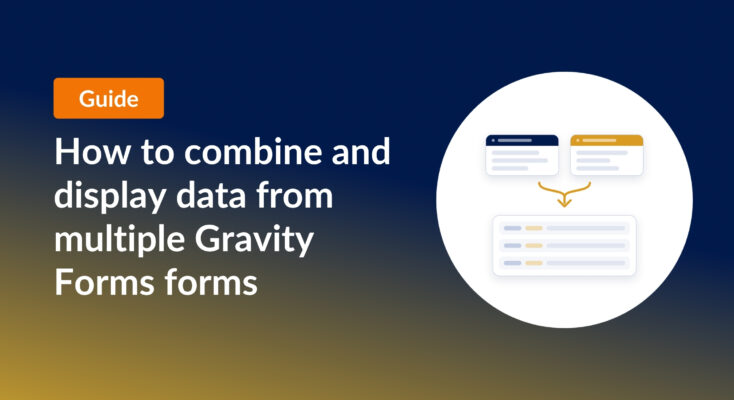
How to combine and display data from multiple Gravity Forms forms
Learn how to combine data from multiple Gravity Forms using joins and unions, and display everything in one searchable table with GravityView. No code required.

How to build a searchable directory on Gravity Forms by chatting with AI
Build a searchable directory from your Gravity Forms entries by chatting with AI. See how the free GravityKit MCP creates a GravityView directory in minutes.

How to build a conference website on WordPress (attendee registration + abstract submission)
Build a conference registration and abstract submission site on WordPress with GravityKit, no code: forms, an attendee directory, sessions, and PDF certificates.
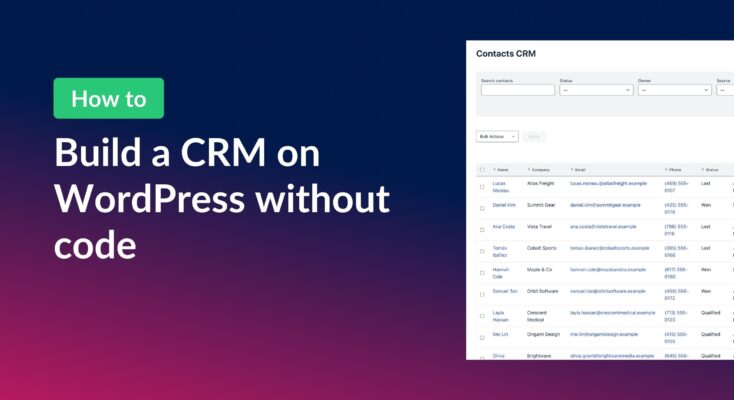
How to build a WordPress CRM without code (a contact database you own)
Build a simple WordPress CRM with GravityView. Turn the Gravity Forms entries you already collect into a no-code contact database you own, with no monthly fees.
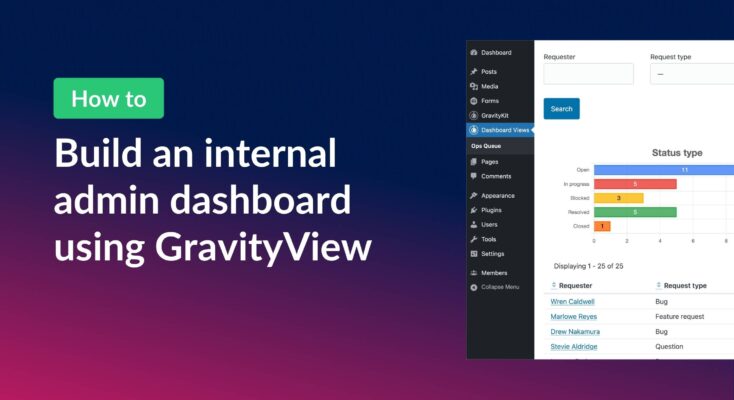
How to build an internal admin dashboard on WordPress without code
Build an internal WordPress admin dashboard with GravityView Dashboard Views. Embed forms data, charts, and KPIs inside wp-admin with role-based access.
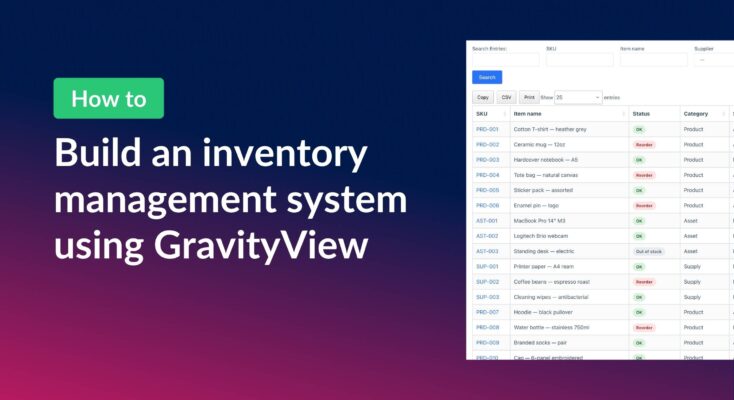
How to build a WordPress inventory management system (without code)
Build a WordPress inventory management system with Gravity Forms and GravityView. Track stock, edit quantities from the front end, and skip the heavy ERP.