
GravityView
Gravity Forms is the best WordPress form plugin, but sometimes you need to display form entries on the front end. That’s where GravityView comes in.
GravityView is a powerful add-on for Gravity Forms that allows you to display Gravity Forms entries on the front end. Display your entries using a variety of beautiful layouts, filter views, allow users to edit their own entries, and much more. Here you’ll learn about configuring new Views, how to display entries on a map or calendar, how to display user profiles, and more.

How to connect GravityView with Paid Memberships Pro: Step-by-step guide
Paid Memberships Pro (PMPro) is a leading WordPress plugin for managing memberships, subscriptions, and gated content. If you’re using GravityView to power web applications on WordPress, connecting it to Paid Memberships Pro allows you to control access, manage members, and monetize your content with…

How to connect GravityView with BuddyPress: Step-by-step guide
BuddyPress is a popular plugin for building social networks and online communities with WordPress. If you’re using GravityView to display form entries on your site, connecting it to BuddyPress lets you turn those entries into user posts, profile updates, or group content. In this…

GravityView vs Contact Form 7 Views: In-depth comparison
GravityView and Contact Form 7 Views both allow you to display form entries on your website, but they differ in two key ways: In this post, we’re going to compare both plugins by taking an in-depth look at each one’s features, functionality, pricing, and…

How to connect GravityView with Notion: Step-by-step guide
Notion is a popular SaaS app for organising tasks, projects, and workflows. If you’re using GravityView to power web applications on WordPress, connecting it to Notion lets you store and manage that data in a Notion page or database. In this post, I’ll show…

GravityView vs WPForms Views: In-depth comparison
I compare two popular plugins for displaying and managing form data on the front-end: In this article, I present a comprehensive comparison of these two plugins, exploring their unique features and functionality. Let’s dive in! TL;DR GravityView and WPForms Views are both plugins that…

How to build a contact list with direct email functionality on WordPress without code
Need an easy way to manage contacts and reach out to people directly from your WordPress website? In this tutorial, I walk you through how to build a fully functional contact list (or address book) using Gravity Forms and GravityView. You’ll learn how to…
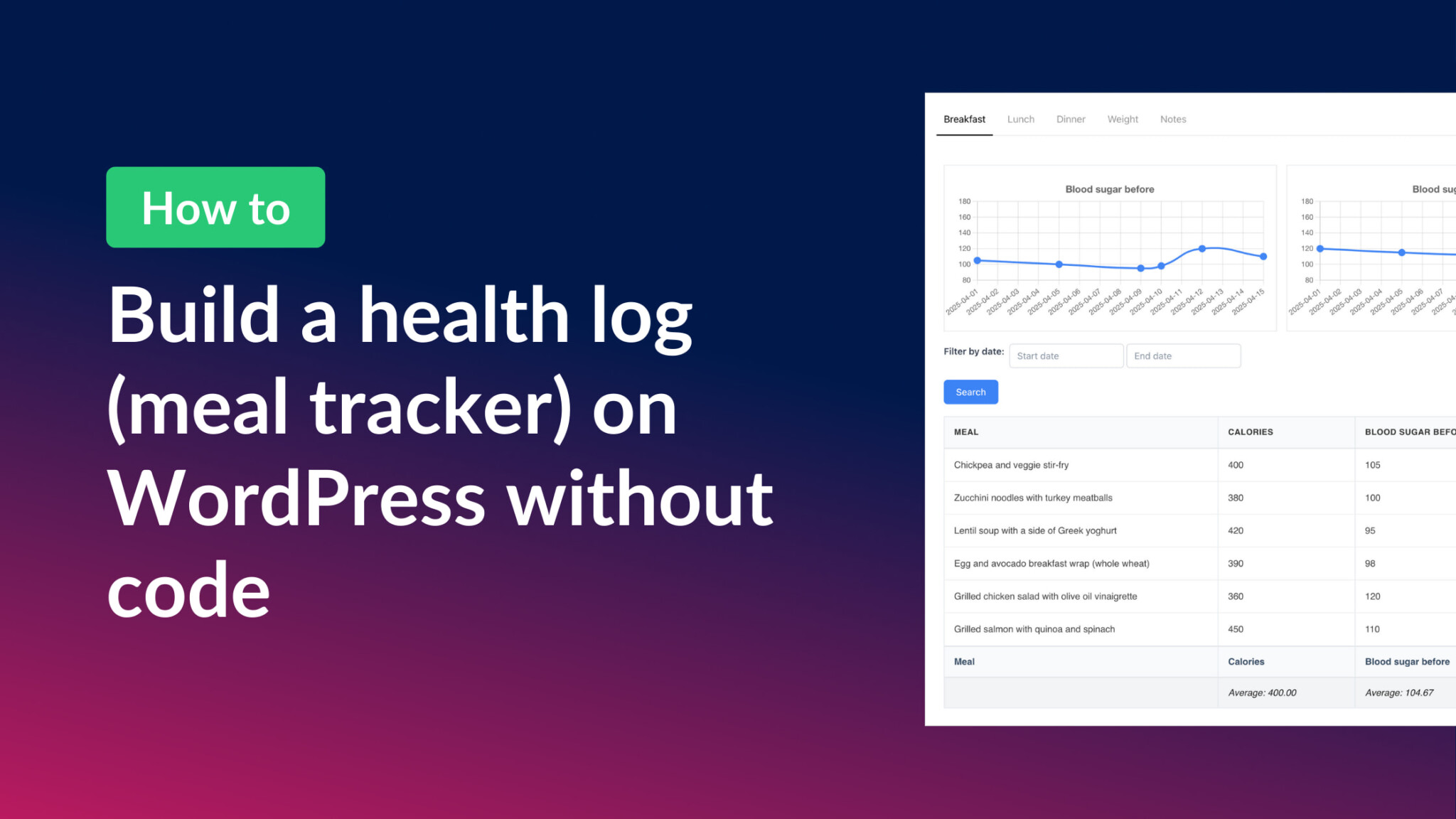
How to build a health log and meal tracker on WordPress without code
In this post, I show you how to build a no-code system for easily tracking meals and monitoring health metrics. Whether you’re a nutrition coach wanting to offer this to your clients, or simply striving for a healthier lifestyle, a custom health log can…

GravityView vs Ninja Tables: In-depth comparison
Are you torn between GravityView and Ninja Tables for presenting data in a table on your WordPress website? Choosing the right plugin can significantly impact the visual appeal and functionality of your data presentation. In this comprehensive comparison, we’ll delve into the strengths and…