
GravityMigrate
GravityMigrate is your all-in-one solution for seamless Gravity Forms migration. Here you can find articles, tutorials, and guides related to migrating Gravity Forms data.
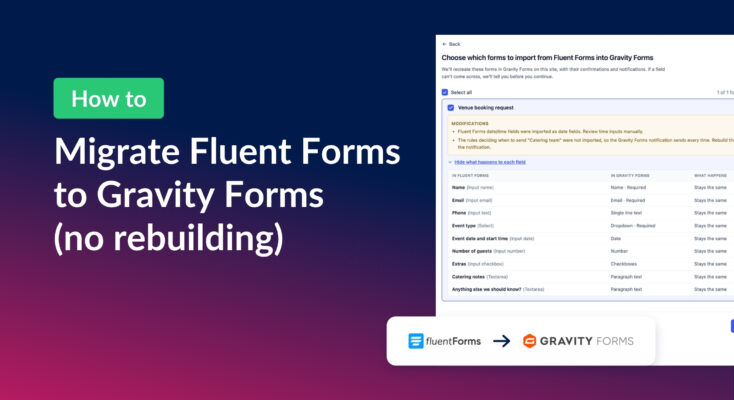
How to migrate from Fluent Forms to Gravity Forms without rebuilding your forms
Move your Fluent Forms forms into Gravity Forms with GravityMigrate, then bring your entries across with GravityImport. Every step was tested on the free version of Fluent Forms.
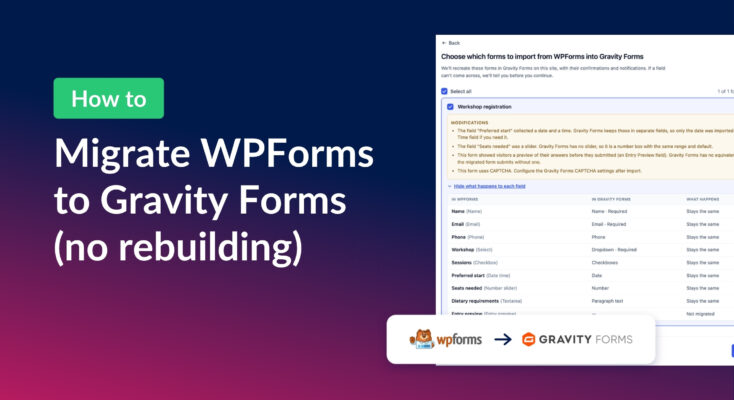
How to migrate from WPForms to Gravity Forms without rebuilding your forms
Move your WPForms forms into Gravity Forms with GravityMigrate, keeping their fields, conditional logic, confirmations, and notifications. Then bring your entries across with GravityImport.
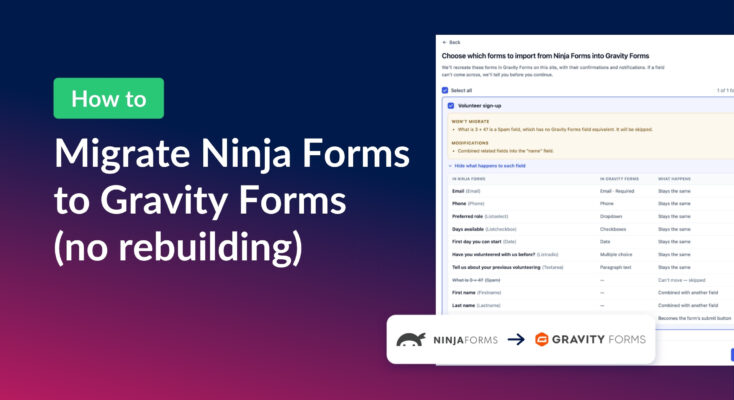
How to migrate from Ninja Forms to Gravity Forms without rebuilding your forms
Move your Ninja Forms forms into Gravity Forms with their fields, conditional logic, and notifications using GravityMigrate, then bring your submissions across with GravityImport.

GravityImport vs GravityMigrate: which add-on do you actually need?
Confused between GravityImport and GravityMigrate? GravityImport handles CSVs into entries; GravityMigrate moves entire Gravity Forms setups between sites.

How to copy a Gravity Form from one website to another
Copy a Gravity Form to another WordPress site using GravityMigrate or the built-in Import/Export tool. Both methods transfer your forms without rebuilding fields from scratch.

How to move your Gravity Forms add-on data and settings from one site to another
Move Gravity Forms add-on data, feeds, and plugin settings between sites using GravityMigrate. Covers migrating configurations that Gravity Forms’ built-in export tool cannot handle.
How to migrate your Gravity Forms forms AND entry data to a new site
Migrate Gravity Forms forms and entry data to a new website using GravityMigrate. Step-by-step walkthrough for moving everything in one transfer without manual workarounds.