
GravityView
Gravity Forms is the best WordPress form plugin, but sometimes you need to display form entries on the front end. That’s where GravityView comes in.
GravityView is a powerful add-on for Gravity Forms that allows you to display Gravity Forms entries on the front end. Display your entries using a variety of beautiful layouts, filter views, allow users to edit their own entries, and much more. Here you’ll learn about configuring new Views, how to display entries on a map or calendar, how to display user profiles, and more.

Turn Gravity Forms into a powerful database solution
Use GravityView to turn Gravity Forms into a searchable front-end database. Store, filter, edit, and export entries without custom code or third-party database software.

Collect and display donations on your website using Gravity Forms and GravityView
Build a donation collection and display system on WordPress without code. Use Gravity Forms to accept payments and GravityView to show donors on the front end.

How to build a Yellow Pages clone on WordPress
Build a Yellow Pages-style business directory on WordPress using Gravity Forms and GravityView. Collect listings with a form and display them in a searchable, filterable directory.
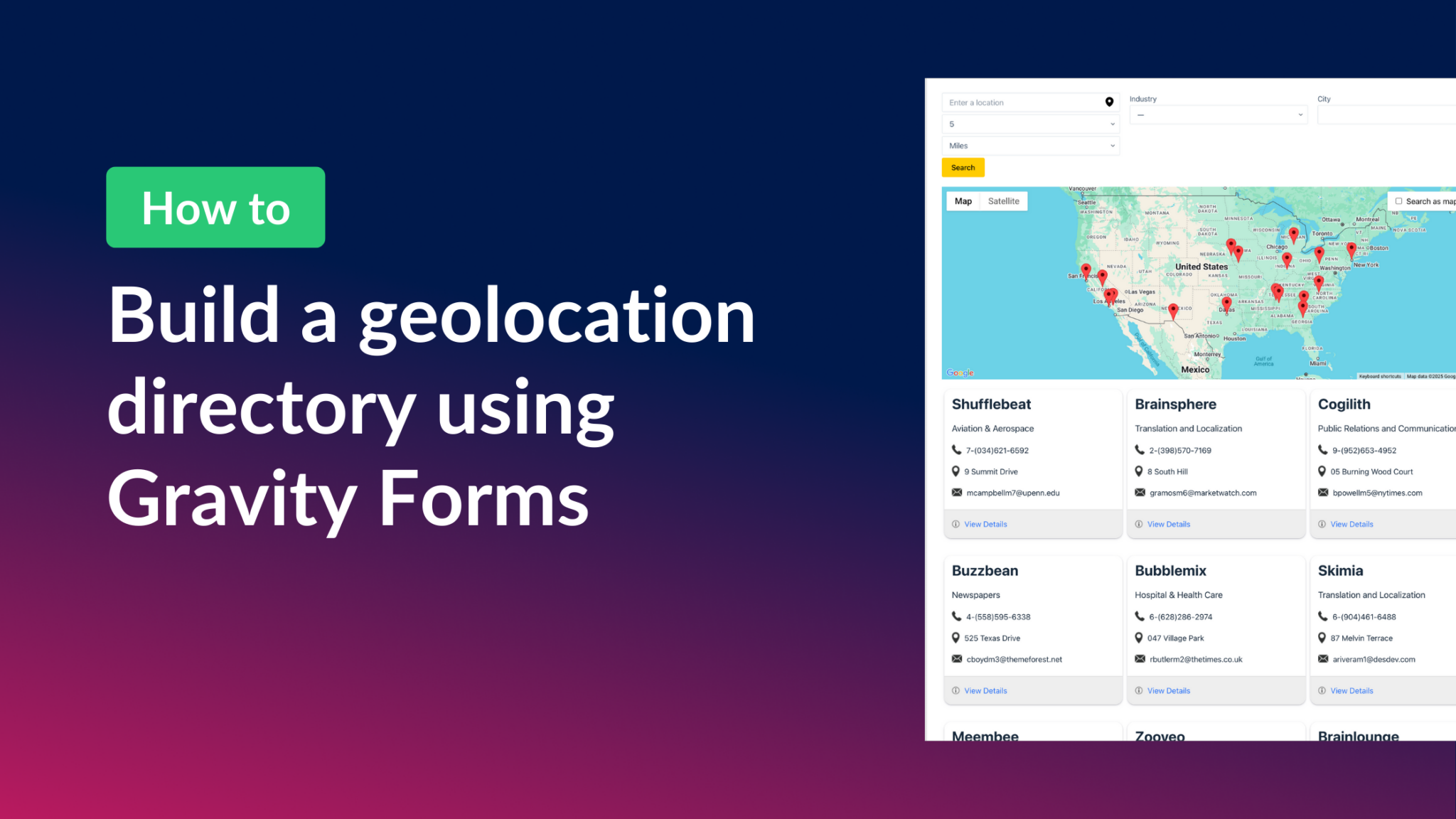
How to build a Gravity Forms geolocation directory
Build a geolocation directory with Gravity Forms and GravityView Maps. Collect addresses in a form and display them as interactive map markers with filtering and front-end search.
How to build a store locator for WordPress with no code
Build a store locator for WordPress using Gravity Forms and GravityView. Display business locations on an interactive map and let users search for nearby stores without any code.

How to build a market research platform on WordPress using Gravity Forms and GravityView
Build a custom market research platform on WordPress using Gravity Forms and GravityView. Collect competitor analysis, pricing data, and customer insights without any coding.
How to register and organize teams using Gravity Forms and GravityView
Register and manage teams with Gravity Forms and GravityView. Group members by department, league, or team, and display profiles on the front end without writing any code.

How to integrate Gravity Forms with Google Maps
Integrate Gravity Forms with Google Maps using GravityView. Display form entries as map markers, build business directories, and create interactive location-based apps.