
GravityView
Gravity Forms is the best WordPress form plugin, but sometimes you need to display form entries on the front end. That’s where GravityView comes in.
GravityView is a powerful add-on for Gravity Forms that allows you to display Gravity Forms entries on the front end. Display your entries using a variety of beautiful layouts, filter views, allow users to edit their own entries, and much more. Here you’ll learn about configuring new Views, how to display entries on a map or calendar, how to display user profiles, and more.

How to build a Hacker News clone on WordPress with no code
Build a Hacker News-style community platform on WordPress without code. Users can submit links, vote on posts, and discuss topics using Gravity Forms and GravityView.

Creating a PDF resume builder using GravityView and Gravity PDF’s “PDF for GravityView”
Build a PDF resume builder on WordPress using GravityView and Gravity PDF. Collect resume data with Gravity Forms, then let users export a formatted PDF document with one click.

How to build a Craigslist clone on WordPress with no code
Build a Craigslist-style classifieds site on WordPress using Gravity Forms and GravityView. No coding required. Create listings, browse by category, and contact sellers from the front end.

How to create student report cards using GravityView (with PDF export!)
Build online student report cards with Gravity Forms and GravityView. Includes PDF export, grade entry forms, and a free downloadable template for schools and universities.

How to build a Yelp clone on WordPress with no code
Build a Yelp-style business directory on WordPress using Gravity Forms and GravityView. Let users submit listings, leave reviews, and search by location without writing any code.
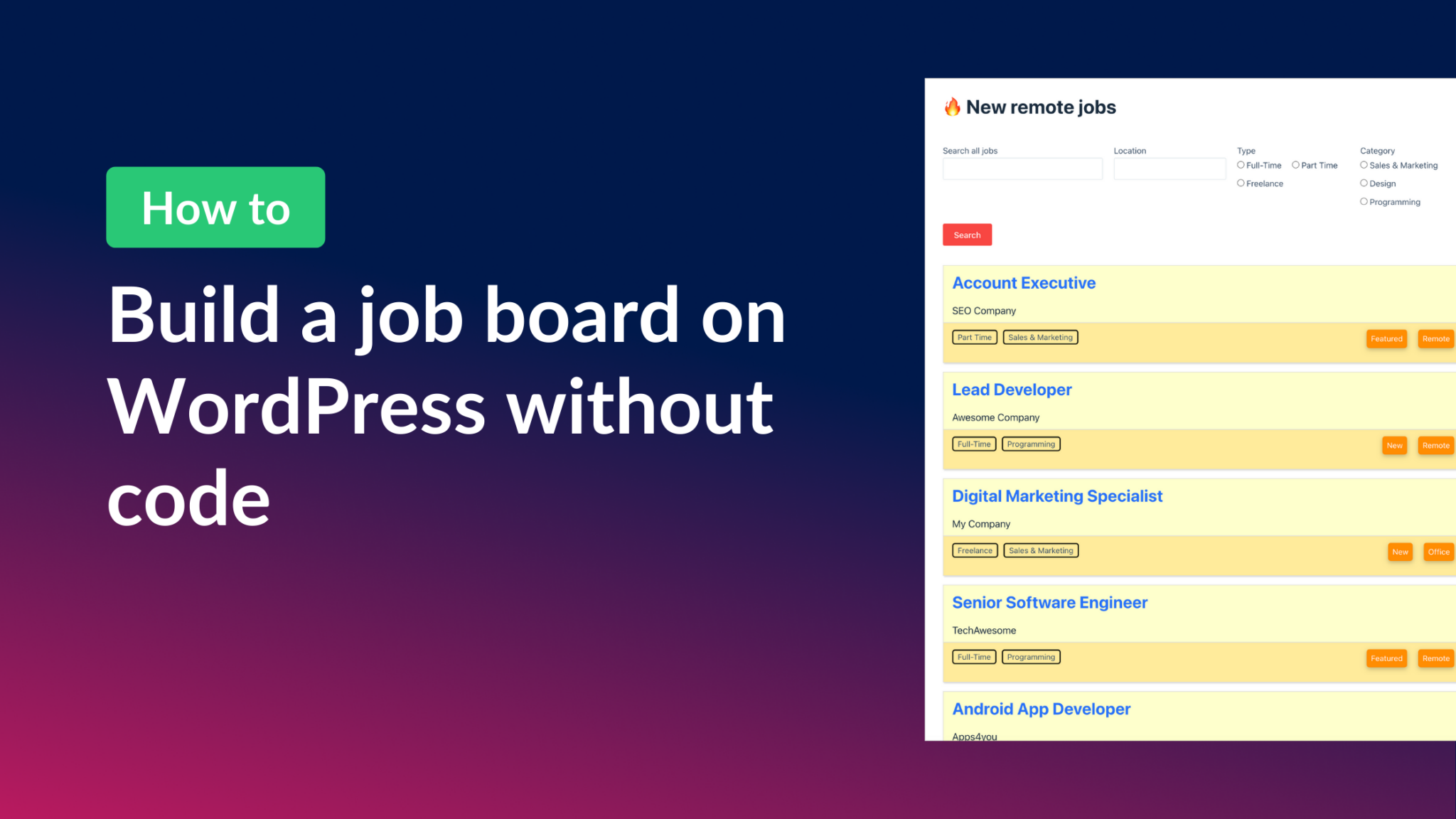
How to build a WordPress job board (without code)
Build a niche WordPress job board using Gravity Forms and GravityView without writing any code. Connects job seekers with employers using front-end entry display and search filters.

How to build a real-estate directory (Zillow clone) on WordPress with no code
Build a real estate listing directory like Zillow on WordPress using Gravity Forms and GravityView. Includes a free property form template and step-by-step setup with no code required.

GravityView vs TablePress: In-depth comparison
Side-by-side comparison of GravityView and TablePress for displaying WordPress data. Covers features, ease of use, customization options, and pricing to help you pick the right plugin.