

9 nonprofit apps you can build with Gravity Forms and GravityKit
Nine apps nonprofits build on WordPress from Gravity Forms data: volunteer databases, member directories, client portals, donation pages, grant review and more.
Product updates

Launch Log: Live DataTables totals, a Remove Data option, and rounding for Number field merge tags
This week’s releases add live GravityMath totals to DataTables Views, a Remove Data option in GravityView, and security fixes in five GravityKit products.

Launch Log: A range slider for search, AI-managed calendars, and security updates in ten products
GravityView adds a Slider search input, GravityCalendar lets AI assistants manage calendars, and ten GravityKit products get security fixes. Here’s what shipped.
Latest Posts

Announcing Maps 1.9: Choice-based map marker icons are here!
GravityView Maps 1.9 introduces choice-based map marker icons, letting you display different icons on the map based on the submitted value of any Drop Down or Radio field.

Announcing GravityView 2.16: Foundation integration, pre-filter choices, and performance boosts!
GravityView 2.16 integrates with Foundation for unified GravityKit settings and licensing, plus improved search functionality and significant front-end performance enhancements.

Introducing GravityEdit 1.8: Support for File Upload fields, entry meta, and more!
GravityEdit 1.8 adds inline editing for File Upload fields and entry meta, plus full integration with the Gravity Forms User Registration add-on. Multi-file uploads are supported.

Using Gravity Flow to add a feedback and review loop for new directory submissions
Add an approval and feedback workflow to any GravityView directory using Gravity Flow. Review new submissions before they go live and notify submitters of their review status.

Why GravityKit is right for you!
Learn who uses GravityKit and what it can do for your website. Covers common use cases, plugin capabilities, and how to try all GravityKit tools free with a demo site.

How to build an eSports team page using GravityView
Build a dynamic eSports team roster page on WordPress using GravityView. A step-by-step tutorial recreating the OG Dota 2 team page layout with Gravity Forms data.

How To Add “Claim Entry” Functionality to Your Gravity Forms Directory Using Gravity Flow
Let users claim ownership of existing business listings in a GravityView directory. This tutorial uses Gravity Flow to create an approval workflow for entry ownership.
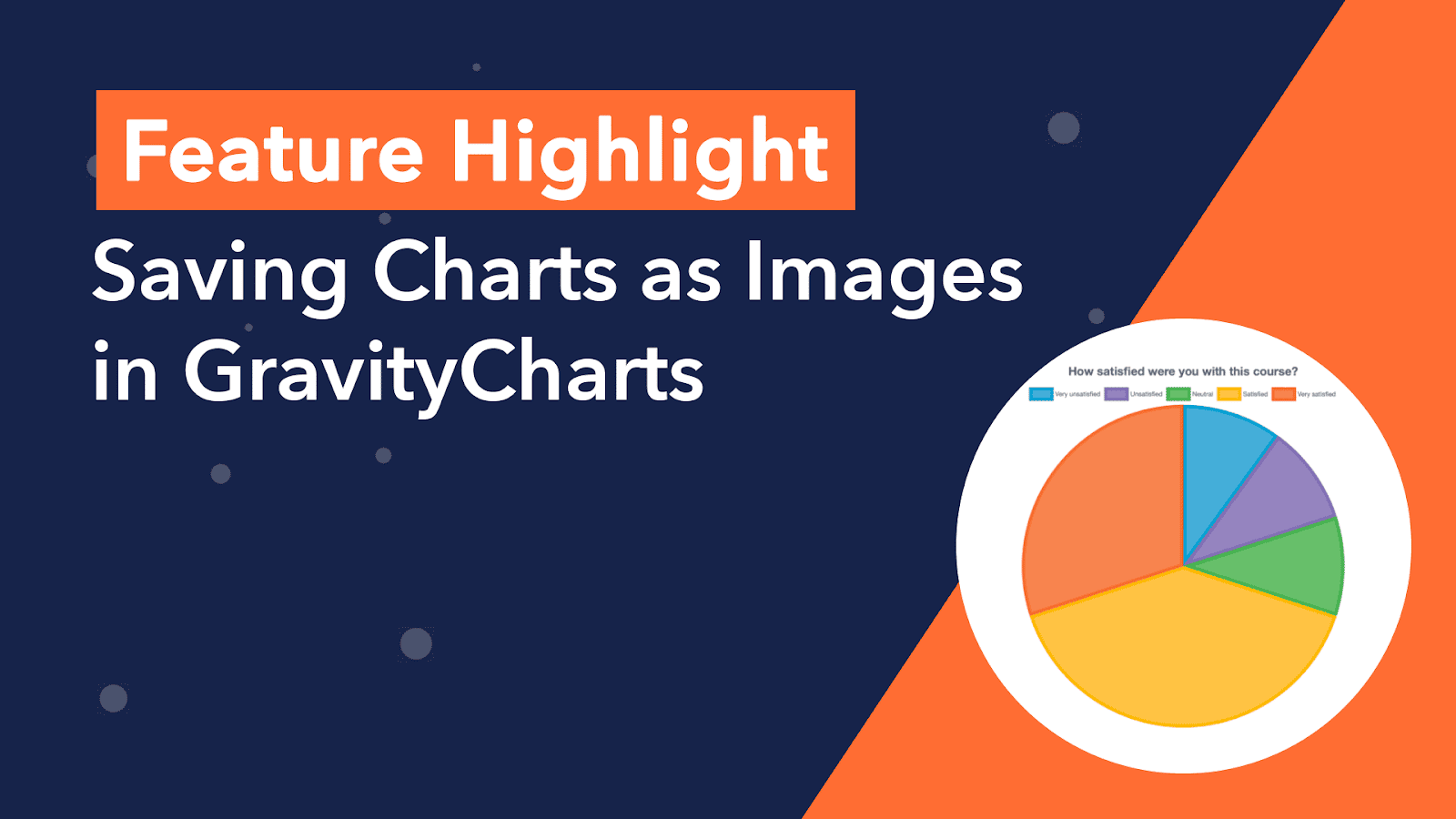
Feature Highlight: Saving Charts as Images in GravityCharts
Save GravityCharts visualizations as image files to embed in email notifications or PDF reports. Covers the Image Charts beta feature and how to build versatile data reports.

Get better at Gravity Forms, one email a week
New GravityKit releases, practical Gravity Forms tutorials, and subscriber-only discounts. One short email every week, unsubscribe anytime.