

9 nonprofit apps you can build with Gravity Forms and GravityKit
Nine apps nonprofits build on WordPress from Gravity Forms data: volunteer databases, member directories, client portals, donation pages, grant review and more.
Product updates

Launch Log: Live DataTables totals, a Remove Data option, and rounding for Number field merge tags
This week’s releases add live GravityMath totals to DataTables Views, a Remove Data option in GravityView, and security fixes in five GravityKit products.

Launch Log: A range slider for search, AI-managed calendars, and security updates in ten products
GravityView adds a Slider search input, GravityCalendar lets AI assistants manage calendars, and ten GravityKit products get security fixes. Here’s what shipped.
Latest Posts

Introducing Foundation: Our unified settings, licensing, and support framework for GravityKit products
Foundation is GravityKit’s unified settings, licensing, and support framework. Manage all GravityKit plugins, activate licenses, and grant support access from one central screen.
Gravity Forms vs Ninja Forms: Best Form Builder 2023
Compare Gravity Forms vs Ninja Forms across features, pricing, entry display, and add-ons. A detailed breakdown to help you choose the right WordPress form builder for your site.
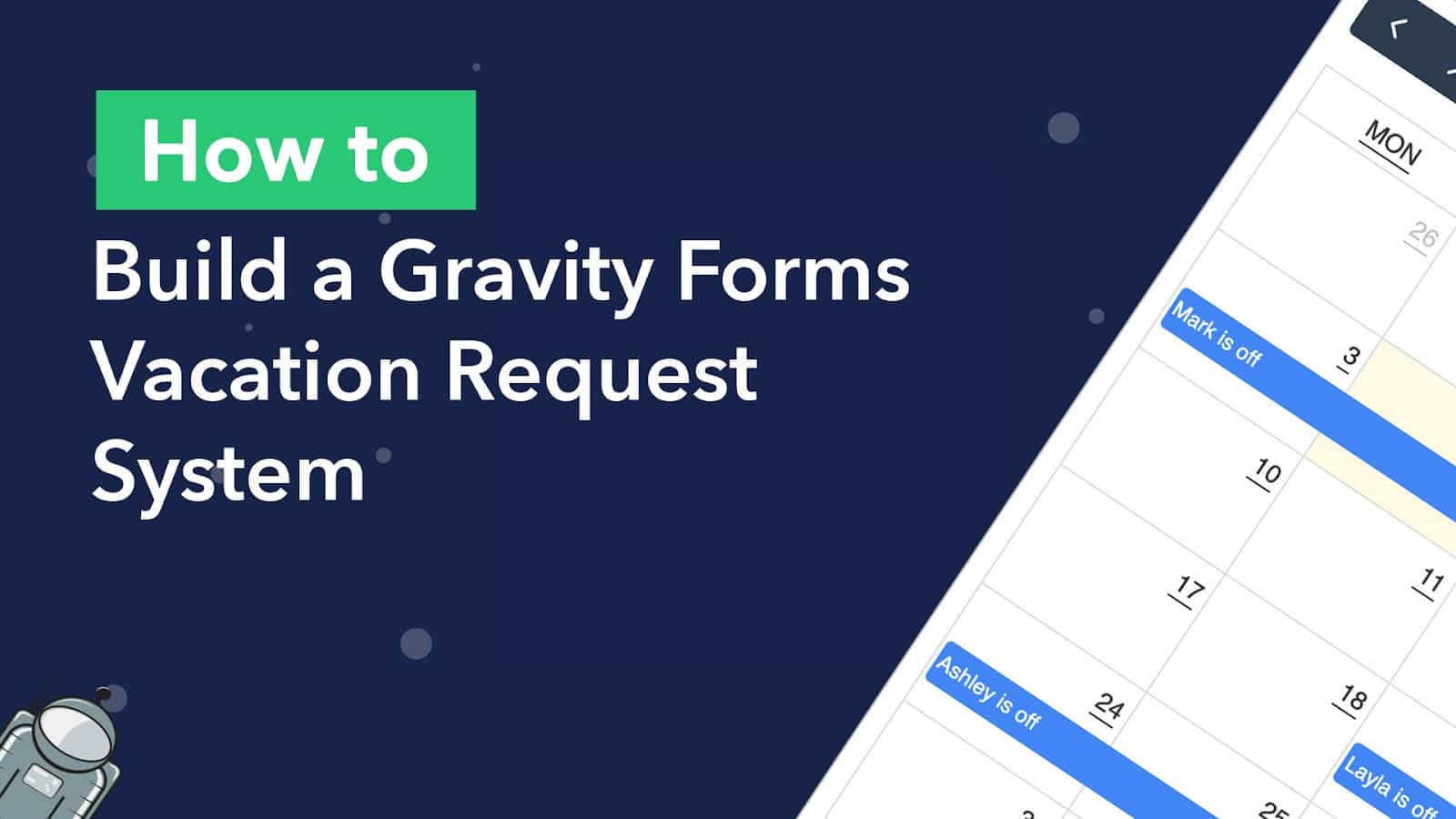
How to build a Gravity Forms vacation request system with a calendar
Build an automated employee vacation request system using Gravity Forms and Gravity Flow, then display approved time off on a searchable calendar with GravityCalendar.

Feature Highlight: Entry Approval in GravityView
Control which form submissions appear in your GravityView Views using entry approval. Approve or reject entries from the backend, front end, or automatically on submission.
The Ultimate Guide to Gravity Forms CRM Integrations
Connect Gravity Forms to the right CRM to manage leads, segment contacts, and automate marketing. Covers the top CRM integrations available for Gravity Forms on WordPress.
What you need to know about the 6 best Gravity Forms alternatives
Compare the 6 best Gravity Forms alternatives side by side. Covers pricing, features, and add-on ecosystems to help you choose the right WordPress form plugin for your site.

Announcing Our New Demo Site: Try All Our Plugins for Free!
Try all GravityKit plugins for free with a preloaded demo site. Get full access to GravityView, GravityExport, and all add-ons on a live WordPress site for 7 days.

Feature Highlight: Field Conditional Logic
Show or hide individual fields in a GravityView View based on custom conditions. Field Conditional Logic works with the Advanced Filtering extension for powerful display rules.

Get better at Gravity Forms, one email a week
New GravityKit releases, practical Gravity Forms tutorials, and subscriber-only discounts. One short email every week, unsubscribe anytime.