
Published
•
Updated
GravityMigrate 2.0: No-sweat WordPress form plugin migrations
Nobody wants to move forms between plugins. They want the site launched, the client onboarded, the referrals to stop falling through the cracks. GravityMigrate 2.0 makes moving forms effortless.

I was on a call earlier this week with a potential customer and they were describing their application to me: they have fifty Formidable Forms. They were set up by their previous website administrator, and now no one at the organization knows how to maintain them. They felt trapped with their form provider.
Gravity Forms is the best form plugin for WordPress, but it is not the only one! There are tens of millions of websites that are using form plugins that aren’t Gravity Forms, and we want to make sure that that is something that is easier for them to rectify!
So we built the best Graivty Forms form migration plugin. We understand that sometimes, people need to move away from Gravity Forms, so we built that functionality, too (at least now they have an easy way of coming back!).
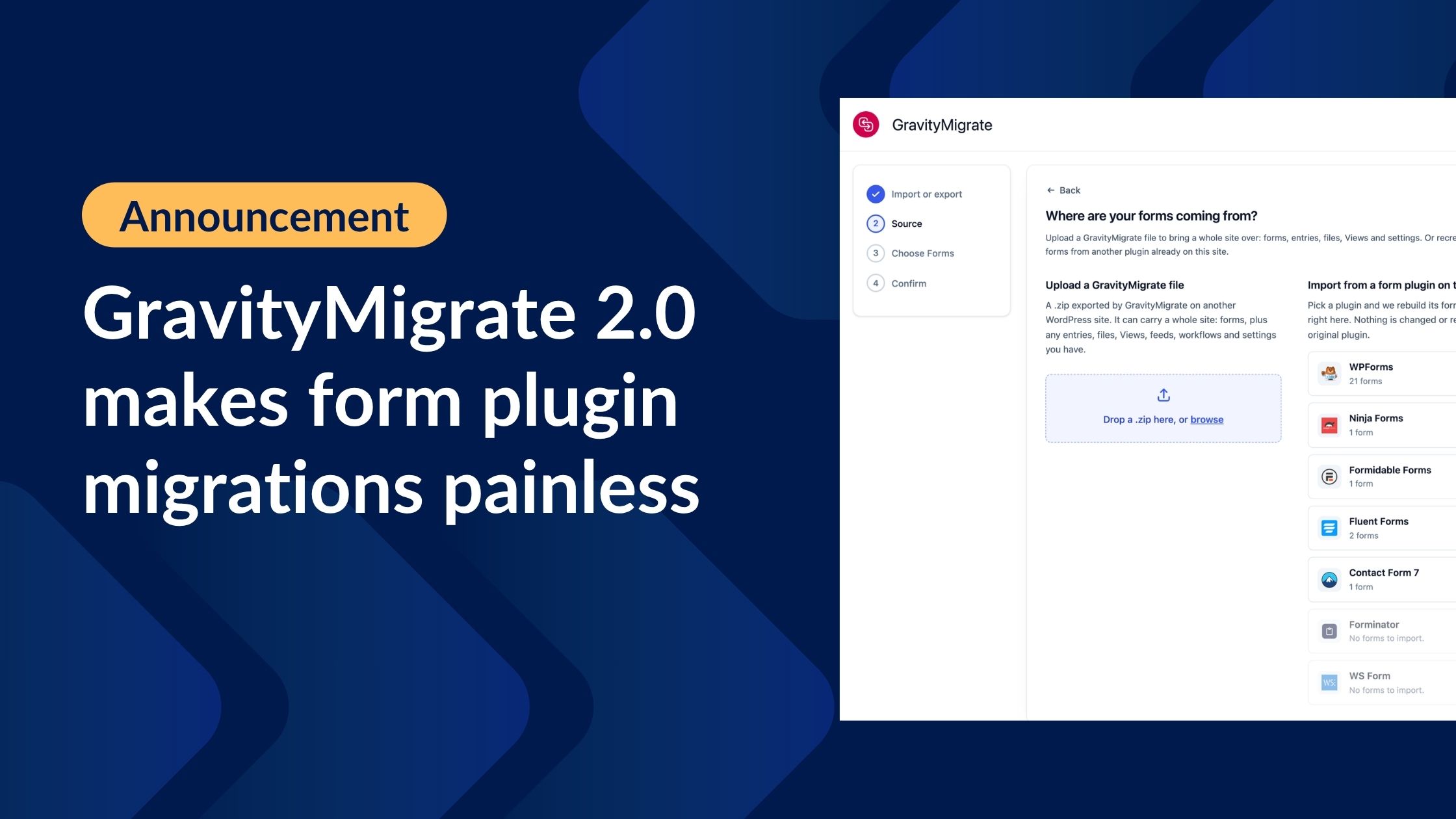
Migrate your forms to (or from) Gravity Forms to seven WordPress form plugins
GravityMigrate now supports moving forms between Gravity Forms and seven form plugins, in both directions:
- Contact Form 7
- Fluent Forms
- Formidable Forms
- Forminator
- Ninja Forms
- WPForms
- WS Form
To migrate, you add GravityMigrate to the site that is running your old form plugin, choose which forms to move, and run it. Seconds later, the forms are rebuilt on the other side:
- Fields and their labels, in the order the author put them in, page breaks included.
- Choices with the values stored behind them.
- Required flags, placeholders and default values, including input masks and maximum lengths where the source had them.
- Conditional logic, repointed at the field IDs the new form was given when it was saved.
- Notifications and confirmations, with their merge tags translated into the destination’s spelling.
- As many forms as you select get moved in one run, in the background.

Your migration runs in the background: a site with tens of thousands of entries, years of uploaded files, and a stack of add-on feeds can take the better part of an hour. Start it, close the tab, come back to a finished migration and a summary of what has migrated.

Our approach: the Universal Form
How do you define a form? We were facing the challenge of solid migrations across a bunch of different form plugins. Would we need to create connections for each form? WPForms to Gravity Forms, Gravity Forms to WPForms, WPForms to Ninja Forms, and so on? That would lead to endless nightmares of compatibility, and wasn’t sustainable.
Instead, we defined a Universal Form: Sitting in the middle of all the form plugins is a plugin-neutral description of what a form is, currently naming 51 field types and 25 properties. Each plugin gets two adapters: a reader that turns its forms into the Universal shape and a writer that turns the Universal shape back into the plugin forms. Adding another plugin means only adding one more pair of definitions.
This helps keep the code safer: the import path and the export path don’t end up saying different things about the same field.
See what changes before you click Import
Form plugins do not support the same field types, so some conversions lose something. Contact Form 7 has no conditional logic and no password field. Ninja Forms has no URL field. Fluent Forms without Pro has no phone element. Every migration tool faces those gaps.
GravityMigrate will surface the transformations for you before the migration runs:

It’s important to get this right: you don’t want to migrate a form with a password field and have it arrive as a text field with no warning! (Yes: that’s a real failure mode in existing migration tools we reviewed.)
See which fields migrate between Gravity Forms and all seven form plugins, in both directions.
Maintain your merge tags
Merge tags are the dynamic placeholders that form plugins use for email notifications and confirmations. This is formatted differently by plugin: Gravity Forms writes {admin_email}. Contact Form 7 writes [_site_admin_email]. Ninja Forms has its own.
GravityMigrate translates them when moving between forms.
Take your forms back out whenever you want
Every migration tool in this market is a one-way funnel into its own product. Fluent Forms, Forminator, and WS Form each ship a Gravity Forms importer; none of them ships an exporter. GravityMigrate writes to them all.
If you run an agency, a client on Fluent Forms, a client on Ninja Forms, and a client on Contact Form 7 can be standardized on one builder, no longer supporting multiple form plugins.

Keep every uploaded file inside the export
GravityMigrate now provides the option of bundling Gravity Forms file uploads in your export, creating a complete copy of your Gravity Forms data: forms, entries, and the files people uploaded to them. GravityMigrate 2.0 provides a migration file you can hand it to a client, back up, or restore it onto a site with nothing on it.
Leave the box unticked and the importing site fetches each file from the site it came from, one at a time, which is fine for as long as that site answers. Cancel the old host, move the staging site behind a login, or let a client pull the plug before you get to the import, and every entry lands with no attachment. Either way:
- Files over the site’s upload limit stay behind and are fetched from the source instead.
- The export screen tells you how many that is at the moment you choose, not afterward.
- The finished export says it again, and the import’s summary says how many files arrived and how many are still being served by the site they came from.
More in GravityMigrate 2.0
- A new guided wizard helps you understand what you are migrating, where it is going, what happened.
- Improved accessibility through enhanced keyboard navigation and screen reader support.
- All migrations can be driven from WP-CLI, including a dry run that reports field-by-field results without writing anything, and a live progress watch. See the full reference on gravitykit.dev.
Update to GravityMigrate 2.0
GravityMigrate is available now, and is the best way to migrate between WordPress forms and move Gravity Forms data beteween site.
For existing customers, GravityMigrate 2.0 is available now. Update from GravityKit, then Manage Your Kit, or download it from your account.

Get better at Gravity Forms, one email a week
New GravityKit releases, practical Gravity Forms tutorials, and subscriber-only discounts. One short email every week, unsubscribe anytime.
More articles

Launch Log: A range slider for search, AI-managed calendars, and security updates in ten products
GravityView adds a Slider search input, GravityCalendar lets AI assistants manage calendars, and ten GravityKit products get security fixes. Here’s what shipped.

9 nonprofit apps you can build with Gravity Forms and GravityKit
Nine apps nonprofits build on WordPress from Gravity Forms data: volunteer databases, member directories, client portals, donation pages, grant review and more.
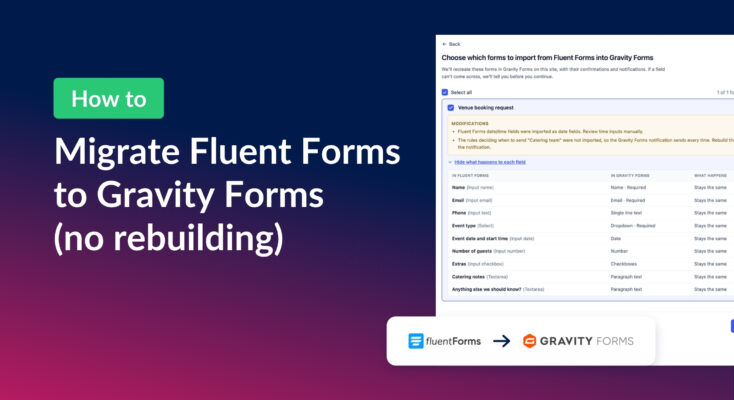
How to migrate from Fluent Forms to Gravity Forms without rebuilding your forms
Move your Fluent Forms forms into Gravity Forms with GravityMigrate, then bring your entries across with GravityImport. Every step was tested on the free version of Fluent Forms.