How-To
The Gravity Forms ecosystem is exciting and dynamic, and there’s so much that you can do using powerful plugins like GravityView. But let’s face it – such an expansive topic can be overwhelming. That’s why we’re here to help you find your feet.
Here you’ll find helpful tutorials, walk-throughs, and “how-to” guides teaching you how to get the most out of Gravity Forms, GravityKit, and build your ideal WordPress website.
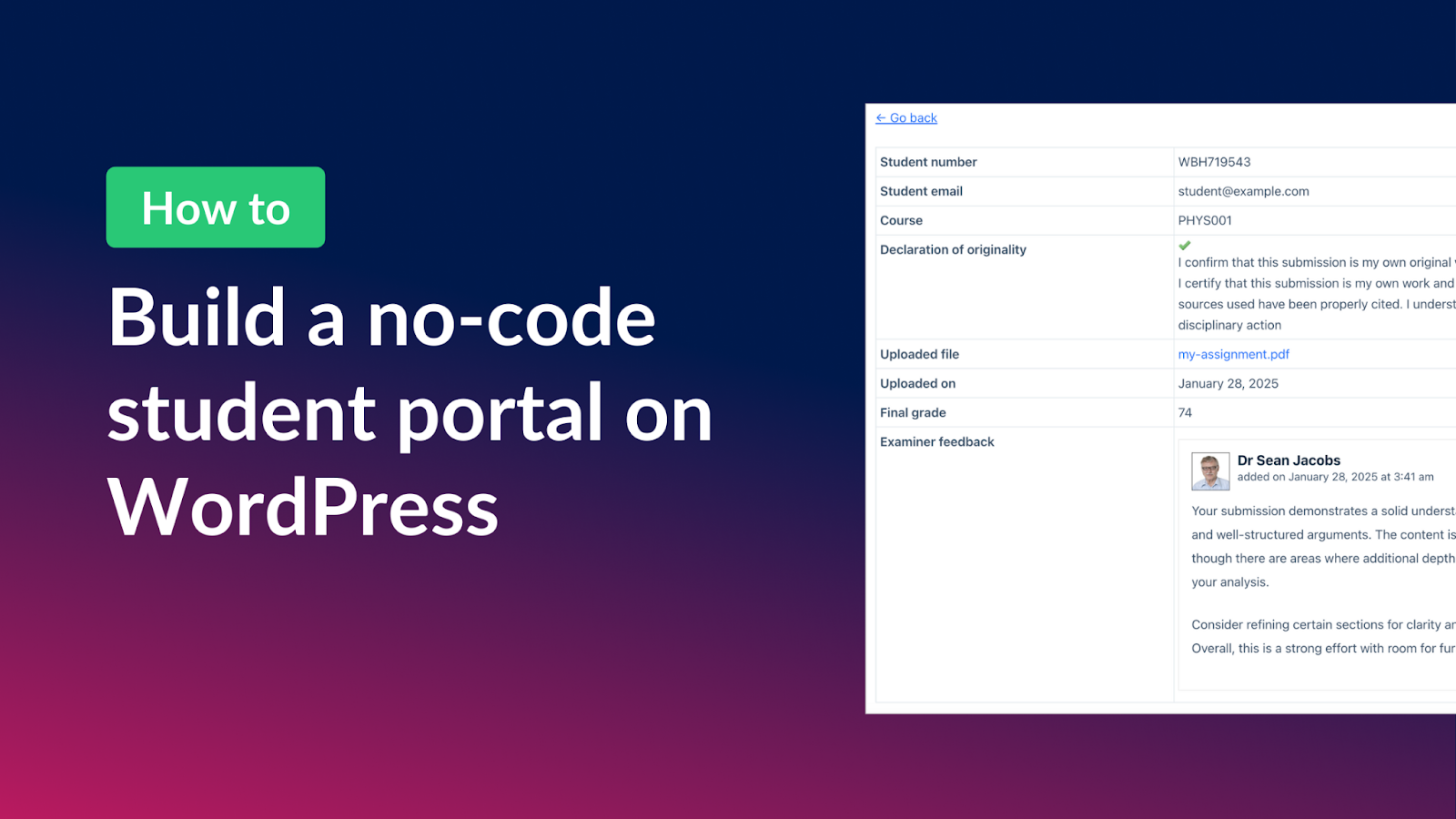
How to build a student portal for assignment submissions on WordPress (without code!)
Build a student portal on WordPress where learners submit assignments, check grades, and receive feedback. Step-by-step tutorial using Gravity Forms and GravityView.

How to create an ordering system for a hotel on WordPress without code
Build an automated ordering system on WordPress using Gravity Forms and GravityKit. The hotel breakfast ordering example applies to any order workflow, no code required.

How to build a task management system on WordPress without code
Build a custom task management app on WordPress with Gravity Forms and GravityView. Let users add, filter, sort, and update tasks from the front end without writing code.

How to build a user feedback board on WordPress without code
Build a user feedback board on WordPress where visitors submit ideas, upvote suggestions, and track request status. Uses Gravity Forms and GravityView, no code required.
How to style Gravity Forms: The ultimate step-by-step guide
Style Gravity Forms using built-in themes, custom CSS, or page builder integrations. This guide covers every approach to matching your form design to your site.
How to add Gravity Forms to Elementor (complete guide)
Add Gravity Forms to any Elementor page using the free widget plugin or shortcode. Covers embedding, styling, and why Gravity Forms outperforms Elementor’s native form widget.

How to display Gravity Forms field values after submission
Display submitted Gravity Forms field values in confirmation messages, email notifications, and regular pages using merge tags. No plugin or custom code required.
How to visualize your Gravity Forms data with charts and graphs
Turn Gravity Forms entry data into charts and graphs using the GravityCharts add-on. Supports bar charts, line charts, radar charts, and more for dashboards and reports.