How-To
The Gravity Forms ecosystem is exciting and dynamic, and there’s so much that you can do using powerful plugins like GravityView. But let’s face it – such an expansive topic can be overwhelming. That’s why we’re here to help you find your feet.
Here you’ll find helpful tutorials, walk-throughs, and “how-to” guides teaching you how to get the most out of Gravity Forms, GravityKit, and build your ideal WordPress website.
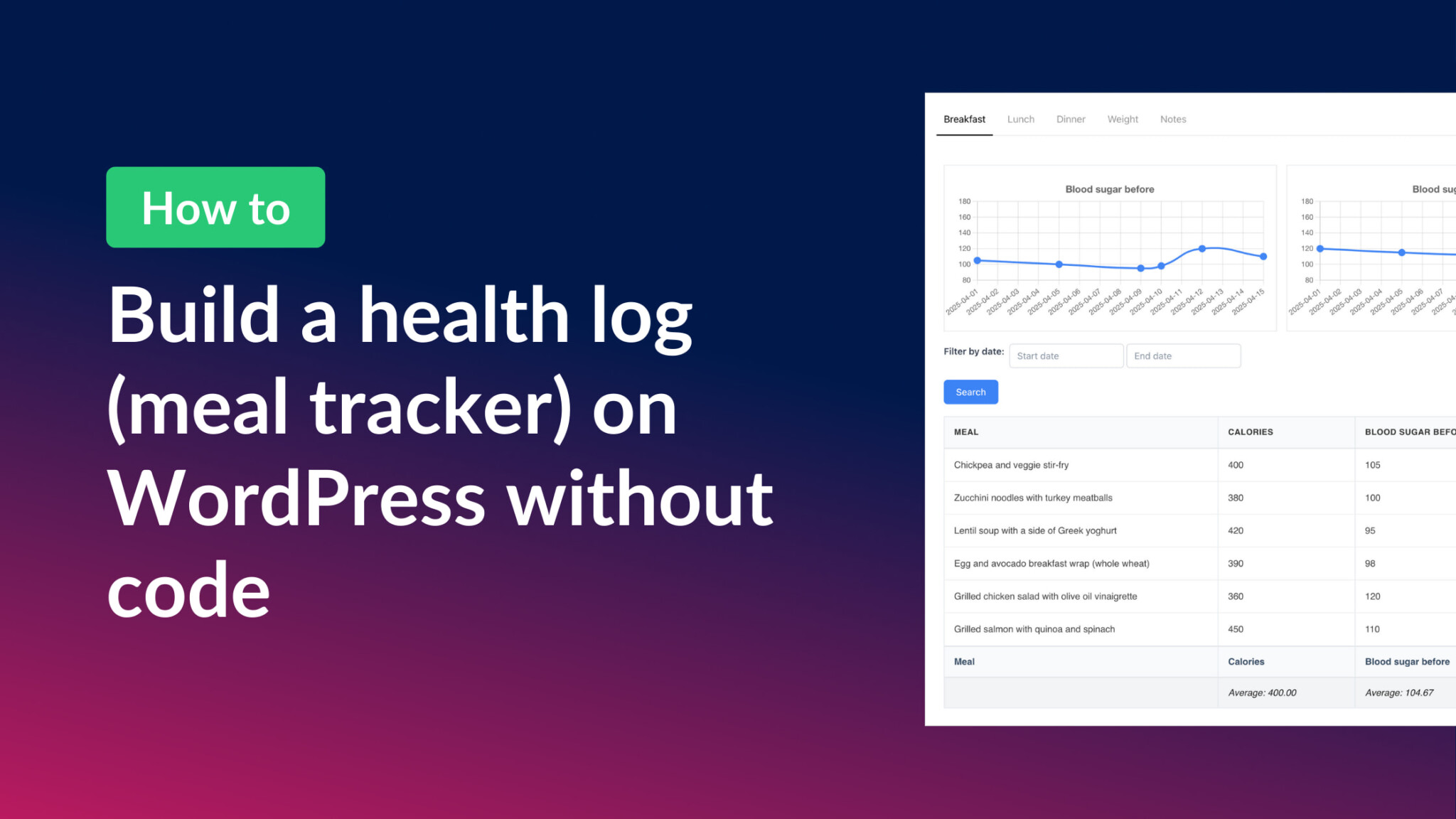
How to build a health log and meal tracker on WordPress without code
Build a no-code health log and meal tracker on WordPress using Gravity Forms and GravityKit. Includes meal tabs, trend charts, and a personal notes dashboard.

How to create WordPress posts or pages from Gravity Forms entries
Turn Gravity Forms submissions into WordPress posts using three methods: the Advanced Post Creation add-on, built-in Post Fields, or GravityView for flexible front-end content displays.

How to build a member directory on WordPress without code
Build a searchable, grid-style member directory on WordPress without code using GravityView. Step-by-step tutorial for communities, networks, and professional groups.

How to build a dynamic event registration system on WordPress without code
Build a complete event registration system on WordPress without code. Uses Gravity Forms and GravityView to handle session submissions, attendee browsing, and registrations.

How to create a leaderboard on your WordPress site without code
Create an auto-updating leaderboard on WordPress without code. Use Gravity Forms and GravityMath to rank users by sales, scores, or any numeric field in your form data.

How to display user-uploaded images in Gravity Forms (with examples)
Display user-uploaded images from Gravity Forms submissions using GravityView. Build photo galleries, user profiles, and contest displays on the front end without code.

How to integrate Gravity Forms with WooCommerce: Boost your eCommerce store with customizable products
Connect Gravity Forms with WooCommerce to add customizable product option forms, improved order workflows, and advanced data capture to your WordPress eCommerce store.

How to create tables in Gravity Forms (step by step guide)
Three ways to create tables inside Gravity Forms: the List field for variable rows, and two more approaches for structured data collection and improved form UX.