
Import option: Skip Field Validation
Skip Field Validation, on the importer’s Configure step, imports each row without checking its values against the form’s field settings.
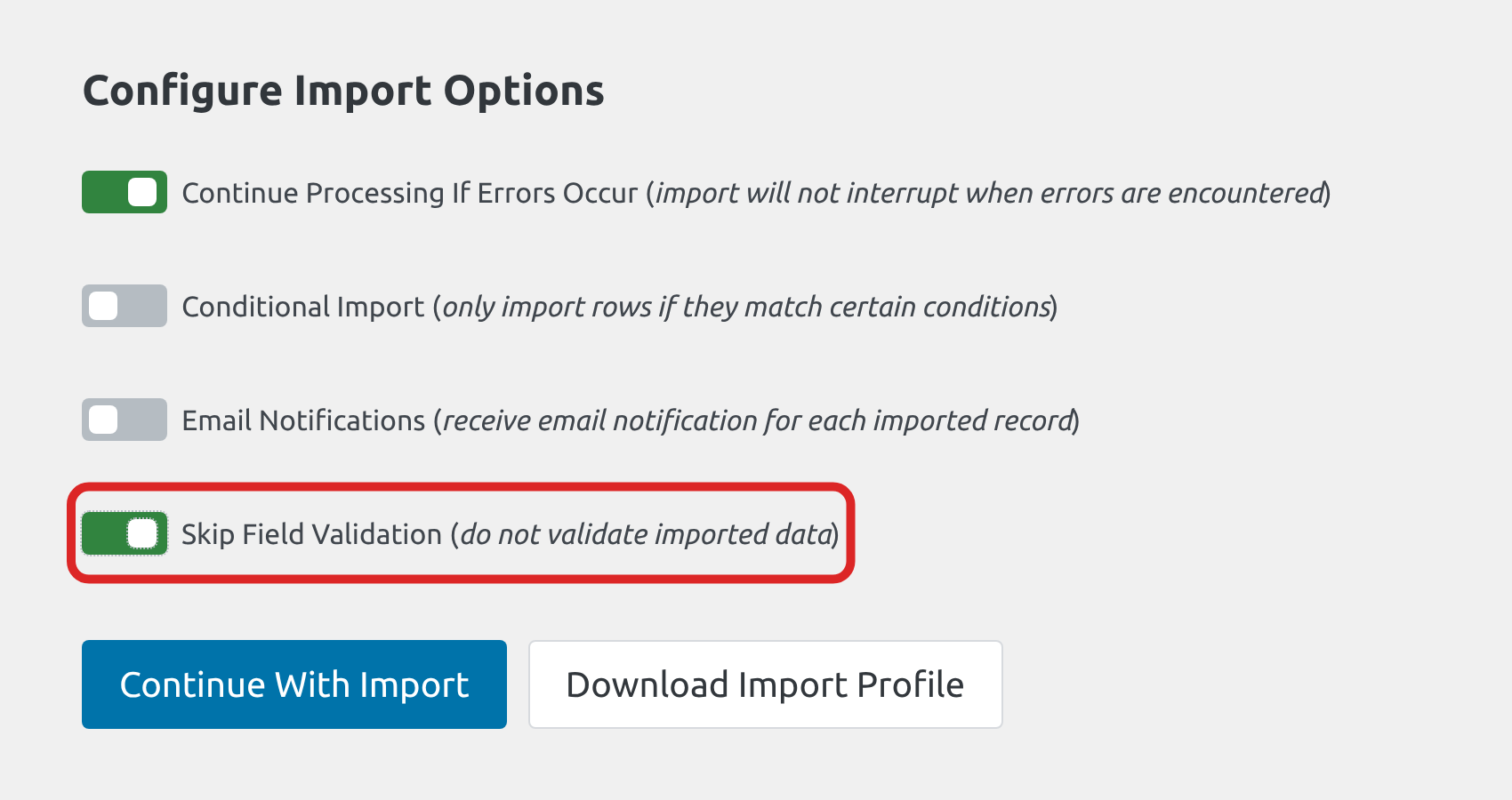
With validation on, a row with a value that its field rejects is left out of the import and listed in the import log with the reason, such as a URL that isn’t valid:

With Skip Field Validation on, those rows are imported.
Validation also enforces a field’s No Duplicates setting. With Skip Field Validation off, rows that repeat an existing value are rejected and listed in the import log. With it on, those rows are imported, so the form can end up with duplicate values.
Values that are still left empty #
With Skip Field Validation on, these values are still stored empty:
- A Phone field set to International (formatted), the format a new Phone field starts with, stores an empty phone on every row. Set its Phone Format to International (unformatted) or US Standard before importing. See Phone fields.
- A Date field set to Date Field or Date Drop Down stores no date. Set its Date Input Type to Date Picker. See Date fields.
- A Number field stores nothing for a value that isn’t a number, such as
A+.

