Continue Processing If Errors Occur
Continue Processing If Errors Occur is one of the options on the wizard’s Configure stage. It is on by default, and it controls what happens when a row in your CSV can’t be imported.
With “Continue Processing” disabled:
The import will show how many rows were successfully imported before an error was reached. The import will stop at the first row that contains an error and will display the error that occurred.
With “Continue Processing” enabled:
The importer will process the entire CSV file. After the processing is complete, you will be shown a summary of the import: the total number of rows (“records”) processed, the number imported, the number skipped (if Conditional Import is enabled), and the number rejected due to an error.
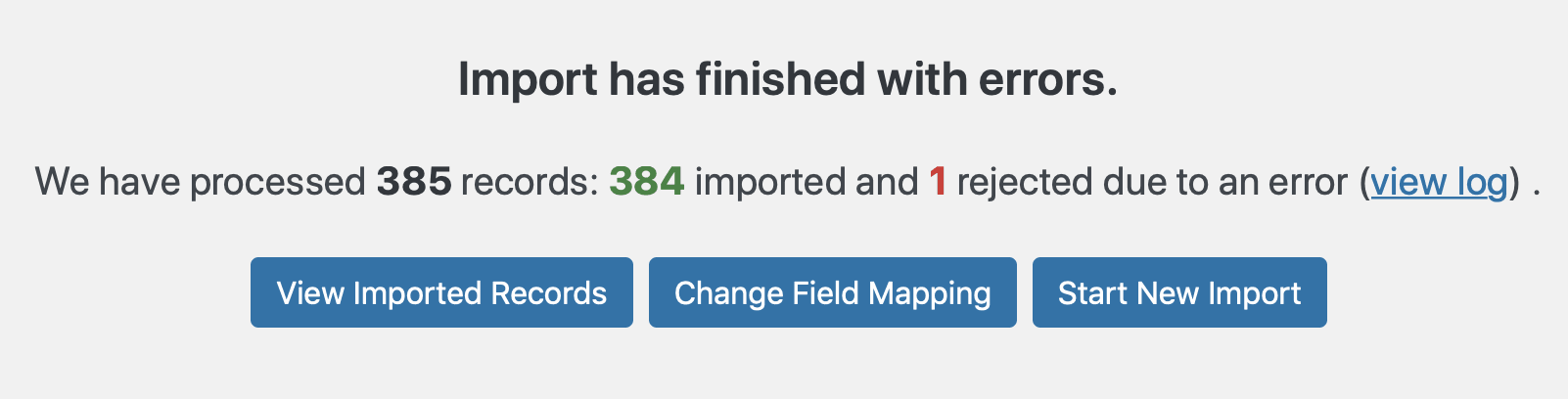
If there are errors during the import
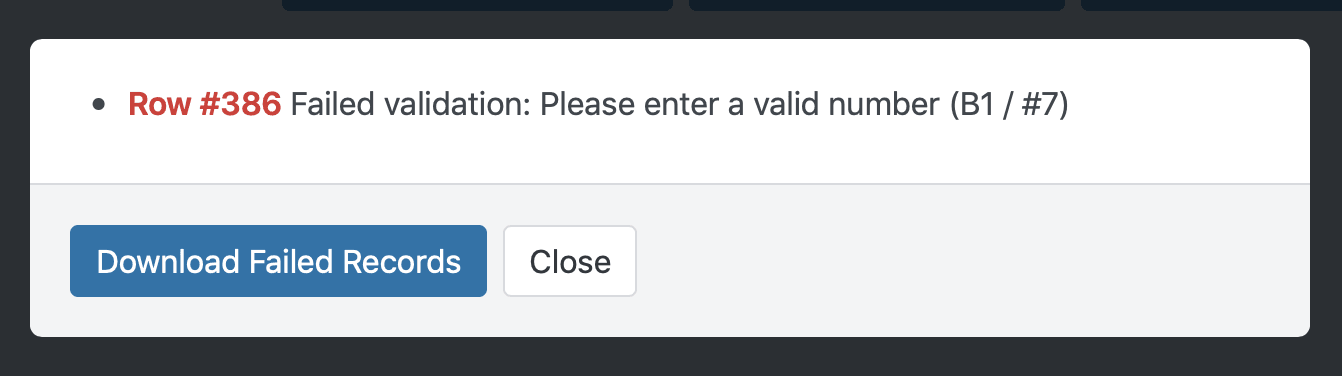
If errors occur during the import, click view log to see all the errors. Click download to save a CSV that contains only the rows with errors, so you can fix those rows without sorting through the rest of the file. You can then re-run just those rows with Retry Failed Records, or adjust the mapping first with Remap & Retry Failed Records.