
GravityView
Gravity Forms is the best WordPress form plugin, but sometimes you need to display form entries on the front end. That’s where GravityView comes in.
GravityView is a powerful add-on for Gravity Forms that allows you to display Gravity Forms entries on the front end. Display your entries using a variety of beautiful layouts, filter views, allow users to edit their own entries, and much more. Here you’ll learn about configuring new Views, how to display entries on a map or calendar, how to display user profiles, and more.
How to build a WordPress event website: Full tutorial (2025)
Build a complete event website on WordPress using Gravity Forms and GravityKit. Let visitors submit events and display them in a map, list, or calendar without code.
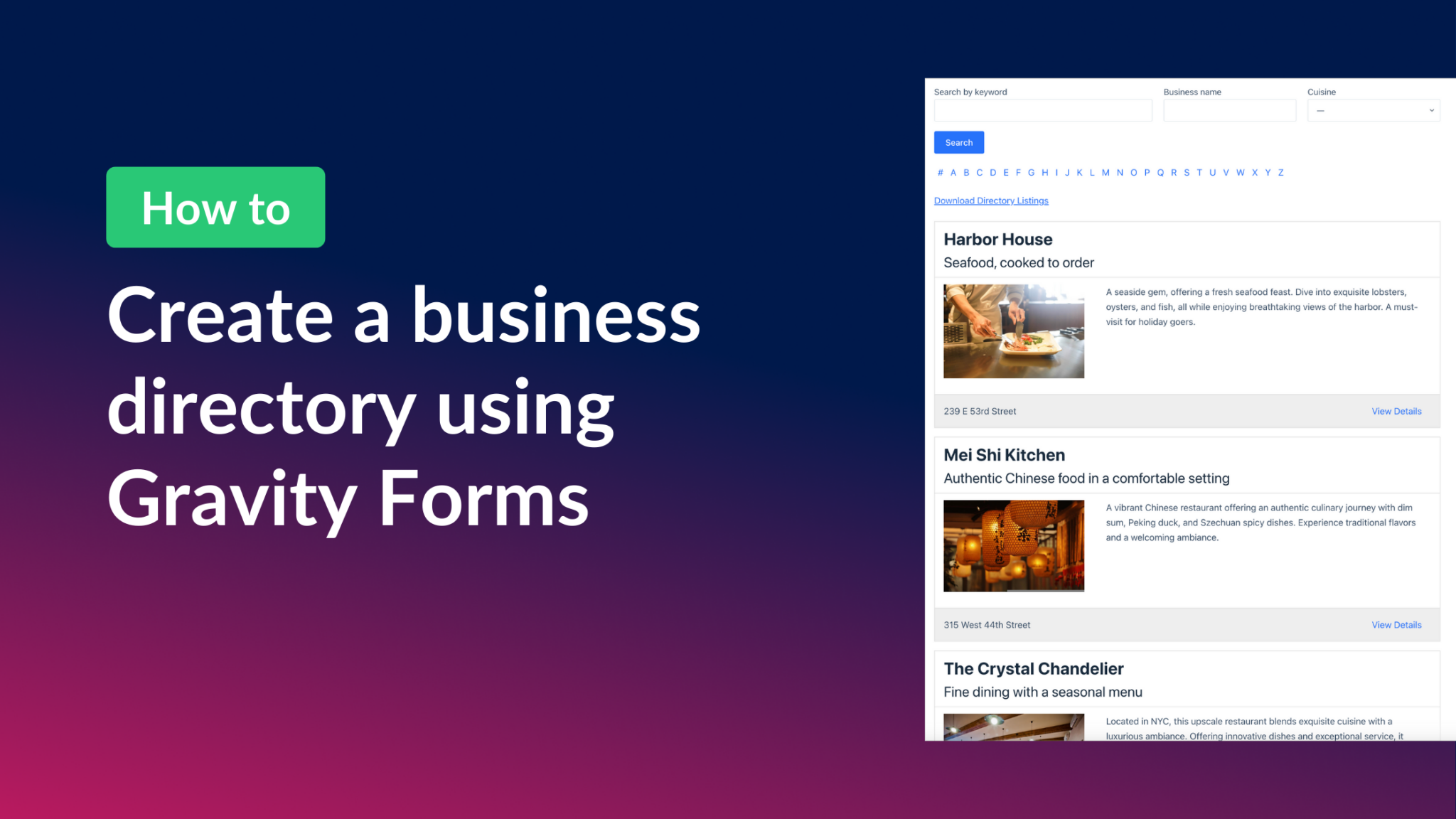
How to build a business directory with Gravity Forms
Build a custom business directory with Gravity Forms and GravityView without writing any code. Drag-and-drop builder, preset templates, and powerful filtering included.

How to build a product review site on WordPress using GravityView
Build a product review website on WordPress using Gravity Forms and GravityView. Create searchable listings, single-entry review pages, and affiliate showcases without code.

How to build a personal journal application on WordPress
Build a private journaling app on WordPress using Gravity Forms and GravityView. Users can submit entries, browse their history, and track progress entirely from the front end.
How to build a PDF invoice generator using PDF for GravityView
Build a PDF invoice generator on WordPress using GravityView and the PDF for GravityView Extension. Add a customer dashboard where clients can view orders and download invoices.

How to build a photo contest site on WordPress using Gravity Forms and GravityView
Build a photo contest website on WordPress using Gravity Forms and GravityView. Let participants submit photos, let judges rate entries, and display results on the front end.

How to easily display WordPress form submissions on your website (3 simple steps)
Display Gravity Forms submissions on the front end of your WordPress site in three steps. Covers multiple layouts and form plugins, with a full walkthrough using GravityView.
How to build a knowledge base on WordPress (without code)
Build a searchable knowledge base on WordPress using Gravity Forms and GravityView. Add categories, a search bar, and front-end article submission without writing any code.