
GravityView
Gravity Forms is the best WordPress form plugin, but sometimes you need to display form entries on the front end. That’s where GravityView comes in.
GravityView is a powerful add-on for Gravity Forms that allows you to display Gravity Forms entries on the front end. Display your entries using a variety of beautiful layouts, filter views, allow users to edit their own entries, and much more. Here you’ll learn about configuring new Views, how to display entries on a map or calendar, how to display user profiles, and more.

Feature Highlight: Entry Approval in GravityView
Control which form submissions appear in your GravityView Views using entry approval. Approve or reject entries from the backend, front end, or automatically on submission.

Feature Highlight: Field Conditional Logic
Show or hide individual fields in a GravityView View based on custom conditions. Field Conditional Logic works with the Advanced Filtering extension for powerful display rules.
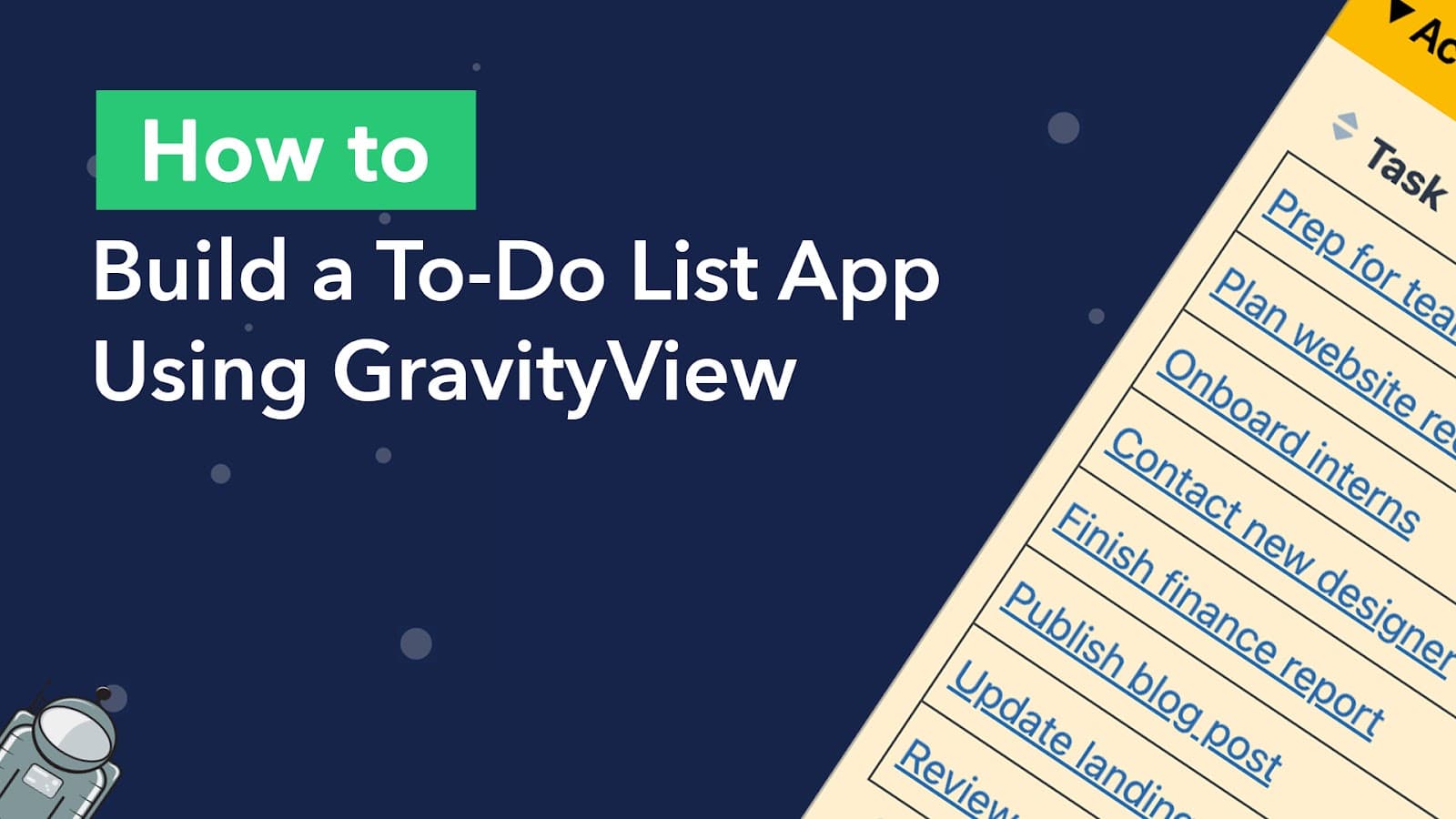
How to build a to-do list app on WordPress (without code)
Build a simple but powerful to-do list app on WordPress using Gravity Forms and GravityView. Users can add tasks, set priorities, and check off items from the front end.
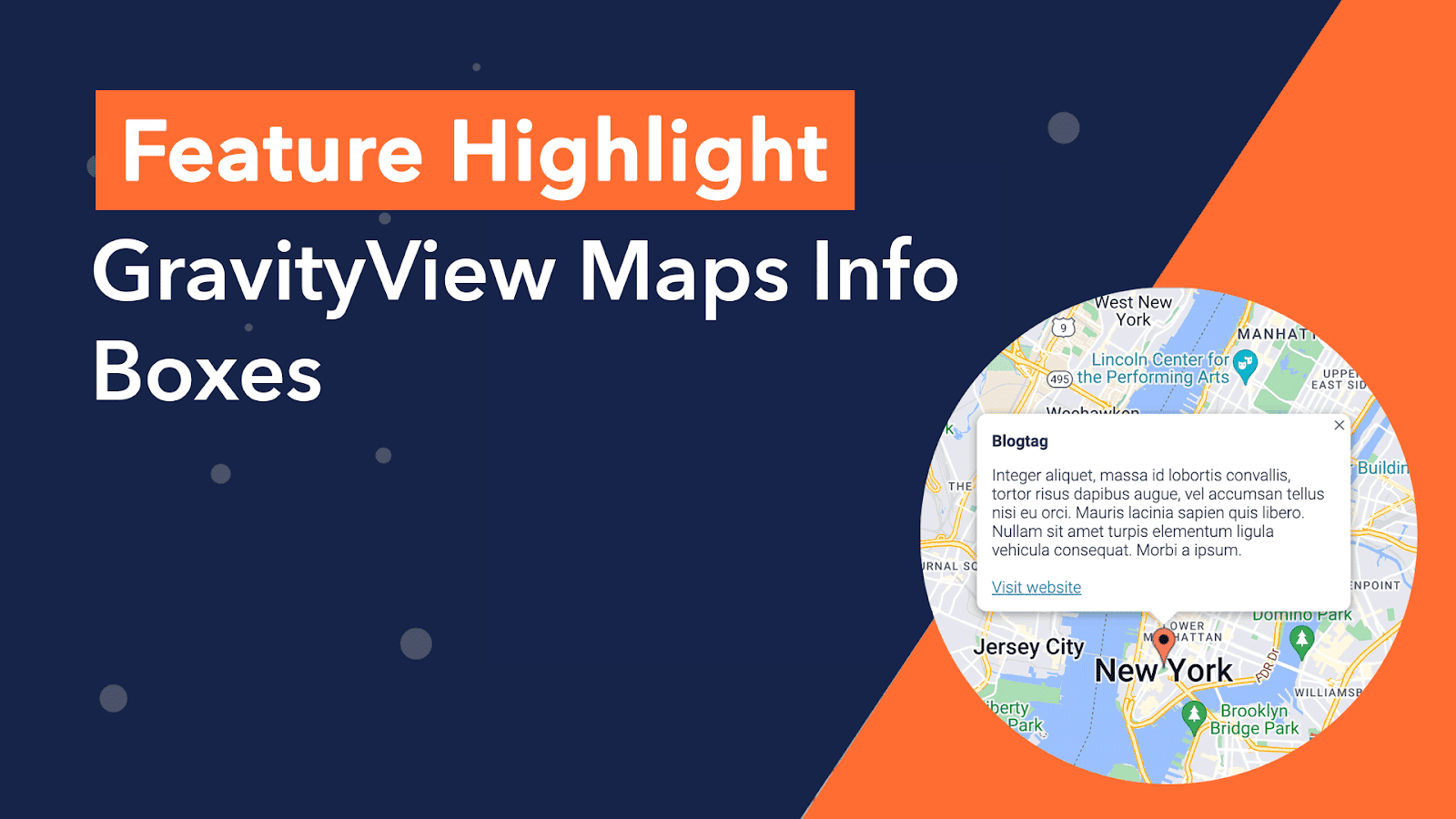
Feature Highlight: Maps info boxes
In this edition of Feature Highlights, we’re exploring the Info Boxes feature for the GravityView Maps layout. Info boxes allow you to display information about an entry when a user clicks on that entry’s map marker. Info Boxes are useful for displaying summary data,…

Feature Highlight: The A-Z Filters widget
In this edition of Feature Highlights, we’re exploring the GravityView A-Z Filters widget. This handy widget displays a list of links from A-Z, allowing you to filter entries in a View alphabetically. This adds another way for users to search your Views and is…

How to create a customer portal for custom product orders using GravityView
Are you looking for a way to create a customer portal on WordPress that allows users to manage their interactions with your company? Customer portals provide a much-needed link between a brand and its customers. They act as a central hub for accessing information…
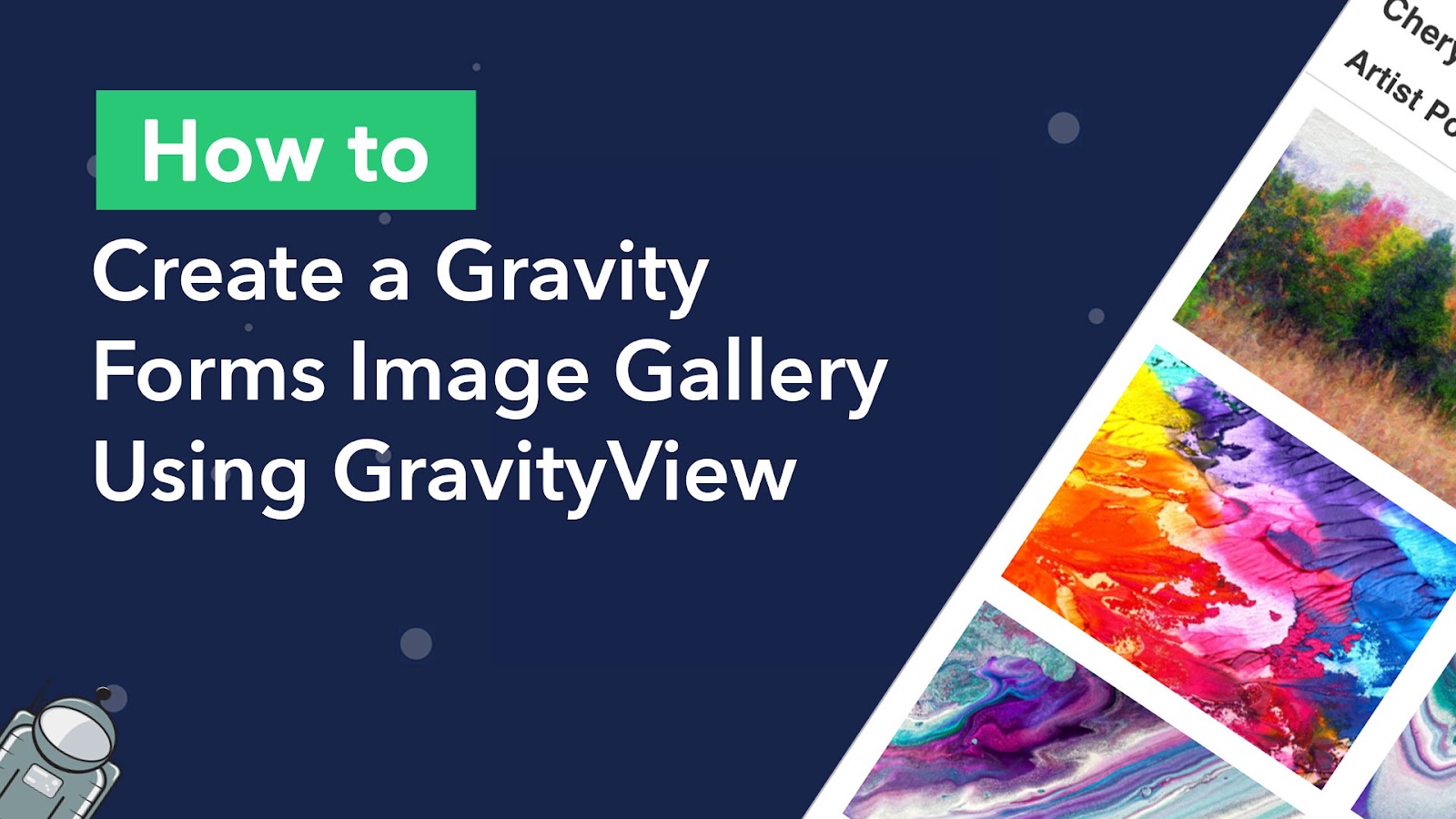
How to Create an Artist Portfolio (With Image Gallery) Using GravityView
Are you looking for a way to showcase artists and their work on your website? In this post, we’ll show you how to create an artist portfolio by building a responsive image gallery using GravityView. We’ll start by creating a form on our website…
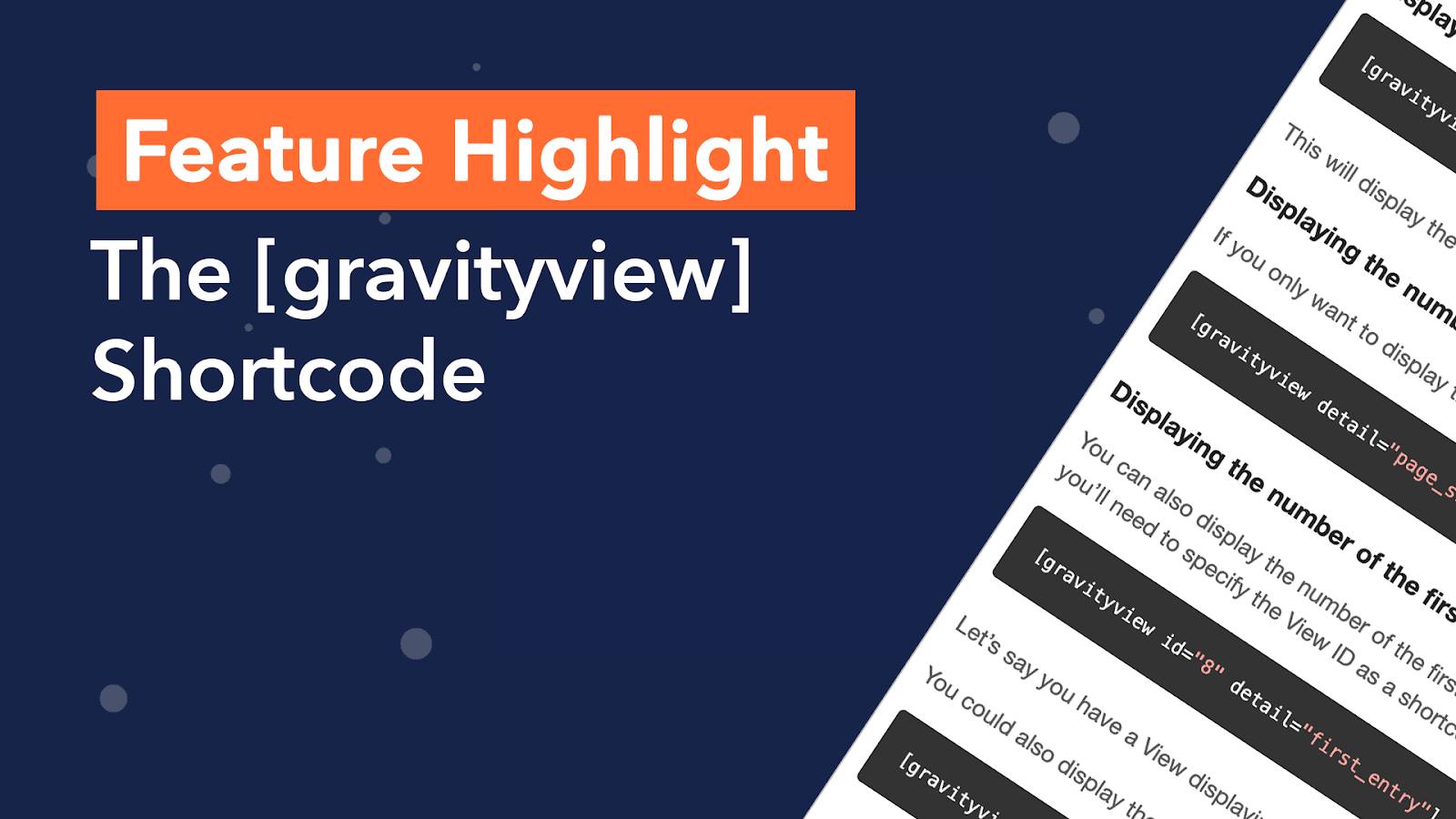
Feature Highlight: The [gravityview] Shortcode
In this edition of Feature Highlights, we’re exploring the powerful [[gravityview]] shortcode. No, it’s not only for embedding Views! The [gravityiew] shortcode allows you to filter entries by specific values, display the total number of entries in a View, and much more. Shortcodes in…