
GravityView
Gravity Forms is the best WordPress form plugin, but sometimes you need to display form entries on the front end. That’s where GravityView comes in.
GravityView is a powerful add-on for Gravity Forms that allows you to display Gravity Forms entries on the front end. Display your entries using a variety of beautiful layouts, filter views, allow users to edit their own entries, and much more. Here you’ll learn about configuring new Views, how to display entries on a map or calendar, how to display user profiles, and more.

Feature Highlight: The GravityView (WordPress) Search Widget
In this edition of Feature Highlights, we’re exploring the WordPress Search Widget. This handy widget allows you to add a GravityView search bar to your sidebar, footer, or any other widget area on your site. This is really helpful if you want to allow…

GravityView vs wpDataTables: In-depth comparison
If you’re looking for a plugin that allows you to display Gravity Forms data on the front end, GravityView and wpDataTables are two possible solutions. You may be tempted to think of wpDataTables as a GravityView alternative, but is that really true? Both plugins…
![Feature Highlight: The GravityView [gvlogic] Shortcode](https://www.gravitykit.com/wp-content/uploads/2022/05/image-17.png)
Feature Highlight: The [gvlogic] Shortcode
In this edition of Feature Highlights, we’re homing in on GravityView’s powerful [gvlogic] shortcode. The [gvlogic] shortcode allows you to show/hide content based on user inputs, restrict content on your site to logged-in users, and much more! If you’re new to GravityView, you’ll soon…

How to Display Your Gravity Forms Survey Responses on the Front End
Are you looking for a way to display your Gravity Forms survey responses on the front end of your website? The Gravity Forms Survey Add-On allows you to track the results of your surveys, but only from the backend. One way around this limitation…

Feature highlight: The GravityView Custom Content field
Welcome to Feature Highlights! In this new series, we’ll be exploring exciting features of GravityView and our related add-ons to help you get the most out of our plugins. In this edition, we’re looking at one of GravityView’s most powerful features – the Custom…
![Feature highlight: The [gv_entry_link] shortcode](https://www.gravitykit.com/wp-content/uploads/2022/04/image-61.png)
Feature Highlight: Using the [gv_entry_link] Shortcode
Welcome to Feature Highlights! In this new series, we’ll be exploring exciting features of GravityView and our related add-ons to help you get the most out of our plugins. In this edition, we’ll be focusing on one of those powerful, yet often overlooked features…
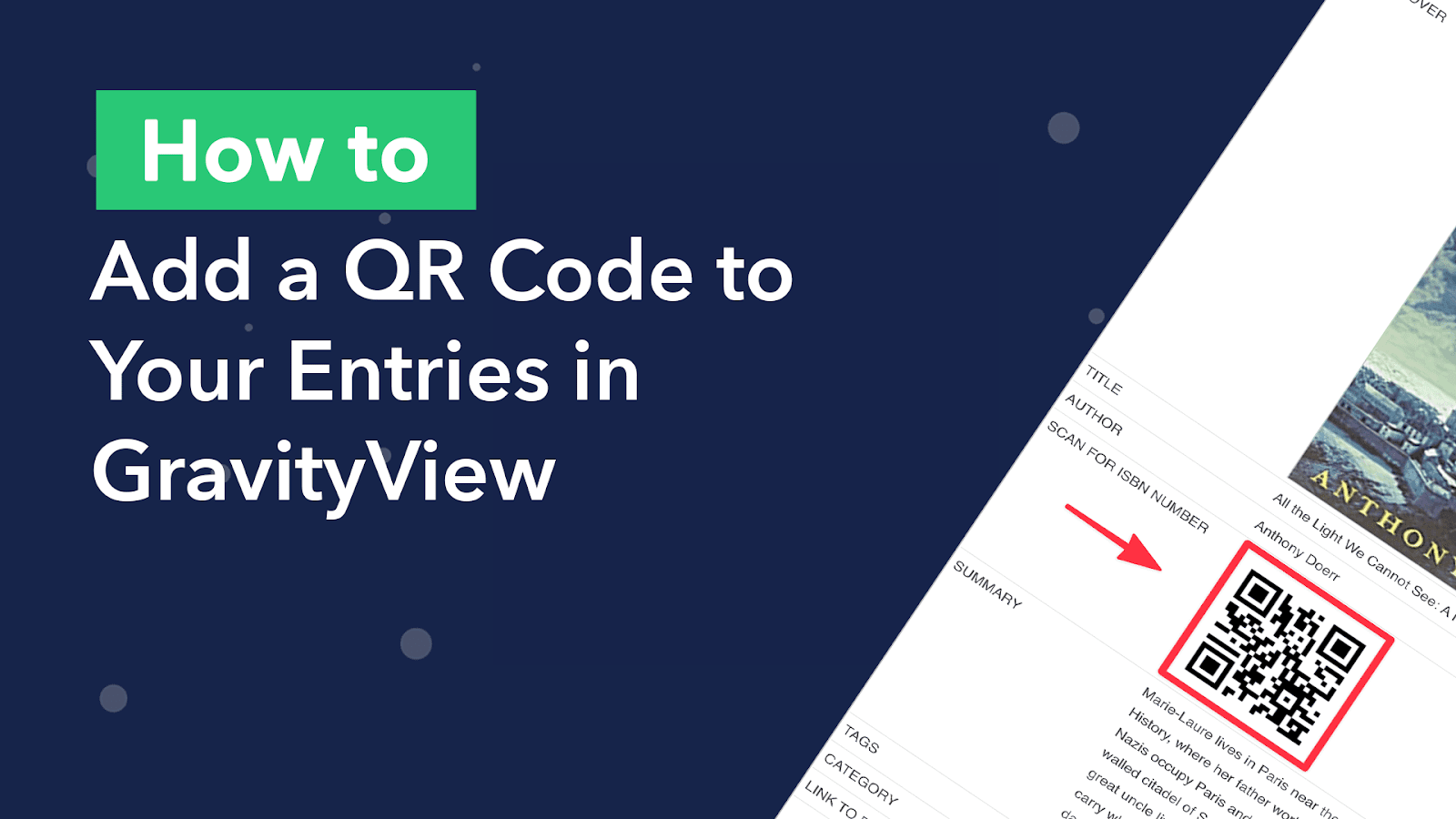
How to Add a QR Code to GravityView That Encodes Gravity Forms Data
You’ve probably seen a QR code before. You know, those odd mosaic-looking codes with a bunch of little squares inside? They’re everywhere these days. You can find them on restaurant menus, information brochures, and even social media posts! QR codes are handy for storing…

How to build an audio library on WordPress (without code)
Are you wondering how to build a WordPress audio library? The popularity of audio content is growing. In 2021, the average time spent listening to digital audio among the US population was a staggering 1 hour and 34 minutes per day! Using GravityView’s DataTables…