Case study
How Arena Success Group built a data-driven productivity system with GravityKit
Arena Success Group, founded by Dan Muhlenkamp, helps small business owners improve productivity and retain top talent through a structured “organization success system.” To power this system, Dan built a centralized platform using GravityKit that enables companies to manage meetings, assign tasks, track performance, and align teams around shared goals. By leveraging GravityKit, Arena Success Group delivers a scalable productivity and measurement tool that gives business owners a single, streamlined hub to “get more done and keep the people who do it.”
Meet Dan Muhlenkamp
Dan Muhlenkamp is the founder and CEO of Arena Success Group, where he helps small business owners improve productivity and build stronger teams. He also runs a second business—making efficiency and strong systems essential to his own success.
Although he built a powerful productivity platform, Dan isn’t a traditional developer. He’s self-taught, with a background in computer consulting, and believes that when he needs a better system, he builds it.

Discovering GravityKit
When Dan set out to launch Arena Success Group, he needed a way to collect and manage a large amount of information. His search for a reliable WordPress form plugin led him to Gravity Forms.
From there, he wanted a way to pull that data into a spreadsheet format and edit it easily. That’s when he discovered GravityView. Initially, he didn’t realize how powerful it was.
Dan’s primary requirement was simple: take the data collected through Gravity Forms and make it visible, usable, and easy to learn from. GravityView met those needs without requiring a full-time developer or custom development. As a business owner running multiple companies, he needed a solution he could build and manage himself.
You don’t have to be a genius, or a full-time developer, to use GravityView.
Building with GravityKit
The system that Dan has created is seriously impressive. It’s a versatile application that helps you set your goals, measure your progress and get more done. The entire system is built using Gravity Forms and GravityView.
To give you an idea of the complexity involved, the system makes use of 97 different forms! However, the complexity resides under the hood, while the application itself is intuitive and easy to use.
Core to Dan’s philosophy is the importance of linking your daily tasks to your business’s wider goals, which helps to maintain focus and drive productivity. That’s why his productivity system utilizes a hierarchical structure.
At the top are what Dan calls “initiatives”, think of these as business KPIs (key performance indicators). Next are milestones, and finally come tasks. Each task is linked to a milestone, which is linked to an initiative.
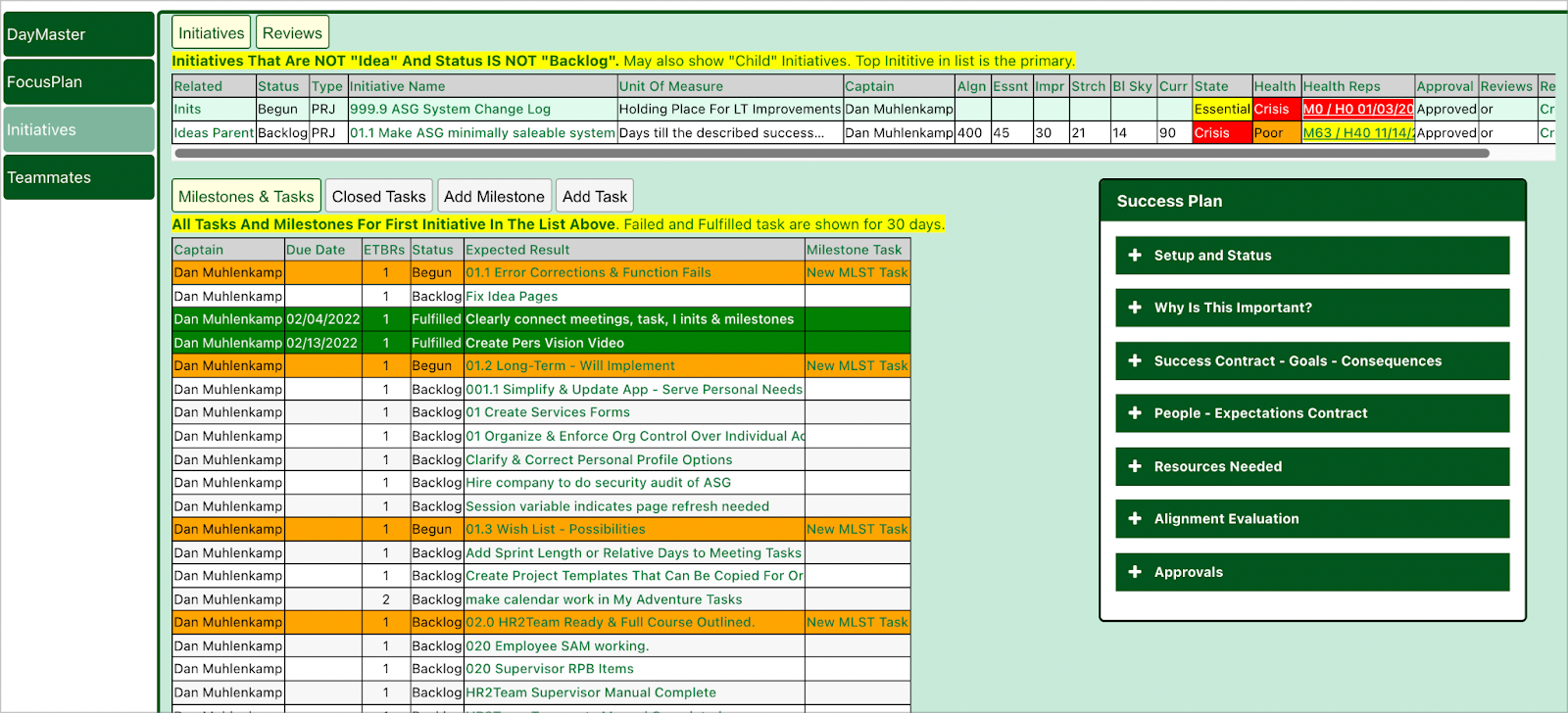
The tool is designed for both business and personal use. The system increases transparency and accountability by allowing users to create tasks and assign them to different members of the team (with a due date, of course!).
Views are also color-coded, so tasks show up in different colors depending on their status. Dan implemented this functionality by using merge tags as CSS classes inside GravityView.
The tool also allows users to plan, manage and archive meetings. Dan’s system includes meeting checklists that help you save time by reducing 45-minute meetings to 15 minutes.
You can also add new tasks and link them to items on the checklist. This helps you create actionable objectives, add structure to your meetings and improve accountability across the board.
For example, when we have meetings, everyone knows what everybody else is supposed to do and whether they got it done or not. The amount of productivity that comes out of that is fascinating!
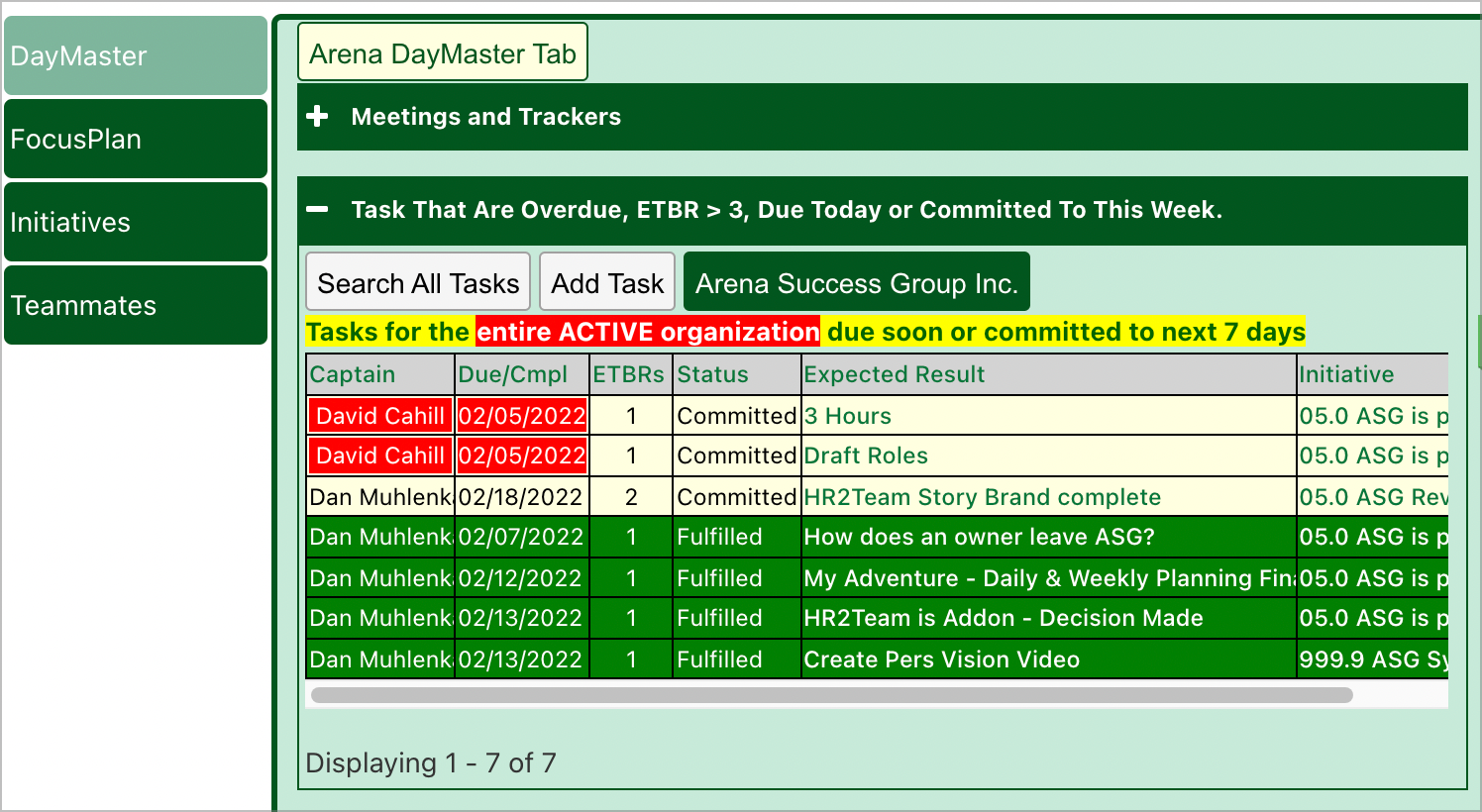
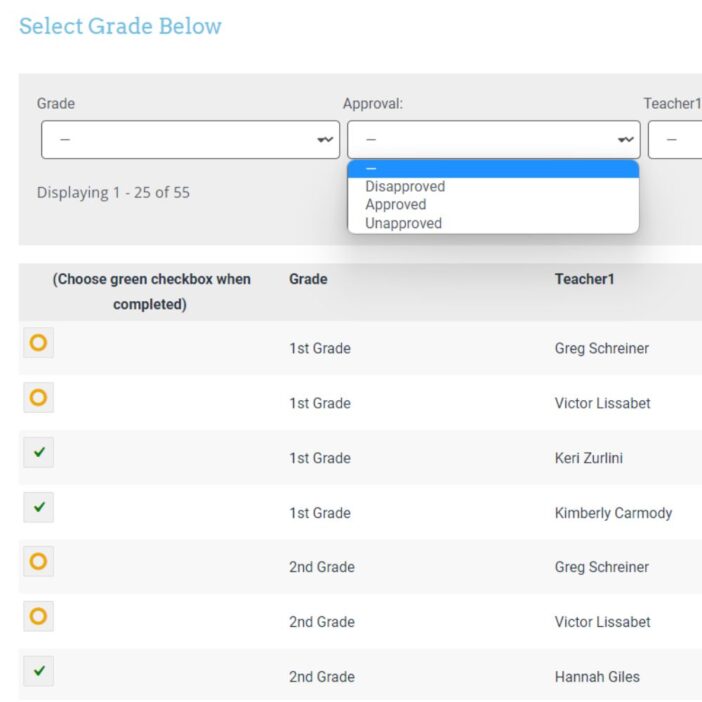
As you can see, GravityView is used all throughout the system. Dan makes use of the Table layout to display meetings, initiatives, milestones and tasks in simple spreadsheets. Many of these Views are made editable using our GravityEdit add-on.
The Advanced Filtering extension is also pivotal to the system—this allows Dan to create complex filters to ensure his Views display only the most necessary information.
I can’t imagine not using GravityView on a WordPress site that collects any amount of data at all.
The impact
What initially stood out to Dan was the flexibility of GravityKit’s layouts. The List, Table, and DIY layouts allowed him to display data exactly the way he wanted. The versatility gave him control without adding complexity.
What truly made the difference, however, was the support team. They were responsive from the beginning and consistently helpful. As someone building this alongside running two businesses, Dan appreciated being treated with respect and getting clear, efficient guidance when he needed it.
GravityKit has also made it easier for Dan to serve his customers. Because business owners are comfortable working with spreadsheets, presenting information in a familiar table format reduces the learning curve. The structured layout allows him to train users quickly and get them up and running.
As someone who builds data-driven systems, Dan now finds it hard to imagine creating a WordPress site that collects data without using GravityKit. In his experience, the product continues to improve rapidly, reinforcing his confidence in recommending it to others.
The support team was responsive and got back to me early on.
Takeaways
Dan built a powerful, data-driven productivity system without relying on a development team or custom code. By combining Gravity Forms with GravityKit, he created a flexible platform that collects, organizes, and displays business-critical information in a way that feels familiar and easy to use.
For business owners and site builders who need to manage and present data efficiently, his experience shows that you don’t need to be a full-time developer to create something robust and scalable. With the right tools, complex systems can be built, refined, and supported without unnecessary overhead.

Ready to get
started?
GravityKit’s integrated toolkit of Gravity Forms add-ons transforms your data into actionable applications.
Browse more case studies
Killer Shorts
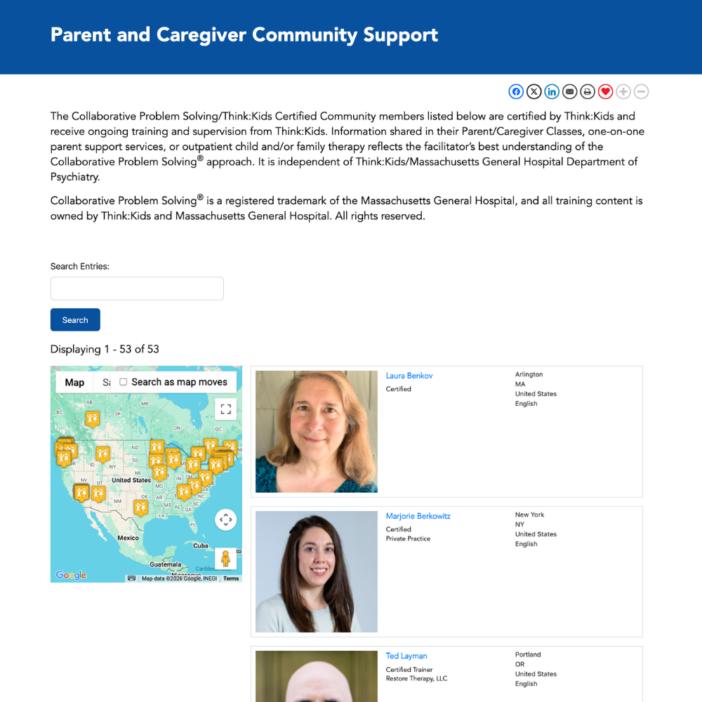
Think:Kids
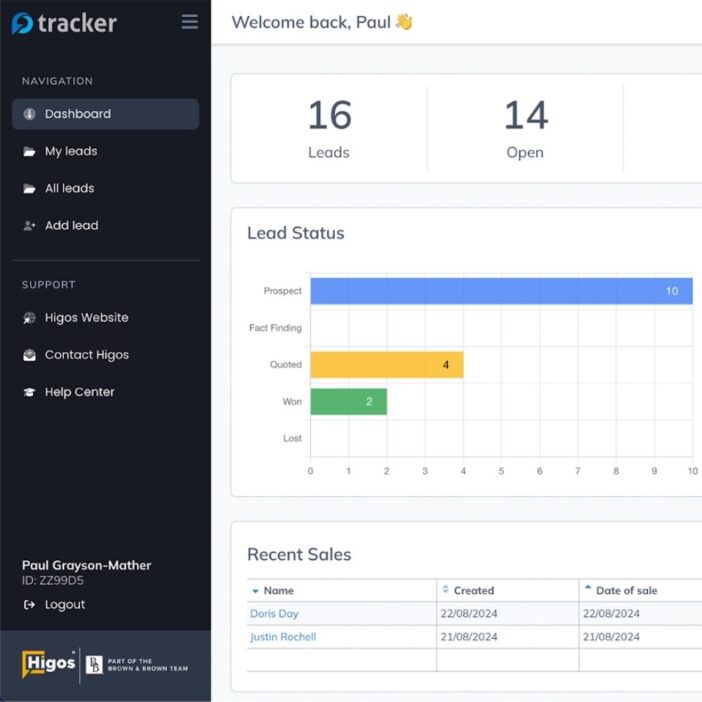
Leadpal
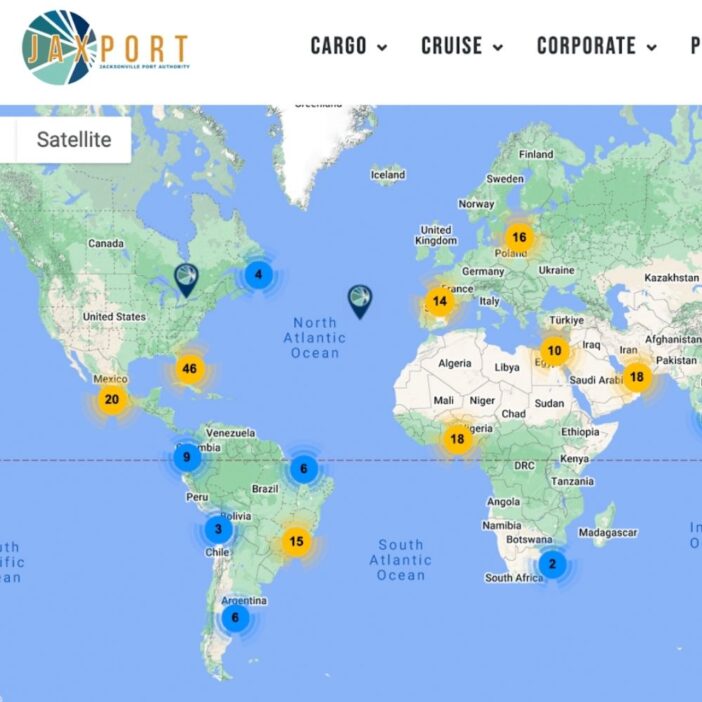
Jacksonville Port Authority
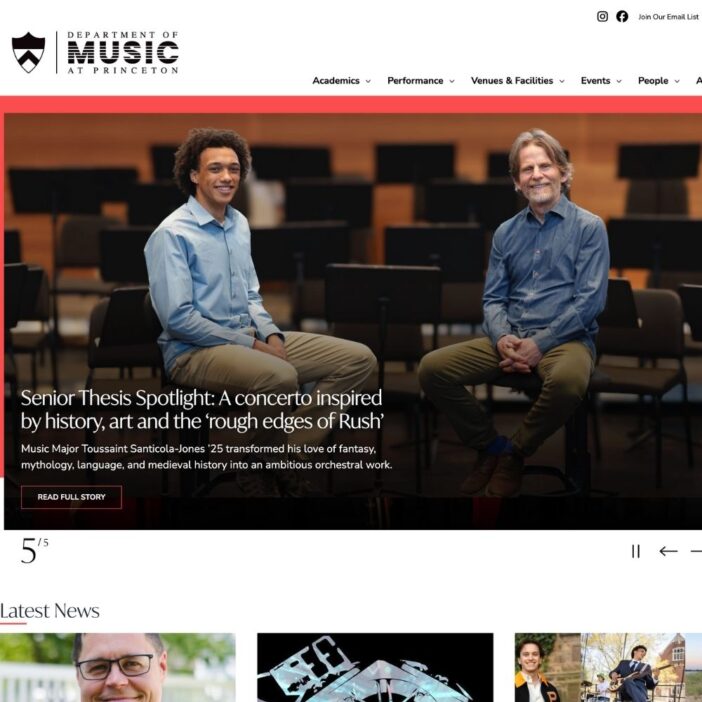
Princeton University
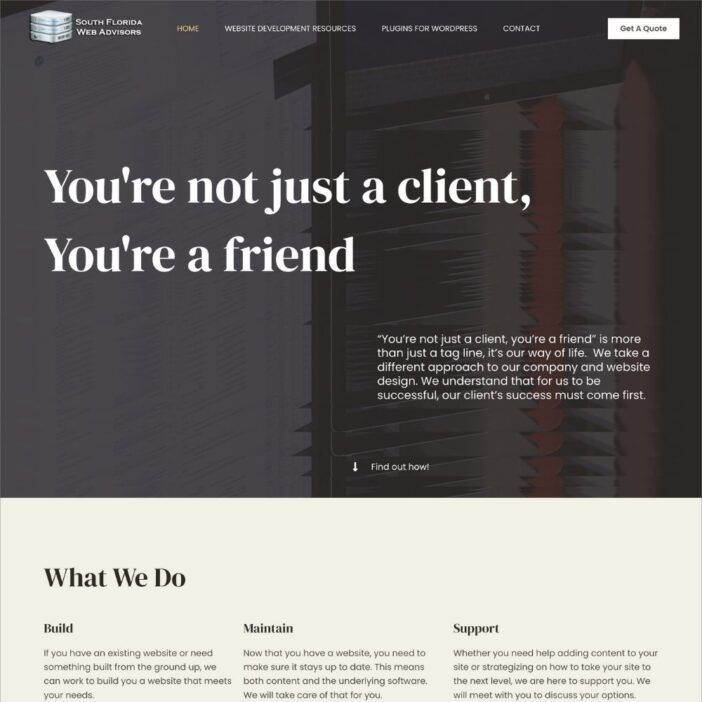
South Florida Web Advisors
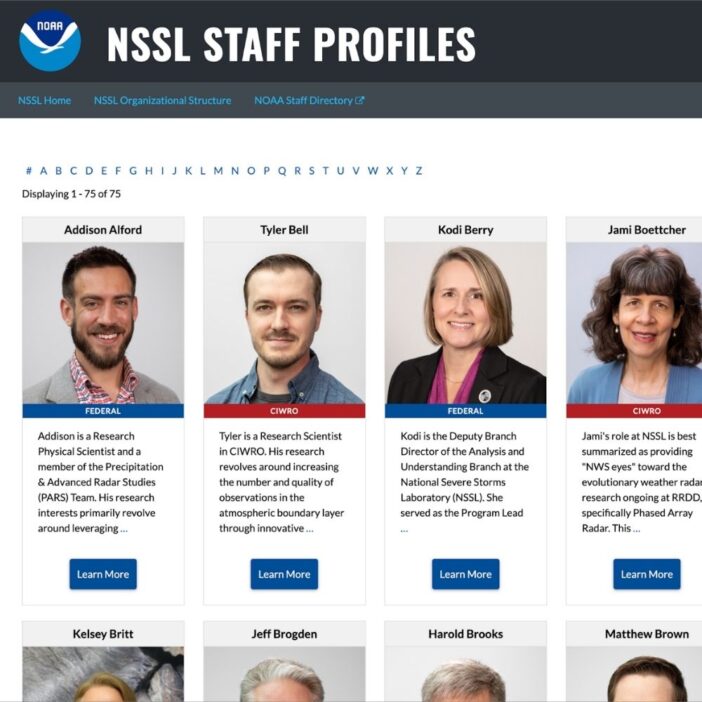
NSSL
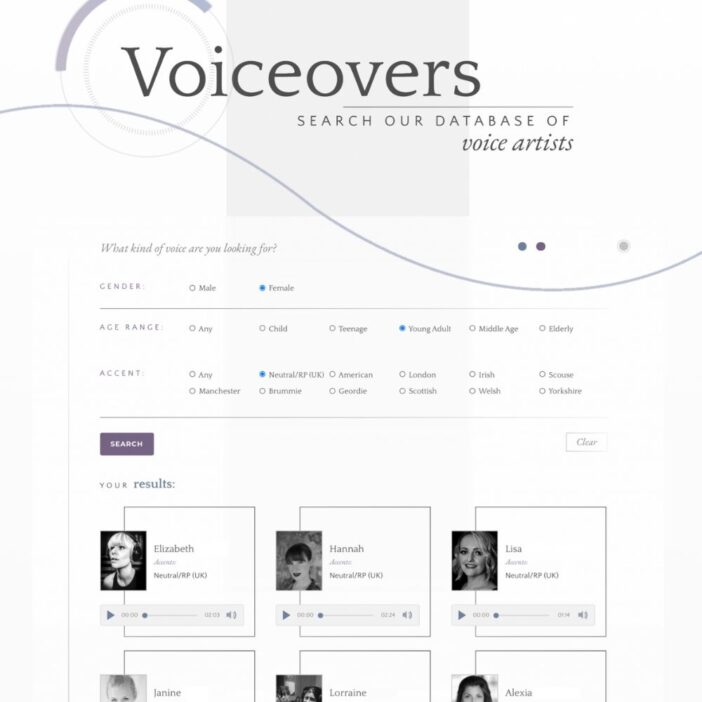
Dragonfly
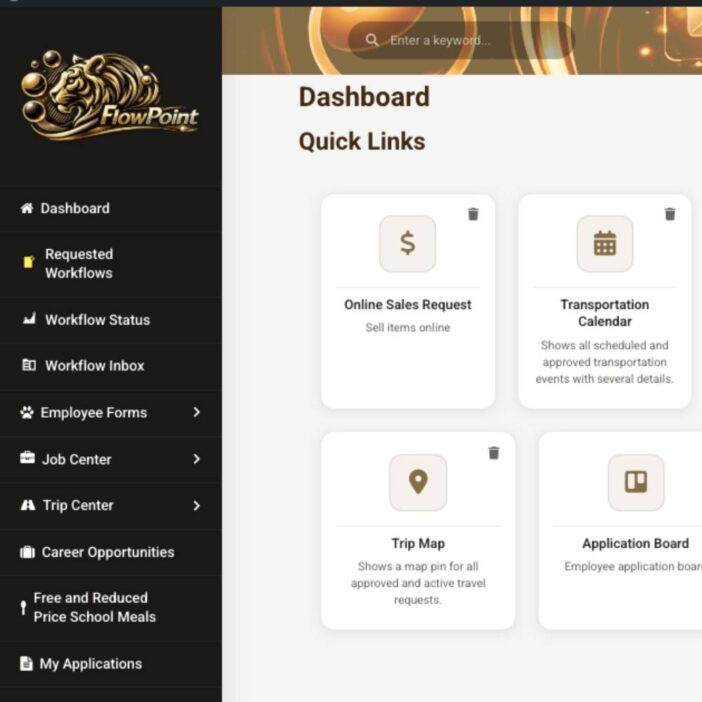
West Fork School District
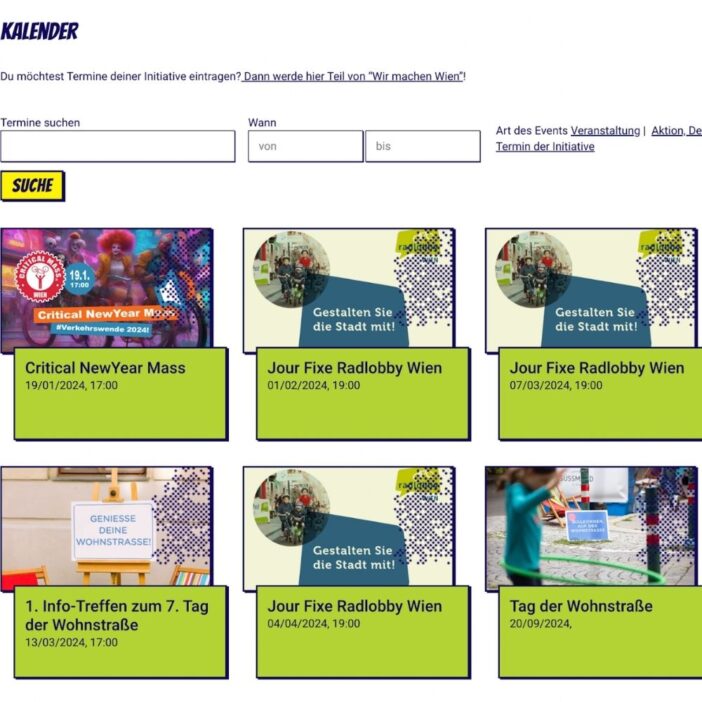
HappyTree IT
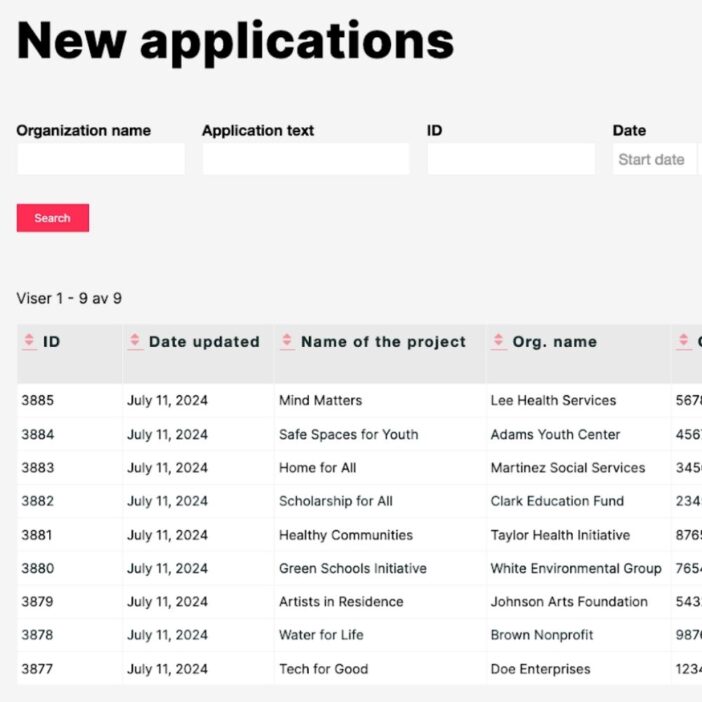
Mediebruket
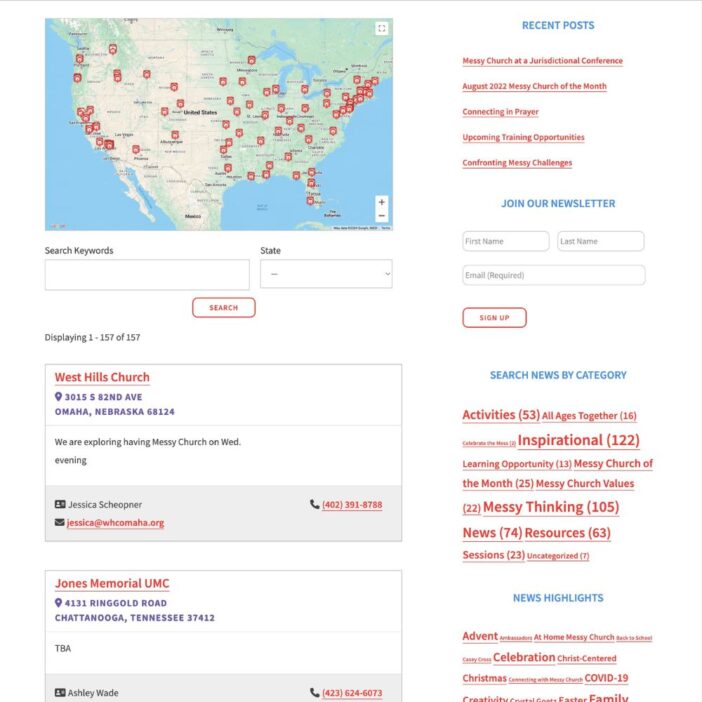
Bet Hannon
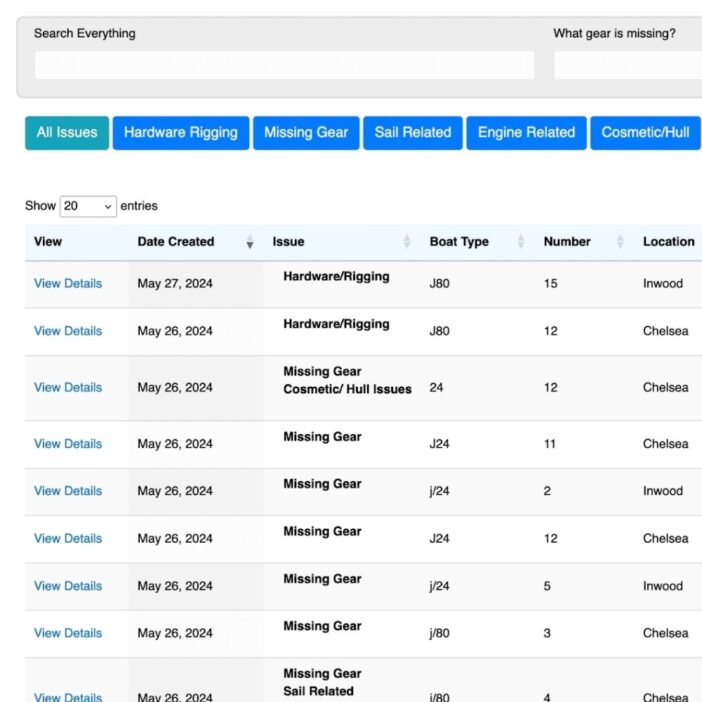
Experience Solutions
Slight Revision
LifterLMS
Jamie Madden
GCPE
Rochelle Victor
43Folders