Case study
How Think:Kids maps its Certified Community with GravityView
Think:Kids, a program based at Massachusetts General Hospital (the original teaching hospital of Harvard Medical School), trains parents, educators, and mental health professionals in its evidence-based Collaborative Problem Solving® approach. To help families find that growing network, Lindsay O’Connell built an interactive map directory with GravityView and the Maps Layout. Certified members now keep their own listings up to date, and her team simply approves the changes.
Meet Lindsay O’Connell
Lindsay O’Connell works at Think:Kids, an organization dedicated to advancing a transformative approach to protect children’s mental health and revolutionize society’s response to misunderstood kids.
Practitioners who complete Think:Kids’ certification program join its Certified Community, a network of parents, educators, and mental health professionals across the world. As the community grew, Think:Kids needed a way for website visitors to find certified support near them.

Discovering GravityKit
The requirement was clear: an interactive map of the Certified Community, running on WordPress, and built on data the team was already collecting with Gravity Forms.
We were looking for an easy-to-use WordPress plugin that would help us to create an interactive map of our Certified Community. We were using Gravity Forms, and this seemed like a great solution.
Two things sealed the decision: GravityKit fit the stack they already had, and Lindsay didn’t need a developer to get it running.
It worked well with WordPress, Gravity Forms, and I could set it up myself.
Building with GravityKit
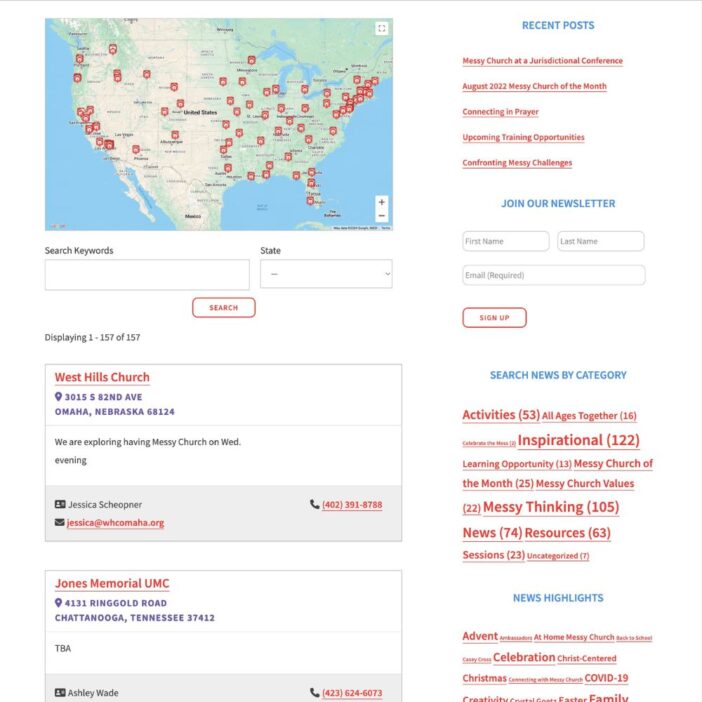
Think:Kids collects each member’s information through a Gravity Forms form. GravityView then displays those entries on the front end, and the Maps Layout plots them on an interactive Google Map, geocoding each member’s address automatically.
The Certified Community Directory currently lists 98 certified practitioners and trainers. Visitors can search the directory, browse the map, and open each member’s profile.
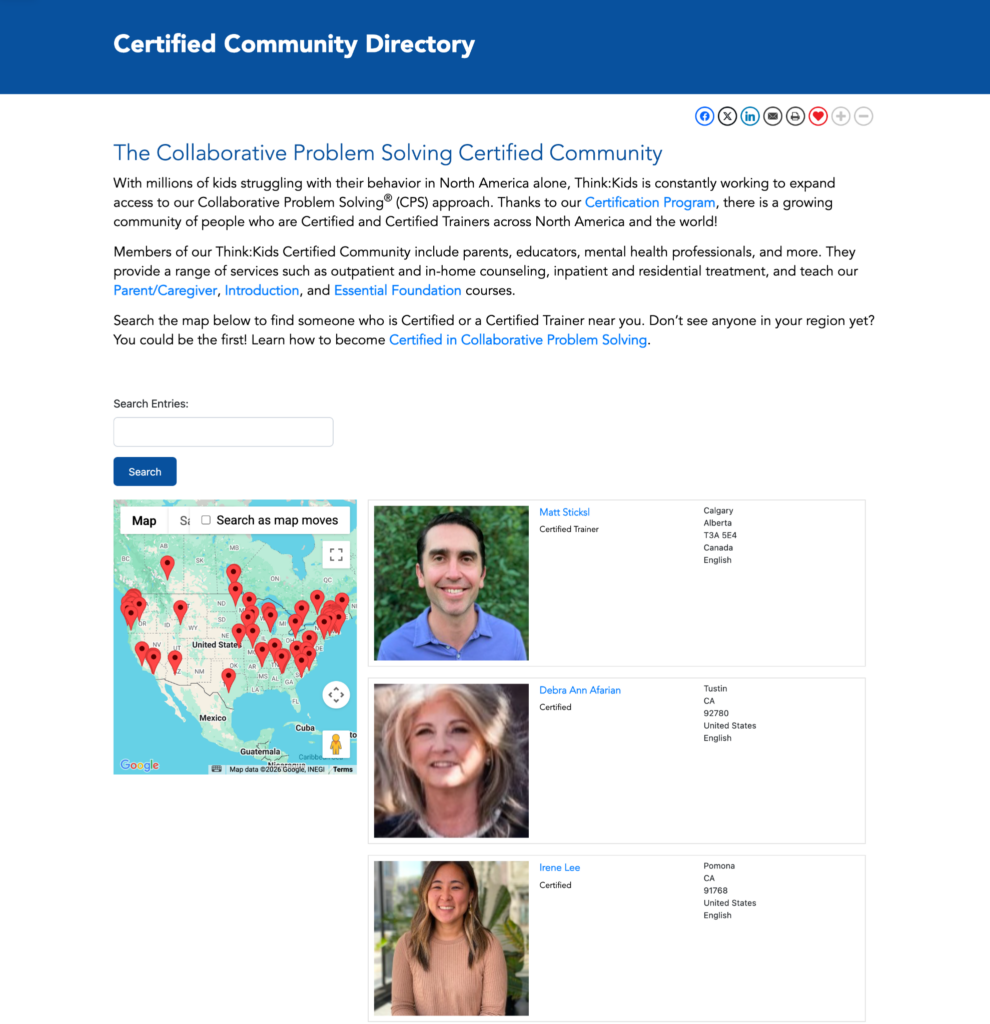
GravityView is a great tool to help us gather information from our Certified Community and display it visually for our site visitors. They are able to find support and training from someone in their community. Each one of our Certified Members can have their own page with a photo, about me, and services offered.
Think:Kids uses the Maps Layout in two places on its site. Alongside the main directory, a second View on the Parent and Caregiver Support page maps 53 members who offer parent coaching, caregiver classes, and family therapy.
Lindsay also swapped the standard map pins for a custom icon that matches the Think:Kids brand.
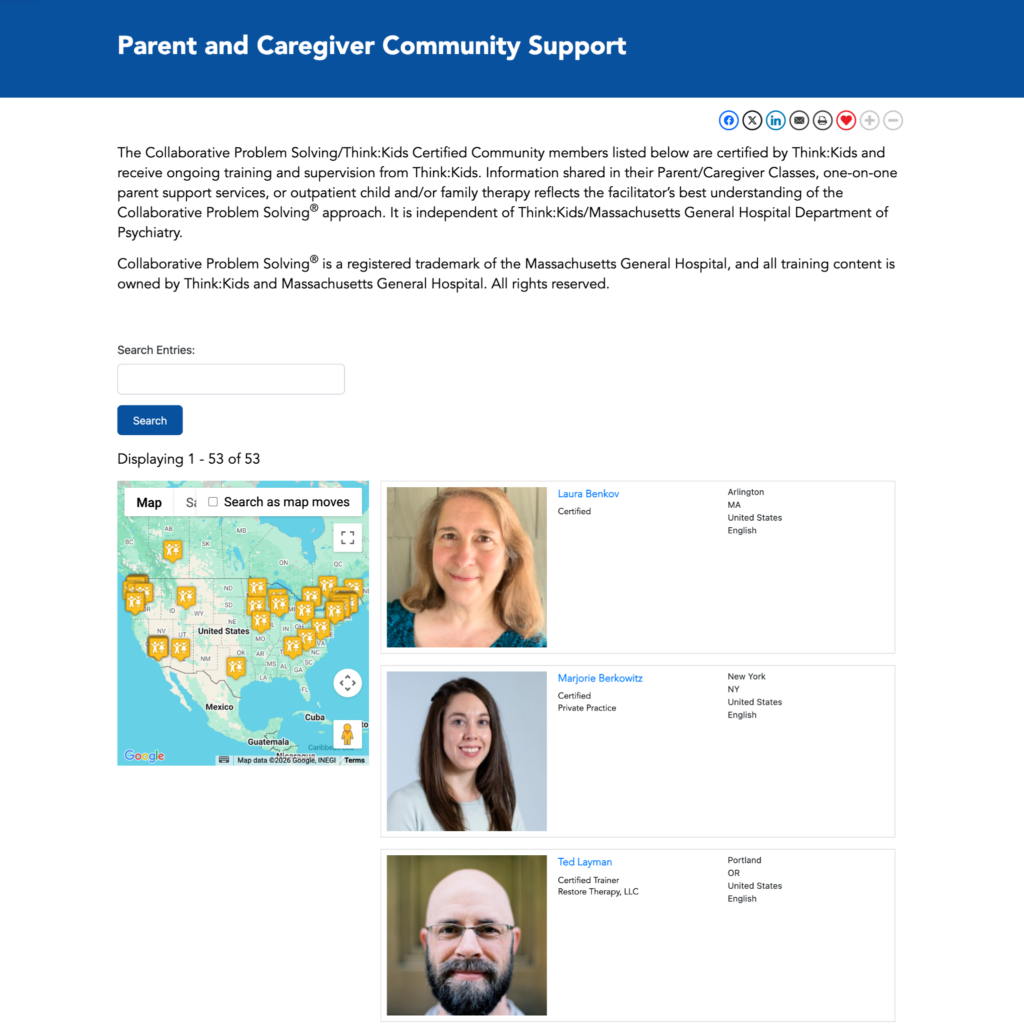
Both directories are connected to the same form entries, with the second View filtered to members who specifically support parents and families. Instead of maintaining two forms, two maps, and two directories, the team manages a single data source, which saves considerable time.
The part Lindsay highlights most is front-end editing. Certified members update their own listings directly on the site, and her team reviews each change using GravityView’s entry approval before it goes live.
The impact
Before, keeping the directory current meant manual work for the Think:Kids team: entering map coordinates, updating member details, and placing pins by hand. Now the members handle their own updates.
It has saved our team time because it enables our members to update their form directly, all we have to do is approve their entry. We no longer have to enter map coordinates, update their information manually, or create pins on the map.
The directory also scales with the program. As Think:Kids certifies more practitioners, each new member simply submits the form and appears on the map once approved.
As we expand our Certified Community we will continue to use GravityKit to support sharing their information with the public.
Would she recommend GravityKit to other WordPress builders? Her answer, in full: “YES!”
Takeaways
If there’s one lesson from the Think:Kids directory, it’s that a member directory doesn’t have to be maintained by hand. GravityView’s front-end editing and entry approval let members keep their own listings current while the team stays in control of what appears on the site.
It also shows that when your data already lives in Gravity Forms, an interactive map directory is a configuration task, not a development project. Lindsay set up both Views herself, no developer required. And small touches like custom map icons keep the result looking like part of your brand rather than a bolted-on widget.
Want to build a searchable directory from your own Gravity Forms data? Learn more about GravityView.

Ready to get
started?
GravityKit’s integrated toolkit of Gravity Forms add-ons transforms your data into actionable applications.
Browse more case studies

BrightLeaf Giving: live ledger
Be There Local
Killer Shorts
Leadpal
Jacksonville Port Authority

Princeton University
South Florida Web Advisors
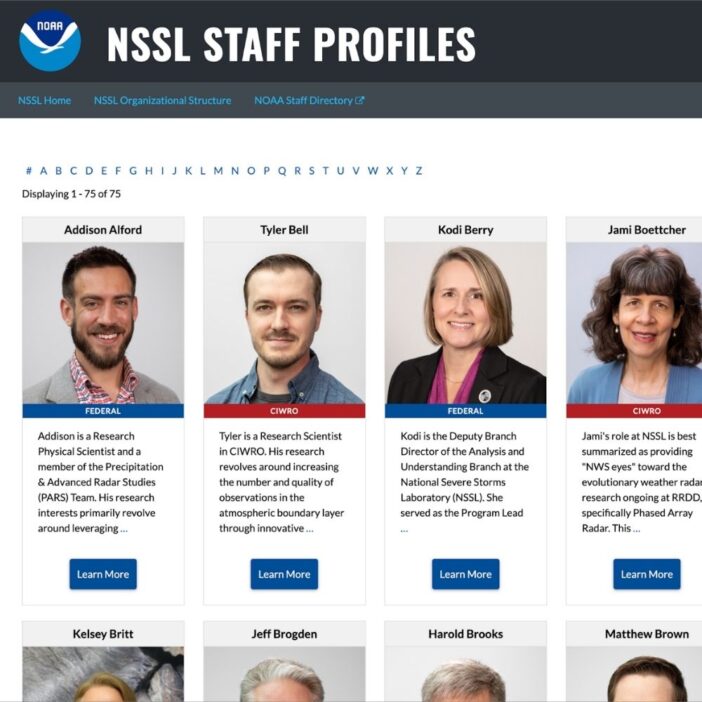
NSSL
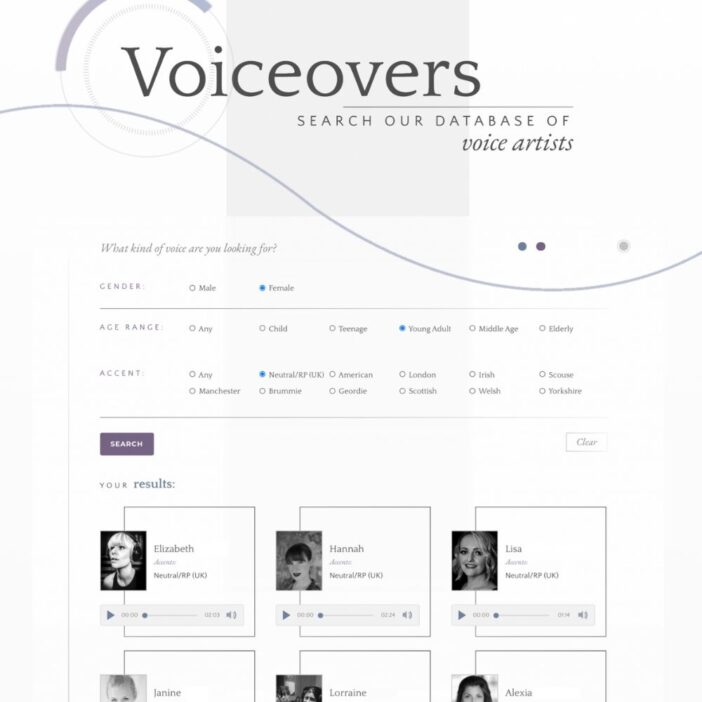
Dragonfly
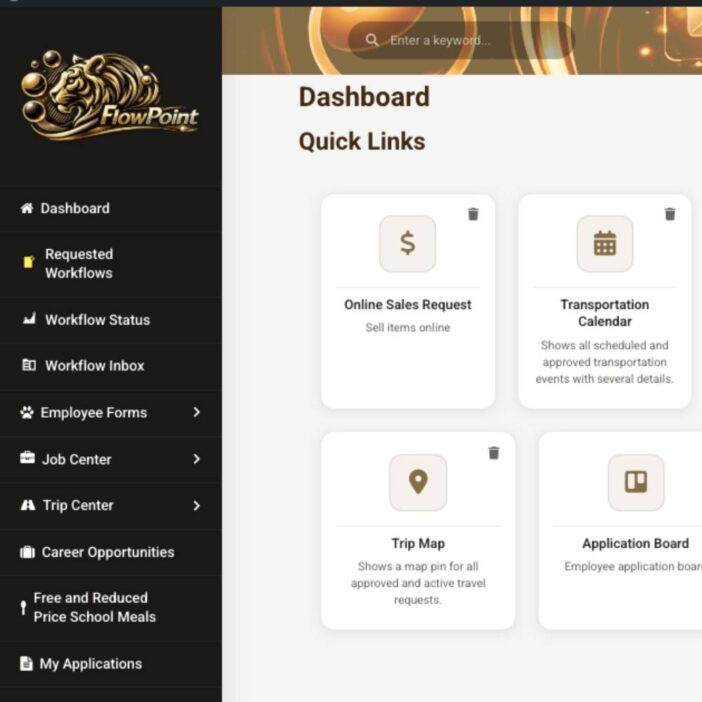
West Fork School District
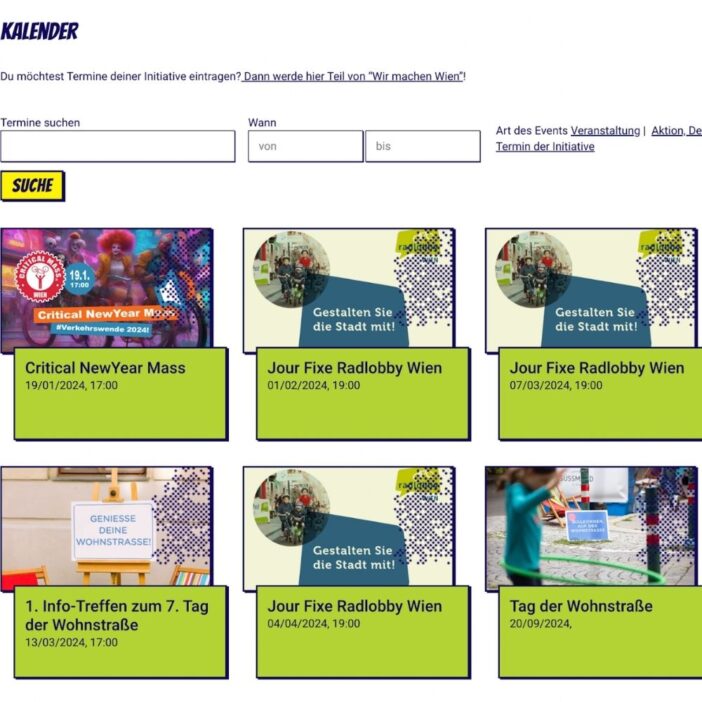
HappyTree IT
Mediebruket
Bet Hannon
Experience Solutions

Slight Revision
LifterLMS
Jamie Madden
GCPE
Rochelle Victor