Case study
How Rochelle Victor built a Student Information System on WordPress with GravityKit
When her school needed a Student Information System (SIS), Rochelle Victor didn’t want to lock the school into a commercial platform with annual fees. She used Gravity Forms and GravityKit to build a full SIS on WordPress, with attendance, scheduling, a library catalog, admissions, report cards, and a jobs portal all running inside a single site. The school owns the system end to end, and Rochelle has since used the same approach for other non-profits in her area.
Meet Rochelle Victor
Rochelle is a web developer and designer who builds information systems for schools and non-profits. She came to this project with a Gravity Forms install already in place at the school and a tight budget that ruled out a typical SIS subscription.
A Student Information System digitizes the records and processes that schools normally manage on paper or across half a dozen disconnected tools. Attendance, schedules, family contact details, report cards, admissions, library checkouts, volunteer hours: an SIS pulls them into one searchable place that staff and families can access from any browser.

Discovering GravityKit
Rochelle’s brief was specific. She needed to:
- Store and display student, staff, and family records in multiple formats
- Let families submit and edit their own information from the front end after logging in
- Give office administrators secure front-end access to view and edit every record
Gravity Forms covered the data collection side. The missing piece was a way to display those entries back to logged-in users, with role-based access and editable views. That was where GravityView fit.
It is easy to set up, incredibly customizable, and is perfect for membership sites where you need to limit access to different records.
Building with GravityKit
Rochelle used GravityView as the display and editing layer on top of Gravity Forms. Together they power more than a dozen interconnected applications inside a single WordPress site:
- Student and staff attendance
- COVID health screenings
- Volunteer sign-ups and hour tracking
- Student, staff, and room scheduling
- Virtual school library catalog
- Student admissions modules
- After-school and summer camp registrations
- Report cards
- Student and family contact records
- School and event calendars (built with the GravityCalendar Add-On)
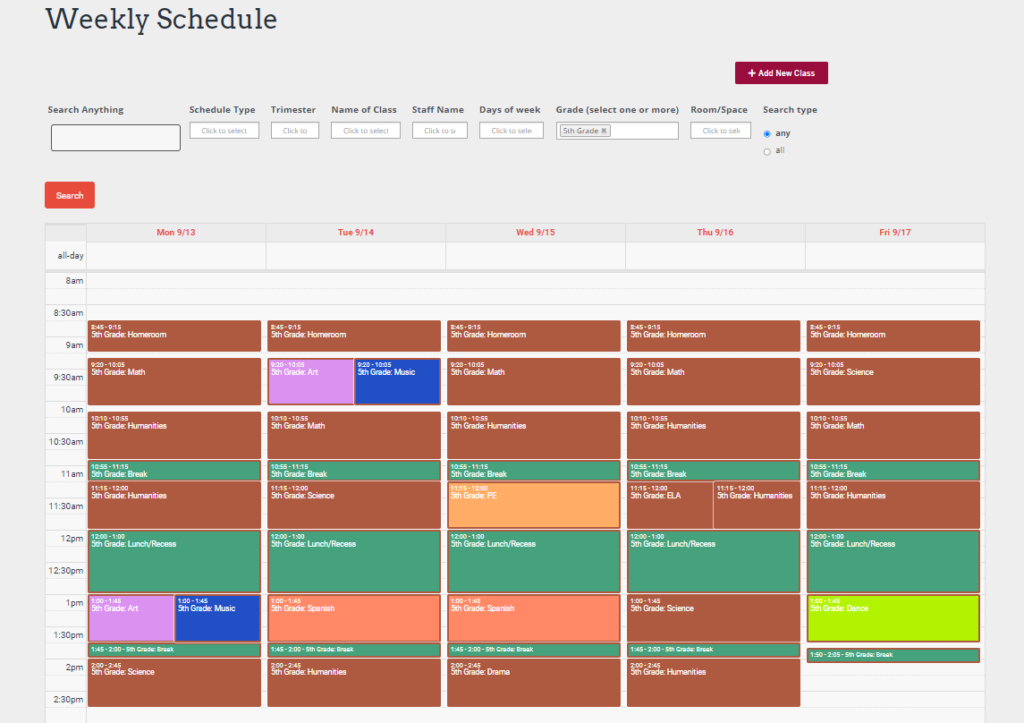
Three of these applications show how far GravityView can go without writing custom plugins.
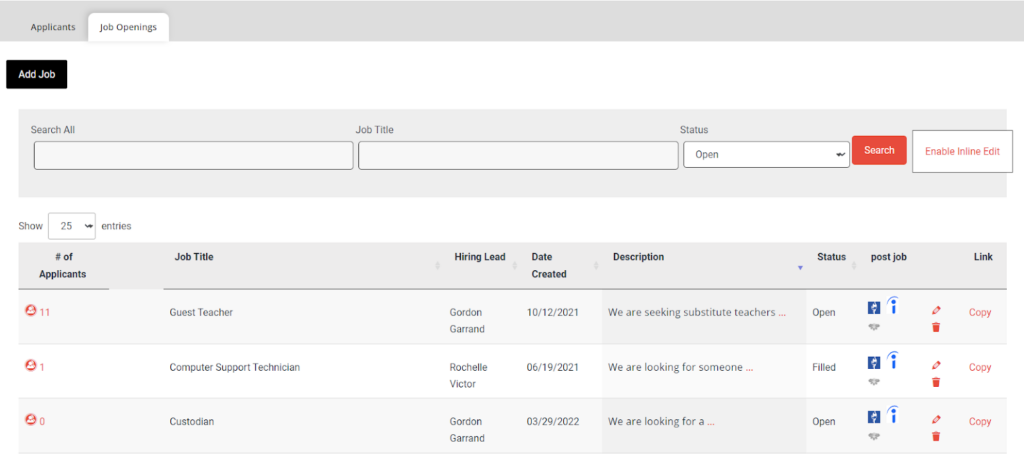
Jobs portal
Administrators post job listings and review applications entirely from the WordPress front end. Resumes appear as attachments on each application, and the portal tracks who has been contacted so two staff members never reach out to the same candidate.
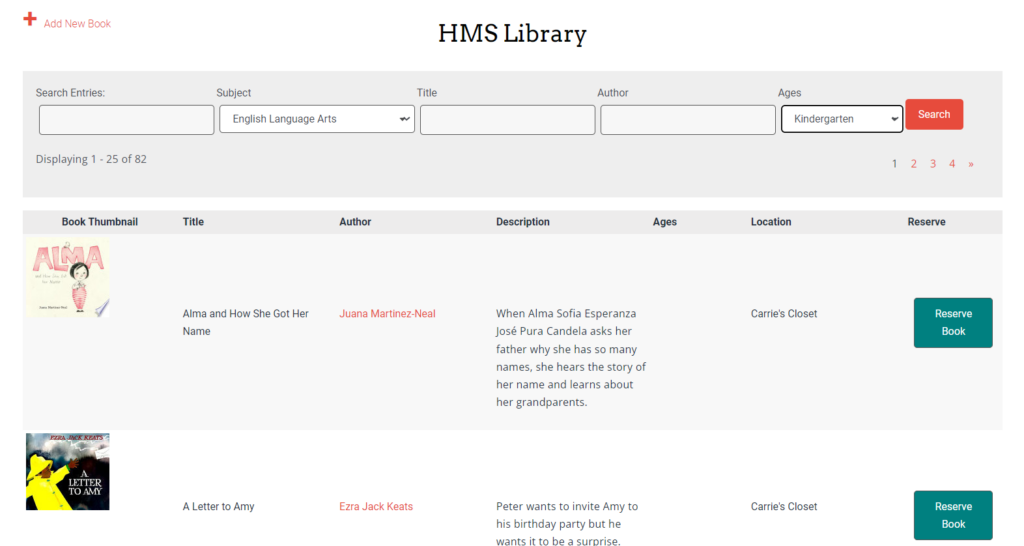
Online library
Families search the school’s book catalog by subject, title, author, or age group, then place a reservation. GravityView enforces the school’s borrowing rules: a two-week countdown shows on each active reservation, and duplicate holds on the same book are prevented automatically.
Report approval system
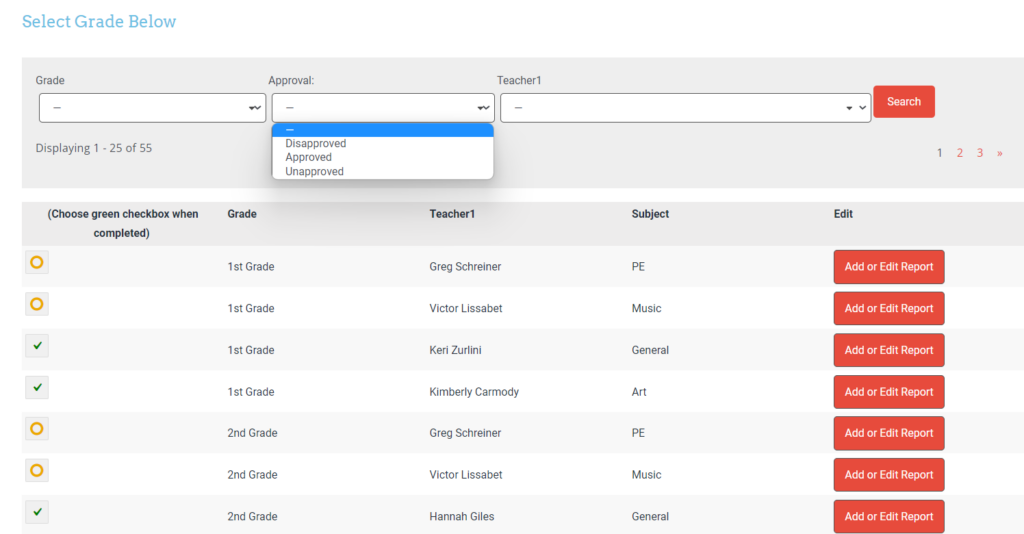
Teachers submit reports through Gravity Forms. Supervisors then filter by teacher, subject, or grade inside a GravityView, review each report, and mark it approved or disapproved before it becomes visible to the rest of the school.
For the few cases where Rochelle needed something the UI didn’t ship with, she dropped in custom shortcodes (for example, sending email or text messages to a list of users from inside an entry view). That extensibility means an edge case doesn’t force a rebuild on a different platform.
I am in awe of how easy it was to create a fully functioning system at a fraction of the cost of other SIS systems on the market.
The impact
Rochelle delivered a system the school owns outright, with no per-student licensing, no annual SaaS fees, and no migration risk if a vendor changes terms. The same approach has since become the basis for her client work:
- The school can extend the system itself by adding new forms and views, with no developer needed for routine changes
- Multiple non-profits in her area now run the same WordPress and GravityView stack
- Rochelle is recognized locally as the specialist for niche, complex information systems
Takeaways
- GravityView turns Gravity Forms into a full app platform. If you can model your data as form entries, you can build front-end views, edit screens, and role-based dashboards on top of it without custom code.
- WordPress and GravityView are a credible alternative to commercial SIS pricing. Schools and non-profits with tight budgets can run a comparable system without subscribing to a vertical-specific vendor.
- Membership and access control are built in. Per-role visibility settings made it possible to give families, teachers, and administrators different views of the same underlying data.
- The GravityCalendar Add-On covers scheduling out of the box. Class schedules, event calendars, and room bookings did not require a separate calendar plugin.
- Custom shortcodes fill the small gaps. When the UI doesn’t cover an edge case, extending GravityView is cheaper than replacing the whole stack.
Are you evaluating GravityView for a similar project? The front-end editing features, role-based view permissions, and the GravityCalendar Add-On are the parts of the stack to look at first.

Ready to get
started?
GravityKit’s integrated toolkit of Gravity Forms add-ons transforms your data into actionable applications.
Browse more case studies
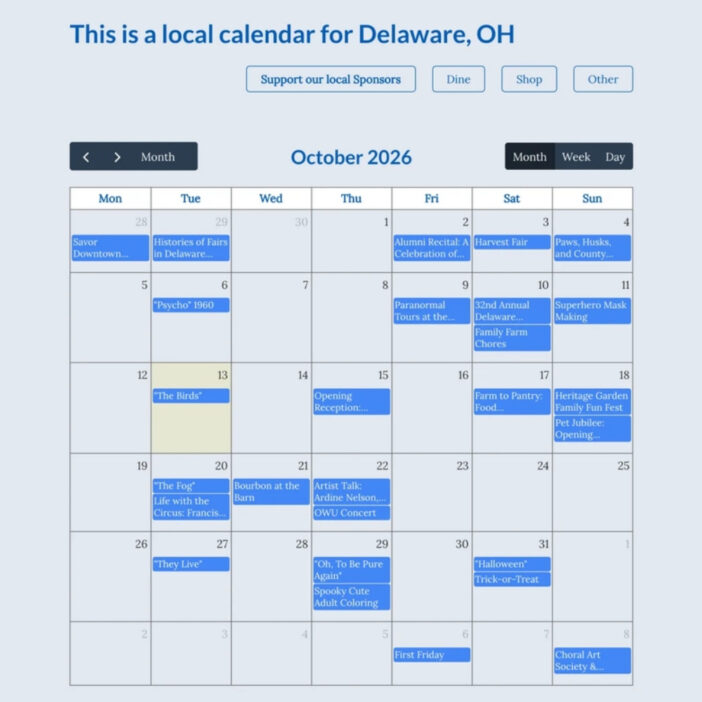
Be There Local
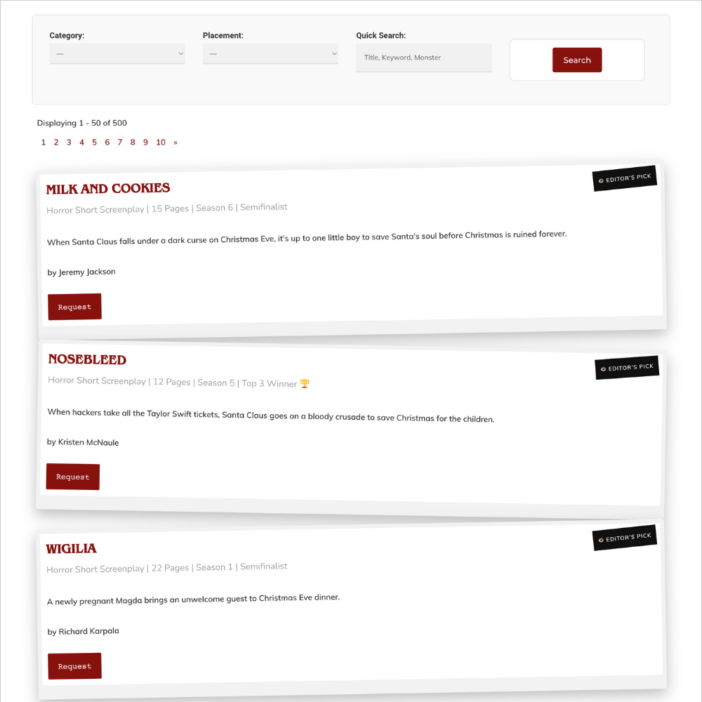
Killer Shorts
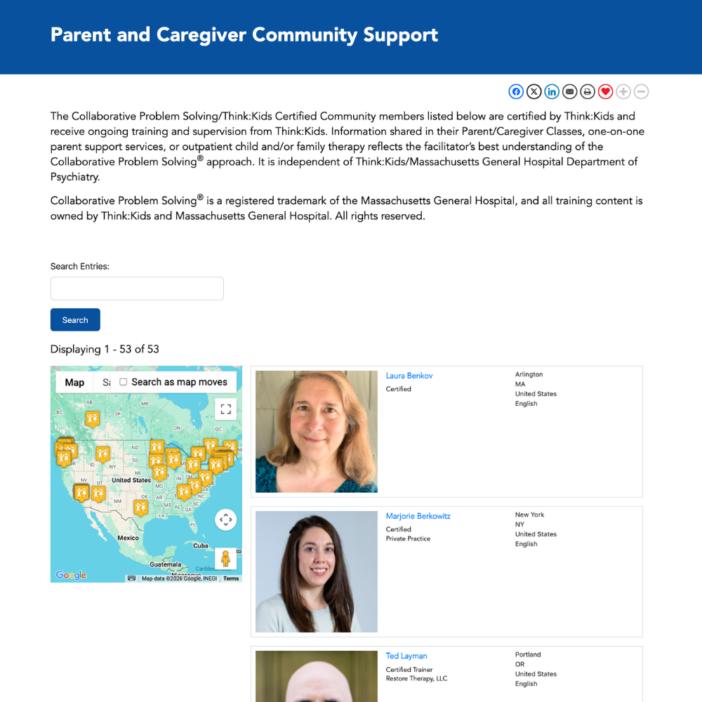
Think:Kids
Leadpal
Jacksonville Port Authority
Princeton University
South Florida Web Advisors
NSSL
Dragonfly
West Fork School District
HappyTree IT
Mediebruket
Bet Hannon
Experience Solutions
Slight Revision
LifterLMS
Jamie Madden
GCPE
43Folders