Case study
How a full-service WordPress agency builds nonprofit member directories with GravityView
When a nonprofit needs a member directory tied to recurring dues, payment status, and self-service profile updates, the work usually splits across several plugins. BHM Biz Sites pulls it together with Gravity Forms, WooCommerce, and GravityView. The directory shows only paid members, drops them automatically when a subscription lapses, and lets each person edit their own entry without staff involvement.
Meet Bet Hannon
Bet Hannon runs BHM Biz Sites (now AccessiCart), a full-service WordPress agency offering design and development, managed hosting, content management, and consulting. The agency has been in business for 10 years, with roots in the nonprofit world that still shape its client mix today.
When we first started out 10 years ago, the majority of our clients were nonprofits since some of my background was nonprofit management. Today, about half of our continuing clients are nonprofits, but the majority of our newer clients are small or medium-size businesses, including some startups.
Every BHM Biz Sites client currently using GravityView is a nonprofit, which is where the agency’s directory work has found the strongest fit.

Discovering GravityKit
The first GravityView project started with a familiar problem. A client wanted a member directory, and the information the agency needed to capture was complex enough that Gravity Forms was the obvious choice for collecting it. The harder part was displaying those entries on the front end with sorting and filtering, and that’s where GravityView came in.
GravityView was clearly the best option for displaying Gravity Forms entries, especially when we needed to start sorting and filtering them.
When Bet first installed GravityView, one feature stood out beyond the directory display itself: members can edit their own entries. That single capability turned what might have been a staff-managed directory into a self-service one, and it shaped how the agency would approach every directory build that followed.
Building with GravityKit
BHM Biz Sites pairs GravityView with WooCommerce to handle the membership lifecycle end to end:
- Gravity Forms collects the member’s profile information
- WooCommerce, WooCommerce Memberships, and WooCommerce Subscriptions handle recurring dues and account status
- Gravity Forms for WooCommerce links the form submission to the order
- GravityView displays only entries owned by users with the active subscriber role, so a paid member appears in the directory immediately, and a lapsed or cancelled member drops off automatically
The result is a directory that runs itself.
We love that GravityView makes it possible for individual members to edit their entry for the directory form/membership info.
Messy Church USA
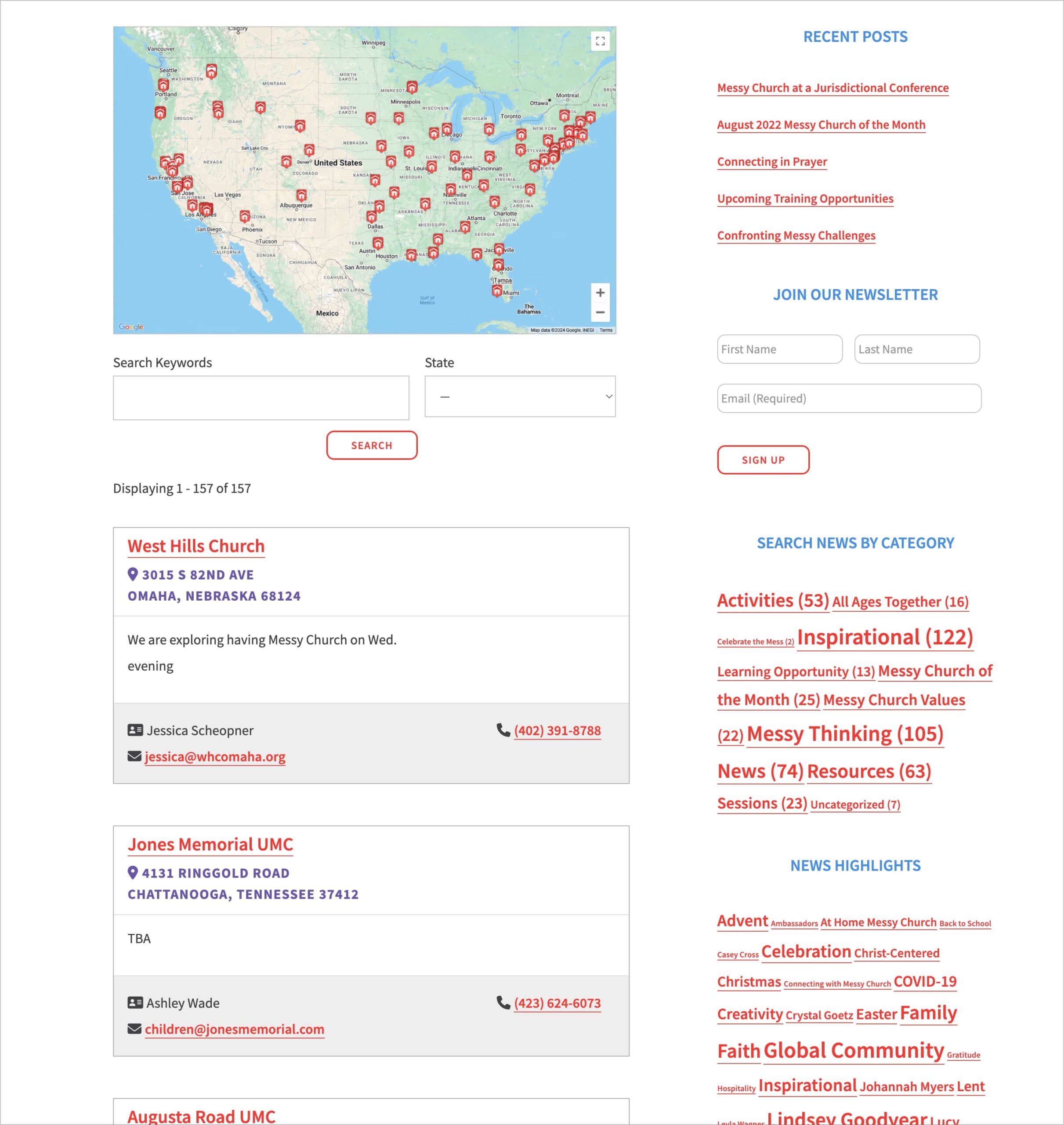
Messy Church USA is a religious organization that operates across Christian denominations and traditions, with locations throughout the United States. Here the directory needed to be a map. BHM Biz Sites used GravityView’s Map view to plot churches, missions, and other locations across the country, with each pin opening to event times, dates, contact details, and address information. Local organizers can log in and edit their own entries, which keeps the map current without staff intervention.
Hearts on Fire
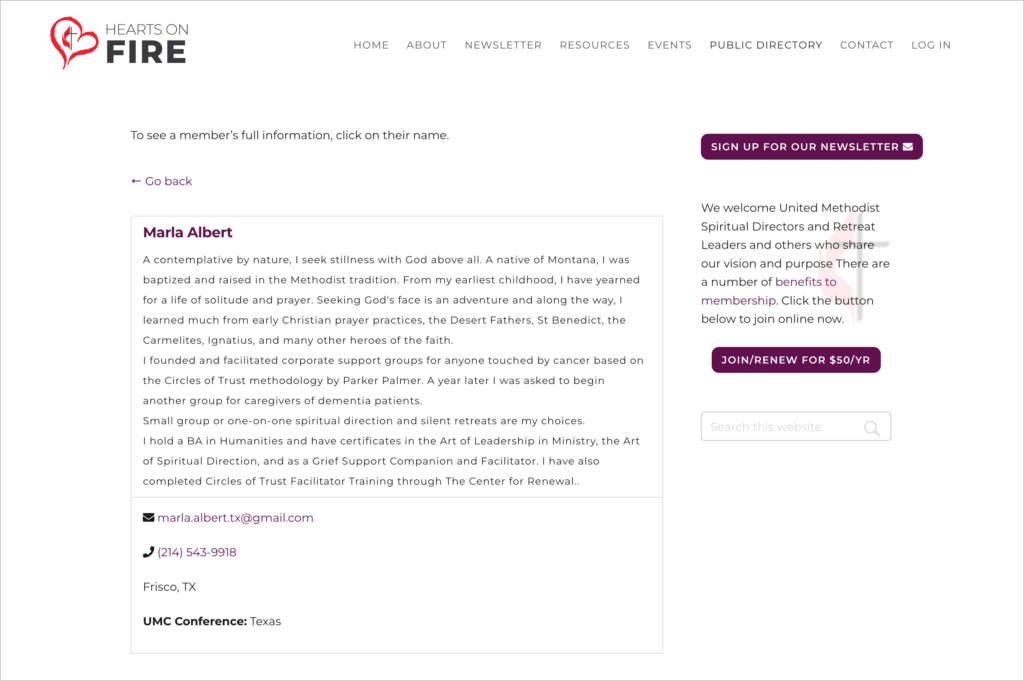
Hearts on Fire is a United Methodist organization that connects spiritual directors and retreat leaders through events, newsletters, and a paid membership program. BHM Biz Sites built its public member directory using GravityView’s Listing layout. Visitors can browse members, click through to a single-entry page that shows biography, email, phone number, and other details, and members themselves can log in to update their information whenever it changes.
The impact
Both directories run on the same idea. Member data lives in Gravity Forms, membership status lives in WooCommerce, and GravityView ties them together so the front end always reflects who is currently a paid member. Staff don’t add or remove people, members don’t email in updates, and the public-facing directory stays in sync with the membership database.
For an agency serving nonprofits, that’s the part that matters. Most of these organizations don’t have the staff hours to maintain a directory by hand, and they don’t have the budget for a custom build. The combination of GravityView and WooCommerce gives them a directory that maintains itself, with editing handled by the people whose information it actually is.
Takeaways
- A member directory doesn’t have to be a custom build. Gravity Forms, GravityView, and WooCommerce together cover data collection, payment, and front-end display
- Filtering by user role keeps the directory honest. New members appear automatically when they pay, and lapsed members drop off without staff cleanup
- Self-service entry editing reduces support load. Members keep their own profiles current, so staff don’t field “please update my phone number” emails
- One data source, multiple views. GravityView’s Listing and Map layouts let the same form data become a page of profiles for one client and a map of locations for another
- For agencies that build for nonprofits, this stack scales. The same pattern works across clients with similar membership and directory requirements
Curious what GravityView could replace in your own stack? Explore GravityView or browse more customer stories.

Ready to get
started?
GravityKit’s integrated toolkit of Gravity Forms add-ons transforms your data into actionable applications.
Browse more case studies
Be There Local
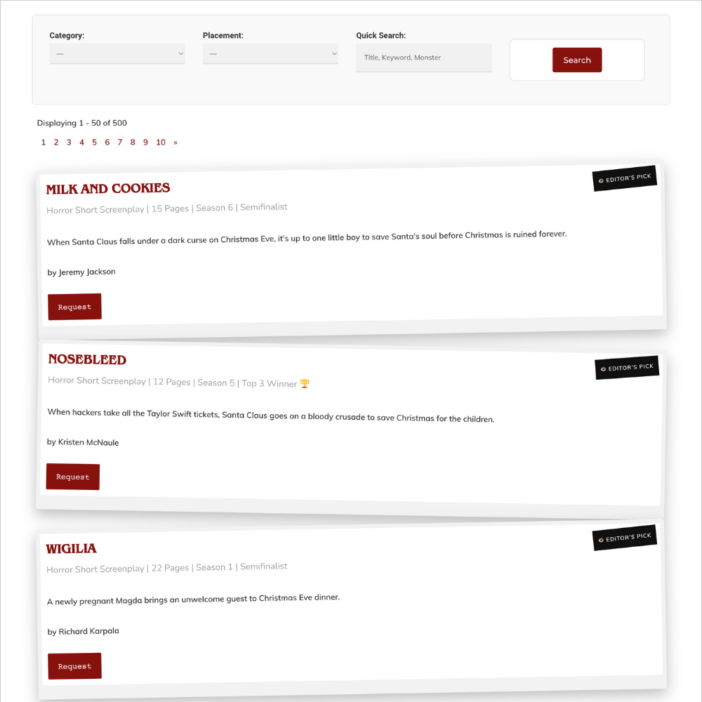
Killer Shorts
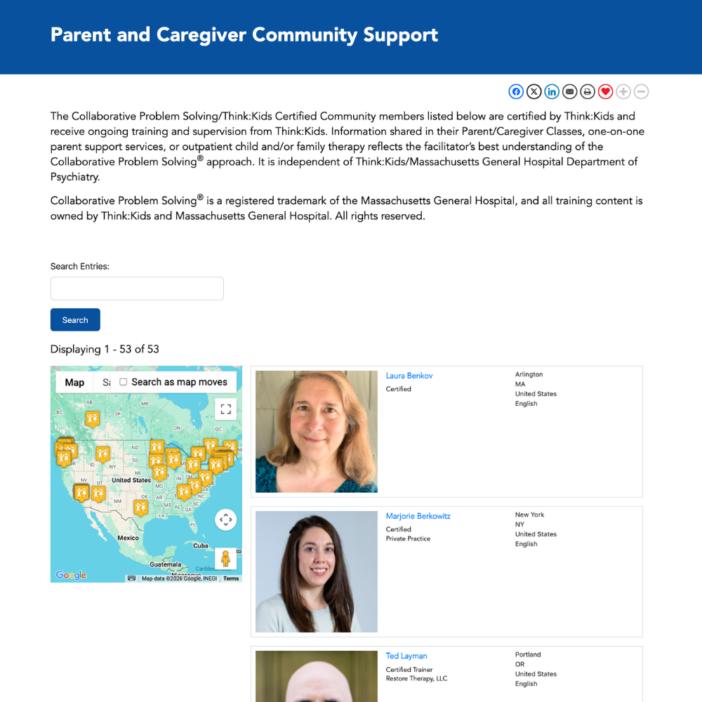
Think:Kids
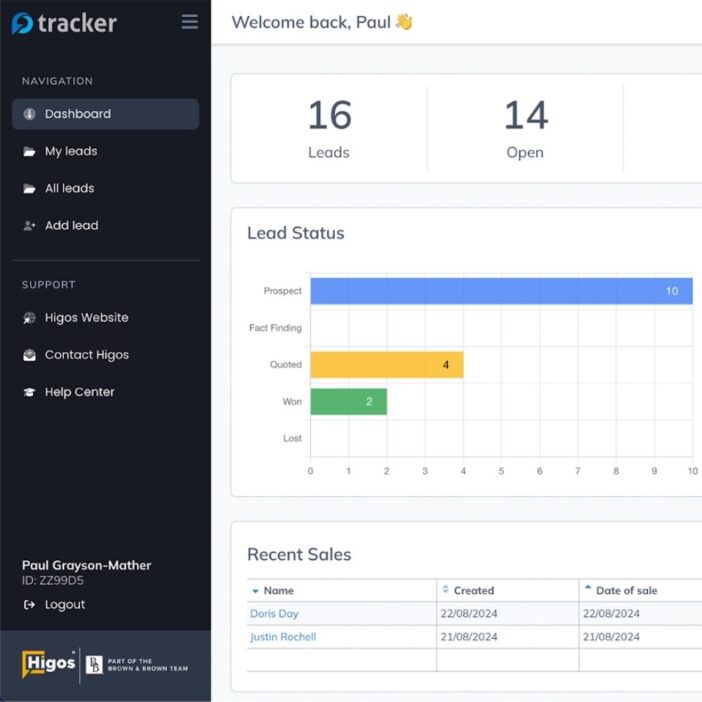
Leadpal
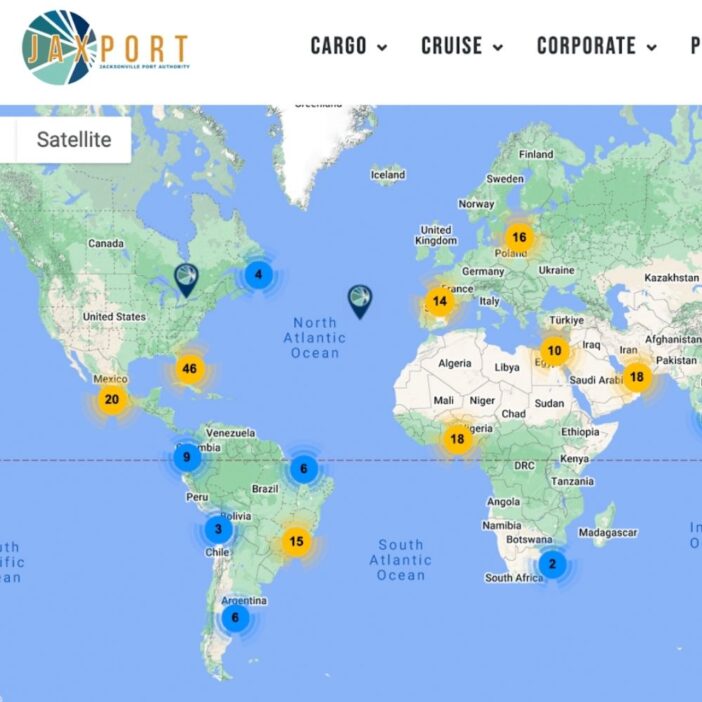
Jacksonville Port Authority

Princeton University
South Florida Web Advisors
NSSL
Dragonfly
West Fork School District
HappyTree IT
Mediebruket
Experience Solutions
Slight Revision
LifterLMS
Jamie Madden
GCPE
Rochelle Victor
43Folders