Case study
How South Florida Web Advisors builds directories and data systems with GravityKit
Philip Levine of South Florida Web Advisors uses GravityKit to build scalable, data-driven WordPress sites. With over 25 years of web development experience and hundreds of sites under management, Philip needed efficient tools that reduced custom development. Since discovering GravityKit in 2015, he’s used it to create directories, staff listings, and front-end data displays without custom PHP. GravityKit has become a core part of his workflow for managing and migrating data at scale.
Meet Philip Levine
Philip has been working in website design and development since 1997. He holds a degree in Management Information Systems from the Rochester Institute of Technology.
After college, he spent the early 2000s at a web development company that built its own CMS, frequently comparing its capabilities to WordPress as the platform evolved. In 2010, Philip moved to a local agency focused on small businesses, initially building HTML sites before transitioning fully to WordPress in 2012. In 2014, after his business partner retired, he founded South Florida Web Advisors.

Discovering GravityKit
Philip first discovered GravityKit in September 2015 while searching for a way to import entries into Gravity Forms during site migrations to WordPress. At the time, he needed a reliable solution for pulling historical form data from legacy systems.
Early on, Philip used Formidable Forms to build basic directories due to its built-in views functionality, reserving Gravity Forms primarily for eCommerce-focused projects. By 2018, however, he recognized Gravity Forms and GravityKit as the stronger long-term solution and upgraded to the All Access plan. The following year, he committed fully by upgrading to a lifetime license, citing GravityKit’s unmatched ability to extend the power and flexibility of Gravity Forms.
GravityKit has enabled me to get creative across a variety of websites, building powerful features without the need for custom PHP or complex coding. It’s saved me significant development time.
Building with GravityKit
Philip regularly uses GravityKit to display Gravity Forms entries in structured, front-end tables and directories, often leveraging the DIY Layout for more advanced use cases. One standout project involved creating a printed membership directory for an association, where each organization required a consistent layout featuring key contacts. Using GravityView alongside GV Logic, he dynamically generated page layouts with section headers and page breaks, producing a fully automated, print-ready PDF with consistent formatting.
Across multiple projects, Philip has also built staff directories that include both archive-style listings and individual profile pages. Rather than relying on custom post types or plugins like PODs, he chose Gravity Forms and GravityView for greater flexibility in form design, data management, and layout control (without the need for custom templates or additional PHP).
The intuitive interface, drag-and-drop builder, and reliable UI components make GravityKit easy to work with and highly dependable. By removing the need for complex custom development, GravityKit has allowed Philip to build creative, data-driven features across a wide range of sites while significantly reducing development time and long-term maintenance.
I would 100% recommend GravityKit to other web designers or agencies. For anyone with basic HTML/CSS skills, it gives them endless possibilities to extend WordPress (without needing to know PHP). Plus, there’s a great support and development team behind the products.
The impact
GravityKit has become a core part of Philip’s standard WordPress toolkit. Rather than being tied to a single use case, it’s installed on most projects by default. Philip often starts with tools like GravityImport and GravityExport, and expanding over time to include GravityActions and GravityView as site requirements evolve.
This modular approach allows Philip to adapt quickly without reworking existing systems. As projects grow more complex, GravityKit provides the flexibility to extend functionality incrementally, saving development time and avoiding unnecessary custom code.
Takeaways
For Philip Levine, GravityKit isn’t just a plugin, it’s a long-term strategy for building scalable, maintainable WordPress sites. By replacing custom PHP and rigid data structures with flexible, form-driven systems, GravityKit allows him to move faster while keeping projects easy to extend over time.
By relying on a well-integrated ecosystem that scales alongside his clients’ needs, Philip is able to deliver efficient, maintainable solutions while future-proofing his projects from the outset.
Want to work with South Florida Web Advisors? See their partner profile.
Ready to get
started?
GravityKit’s integrated toolkit of Gravity Forms add-ons transforms your data into actionable applications.
Browse more case studies
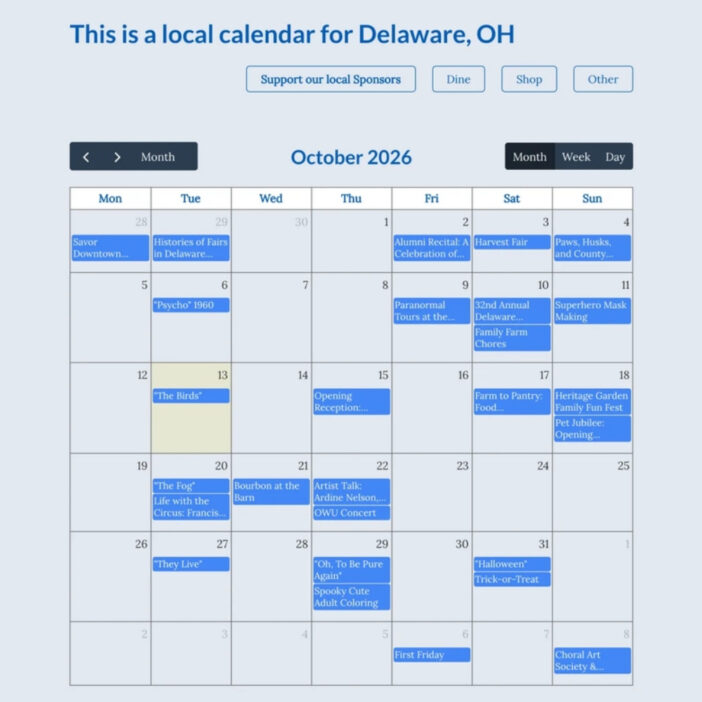
Be There Local
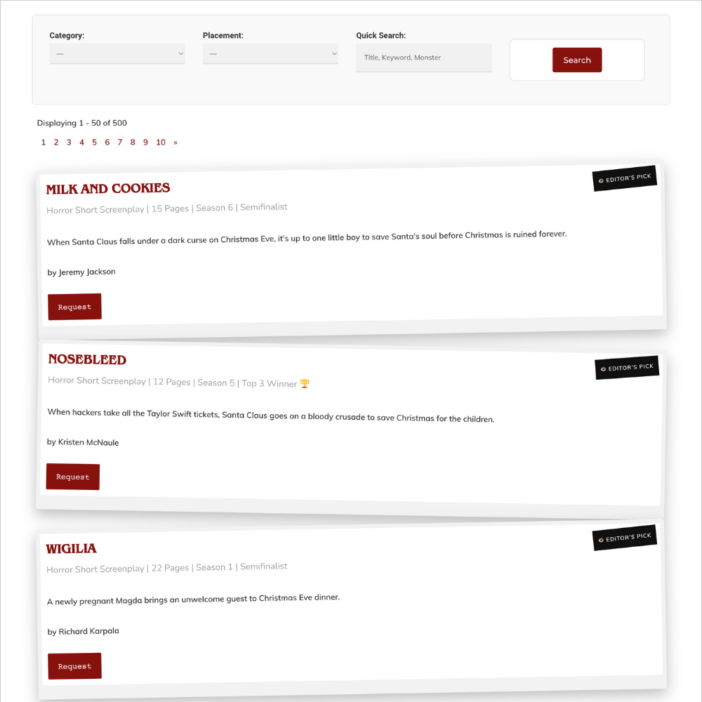
Killer Shorts
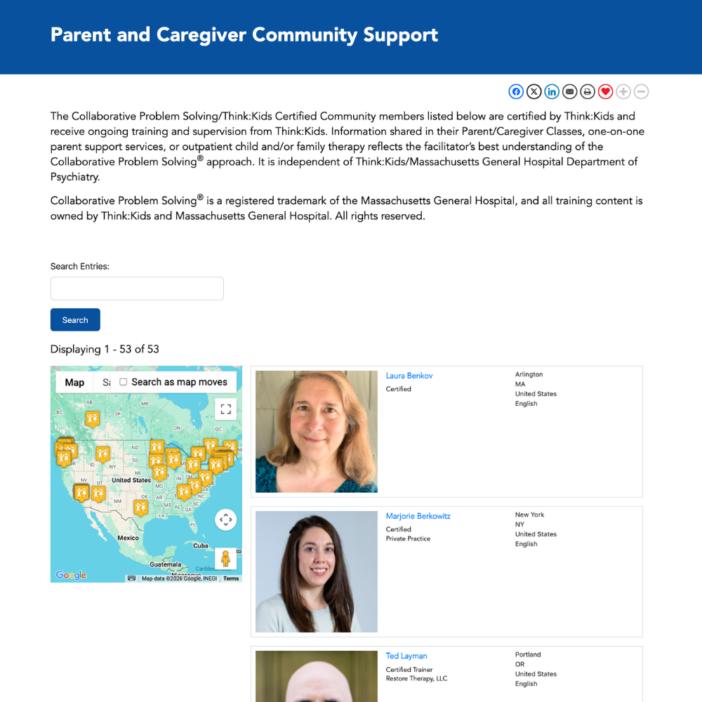
Think:Kids
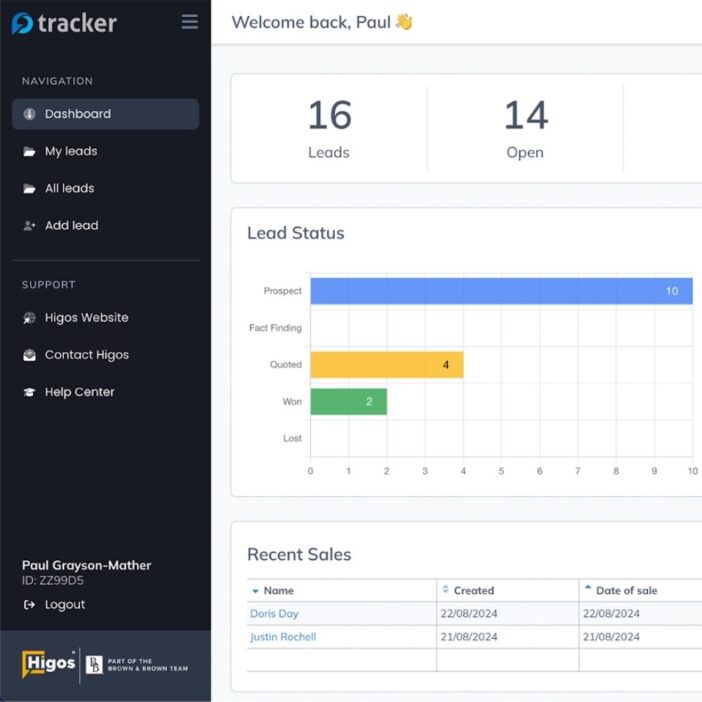
Leadpal
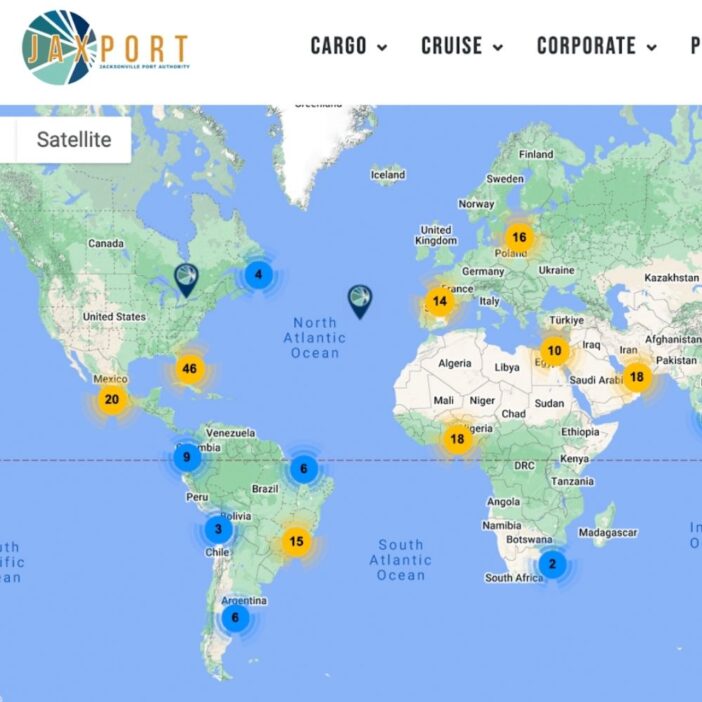
Jacksonville Port Authority
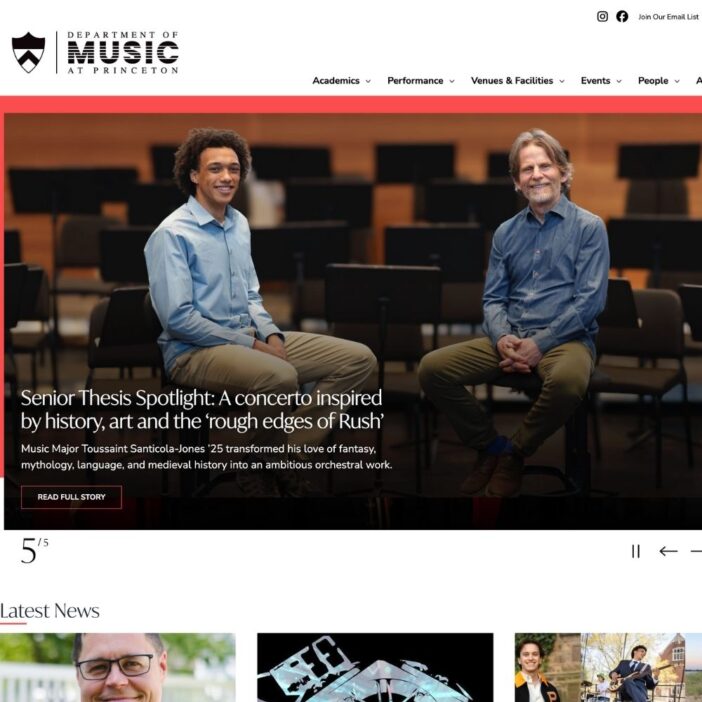
Princeton University
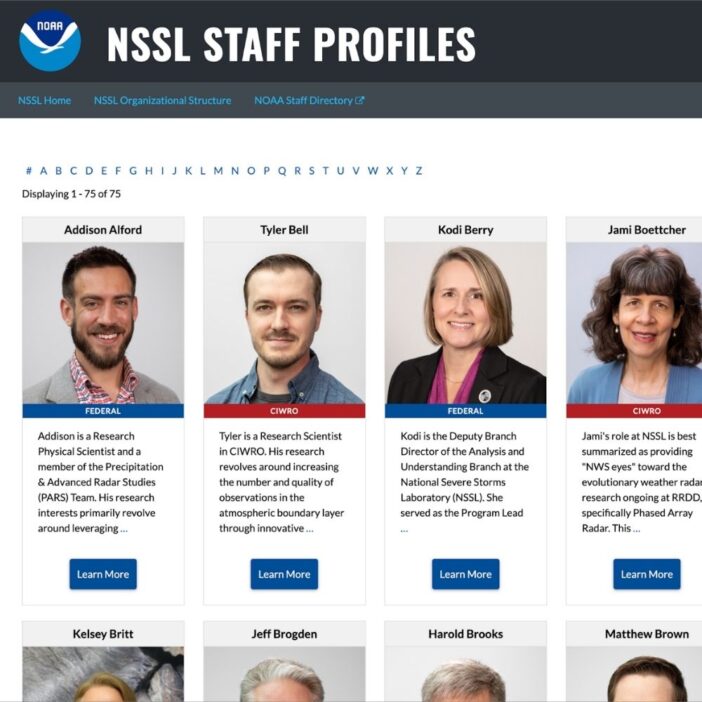
NSSL
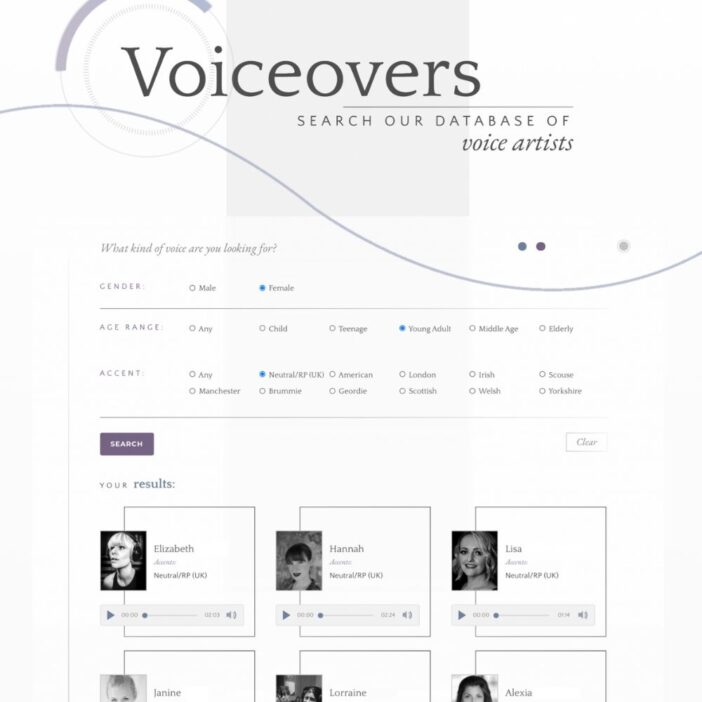
Dragonfly
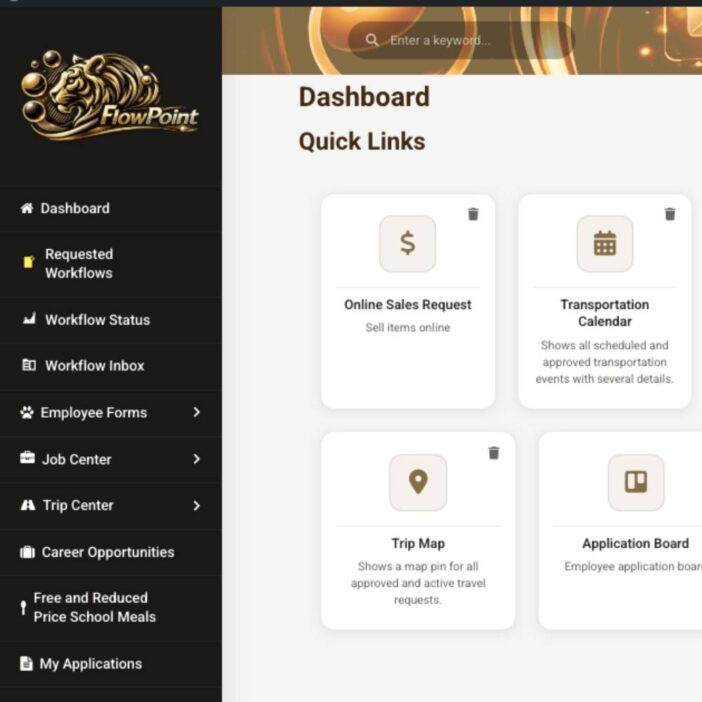
West Fork School District
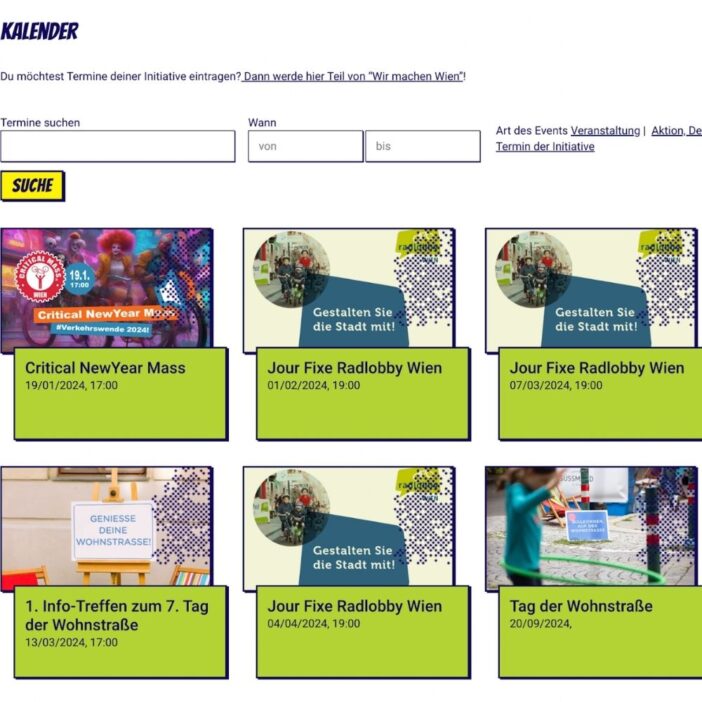
HappyTree IT
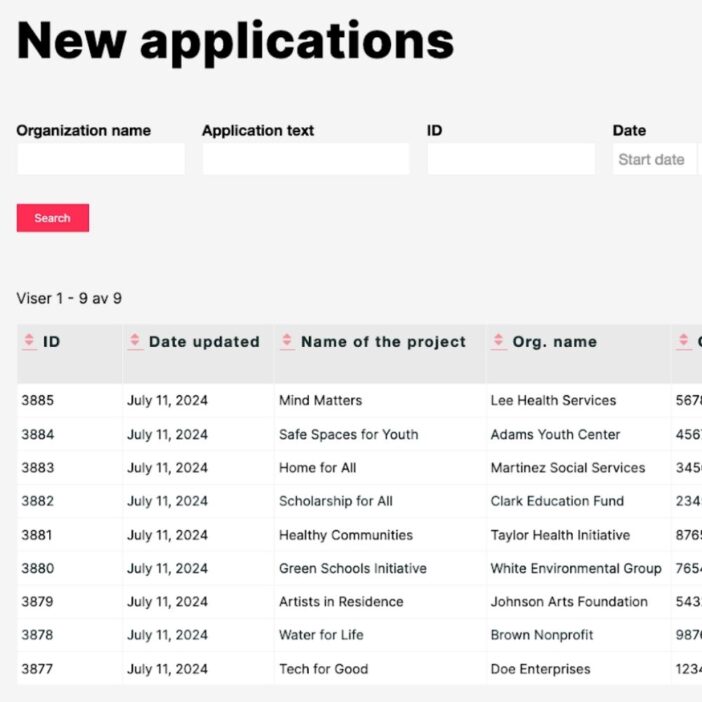
Mediebruket
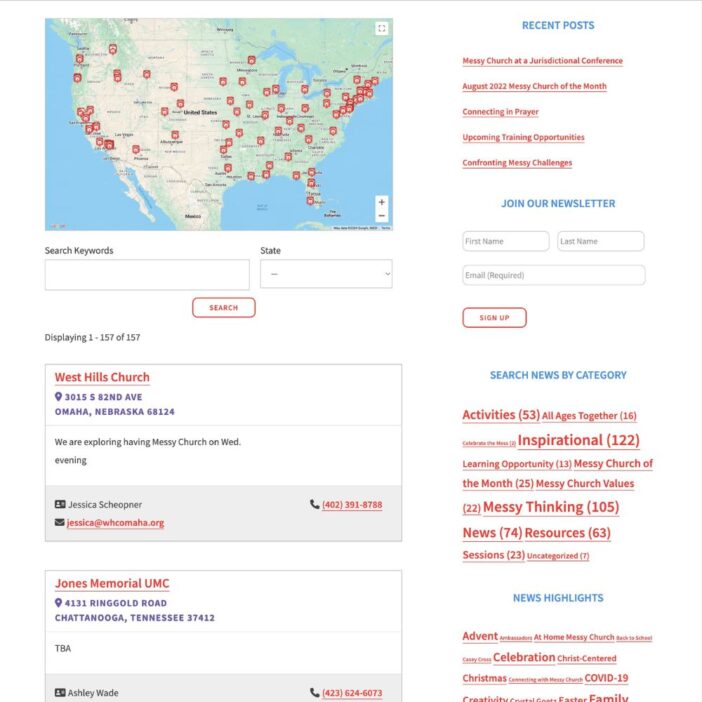
Bet Hannon
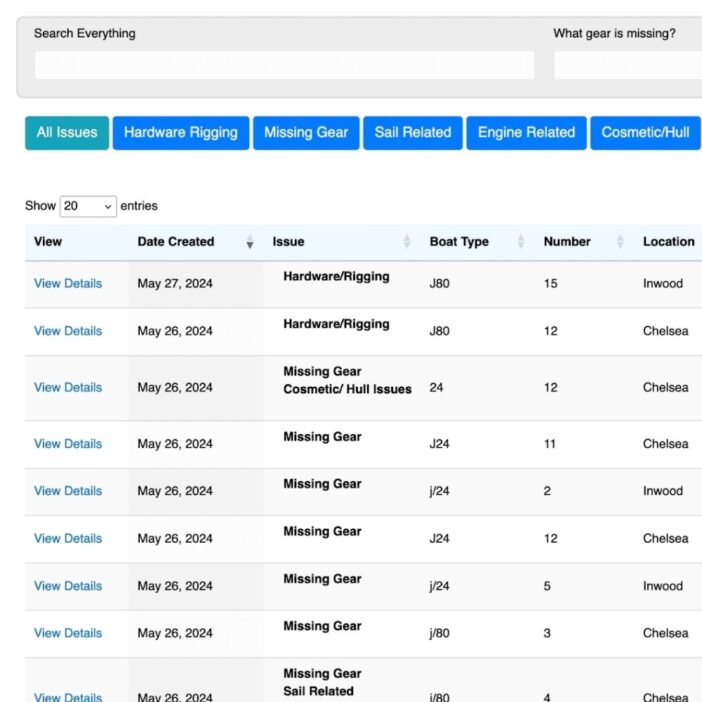
Experience Solutions
Slight Revision
LifterLMS
Jamie Madden
GCPE
Rochelle Victor
43Folders