Case study
How AAPA Veterans Caucus runs a $550,000+ scholarship program with Gravity Forms and GravityKit
The AAPA Veterans Caucus, a nonprofit awarding scholarships to Physician Assistants in training, rebuilt its scholarship application platform on WordPress using Gravity Forms and GravityKit. Web developer Nile Flores delivered the build with no custom code, replacing the organization’s older Joomla setup. Since inception, the program has distributed more than $550,000 in scholarships.
Meet Nile Flores
Nile Flores is a professional web designer and developer based in Centralia, Illinois. She has worked at top WordPress companies including Yoast and WP Fix It, and has spoken at more than 50 WordCamps around the United States.
The AAPA Veterans Caucus brought Nile on to rebuild the application portal that powers their scholarship program. The Caucus is the Veterans group within the American Academy of Physician Assistants, and the scholarship program supports Physician Assistants in training.

Discovering GravityKit
The Veterans Caucus needed to move its scholarship pipeline off Joomla and onto WordPress. The new system had to:
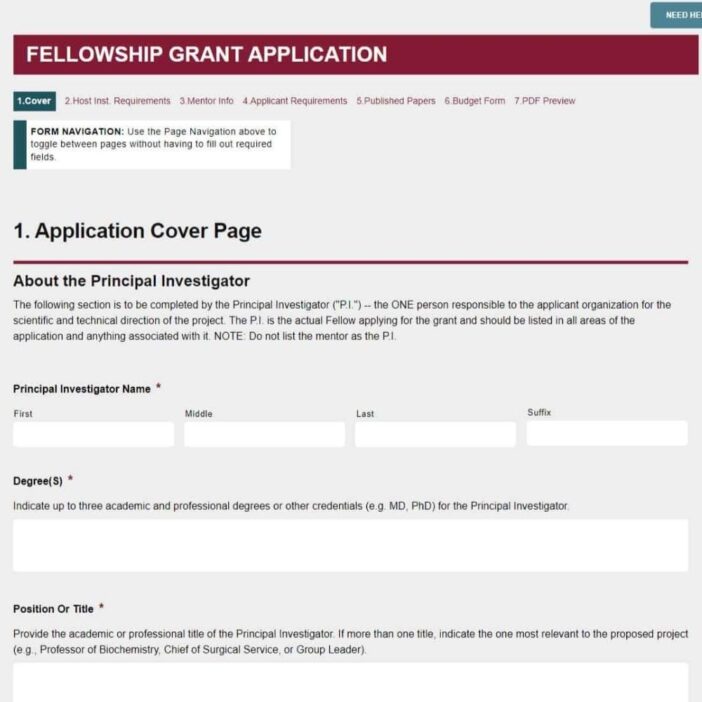
- Collect applications with mixed data types, including biographical info, contact details, photos, and DD-214 military service records
- Allow board members to review and grade applications securely
- Apply different permissions to different roles, so committee reviewers and executive leadership see different data
- Give applicants a dashboard to track their own status
- Keep board members and applicants out of the WordPress admin entirely
The last requirement is common in nonprofit and education workflows. Reviewers should review, not navigate the WordPress backend.
When Nile started looking for tools that could deliver this, GravityView surfaced quickly:
I found out about GravityView by searching for solutions online. GravityView came up as a top result on Google!
The requirements pointed to a tool that could handle voting, role-based access, and a public-facing display layer for Gravity Forms entries. GravityView fit cleanly.
Building with GravityKit
Nile built the system on two plugins: Gravity Forms for application intake, and GravityView for everything that happens after submission.
Application intake
A Gravity Forms form captures the full applicant profile, including the photo and DD-214 file uploads. Advanced field types handle the document attachments without any custom code.
Board review dashboard
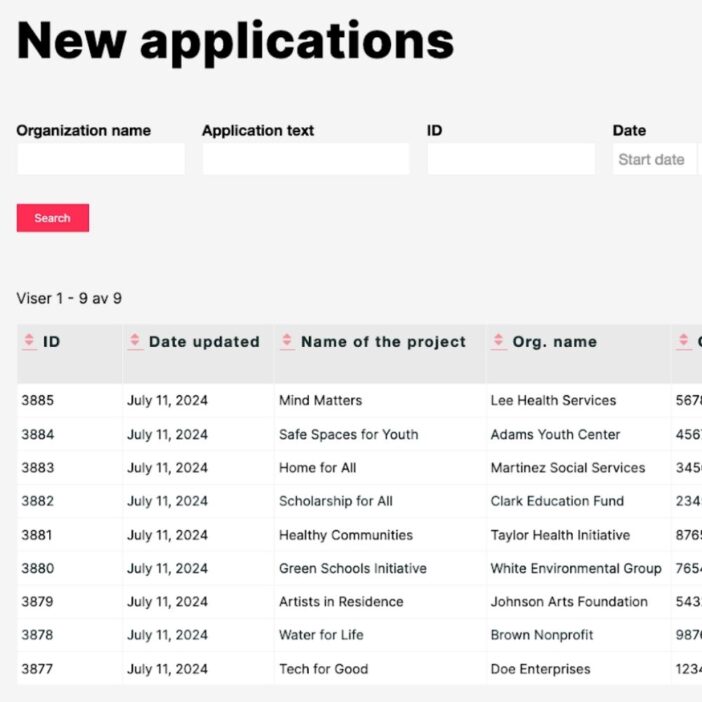
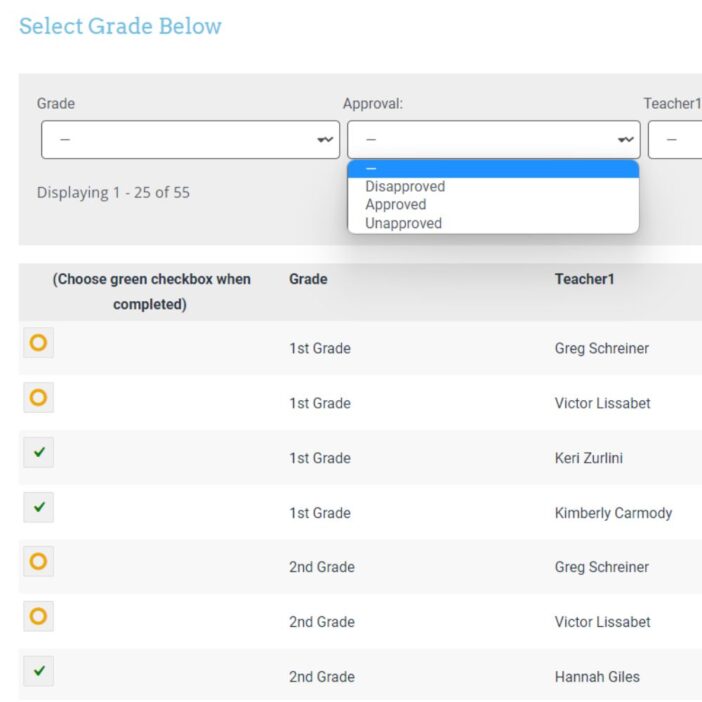
GravityView renders submitted applications as a sortable table. Each row is one applicant. A status column tracks completion so reviewers can see at a glance which applications still need attention. Committee members open an entry, review the materials, and submit a grade.
GravityKit has done a good job with documentation that’s helpful even for people less tech-savvy.
Role-based access
Two access tiers, both managed inside GravityView:
- Committee members View applicants and submit grades.
- Executive leadership (chair, president-elect, president). Access all grades and oversee the full review.
Applicant status dashboard
A separate GravityView dashboard gives each applicant a private view of their own submission and where it stands in the process. Applicants log in to a single page. No email back-and-forth required.
The impact
Since launch, the AAPA Veterans Caucus program has distributed more than $550,000 in scholarships to Physician Assistants in training. The platform supports the full review cycle without exposing any board member or applicant to the WordPress admin.
- $550,000+ in scholarships distributed across the life of the program
- Zero backend access required for board members or applicants
- Self-service status tracking for every applicant, replacing manual email check-ins
- Tiered visibility between committee reviewers and executive leadership, governed by GravityView’s per-View access controls
I would definitely recommend GravityView to other web designers. I believe it’s a powerful tool that allows you to extend Gravity Forms without needing to write code.
Takeaways
- GravityView replaces custom development for application portals. Two plugins handled what would otherwise have meant a custom build or a paid SaaS subscription.
- Role-based Views are a first-class feature, not a workaround. Different reviewer tiers get different data with no custom code.
- Front-end dashboards keep WordPress admin off-limits. Board members and applicants both interact entirely through public-facing pages.
- Drag-and-drop layouts make handoff to nontechnical clients straightforward. Once the system is built, day-to-day administration does not require a developer on call.
Ready to get
started?
GravityKit’s integrated toolkit of Gravity Forms add-ons transforms your data into actionable applications.
Browse more case studies
Be There Local
Killer Shorts
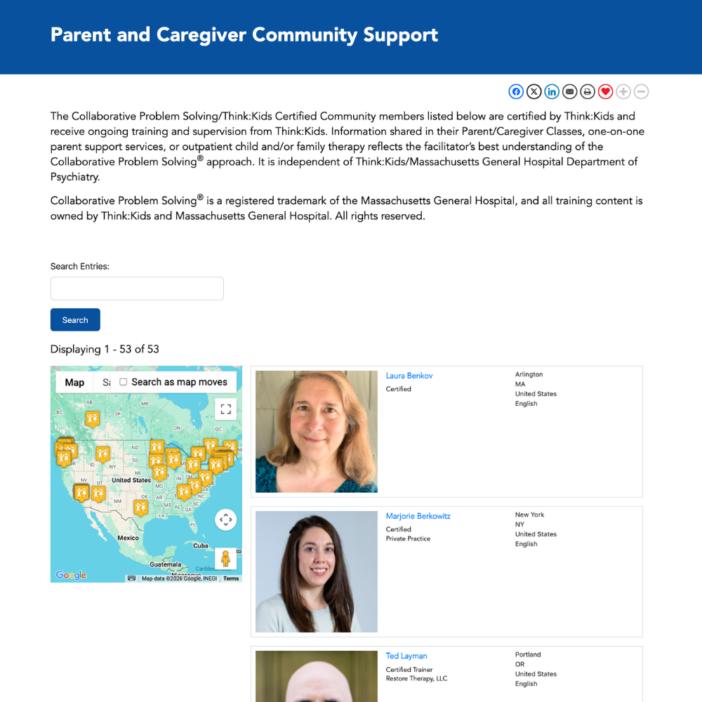
Think:Kids
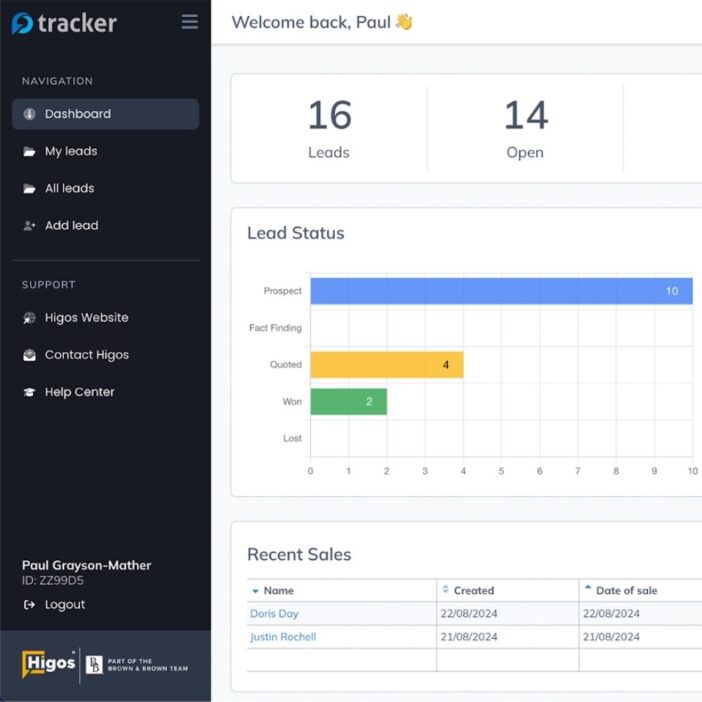
Leadpal
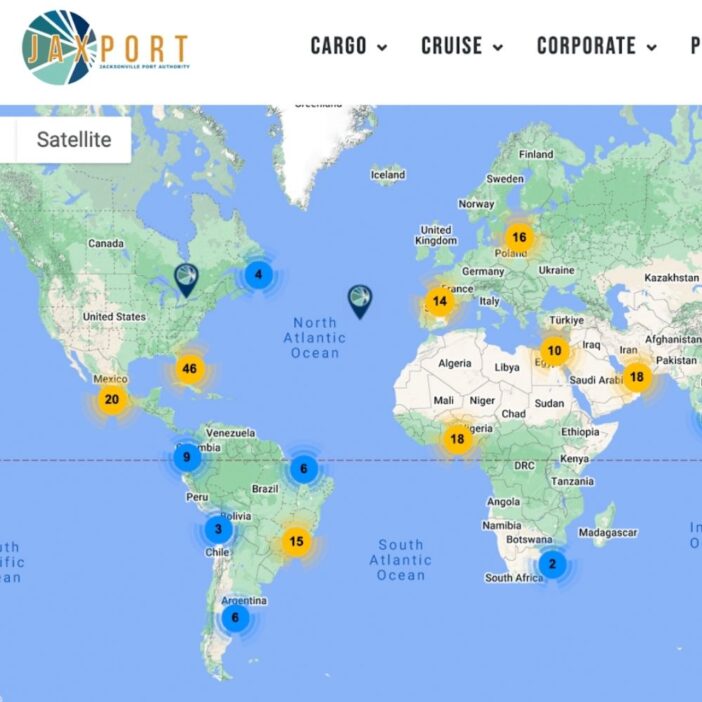
Jacksonville Port Authority
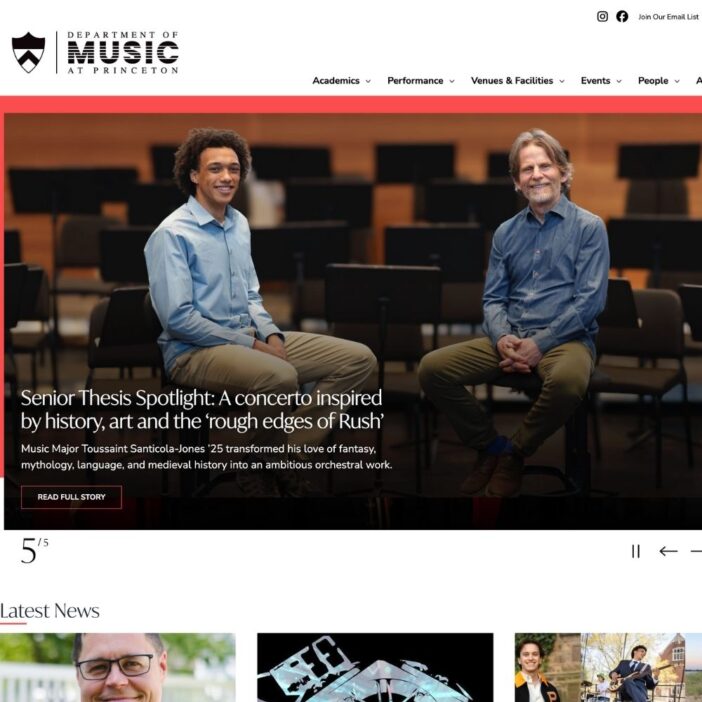
Princeton University
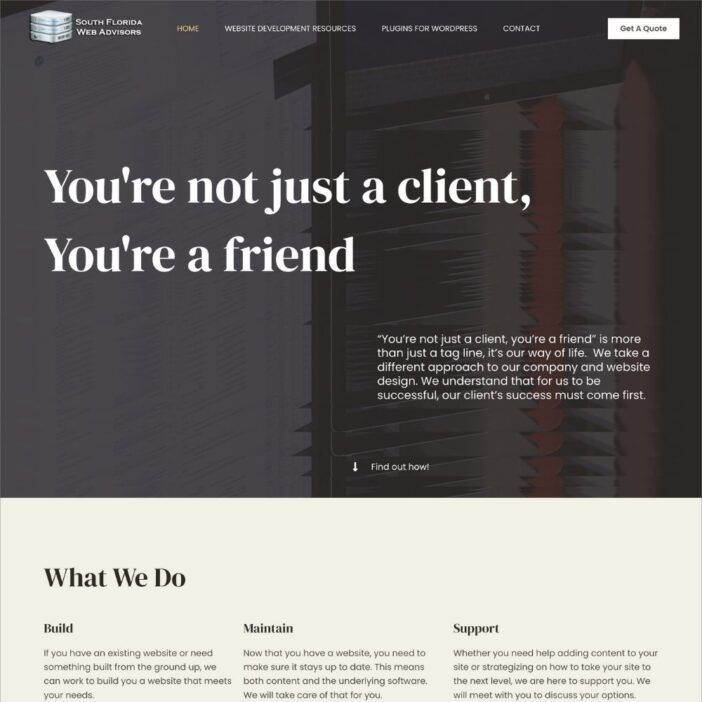
South Florida Web Advisors
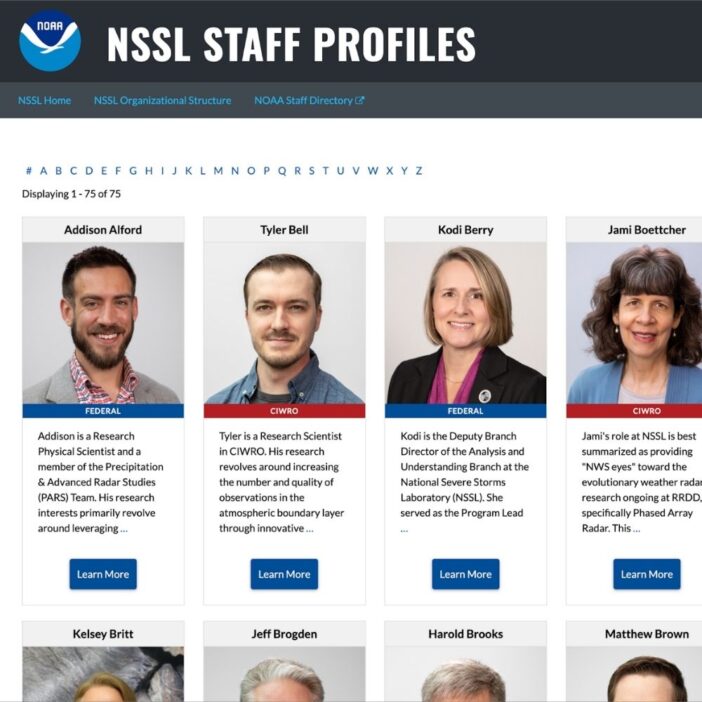
NSSL
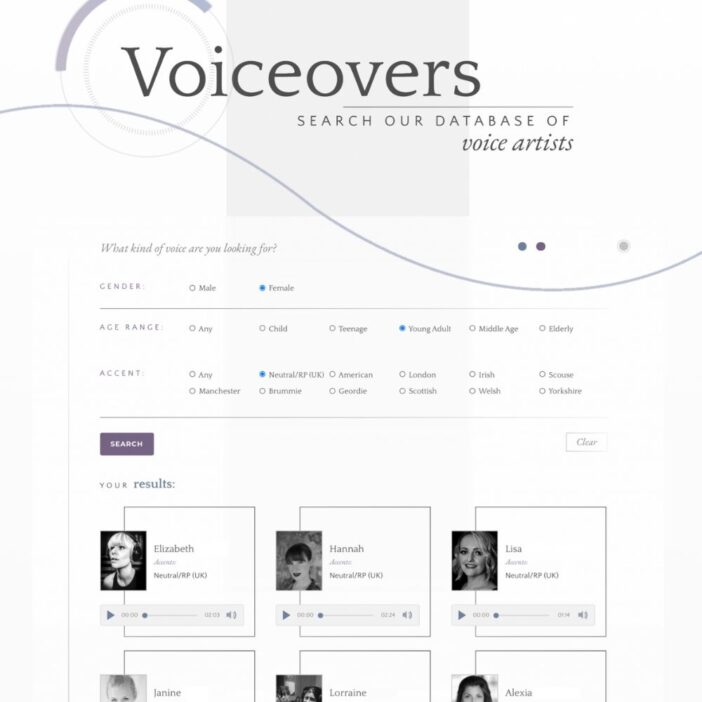
Dragonfly
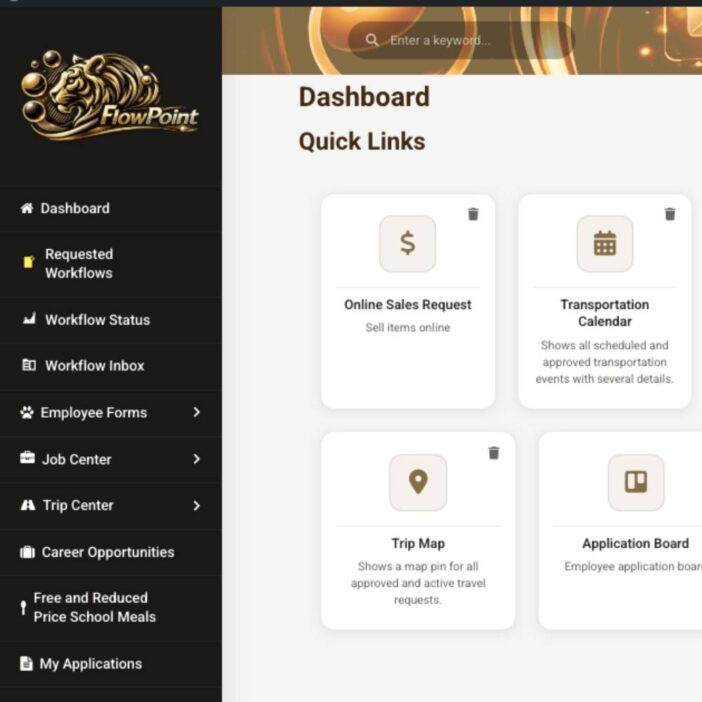
West Fork School District
HappyTree IT
Mediebruket
Bet Hannon
Experience Solutions
Slight Revision
LifterLMS
Jamie Madden
GCPE
Rochelle Victor