How-To
The Gravity Forms ecosystem is exciting and dynamic, and there’s so much that you can do using powerful plugins like GravityView. But let’s face it – such an expansive topic can be overwhelming. That’s why we’re here to help you find your feet.
Here you’ll find helpful tutorials, walk-throughs, and “how-to” guides teaching you how to get the most out of Gravity Forms, GravityKit, and build your ideal WordPress website.
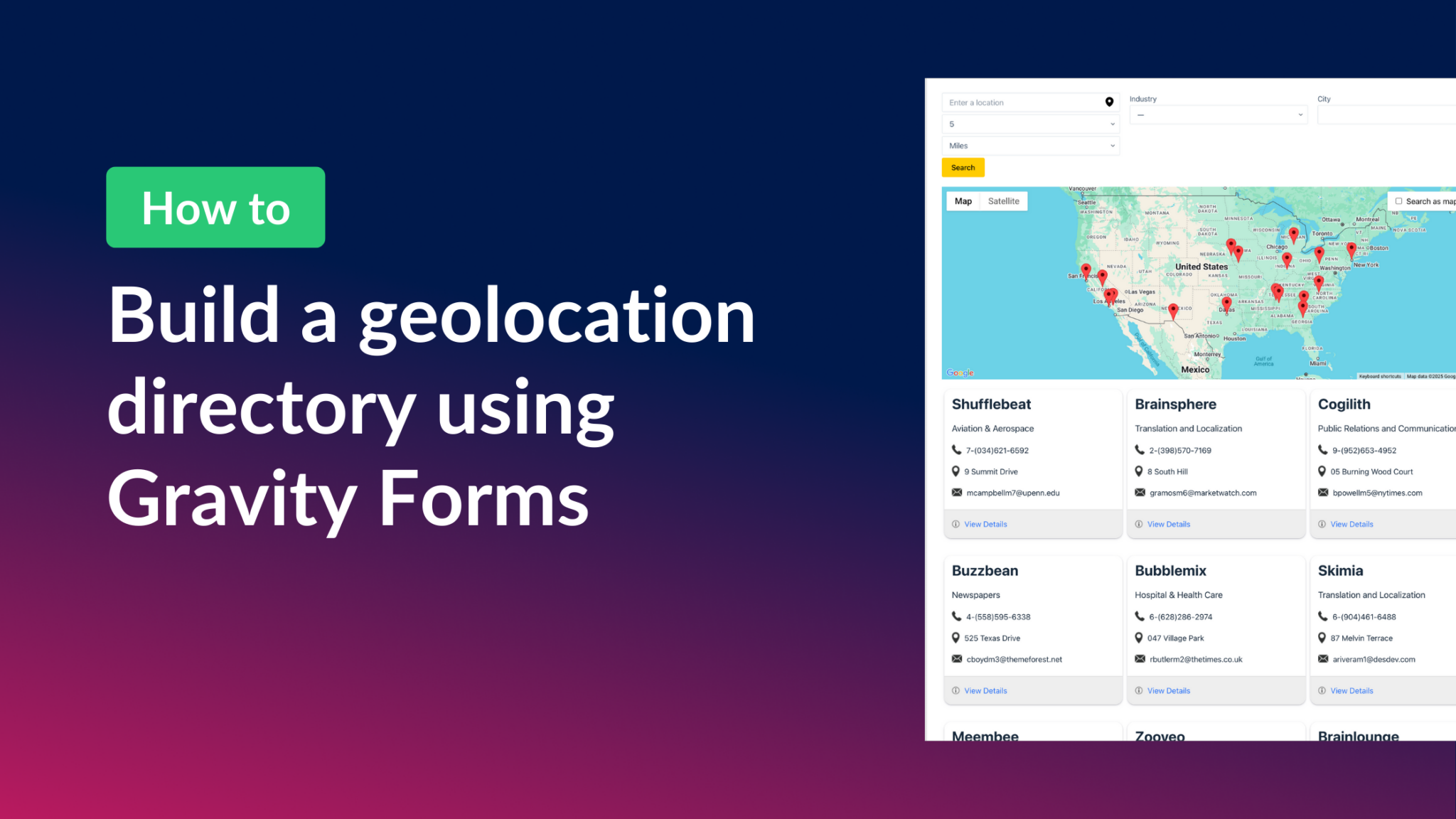
How to build a Gravity Forms geolocation directory
Build a geolocation directory with Gravity Forms and GravityView Maps. Collect addresses in a form and display them as interactive map markers with filtering and front-end search.
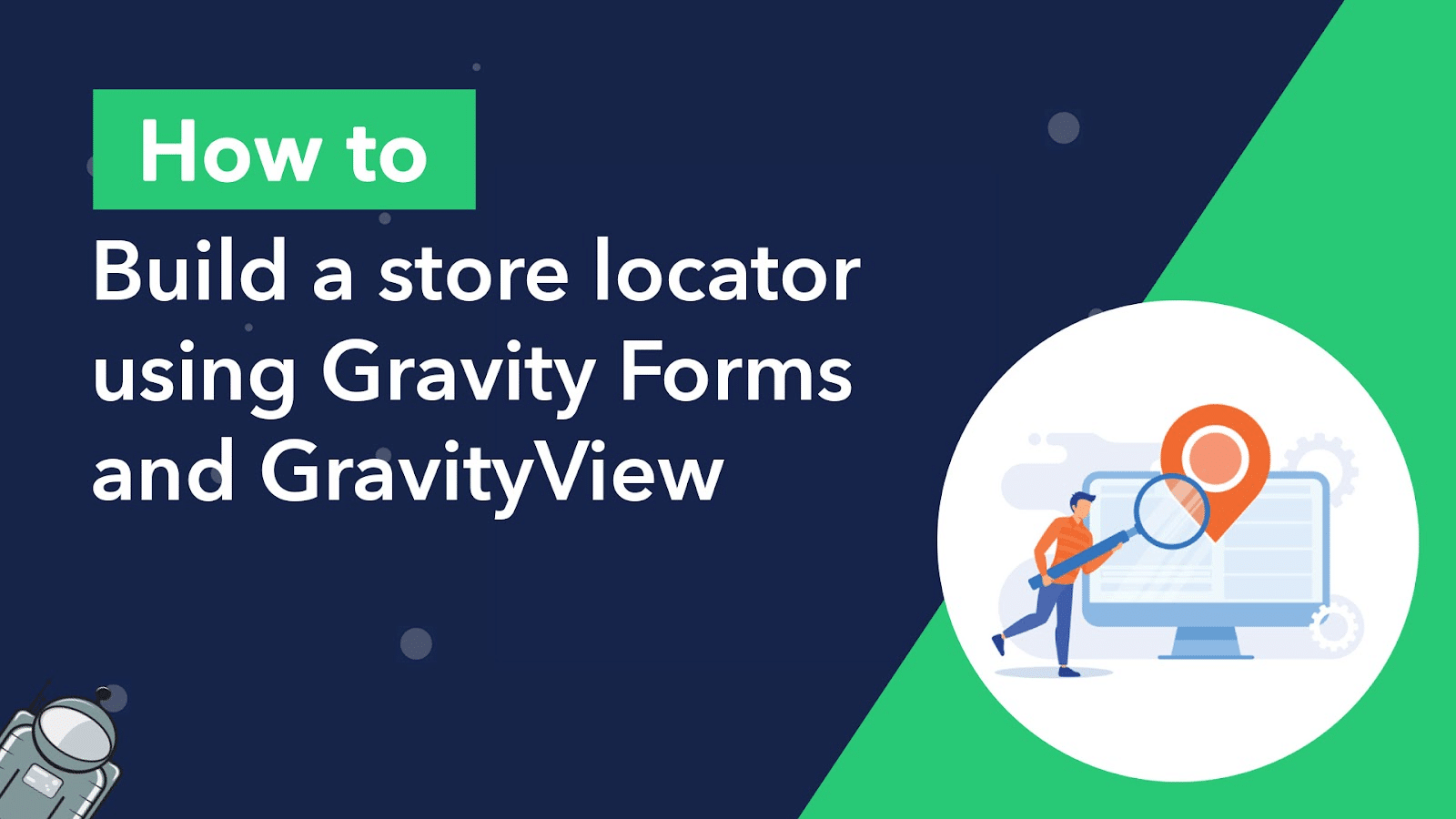
How to build a store locator for WordPress with no code
Build a store locator for WordPress using Gravity Forms and GravityView. Display business locations on an interactive map and let users search for nearby stores without any code.

How to build a WordPress business intelligence dashboard
Build a WordPress business intelligence dashboard using Gravity Forms, GravityCharts, and GravityView. Visualize form data, track KPIs, and make better decisions without expensive BI tools.

How to build a market research platform on WordPress using Gravity Forms and GravityView
Build a custom market research platform on WordPress using Gravity Forms and GravityView. Collect competitor analysis, pricing data, and customer insights without any coding.
How to register and organize teams using Gravity Forms and GravityView
Register and manage teams with Gravity Forms and GravityView. Group members by department, league, or team, and display profiles on the front end without writing any code.

How to integrate Gravity Forms with Google Maps
Integrate Gravity Forms with Google Maps using GravityView. Display form entries as map markers, build business directories, and create interactive location-based apps.

How to embed and style Gravity Forms in Beaver Builder
Two ways to embed Gravity Forms in Beaver Builder: via shortcode or the official module. Includes tips for styling forms directly inside the Beaver Builder editor without code.
How to build a content publishing pipeline using GravityView and Gravity Flow
Build a content publishing pipeline on WordPress using Gravity Forms, Gravity Flow, and GravityView. Includes submission form, multi-step review workflow, and a status dashboard.