
GravityView
Gravity Forms is the best WordPress form plugin, but sometimes you need to display form entries on the front end. That’s where GravityView comes in.
GravityView is a powerful add-on for Gravity Forms that allows you to display Gravity Forms entries on the front end. Display your entries using a variety of beautiful layouts, filter views, allow users to edit their own entries, and much more. Here you’ll learn about configuring new Views, how to display entries on a map or calendar, how to display user profiles, and more.
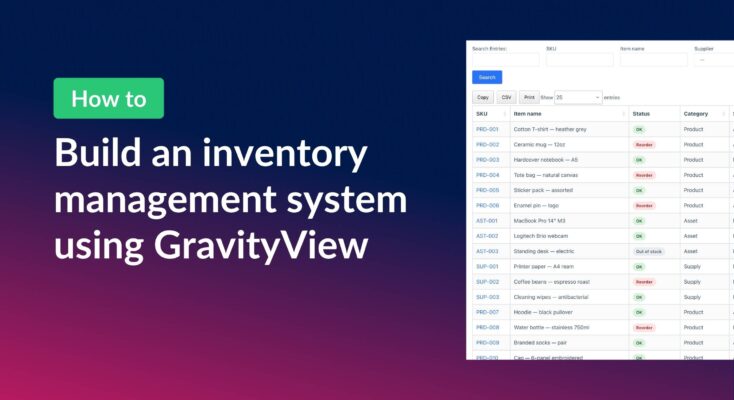
How to build a WordPress inventory management system with GravityView
Build a WordPress inventory management system with Gravity Forms and GravityView. Track stock, edit quantities from the front end, and skip the heavy ERP.
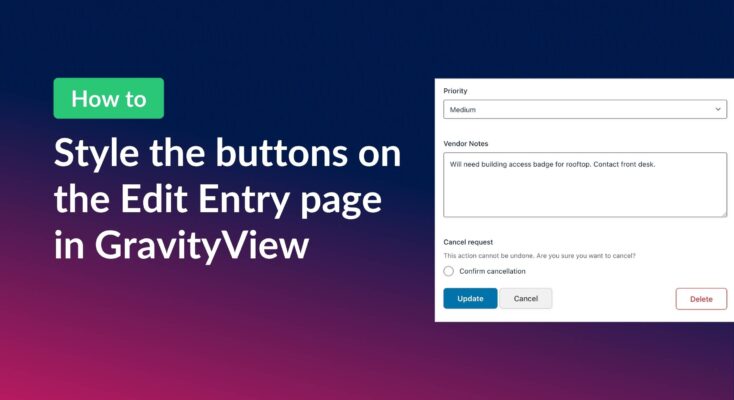
How to style the buttons on GravityView’s Edit Entry page
Customize the Update, Cancel, and Delete buttons on the GravityView Edit Entry page using CSS. Includes copy-paste examples that work with any WordPress theme.
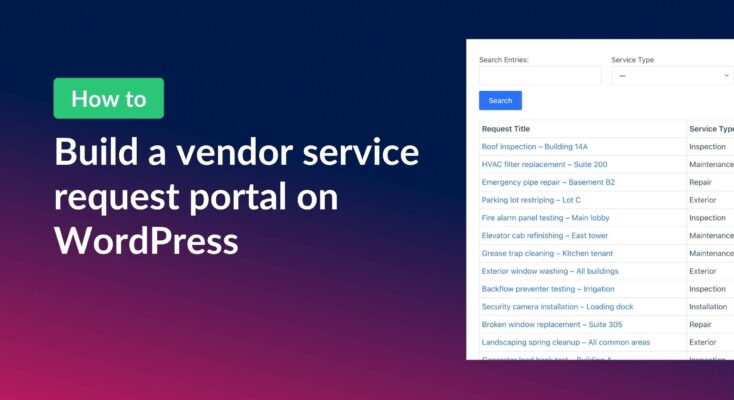
How to build a vendor service request portal with Gravity Forms and GravityView
Learn how to build a vendor portal where users submit, track, edit, and cancel service requests using Gravity Forms and GravityView Pro.
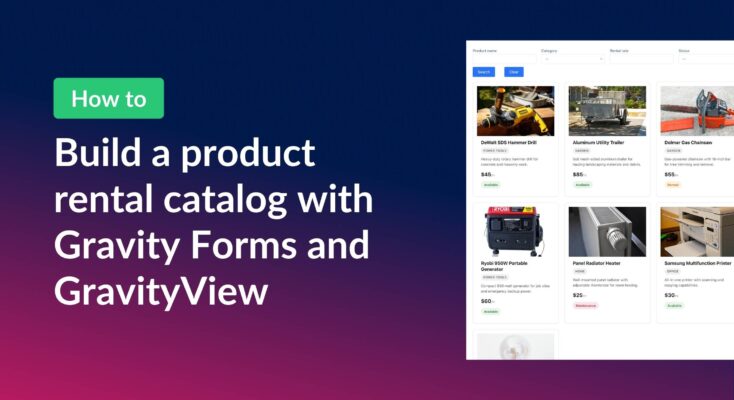
How to build a product catalog on WordPress with GravityView
Build a searchable product catalog or equipment directory on WordPress without WooCommerce. Use Gravity Forms for data entry and GravityView for a filterable front-end display.
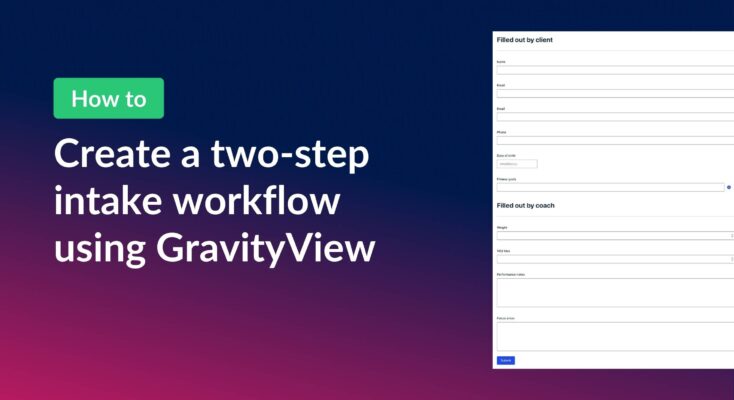
How to create a two-step intake workflow with Gravity Forms and GravityView
Learn how to build a two-step intake workflow where customers start a form online and staff complete it later. Uses GravityView’s Search Bar and Edit Entry features.
How to create a dynamic “Edit Profile” link in GravityView
Add a dynamic Edit Profile link to any page that takes logged-in users directly to their GravityView entry edit screen, without requiring access to the WordPress admin area.

How to combine data from multiple forms into one unified View
If you use multiple Gravity Forms on your site, you’ve probably wished there was a way for users to see all their submissions in one place. In this exanple, we have separate forms for time-off requests, expense reports, and IT support tickets. While each…

Feature Highlight: Searching entries in a View
Add a configurable Search Bar to any GravityView View and let visitors filter entries by text, dropdown, date range, and more. Setup takes just a few clicks.