
Maps Layout
Here you’ll find helpful tutorials, walk-throughs, “how-to” guides, and releases related to the GravityView Maps Layout (included in the GravityKit All Access license).

How to build a Yellow Pages clone on WordPress
Build a Yellow Pages-style business directory on WordPress using Gravity Forms and GravityView. Collect listings with a form and display them in a searchable, filterable directory.
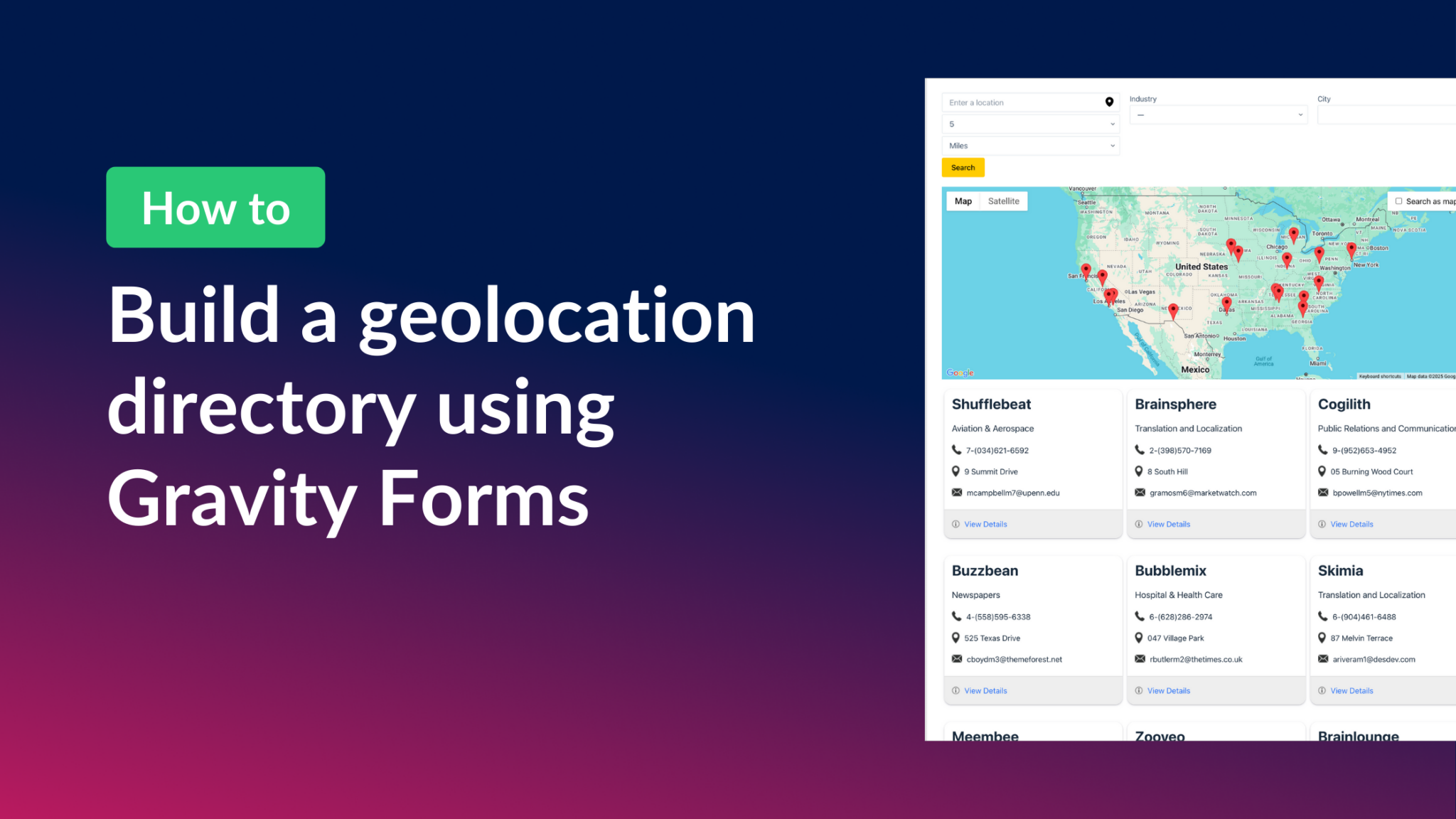
How to build a Gravity Forms geolocation directory
Build a geolocation directory with Gravity Forms and GravityView Maps. Collect addresses in a form and display them as interactive map markers with filtering and front-end search.
How to build a store locator for WordPress with no code
Build a store locator for WordPress using Gravity Forms and GravityView. Display business locations on an interactive map and let users search for nearby stores without any code.

Announcing Maps 2.0: Radius search is here!
GravityView Maps 2.0 adds radius search, letting visitors find nearby listings by entering an address or using their current location. Great for store locators, directories, and event listings.

How to integrate Gravity Forms with Google Maps
Integrate Gravity Forms with Google Maps using GravityView. Display form entries as map markers, build business directories, and create interactive location-based apps.

Announcing Maps 1.9: Choice-based map marker icons are here!
GravityView Maps 1.9 introduces choice-based map marker icons, letting you display different icons on the map based on the submitted value of any Drop Down or Radio field.
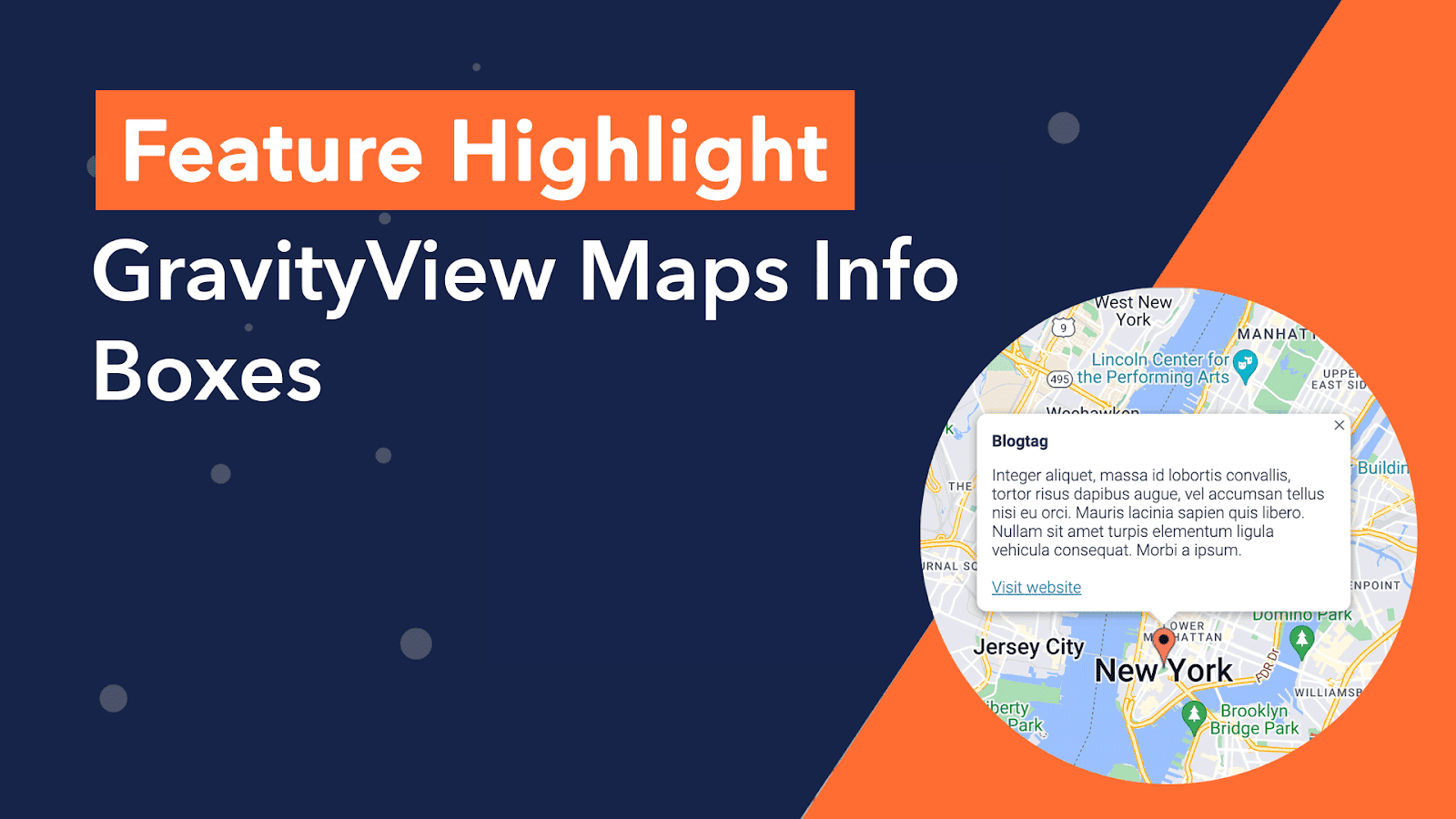
Feature Highlight: Maps info boxes
In this edition of Feature Highlights, we’re exploring the Info Boxes feature for the GravityView Maps layout. Info boxes allow you to display information about an entry when a user clicks on that entry’s map marker. Info Boxes are useful for displaying summary data,…

How to Build a Real Estate Listing Site Using Gravity Forms
This article is outdated. Please see our updated article about building a real-estate directory using Gravity Forms and GravityView. Did you know that the majority of homeowners found their home by looking on the internet? Real estate websites are where potential buyers (or renters)…