How-To
The Gravity Forms ecosystem is exciting and dynamic, and there’s so much that you can do using powerful plugins like GravityView. But let’s face it – such an expansive topic can be overwhelming. That’s why we’re here to help you find your feet.
Here you’ll find helpful tutorials, walk-throughs, and “how-to” guides teaching you how to get the most out of Gravity Forms, GravityKit, and build your ideal WordPress website.
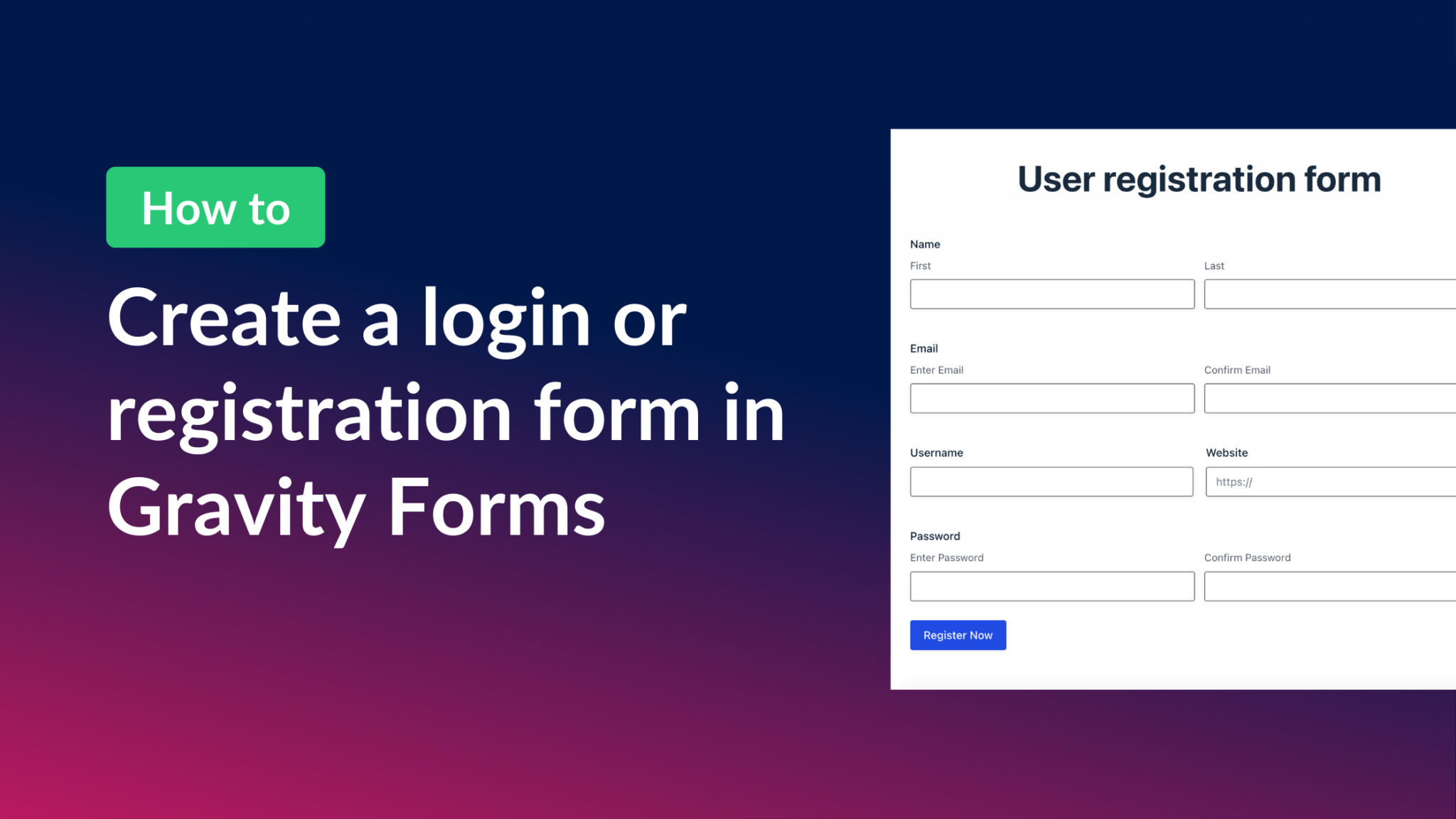
How to create a Gravity Forms login form (all you need to know)
Create a front-end login and registration form in WordPress using Gravity Forms and the User Registration add-on. Covers shortcodes, redirect settings, and user profile pages.

Beginners guide to building web apps with WordPress (with real-world examples!)
A practical guide to building web apps with WordPress. Covers the why and how of using WordPress as a full app framework, with real-world examples and plugin recommendations.
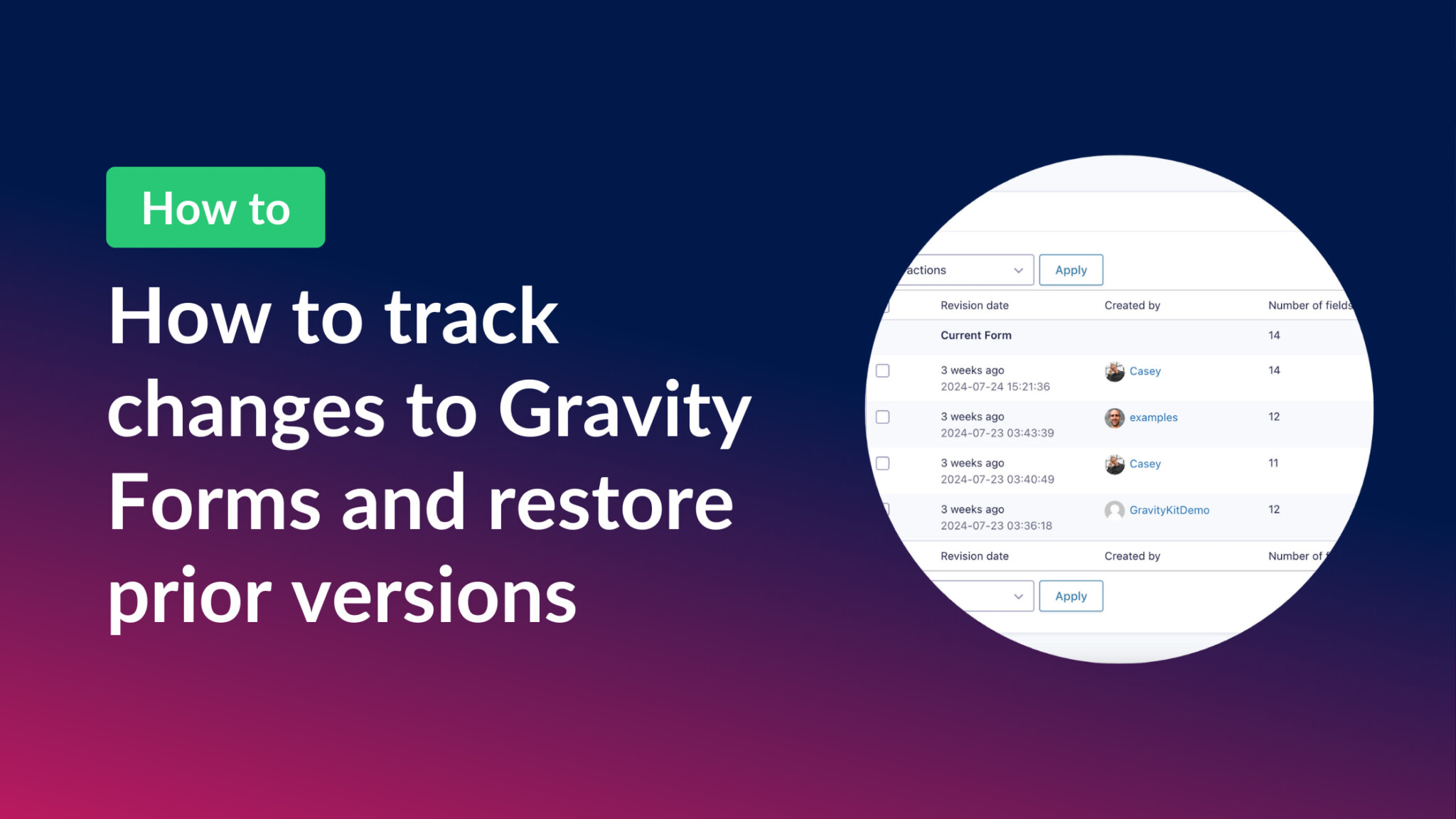
How to save revisions in Gravity Forms and restore prior versions
GravityRevisions adds full version control to Gravity Forms. Track form changes, see who made edits, compare versions, and restore any prior revision with a single click.

How to build a Crunchbase clone on WordPress without any code
Build a company database similar to Crunchbase on WordPress without any code. Connect data from multiple sources using Gravity Forms and GravityView to create a powerful startup directory.

How to build a recruitment CRM platform on WordPress
Build a custom recruitment CRM on WordPress to manage job applicants and candidate relationships. Uses Gravity Forms and GravityKit as an affordable alternative to SaaS recruitment tools.

How to build a Gravity Forms mortgage calculator
Build a Gravity Forms mortgage calculator that computes monthly loan payments automatically using GravityMath shortcodes. No custom JavaScript or third-party APIs required.

How to migrate from Formidable Forms to Gravity Forms in 5 simple steps
Migrate from Formidable Forms to Gravity Forms in 5 steps using GravityImport. Export your entry data as a CSV, then let GravityImport import it and rebuild your forms automatically.

How to migrate from Ninja Forms to Gravity Forms (simplest way)
Switch from Ninja Forms to Gravity Forms in 5 easy steps using GravityImport. Import entry data from a CSV and automatically create new forms with no risk of data loss.