
How-To
The Gravity Forms ecosystem is exciting and dynamic, and there’s so much that you can do using powerful plugins like GravityView. But let’s face it – such an expansive topic can be overwhelming. That’s why we’re here to help you find your feet.
Here you’ll find helpful tutorials, walk-throughs, and “how-to” guides teaching you how to get the most out of Gravity Forms, GravityKit, and build your ideal WordPress website.

How to build a Yelp clone on WordPress with no code
Build a Yelp-style business directory on WordPress using Gravity Forms and GravityView. Let users submit listings, leave reviews, and search by location without writing any code.
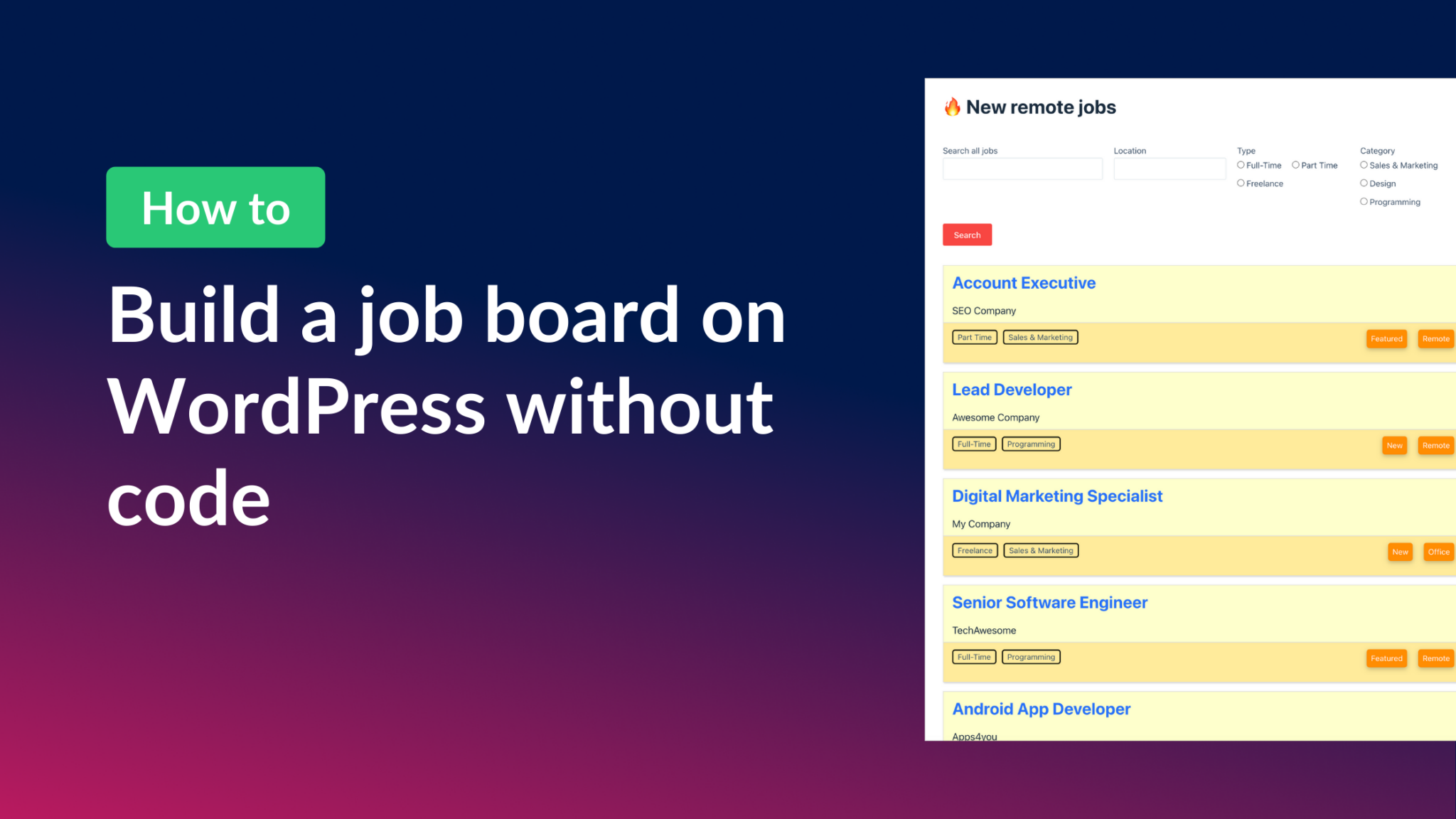
How to build a WordPress job board (without code)
Build a niche WordPress job board using Gravity Forms and GravityView without writing any code. Connects job seekers with employers using front-end entry display and search filters.

How to build a real-estate directory (Zillow clone) on WordPress with no code
Build a real estate listing directory like Zillow on WordPress using Gravity Forms and GravityView. Includes a free property form template and step-by-step setup with no code required.

Turn Gravity Forms into a powerful database solution
Use GravityView to turn Gravity Forms into a searchable front-end database. Store, filter, edit, and export entries without custom code or third-party database software.

Collect and display donations on your website using Gravity Forms and GravityView
Build a donation collection and display system on WordPress without code. Use Gravity Forms to accept payments and GravityView to show donors on the front end.

How to build a Yellow Pages clone on WordPress
Build a Yellow Pages-style business directory on WordPress using Gravity Forms and GravityView. Collect listings with a form and display them in a searchable, filterable directory.
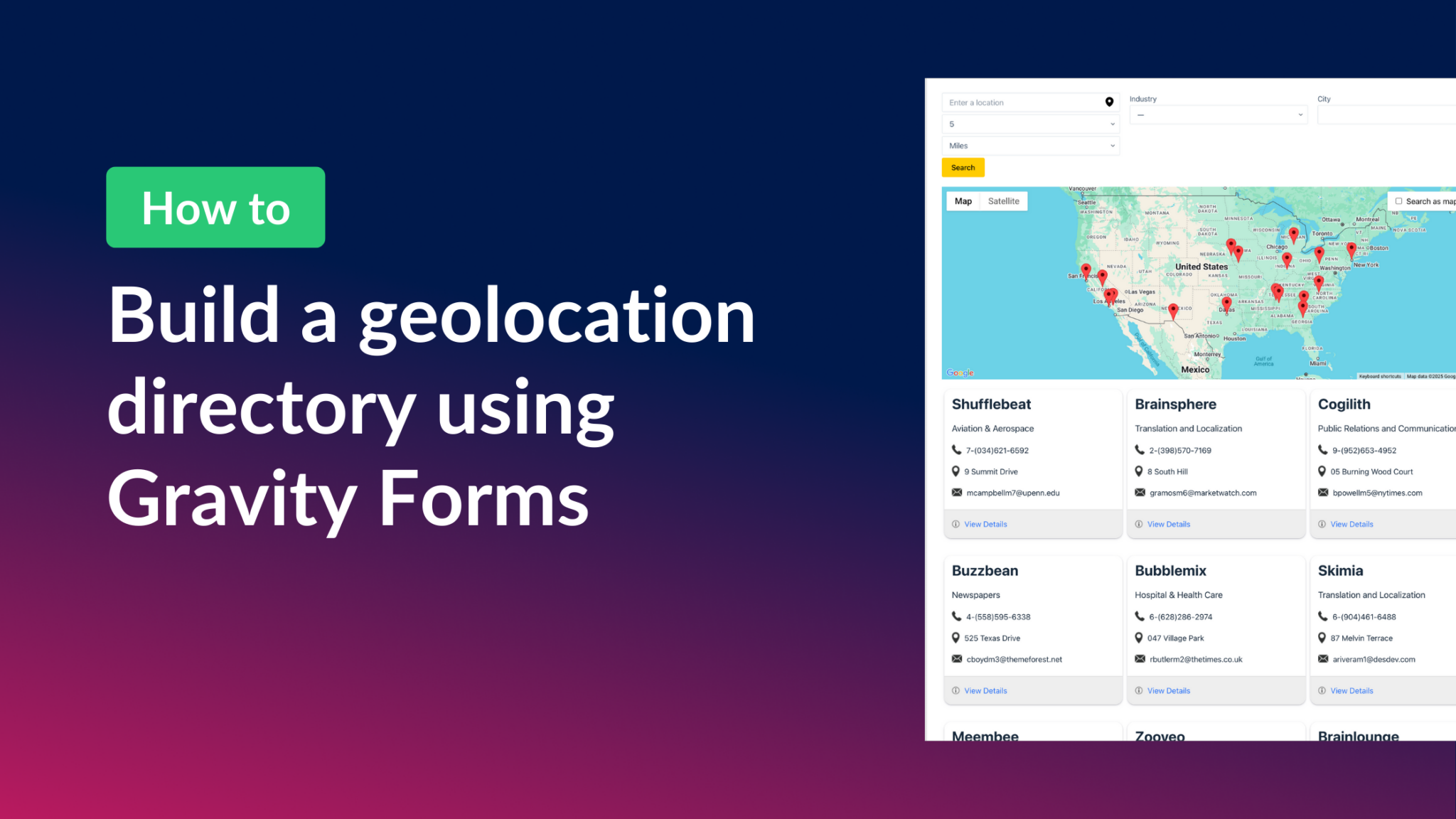
How to build a Gravity Forms geolocation directory
Build a geolocation directory with Gravity Forms and GravityView Maps. Collect addresses in a form and display them as interactive map markers with filtering and front-end search.
How to build a store locator for WordPress with no code
Build a store locator for WordPress using Gravity Forms and GravityView. Display business locations on an interactive map and let users search for nearby stores without any code.