GravityView
Gravity Forms is the best WordPress form plugin, but sometimes you need to display form entries on the front end. That’s where GravityView comes in.
GravityView is a powerful add-on for Gravity Forms that allows you to display Gravity Forms entries on the front end. Display your entries using a variety of beautiful layouts, filter views, allow users to edit their own entries, and much more. Here you’ll learn about configuring new Views, how to display entries on a map or calendar, how to display user profiles, and more.

How to build a WordPress document library (in 5 simple steps)
Ensuring that your digital documents are organized and easy to find can be a challenge! That’s why an effective document management system is so important in today’s data-oriented world. A document management system, or document library, is a collection of digital documents presented in…
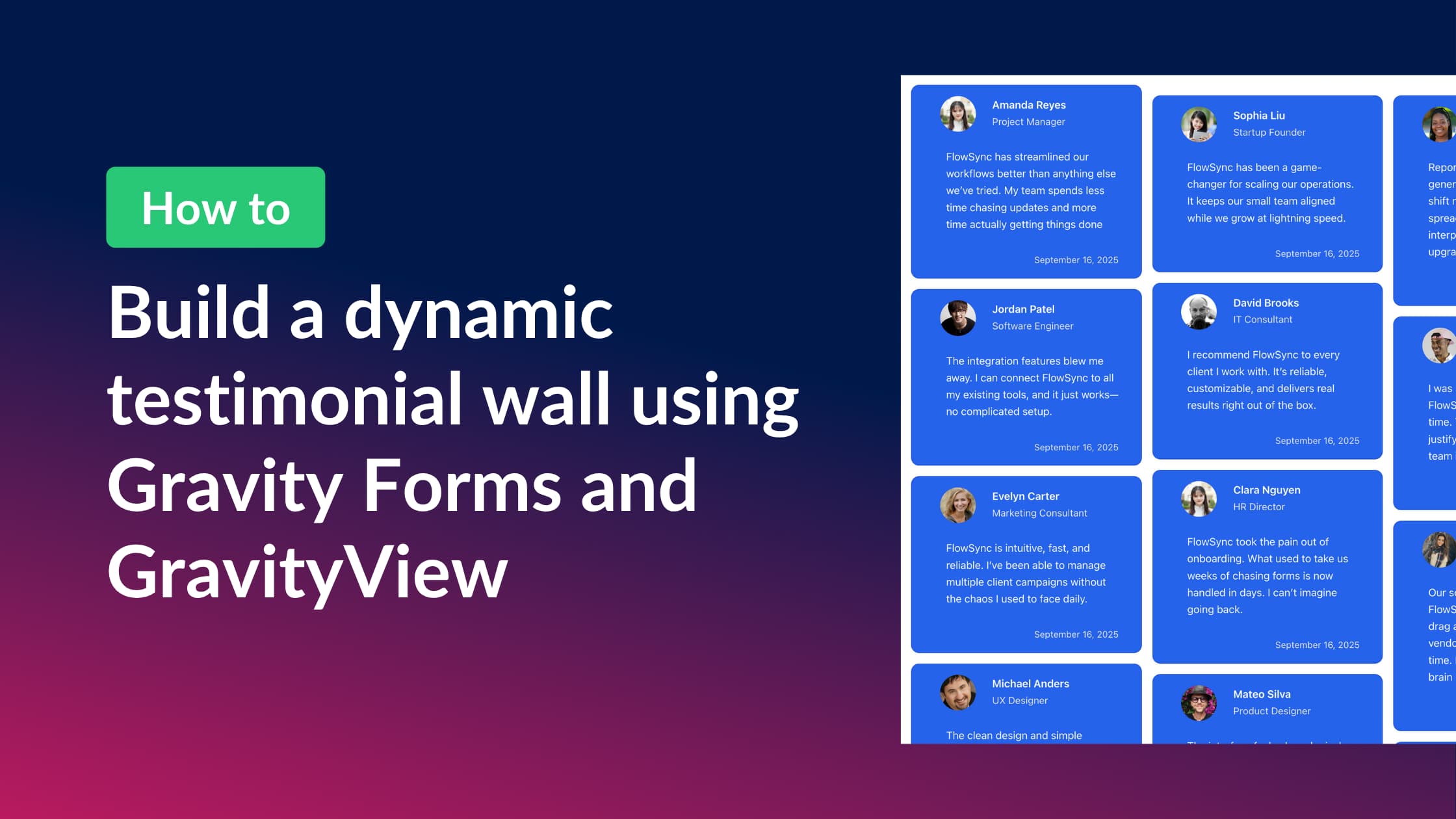
How to build a dynamic testimonial wall using Gravity Forms and GravityView
In this tutorial, I’ll show you how to build a dynamic testimonial wall that updates automatically as new testimonials are submitted. Using Gravity Forms to collect submissions and GravityView to display them, you can build a visually engaging display that showcases real feedback from…
How to build a volunteer management system on WordPress without code
Nonprofits depend on volunteers, but managing them efficiently can be a challenge. While many organizations turn to expensive software solutions, there’s a more affordable, flexible alternative: build your own volunteer management system using WordPress. In this step-by-step guide, you’ll learn how to create a…

How to edit Gravity Forms entries on the frontend using GravityView
Allow site visitors to edit their Gravity Forms submissions from the front end without admin access. Ideal for member profiles, job applications, and registration forms.

How to build an intranet to power your business with Gravity Forms & GravityView (no code required)
Looking for a way to manage your team, projects, or HR processes from one central place, without the cost of expensive SaaS solutions? With Gravity Forms and GravityKit, you can create a powerful, flexible intranet on WordPress that’s tailored to your business needs (all…
How to create and edit front-end user profiles using Gravity Forms and GravityView
Do you use Gravity Forms to register users on your WordPress site? Want to allow users to view and update their profiles from the front end (no backend access required)? In this updated tutorial, I’ll show you how to: Let’s dive in! Download the…

How to connect GravityView with Paid Memberships Pro: Step-by-step guide
Paid Memberships Pro (PMPro) is a leading WordPress plugin for managing memberships, subscriptions, and gated content. If you’re using GravityView to power web applications on WordPress, connecting it to Paid Memberships Pro allows you to control access, manage members, and monetize your content with…

How to connect GravityView with BuddyPress: Step-by-step guide
BuddyPress is a popular plugin for building social networks and online communities with WordPress. If you’re using GravityView to display form entries on your site, connecting it to BuddyPress lets you turn those entries into user posts, profile updates, or group content. In this…