GravityView
Gravity Forms is the best WordPress form plugin, but sometimes you need to display form entries on the front end. That’s where GravityView comes in.
GravityView is a powerful add-on for Gravity Forms that allows you to display Gravity Forms entries on the front end. Display your entries using a variety of beautiful layouts, filter views, allow users to edit their own entries, and much more. Here you’ll learn about configuring new Views, how to display entries on a map or calendar, how to display user profiles, and more.
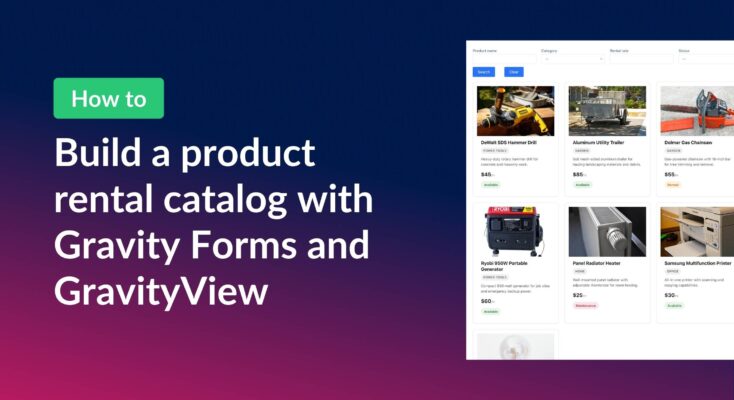
How to build a product catalog on WordPress with GravityView
Build a searchable product catalog or equipment directory on WordPress without WooCommerce. Use Gravity Forms for data entry and GravityView for a filterable front-end display.
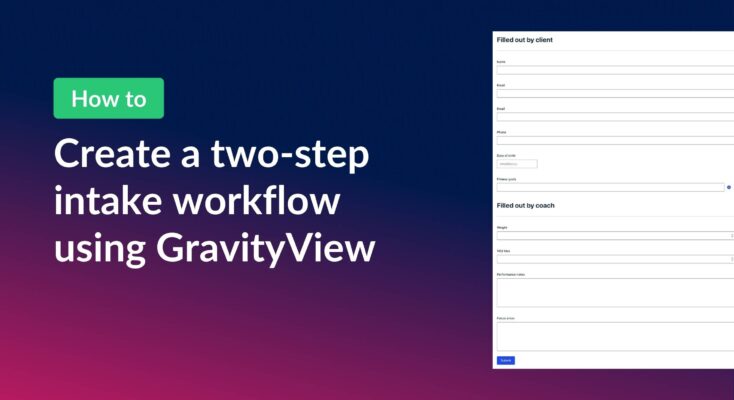
How to create a two-step intake workflow with Gravity Forms and GravityView
Learn how to build a two-step intake workflow where customers start a form online and staff complete it later. Uses GravityView’s Search Bar and Edit Entry features.
How to create a dynamic “Edit Profile” link in GravityView
Add a dynamic Edit Profile link to any page that takes logged-in users directly to their GravityView entry edit screen, without requiring access to the WordPress admin area.

How to combine data from multiple forms into one unified View
Update (August 2026): Multiple Forms now supports unions, which display entries from multiple forms in a single View natively, one row per entry, no shared field or workaround required. Read Using unions in Multiple Forms to set it up. The dashboard approach below is…

Feature Highlight: Searching entries in a View
Add a configurable Search Bar to any GravityView View and let visitors filter entries by text, dropdown, date range, and more. Setup takes just a few clicks.
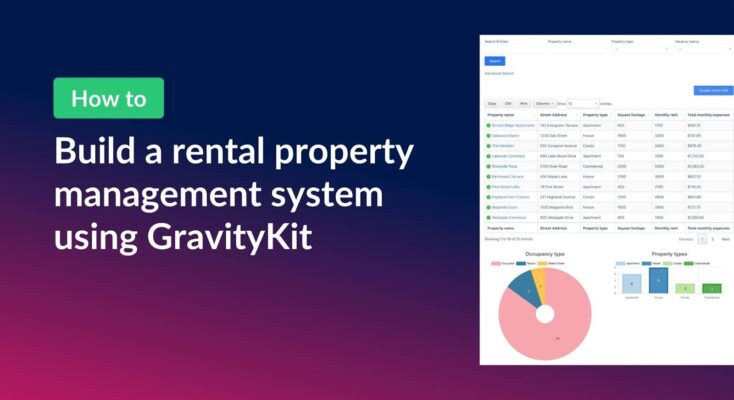
How to build a rental property management system on WordPress using GravityKit
Managing rental properties means juggling a lot of moving parts. This can include tenant details, lease dates, monthly expenses, vacancy tracking, and more. Spreadsheets get messy fast, and dedicated property management software can be expensive and overly complex for smaller portfolios. In this tutorial,…
How to create a dynamic careers page on WordPress using GravityKit
In this tutorial, you’ll learn how to build a fully functional and user-friendly careers page using Gravity Forms and GravityView. We’ll walk through creating job listings, application forms, and admin views so visitors can browse open positions and apply directly, while hiring teams can…
How to build an employee evaluation system on WordPress using GravityKit
Managing employee evaluations is often slow, inconsistent, and awkward for everyone involved. Chasing managers for feedback, emailing documents back and forth, and keeping track of approvals can quickly turn into a mess. In this tutorial, we’ll build a streamlined employee evaluation workflow that runs…