
GravityView
Gravity Forms is the best WordPress form plugin, but sometimes you need to display form entries on the front end. That’s where GravityView comes in.
GravityView is a powerful add-on for Gravity Forms that allows you to display Gravity Forms entries on the front end. Display your entries using a variety of beautiful layouts, filter views, allow users to edit their own entries, and much more. Here you’ll learn about configuring new Views, how to display entries on a map or calendar, how to display user profiles, and more.
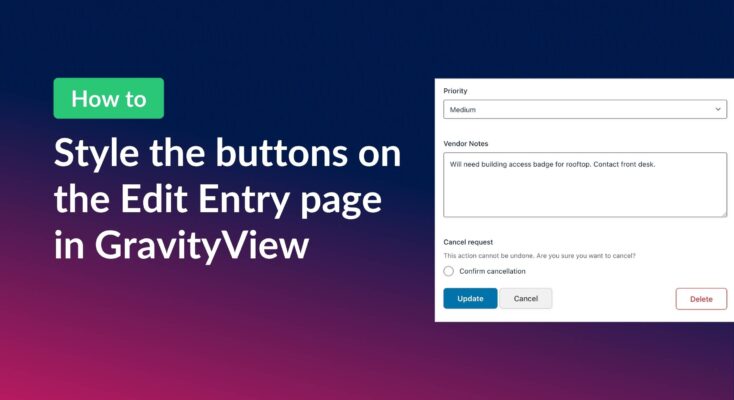
How to style the buttons on GravityView’s Edit Entry page
GravityView’s Edit Entry page contains three buttons: “Update”, “Cancel”, and “Delete”. We’ve added common CSS classes to make them look consistent across themes, but depending on your theme, the buttons may appear unstyled or not match the rest of your site. The good news…
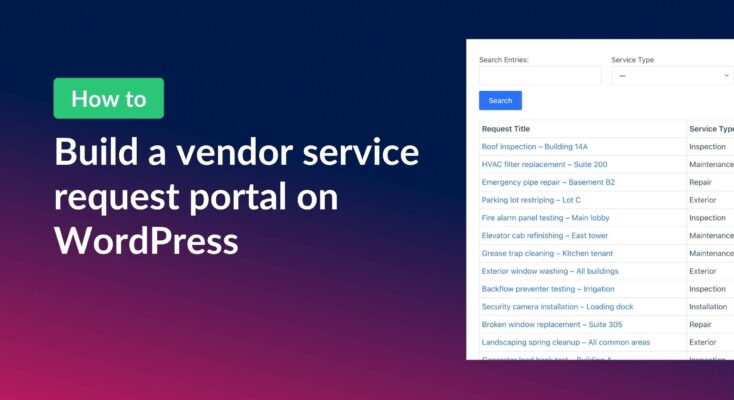
How to build a vendor service request portal with Gravity Forms and GravityView
Learn how to build a vendor portal where users submit, track, edit, and cancel service requests using Gravity Forms and GravityView Pro.
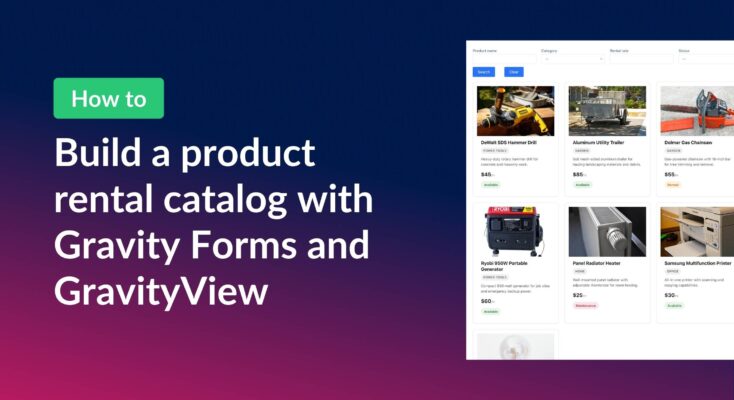
How to build a product catalog on WordPress with GravityView
Build a searchable product catalog or equipment directory on WordPress without WooCommerce. Use Gravity Forms for data entry and GravityView for a filterable front-end display.
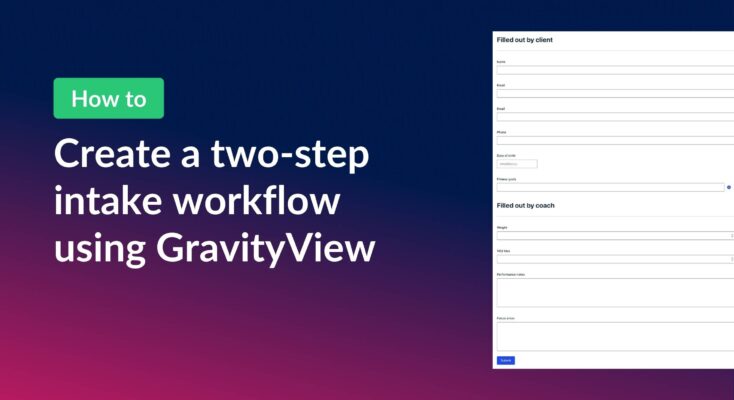
How to create a two-step intake workflow with Gravity Forms and GravityView
Learn how to build a two-step intake workflow where customers start a form online and staff complete it later. Uses GravityView’s Search Bar and Edit Entry features.
How to create a dynamic “Edit Profile” link in GravityView
When you’re displaying Gravity Forms entries on the front end with GravityView, giving users control over their own information is often essential. Whether you’re managing directory profiles, applications, listings, or other submissions, users need an easy way to make updates. In this tutorial, we’ll…

How to combine data from multiple forms into one unified View
If you use multiple Gravity Forms on your site, you’ve probably wished there was a way for users to see all their submissions in one place. In this exanple, we have separate forms for time-off requests, expense reports, and IT support tickets. While each…

Feature Highlight: Searching entries in a View
In this post, we’ll explore GravityView’s Search Bar widget—one of the most powerful tools for helping visitors find what they’re looking for in your Views. Whether you’re building a member directory, a business listing, or a searchable database, the Search Bar lets visitors filter…
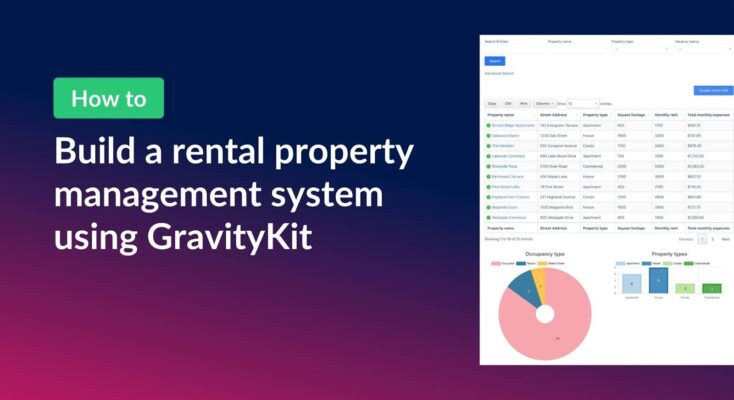
How to build a rental property management system on WordPress using GravityKit
Managing rental properties means juggling a lot of moving parts. This can include tenant details, lease dates, monthly expenses, vacancy tracking, and more. Spreadsheets get messy fast, and dedicated property management software can be expensive and overly complex for smaller portfolios. In this tutorial,…