
Gravity Forms
Gravity Forms is the most reliable and powerful form plugin for WordPress. Using Gravity Forms you can create complex forms, register new users on your website, take payments for products, and more.
If you’re new to Gravity Forms, there’s a lot to learn. Some of the questions that we answer in these posts include – how do you use conditional logic? What are merge tags? How do you configure new notifications and confirmations? How do you create a membership site with Gravity Forms? Learn all about the Gravity Forms plugin here!

Gravity Forms themes explained: Modernize your forms effortlessly
I walk you through how to use themes in Gravity Forms to customize the look and feel of your forms. Themes make it easy to modify form styles and achieve a professional look without the need for custom code! I’ll cover the themes available,…
How to add Gravity Forms to Elementor (complete guide)
Are you among the millions of WordPress users building sites with Elementor? If so, you’ll love how easy it is to integrate Gravity Forms! In this post, I’ll walk you through the two best ways to embed and configure Gravity Forms in Elementor: Plus,…

How to display Gravity Forms field values after submission
Gravity Forms is a powerful tool for collecting data, but what about displaying that data after it’s been submitted? In this post, I’ll show you how to utilize merge tags to display field values in form confirmations and notifications. I’ll also show you how…

Gravity Forms AJAX: The complete guide to smoother submissions
Did you know that Gravity Forms supports AJAX? Enabling AJAX means that your forms no longer require a page reload to validate and submit entries. If you’ve installed Gravity Forms on your website, you may have a number of questions related to AJAX functionality….

All you need to know about the Gravity Forms conditional shortcode
I take an in-depth look at the Gravity Forms conditional shortcode, which enables you to show/hide content based on user-inputs and create dynamic confirmation messages and notification emails. The conditional shortcode is different from the regular Gravity Forms shortcode for embedding forms on pages…
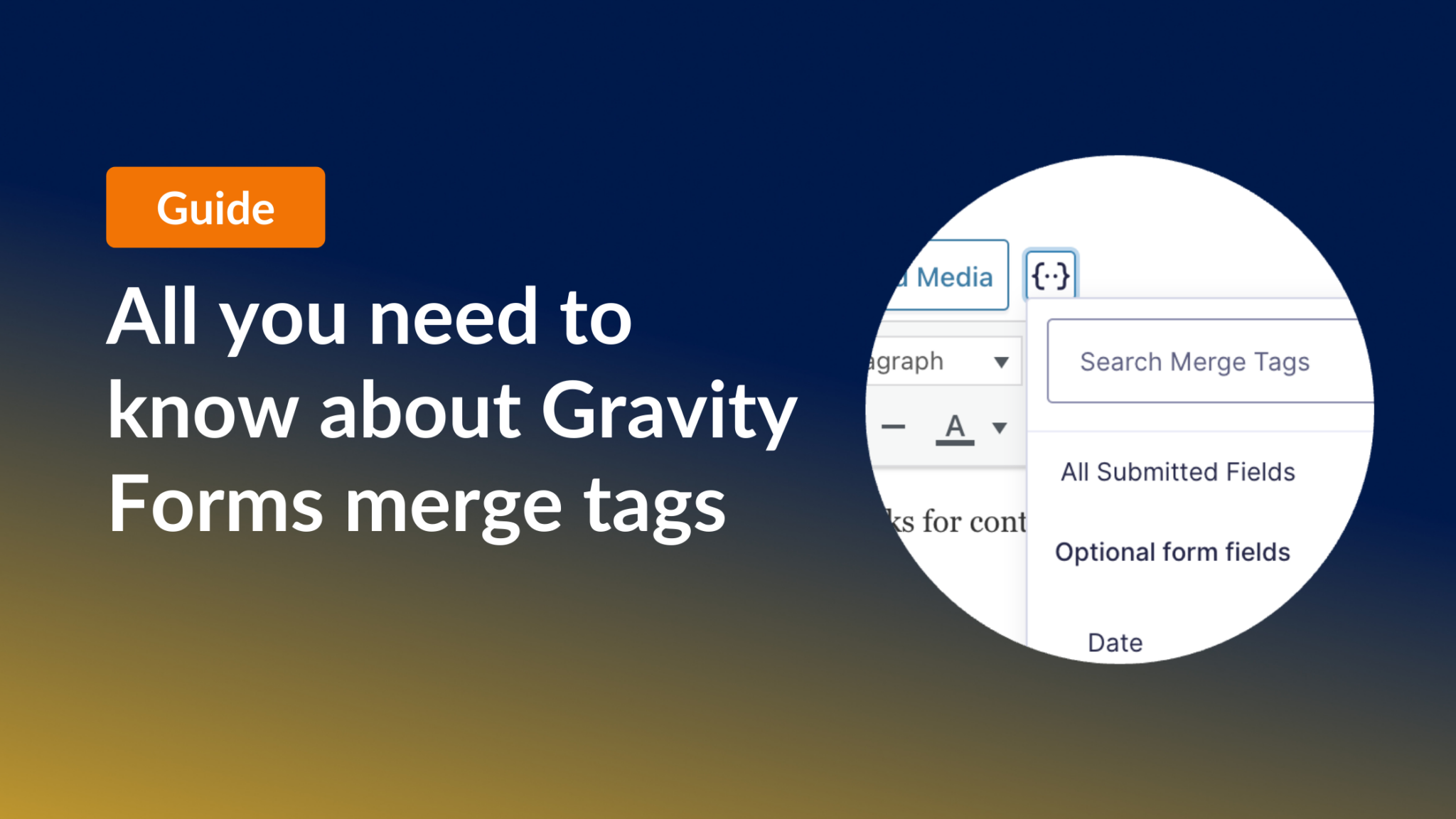
All you need to know about Gravity Forms merge tags
I dived deep into Gravity Forms merge tags to bring you the ultimate guide on utilizing dynamic content in Gravity Forms. Merge tags enable you to display data about a form, an entry, a specific field, a user, a post—well, basically anything. You can…
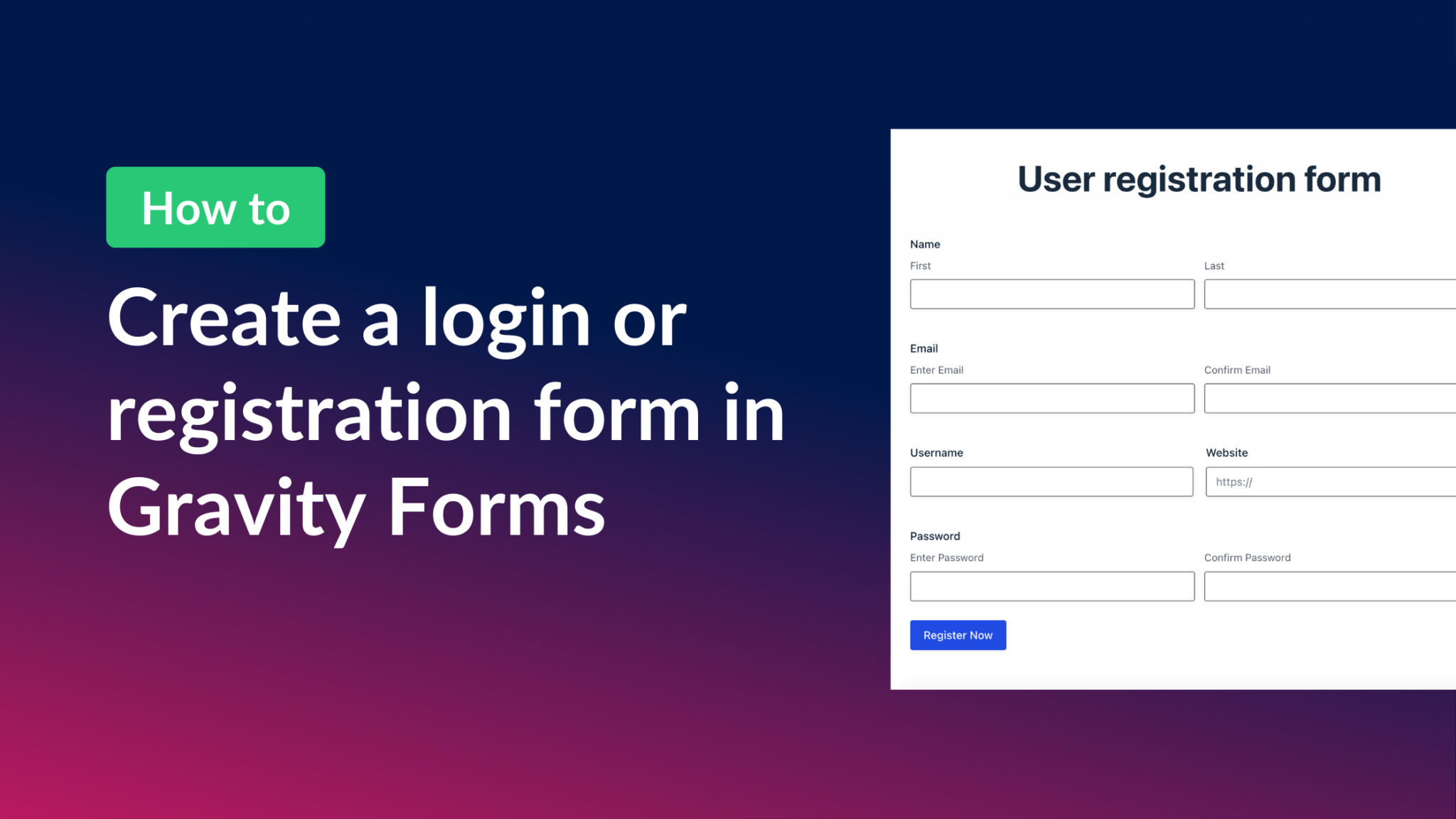
How to create a Gravity Forms login form (all you need to know)
Did you know that Gravity Forms can handle user login and registration on WordPress? Creating a user-friendly login experience is essential for any website, especially if you’re managing multiple users. In this guide, I’m going to walk you through the process of creating a…

Populating fields dynamically in Gravity Forms (the ultimate guide)
Dynamic population is one of the standout features of Gravity Forms. It’s something that more people should be using, and in this post, I’m going to show you exactly how it works. So why should you care about dynamic population? Well, not only is…