
Gravity Forms
Gravity Forms is the most reliable and powerful form plugin for WordPress. Using Gravity Forms you can create complex forms, register new users on your website, take payments for products, and more.
If you’re new to Gravity Forms, there’s a lot to learn. Some of the questions that we answer in these posts include – how do you use conditional logic? What are merge tags? How do you configure new notifications and confirmations? How do you create a membership site with Gravity Forms? Learn all about the Gravity Forms plugin here!

Gravity Forms themes explained: Modernize your forms effortlessly
Gravity Forms themes control the visual style of your forms without code. Learn how to apply the Orbital theme globally, override styles per form, and set a site-wide default.
How to add Gravity Forms to Elementor (complete guide)
Add Gravity Forms to any Elementor page using the free widget plugin or shortcode. Covers embedding, styling, and why Gravity Forms outperforms Elementor’s native form widget.

How to display Gravity Forms field values after submission
Display submitted Gravity Forms field values in confirmation messages, email notifications, and regular pages using merge tags. No plugin or custom code required.

Gravity Forms AJAX: The complete guide to smoother submissions
Enable Gravity Forms AJAX for faster submissions without page reloads. This guide covers how to turn it on, fix common AJAX errors, and improve form UX across your site.

All you need to know about the Gravity Forms conditional shortcode
The Gravity Forms conditional shortcode enables dynamic confirmations, notifications, and page content based on user input. Complete guide covering syntax, use cases, and examples.
All you need to know about Gravity Forms merge tags
The complete guide to Gravity Forms merge tags. Learn how to display dynamic form, entry, field, and user data inside confirmations, notifications, and post content templates.
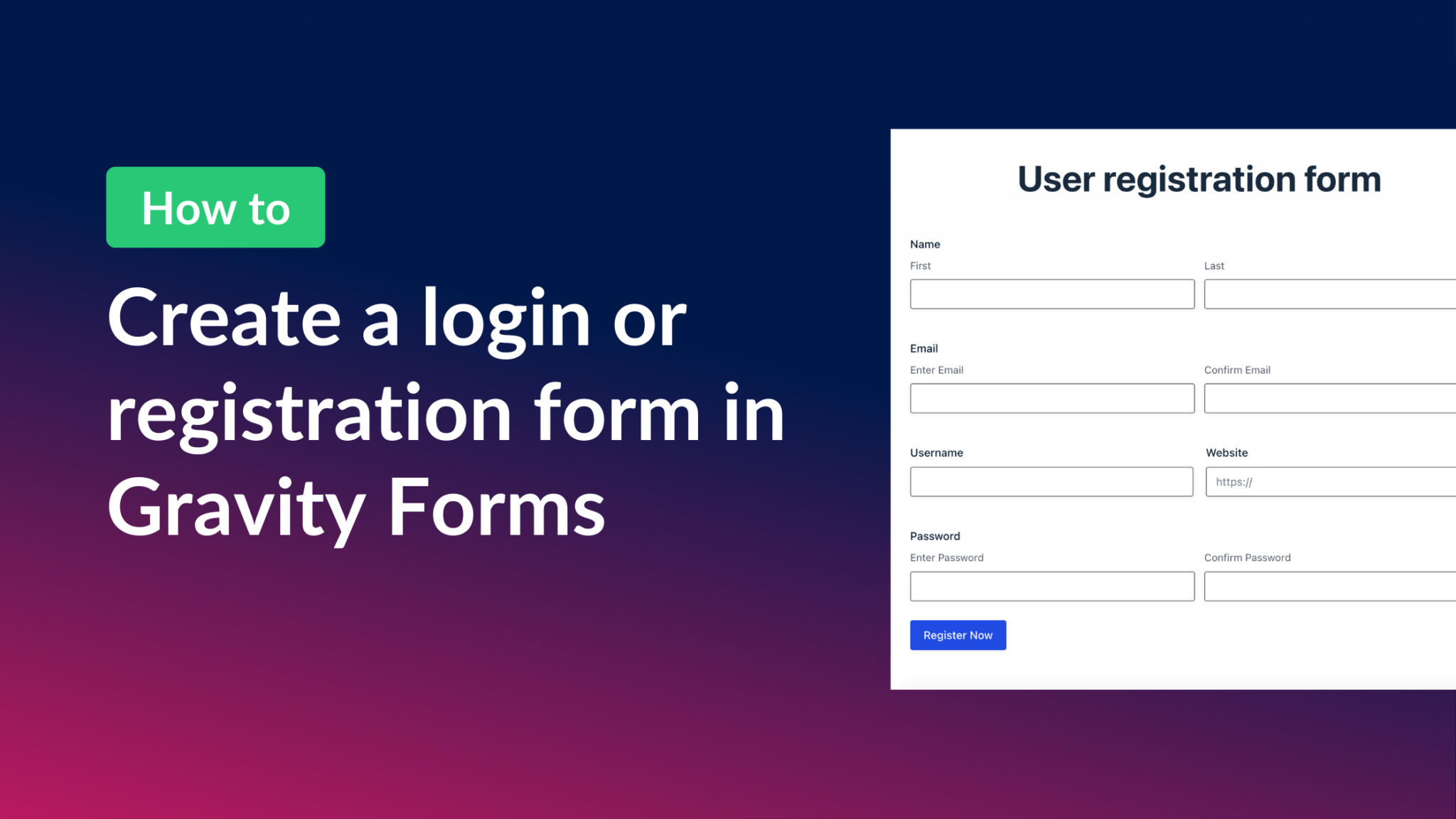
How to create a Gravity Forms login form (all you need to know)
Create a front-end login and registration form in WordPress using Gravity Forms and the User Registration add-on. Covers shortcodes, redirect settings, and user profile pages.

Populating fields dynamically in Gravity Forms (the ultimate guide)
Pre-populate Gravity Forms fields dynamically using shortcodes, URL parameters, the Gutenberg block, or custom hooks. Complete guide with use cases and real-world examples.