
Products
GravityKit is a Gravity Forms certified developer that builds powerful add-ons for Gravity Forms. We are recognized in the Gravity Forms community for our quality development and excellent support.
Our flagship plugin, GravityView, allows you to display Gravity Forms entries on the front end of your website. Our Inline Edit plugin allows you to edit Gravity Forms entries faster and more efficiently and Import Entries provides an easy way to import data from a CSV file into Gravity Forms.
Learn about all of our different products and how to use them here.
How to export survey responses in Gravity Forms
Export Gravity Forms survey responses to Excel, Dropbox, or email using GravityExport. Covers setup, scheduling, and formatting options for any survey reporting use case.
How to update an existing entry in Gravity Forms
Covers every method for editing Gravity Forms entries, from the built-in dashboard editor to faster bulk-update tools that save time when hundreds of records need changes.

How to quickly update File Upload fields with inline editing
Edit Gravity Forms File Upload fields inline using GravityEdit, without opening each entry. Ideal for teams that frequently update uploaded files or documents in bulk.

Using Gravity Flow to add a feedback and review loop for new directory submissions
Add an approval and feedback workflow to any GravityView directory using Gravity Flow. Review new submissions before they go live and notify submitters of their review status.

How to build an eSports team page using GravityView
Build a dynamic eSports team roster page on WordPress using GravityView. A step-by-step tutorial recreating the OG Dota 2 team page layout with Gravity Forms data.

How To Add “Claim Entry” Functionality to Your Gravity Forms Directory Using Gravity Flow
Let users claim ownership of existing business listings in a GravityView directory. This tutorial uses Gravity Flow to create an approval workflow for entry ownership.
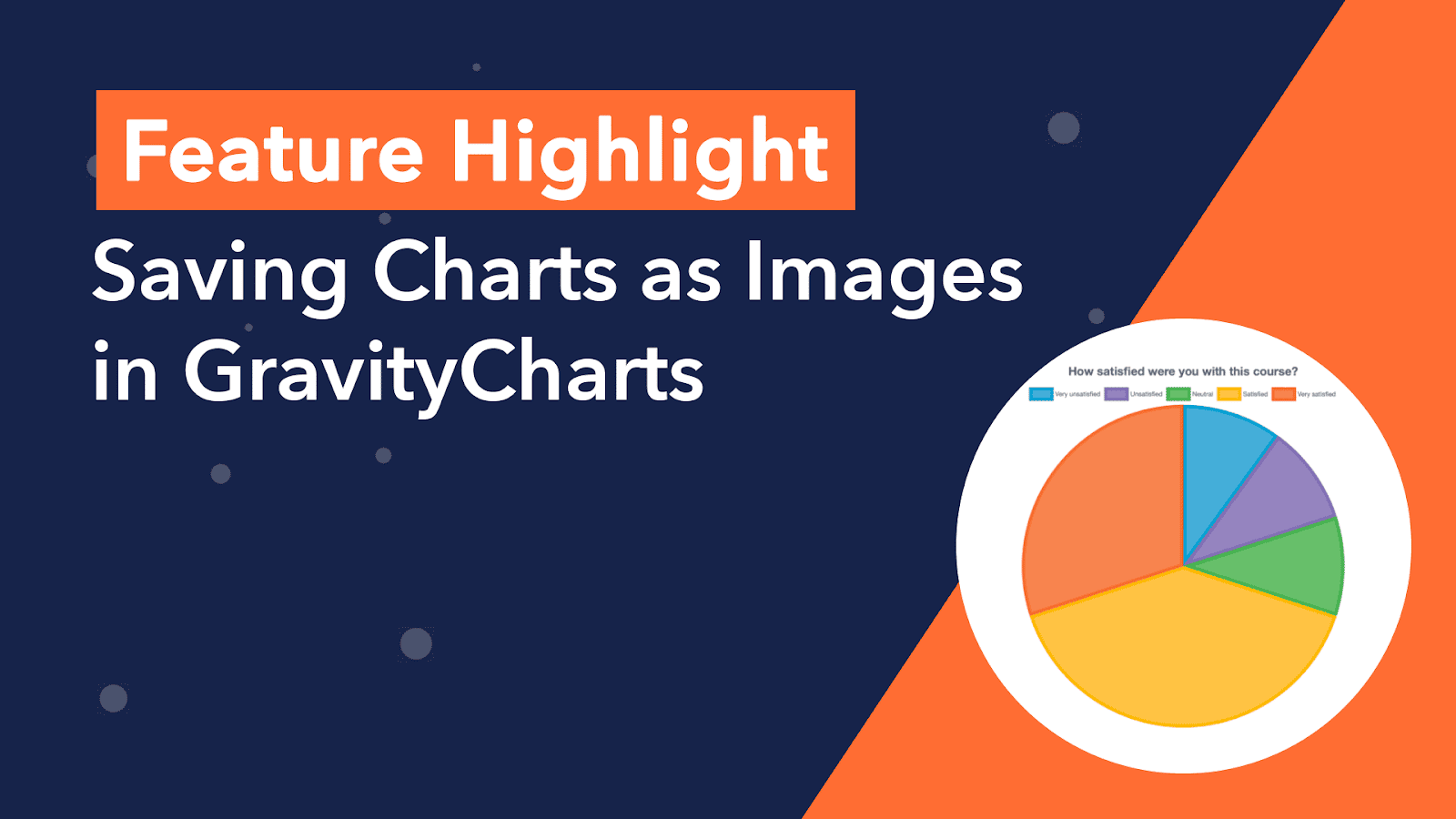
Feature Highlight: Saving Charts as Images in GravityCharts
Save GravityCharts visualizations as image files to embed in email notifications or PDF reports. Covers the Image Charts beta feature and how to build versatile data reports.
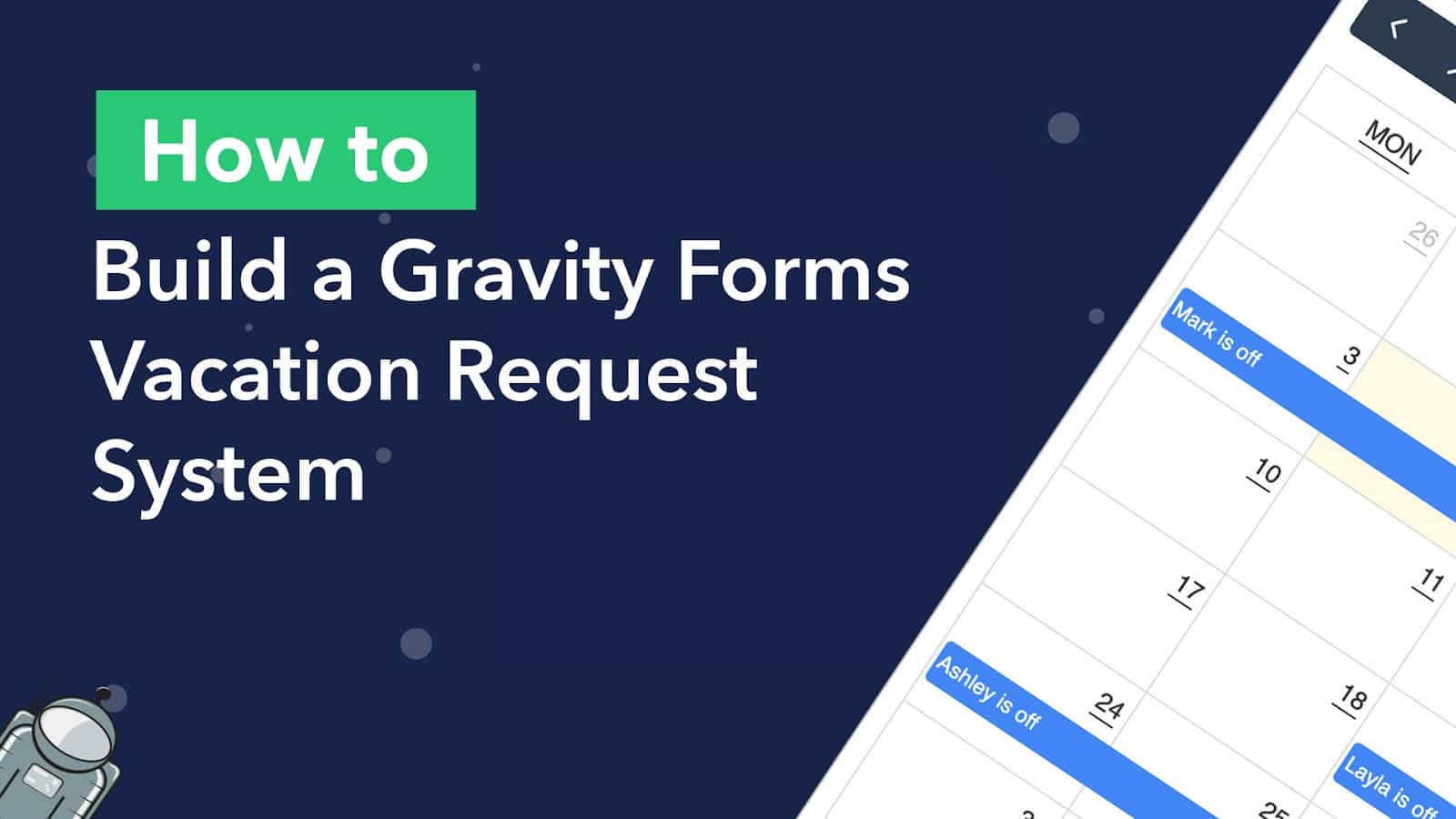
How to Build a Gravity Forms Vacation Request System With a Calendar
Build an automated employee vacation request system using Gravity Forms and Gravity Flow, then display approved time off on a searchable calendar with GravityCalendar.