Case study
How New Mexico State University shipped eight web apps with GravityView
When the Office of the Executive Vice President and Provost at New Mexico State University needed to collect statewide stakeholder input on higher-ed reform, they had a tight deadline and a stack of half-fitting tools. They settled on Gravity Forms paired with GravityView and GravityImport. One launch later, the same setup quietly took over eight more projects across the NMSU system.
Meet Adam Cavotta
Adam Cavotta works for the Executive Vice President and Provost at New Mexico State University. The Provost is the chief academic officer of the NMSU system, overseeing the academic colleges, accreditation and assessment of academic programs, and other areas of university operations. Adam supports the office with web projects and training initiatives, which means he is usually the person who has to turn a stakeholder request into something on a website by a specific date.
Discovering GravityKit
NMSU has been a Gravity Forms shop for a long time. When the university moved to WordPress, central IT bought Gravity Forms for the entire campus, so almost every department already had a way to collect input. The harder problem was what to do with that input afterwards.
We have been a long-time customer of Gravity Forms and we’ve tried several methods to leverage information collected via Gravity Forms to display and otherwise use the information collected.
Adam’s team had cycled through the usual workarounds:
- Contact Form DB worked for live submissions but could not query previously submitted entries, which made it useless for ongoing directories or reports.
- WCK Custom Fields and Custom Post Types Creator plus child theme code worked, but only after a lot of plumbing.
- Zapier could move data around, but the multipoint setup got complicated fast.
- Custom plugin code was always an option, and always the slowest one.
Then a big project landed: a statewide effort to collect general education reform feedback from college and university administrators, faculty, students, and citizens of New Mexico. Adam needed something he could ship in weeks, not months.
Once I noticed that we could do everything we were looking to do, get support for the product, and get access to additional add-ons, like the Import Entries add-on, I was sold. It took little convincing to get the funds for our office to pay for it given the importance of the task and the timeline.
Building with GravityKit
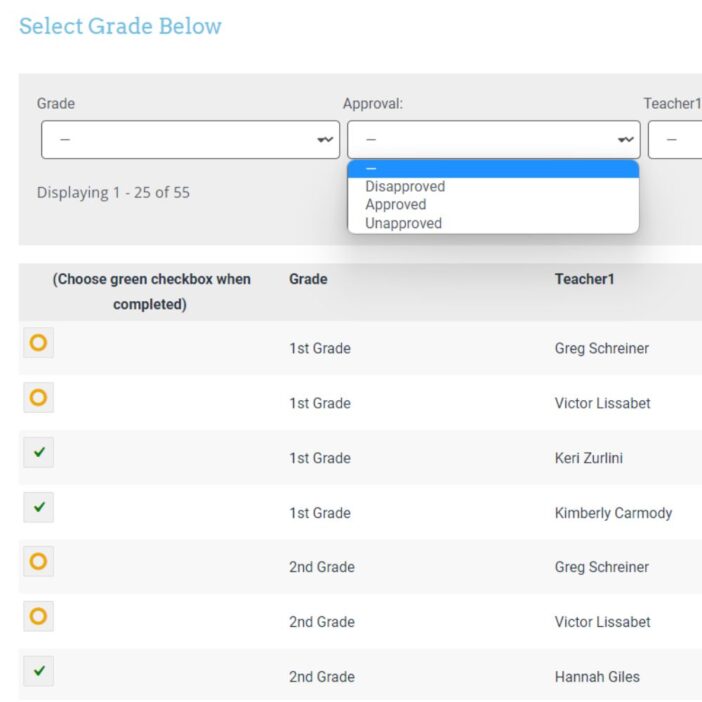
Once GravityView was in place, the same pattern (form in, View out) started solving problems all over campus. Adam counts about ten internal projects today; eight are detailed below.
1. Specialized program accreditations
NMSU has a global accreditation for the entire university system, plus domain-specific accreditations for programs like nursing, agriculture, and business. Adam’s team built a public list of those accreditations where the leaders of each program can directly enter and update the details.
One great benefit of this is that the leaders in their respective areas get to directly input the details, making the management of information less laborious, more consistent, and more transparent.
2. Actor and actress casting database
The Creative Media Institute for Film and Digital Arts regularly casts actors for student productions. Volunteers complete a Gravity Forms entry; faculty and directors browse and search the resulting list inside a private GravityView. (The casting database itself is not public.)
3. NMSU strategic plan feedback
A feedback form gathered ideas about the university’s strategic plan, and a public View displayed the responses on plan.nmsu.edu/ideas/, so stakeholders could see what was being submitted alongside their own contribution.
4. Academic advisor directory
After NMSU consolidated from a distributed advising model to a centralized one, students suddenly needed a single place to look up advisors. Working with the advising office, Adam built a directory of advisors at advising.nmsu.edu/staff/, fed by an internal form the department uses to keep entries current.
5. University boards annual reports
University policy requires every official committee or board to file an annual report. The team rebuilt the process around GravityView at boards.nmsu.edu, then layered on GravityImport to copy each year’s report forward so chairs only update what changed.
We use the Gravity Forms import add-on to create duplicate copies of reports for committee chairs to update, which has saved a lot of time. In addition, this process was previously on paper and the website didn’t provide as much detail regarding the activities of the committees, which makes this solution more transparent.
6. Statewide general education reform feedback
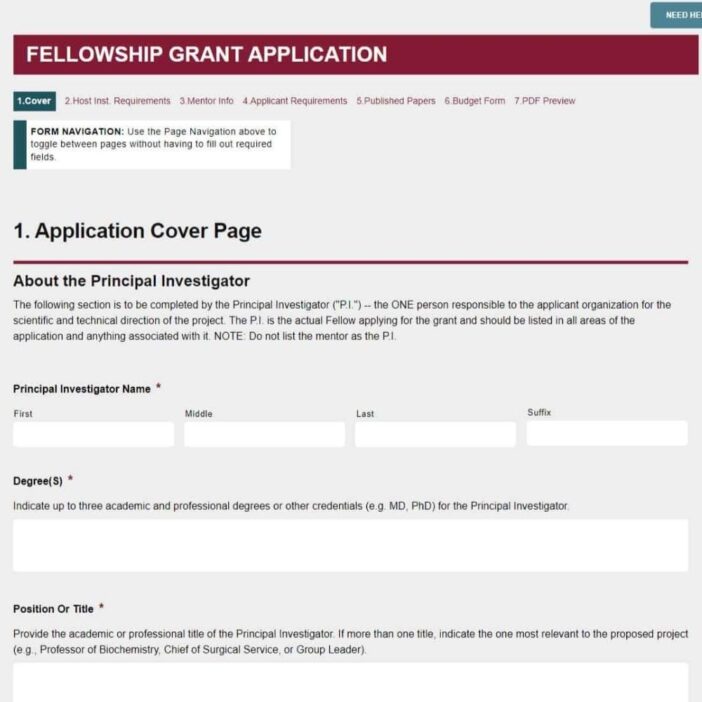
The original launch project. A View collected and displayed input from administrators, faculty, students, and citizens of New Mexico, all in one searchable place tied to a Gravity Forms submission flow.
7. Undergraduate Research Apprenticeship Program
A faculty member wanted to recreate a research-pairing program he had seen at another university. Adam built two Gravity Forms (one for faculty and projects, one for student applicants) and two Views to surface them. The faculty list and project list are public; the student list requires authentication so applicants’ details stay private.
The challenge was to put together a couple of forms…so that faculty and staff could review potential opportunities for collaboration. This program has great potential and GravityView has helped us to mobilize a tool quickly to make it possible.
8. Domenici Conference presentations database
The Domenici Institute runs an annual public policy conference that draws more than 1,000 attendees from New Mexico, Arizona, and Texas. After ten years, there was a backlog of recorded sessions and presenter material with no good home. Using GravityView’s DIY Layout, Adam’s team built a searchable database of past presentations with brief presenter bios and links to the recorded webcasts.
This is the first project where I used the DIY layout tool, and I’m very happy with the outcome.
The impact
Across the eight projects, the patterns repeat.
Program leaders own their content. Accreditation reports, advisor entries, and committee reports are all updated directly by the people closest to the work, without an intermediary editing the website.
Annual reporting got dramatically lighter. Pairing GravityView with GravityImport let board chairs roll forward last year’s submission and edit only what changed, replacing a paper-based process the Chancellor’s office used to track manually.
Privacy is built in where it has to be. Public Views handle the things the public should see (faculty research projects, advisor directories, conference archives). Authenticated Views protect the things they should not (student applications, casting lists).
Time-to-launch is short enough to matter. When a faculty member proposes a research apprenticeship program or the Provost’s office needs statewide feedback in a short window, GravityView makes it realistic to ship.
Once we had GravityView we realized how many situations existed where we could use it to solve problems. It all started with our need to collect and SHARE feedback about our activities and initiatives.
Takeaways
- Standardize on one form-and-display stack. NMSU stopped reaching for a different plugin or service every time a new use case came up. One team learns the same patterns once and applies them everywhere.
- Mix public and authenticated Views. GravityView lets the same data feed two audiences with different access rules, which is often what universities actually need.
- Try DIY Layout for archive content. When records carry rich detail (bios, links, attachments), the DIY Layout produces something closer to a custom-built database without the custom build.
- “Form in, View out” generalizes farther than you think. Casting calls, advisor directories, accreditation reports, conference archives, and statewide feedback projects are all the same shape underneath.
If you work at a university or other educational institution and want to do something similar, learn more about GravityKit for education.
Ready to get
started?
GravityKit’s integrated toolkit of Gravity Forms add-ons transforms your data into actionable applications.
Browse more case studies
Be There Local
Killer Shorts
Think:Kids
Leadpal
Jacksonville Port Authority
Princeton University
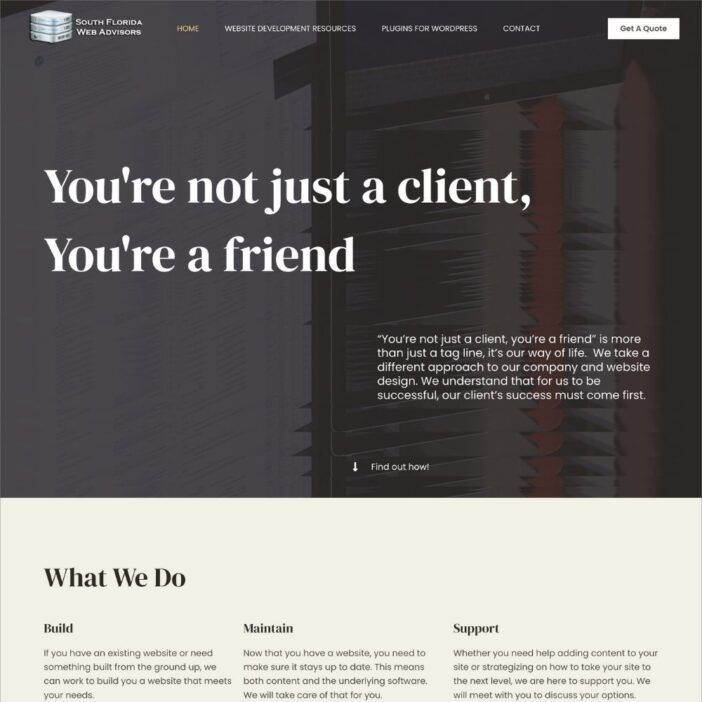
South Florida Web Advisors
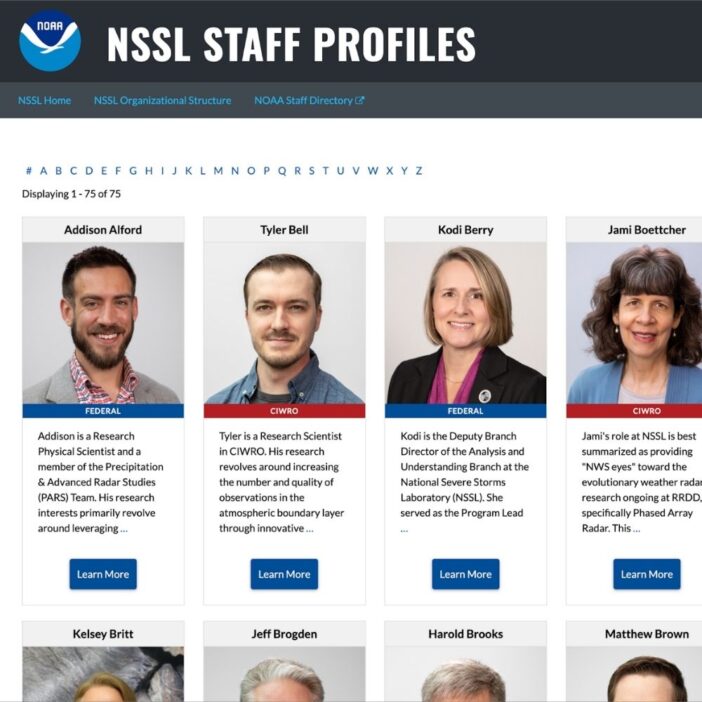
NSSL
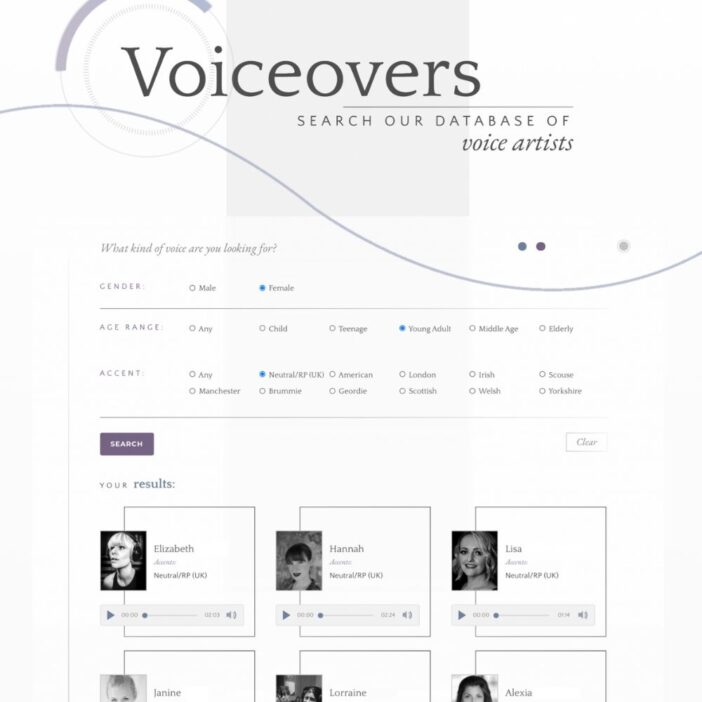
Dragonfly
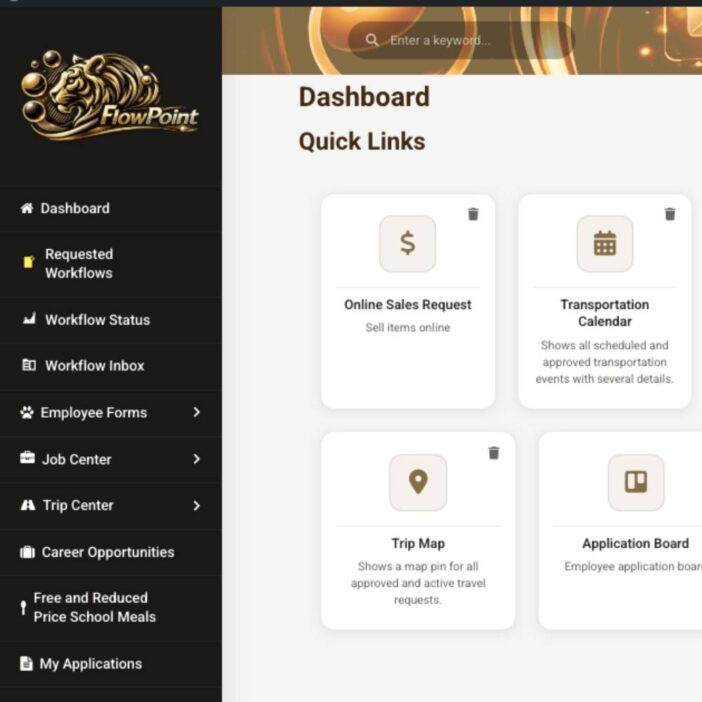
West Fork School District
HappyTree IT
Mediebruket
Bet Hannon
Experience Solutions
Slight Revision
LifterLMS
Jamie Madden
GCPE
Rochelle Victor