

9 nonprofit apps you can build with Gravity Forms and GravityKit
Nine apps nonprofits build on WordPress from Gravity Forms data: volunteer databases, member directories, client portals, donation pages, grant review and more.
Product updates
Launch Log: Live DataTables totals, a Remove Data option, and rounding for Number field merge tags
This week’s releases add live GravityMath totals to DataTables Views, a Remove Data option in GravityView, and security fixes in five GravityKit products.

Launch Log: A range slider for search, AI-managed calendars, and security updates in ten products
GravityView adds a Slider search input, GravityCalendar lets AI assistants manage calendars, and ten GravityKit products get security fixes. Here’s what shipped.
Latest Posts
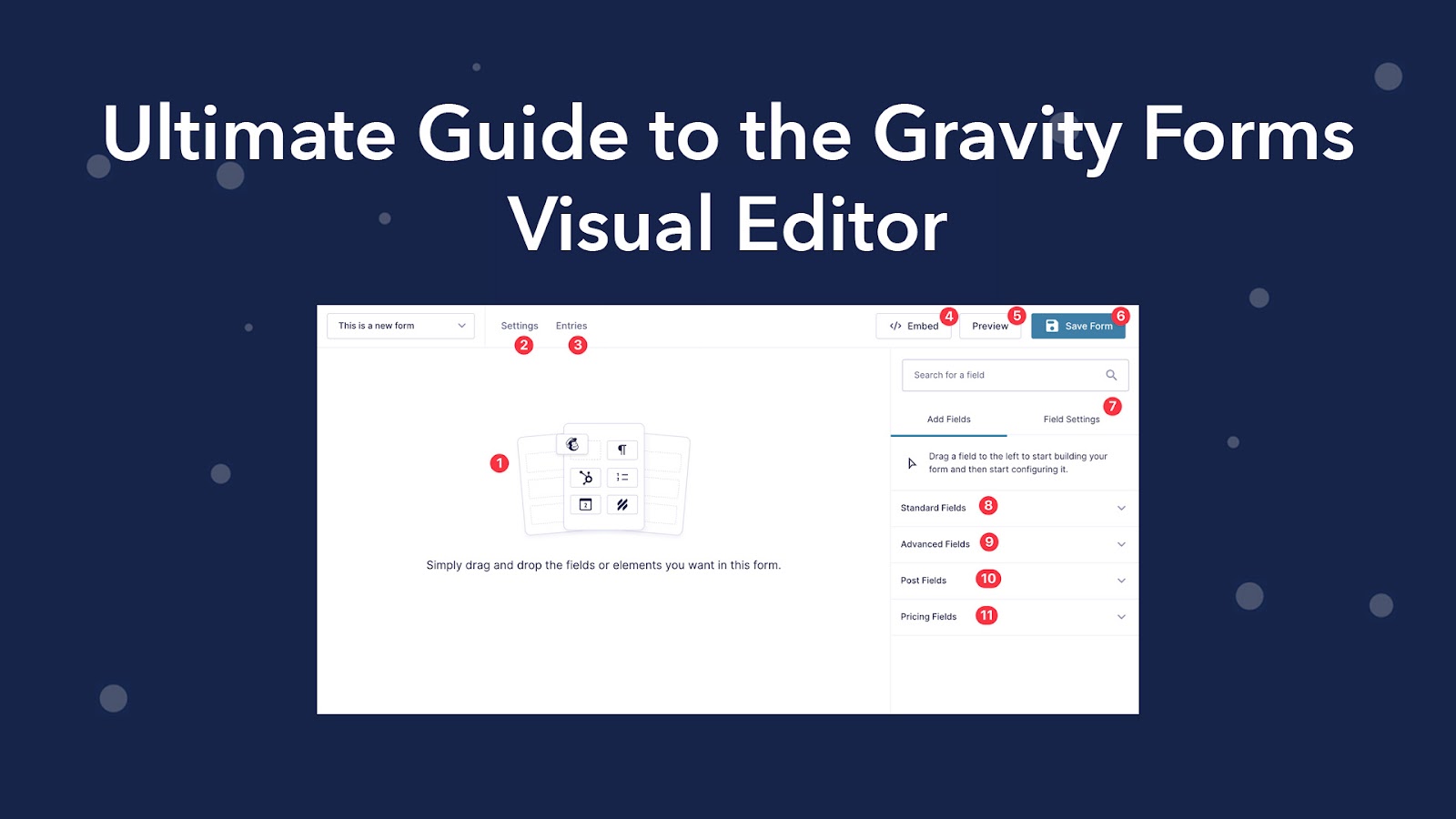
The ultimate guide to the Gravity Forms visual editor (drag and drop form builder)
One of the features that makes Gravity Forms so popular is its easy-to-use, visual form builder. However, if you’re new to WordPress, or you’re not familiar with drag and drop functionality, you may need some help understanding how it works. In this tutorial, we’ll…

Connect GravityKit to Other WordPress Plugins and Apps Using Uncanny Automator
We’re excited to announce that Uncanny Automator now integrates with GravityKit, giving you limitless new ways to enhance your GravityView-powered applications! Uncanny Automator is the ultimate no-code automation tool for WordPress. Thanks to this new integration, you can now connect GravityView with other WordPress…
Why Gravity Forms Is the Best Ninja Forms Alternative
Gravity Forms and Ninja Forms are two popular form builders for WordPress. Both plugins offer advanced features, a drag-and-drop editor and a range of powerful integrations. In this post, we’ll compare Gravity Forms and Ninja Forms, showing you why Gravity Forms is the ultimate…

The GravityKit Team Will be at WordCamp Europe 2022 – Come Say Hi!
We’re excited to announce that our whole team will be attending WordCamp Europe 2022, in beautiful Porto, Portugal! Come say hi if you’re there, we’d love to meet you! WordCamp Europe is an informal gathering of WordPress enthusiasts (i.e., anyone from casual users to…

Feature Highlight: The GravityView (WordPress) Search Widget
In this edition of Feature Highlights, we’re exploring the WordPress Search Widget. This handy widget allows you to add a GravityView search bar to your sidebar, footer, or any other widget area on your site. This is really helpful if you want to allow…
We Changed Our Brand Name to GravityKit!
If you’ve accessed our website in the last few days, you may have noticed that we changed our brand name from GravityView to GravityKit. We did this for a very simple reason: our old business name was confusing! You see, our company name was…

How Pieroth reduced costs and improved data management with GravityKit
In this exciting case study, we’re talking to Nicolas Johansson, the Digital Manager at Pieroth, about how he built a custom Product Information Management System (PIM) using GravityView. Pieroth is a wine producer and direct selling company headquartered in Germany. However, they have operations…
8 Examples of Essential Gravity Forms Add-Ons and Extensions
Gravity Forms is the most popular form plugin for WordPress, and as such, site builders are always on the lookout for ways to boost its core features and functionality! In fact, part of what makes Gravity Forms such a powerful plugin is its extensibility….

Get better at Gravity Forms, one email a week
New GravityKit releases, practical Gravity Forms tutorials, and subscriber-only discounts. One short email every week, unsubscribe anytime.