
Published
•
Updated
We Changed Our Brand Name to GravityKit!
If you’ve accessed our website in the last few days, you may have noticed that we changed our brand name from GravityView to GravityKit. We did this for a very simple reason: our old business name was confusing! You see, our company name was “GravityView” and our most popular plugin is also named “GravityView”. This…


If you’ve accessed our website in the last few days, you may have noticed that we changed our brand name from GravityView to GravityKit. We did this for a very simple reason: our old business name was confusing!
You see, our company name was “GravityView” and our most popular plugin is also named “GravityView”. This led customers to think that the GravityView plugin was all we offered.
However, we offer a suite of powerful Gravity Forms add-ons, not just GravityView! By renaming to GravityKit, we hope to make it clear that GravityView is one plugin among our powerful collection. Our toolkit of plugins empowers users to display, import, edit, analyze, and export their Gravity Forms data!
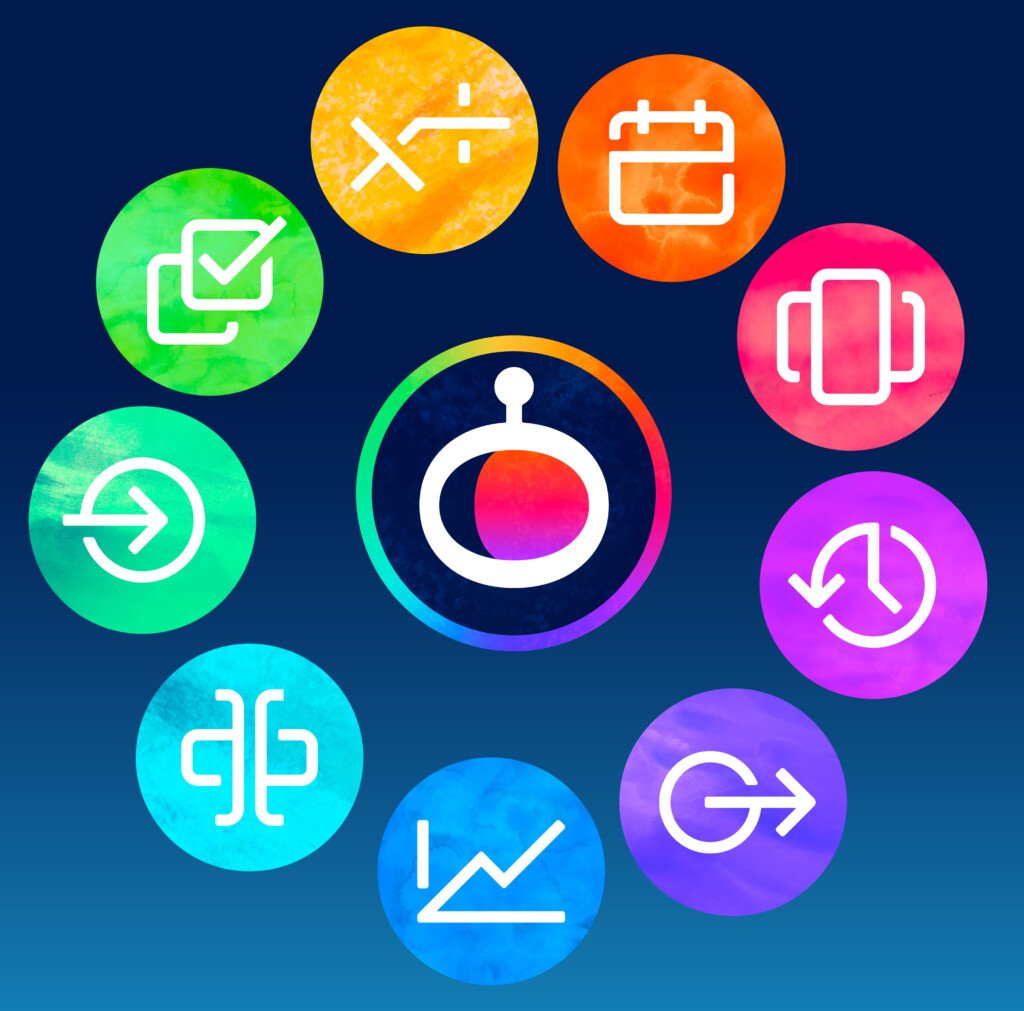
New Product Icons
We’ve updated all of our product icons to give our plugins a fresh, new look! These new icons were designed for us by Parakeet, and we’re super excited to have a consistent look for our add-ons.
Plans for the Near Future
Over the course of the next few months, we’ll be rolling out some additional changes to complete our rebranding process. Here’s what we’ve got planned:
- We’re working on a brand-new website design
- We’ll also be slowly updating content across our website, docs site, social media pages, etc to say “GravityKit”.
Needless to say, there’s a lot to look forward to! Subscribe to our newsletter below so we can keep you informed 👇
Join Our Newsletter!📧🙌
✅ Helpful Gravity Forms content straight to your inbox
✅ Be the first to hear about new updates and releases

Get better at Gravity Forms, one email a week
New GravityKit releases, practical Gravity Forms tutorials, and subscriber-only discounts. One short email every week, unsubscribe anytime.
More articles
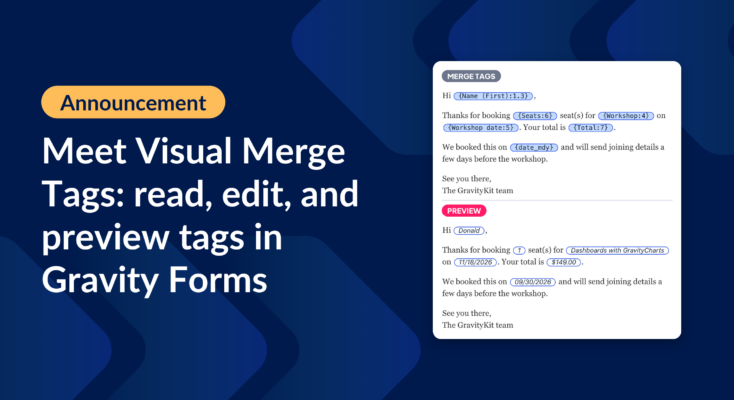
Announcing Visual Merge Tags: tags you can read, edit, and preview in Gravity Forms
Visual Merge Tags turns Gravity Forms merge tags into chips you can read, change from a settings panel, and preview with real entries before you save.

Launch Log: Visual Merge Tags, Elementor widget style settings, and security updates
Visual Merge Tags arrives with Foundation 1.35.0, GravityView and Magic Links get security fixes, and the Elementor widget gains the form block’s style settings.

10 school apps you can build with Gravity Forms and GravityKit
Ten apps schools and universities build on Gravity Forms without custom code: application review, enrollment, student portals, report cards, libraries, calendars, and more. Walkthroughs for each.