

9 nonprofit apps you can build with Gravity Forms and GravityKit
Nine apps nonprofits build on WordPress from Gravity Forms data: volunteer databases, member directories, client portals, donation pages, grant review and more.
Product updates

Launch Log: Live DataTables totals, a Remove Data option, and rounding for Number field merge tags
This week’s releases add live GravityMath totals to DataTables Views, a Remove Data option in GravityView, and security fixes in five GravityKit products.

Launch Log: A range slider for search, AI-managed calendars, and security updates in ten products
GravityView adds a Slider search input, GravityCalendar lets AI assistants manage calendars, and ten GravityKit products get security fixes. Here’s what shipped.
Latest Posts

How to build a sales dashboard for corporate sales teams
Build a role-based sales dashboard using Gravity Forms and GravityView. Sales managers can track revenue metrics and monitor individual rep performance without writing code.
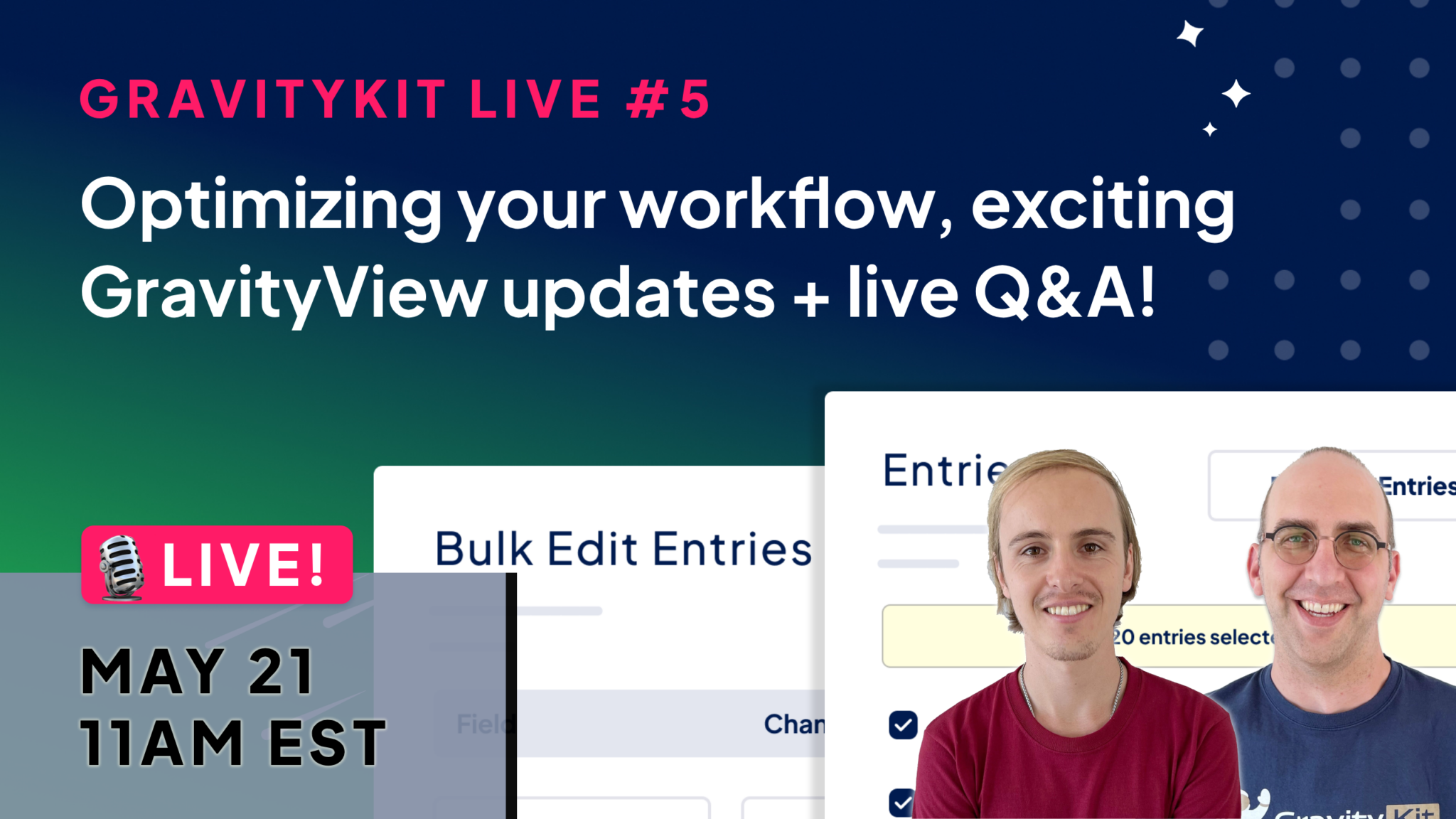
Join us for GravityKit Live #5: Optimizing your workflow & exciting GravityView updates
GravityKit Live #5 airs May 21 at 11am EST. Tune in for new GravityView feature previews, a GravityActions bulk email walkthrough, and a live Q&A with the GravityKit team.

How to build an online library on WordPress with no code
Build a searchable online library for books or academic journals on WordPress using Gravity Forms and GravityView. Includes filtering, front-end submissions, and no code needed.

How to import Contact Form 7 entries to Gravity Forms in 5 simple steps
Migrate Contact Form 7 submissions to Gravity Forms without losing data. This 5-step guide uses GravityImport and the Flamingo add-on to transfer all entries safely.

How to create an insurance quote calculator for WordPress
Build an insurance quote calculator for WordPress using Gravity Forms. Collect pricing data, email quotes as PDFs, and manage leads without writing a single line of code.

How to stop Gravity Forms spam: 8 proven anti-spam tactics
Stop Gravity Forms spam with 8 proven tactics ranked by effectiveness. From honeypot fields to reCAPTCHA and token verification, find the right mix for your forms.

How to save your entry export settings in Gravity Forms for future exports
Stop reconfiguring Gravity Forms exports from scratch. GravityExport lets you save export settings once and rerun them on demand, saving significant time on regular data pulls.

How to export images and files uploaded to Gravity Forms: A simple guide
Gravity Forms omits uploaded files from default exports. GravityExport solves this by bundling submitted images and documents alongside entry data in a single download.

Get better at Gravity Forms, one email a week
New GravityKit releases, practical Gravity Forms tutorials, and subscriber-only discounts. One short email every week, unsubscribe anytime.