
Published
•
Updated
Announcing…WordPress Pet of the Year 🐶 🏆
Submit a photo of your pet for a chance to win the WordPress Pet of the Year title and exclusive GravityKit swag. Open to the entire WordPress community worldwide.

We’re inviting the WordPress community to share their beloved pets with us. Whether they’re fluffy, feathery, or scaly, we want to see your adorable companions that keep you company while you work on your WordPress projects. One lucky pet will be crowned “WordPress Pet of the Year”.
It’s high time we celebrated the furry (and not-so-furry) heroes of our WordPress community!
More than a competition
WordPress Pet of the Year is about bringing smiles to the faces of our fellow WordPress enthusiasts!
Submit a photo of your pet, along with some additional information, for a chance to secure yourself some exclusive GravityKit swag (not to mention endless bragging rights!). We’ll be featuring new submissions throughout the year on our social media and website (with a link back to your website or social profile).
What happens next?
- Showcase: We’ll be utilizing GravityView to display all the heartwarming submissions on the front-end of our site.
- Community Voting: The WordPress community will get a chance to vote on their favorite pets! This is a fantastic way for us to come together and celebrate our pets.
We have also reserved a special spot in an upcoming newsletter for one or two of the most charming and heartwarming entries.
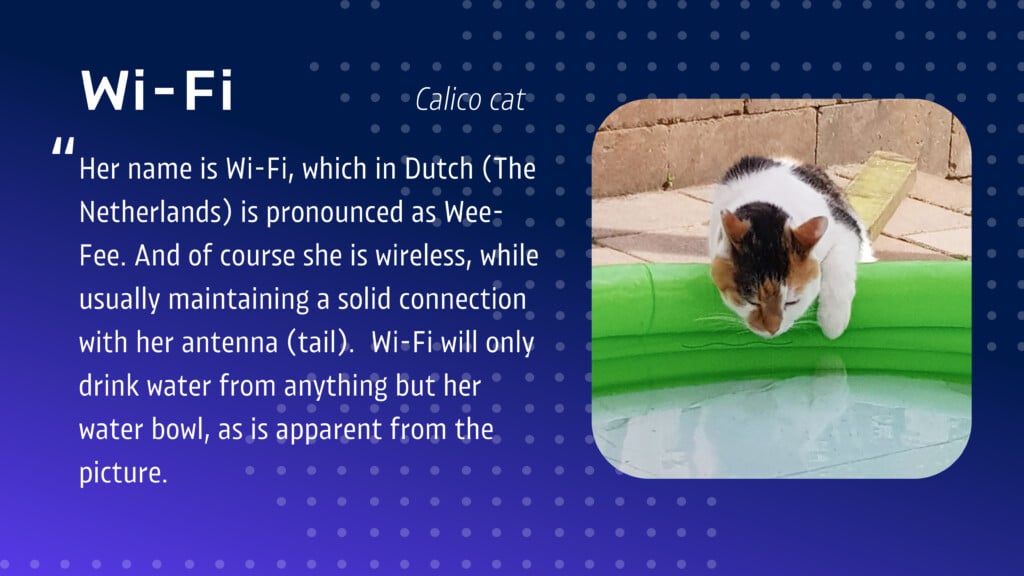
Submit your entries using the form below!
Have more than one animal at home? Feel free to submit multiple entries.

Get better at Gravity Forms, one email a week
New GravityKit releases, practical Gravity Forms tutorials, and subscriber-only discounts. One short email every week, unsubscribe anytime.
More articles

Launch Log: A range slider for search, AI-managed calendars, and security updates in ten products
GravityView adds a Slider search input, GravityCalendar lets AI assistants manage calendars, and ten GravityKit products get security fixes. Here’s what shipped.

9 nonprofit apps you can build with Gravity Forms and GravityKit
Nine apps nonprofits build on WordPress from Gravity Forms data: volunteer databases, member directories, client portals, donation pages, grant review and more.
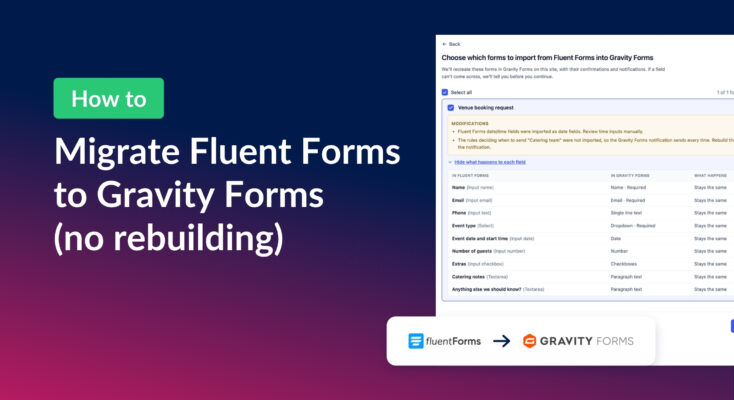
How to migrate from Fluent Forms to Gravity Forms without rebuilding your forms
Move your Fluent Forms forms into Gravity Forms with GravityMigrate, then bring your entries across with GravityImport. Every step was tested on the free version of Fluent Forms.