How-To
The Gravity Forms ecosystem is exciting and dynamic, and there’s so much that you can do using powerful plugins like GravityView. But let’s face it – such an expansive topic can be overwhelming. That’s why we’re here to help you find your feet.
Here you’ll find helpful tutorials, walk-throughs, and “how-to” guides teaching you how to get the most out of Gravity Forms, GravityKit, and build your ideal WordPress website.

How to schedule recurring exports in Gravity Forms
Schedule Gravity Forms exports daily, weekly, or monthly with GravityExport. Deliver reports automatically to Dropbox, SFTP, or local storage.

How to export Gravity Forms entries to Google Sheets: 3 easy methods
Google Sheets is a go-to tool for organizing, analyzing, and sharing data—and if you’re using Gravity Forms, integrating the two can streamline your workflow and eliminate manual exports. Whether you need real-time syncing, automated entry updates, or a simple one-time export, there are multiple…
How to export Gravity Forms entries to PDF (4 easy methods without code)
Four easy ways to export Gravity Forms entries to PDF without code. Generate invoices, save submissions, or send reports using trusted third-party WordPress plugins.

How to export Gravity Forms entries to Excel (complete guide)
Export Gravity Forms entries directly to Excel with three methods, including the free GravityExport Lite plugin. No manual CSV conversion required. Step-by-step guide inside.

How to build a product catalog on WordPress with GravityView
Build a searchable product catalog or equipment directory on WordPress without WooCommerce. Use Gravity Forms for data entry and GravityView for a filterable front-end display.

How to export multiple Gravity Forms forms to one Excel workbook
Learn how to export entries from multiple Gravity Forms into a single Excel file with separate worksheets using GravityExport Lite (free).
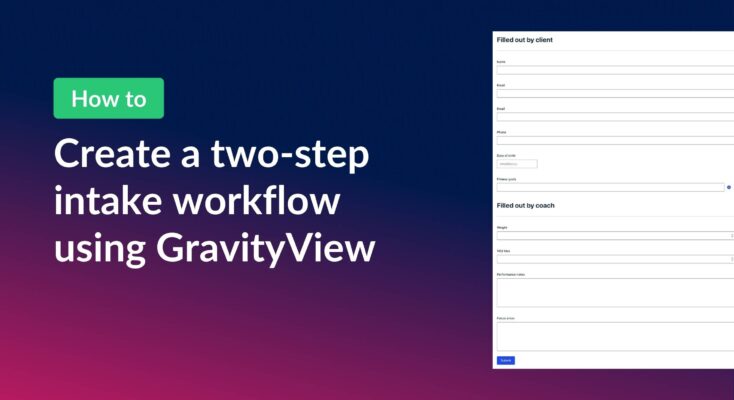
How to create a two-step intake workflow with Gravity Forms and GravityView
Learn how to build a two-step intake workflow where customers start a form online and staff complete it later. Uses GravityView’s Search Bar and Edit Entry features.

How to create a dynamic “Edit Profile” link in GravityView
Add a dynamic Edit Profile link to any page that takes logged-in users directly to their GravityView entry edit screen, without requiring access to the WordPress admin area.