
Feature Highlight
Explore our “feature highlights” where we narrow in on one particular feature of one of our plugins and show you how best to use it in order to accomplish different objectives.
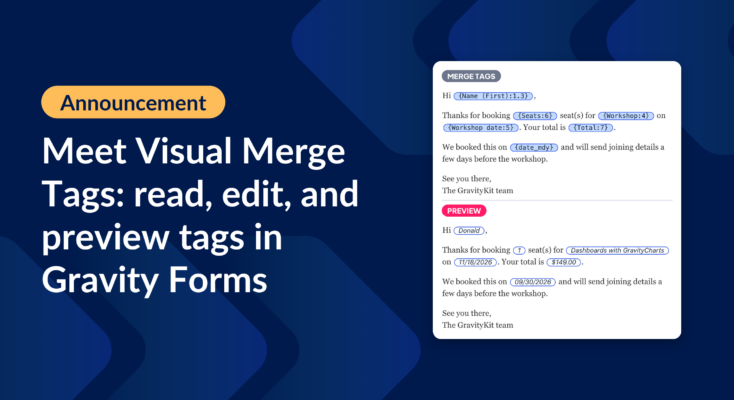
Announcing Visual Merge Tags: tags you can read, edit, and preview in Gravity Forms
Visual Merge Tags turns Gravity Forms merge tags into chips you can read, change from a settings panel, and preview with real entries before you save.
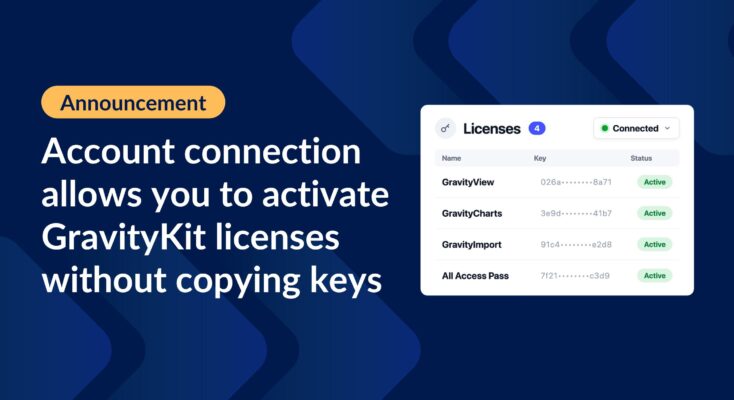
Announcing account connections: activate GravityKit licenses without copying keys
Connect your WordPress site to your GravityKit account and activate licenses without copying and pasting keys. Agencies can manage every client site from one place.

Feature highlight: Sorting and filtering your entries
Learn how sorting and filtering work in GravityView, including A-Z Filters and Advanced Filtering extensions, to control exactly which entries appear in your Views.

How to send email notifications when a form entry is approved or rejected
Trigger email notifications when a GravityView entry is approved or rejected. Notify applicants, admins, or reviewers automatically based on submission status changes.

Feature highlight: Plotting data against time using GravityCharts
GravityCharts supports plotting Gravity Forms data against time for trend analysis and timeline charts. Visualize how submission data changes over days, weeks, months, or years.

Feature Highlight: Creating complex calculations using nested shortcodes in GravityMath
GravityMath supports nested [gravitymath] shortcodes for multi-step calculations on Gravity Forms data. Combine multiple formulas to compute advanced results across pages and widgets.

How to quickly update File Upload fields with inline editing
Edit Gravity Forms File Upload fields inline using GravityEdit, without opening each entry. Ideal for teams that frequently update uploaded files or documents in bulk.
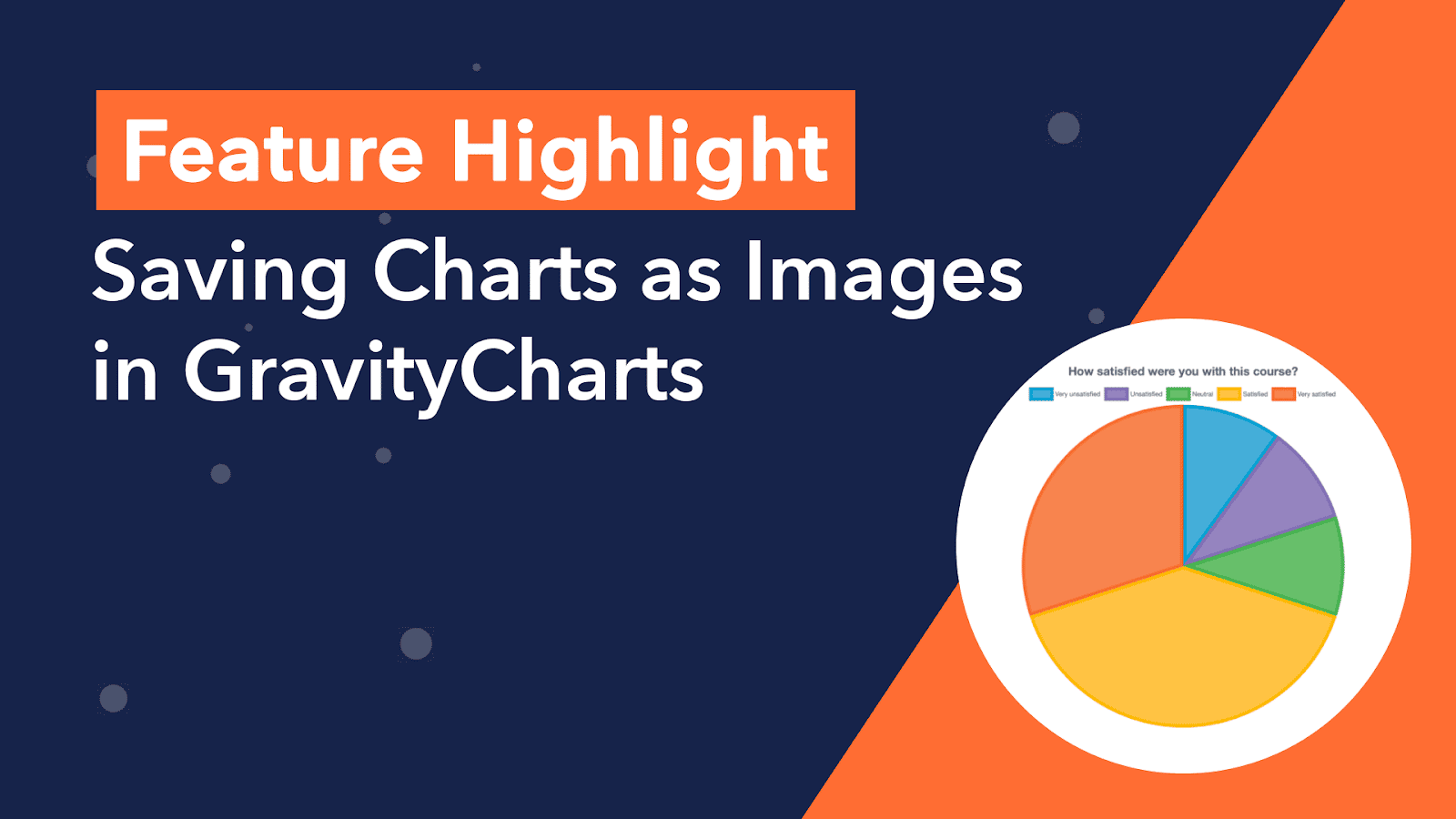
Feature Highlight: Saving Charts as Images in GravityCharts
Save GravityCharts visualizations as image files to embed in email notifications or PDF reports. Covers the Image Charts beta feature and how to build versatile data reports.