GravityView
Gravity Forms is the best WordPress form plugin, but sometimes you need to display form entries on the front end. That’s where GravityView comes in.
GravityView is a powerful add-on for Gravity Forms that allows you to display Gravity Forms entries on the front end. Display your entries using a variety of beautiful layouts, filter views, allow users to edit their own entries, and much more. Here you’ll learn about configuring new Views, how to display entries on a map or calendar, how to display user profiles, and more.
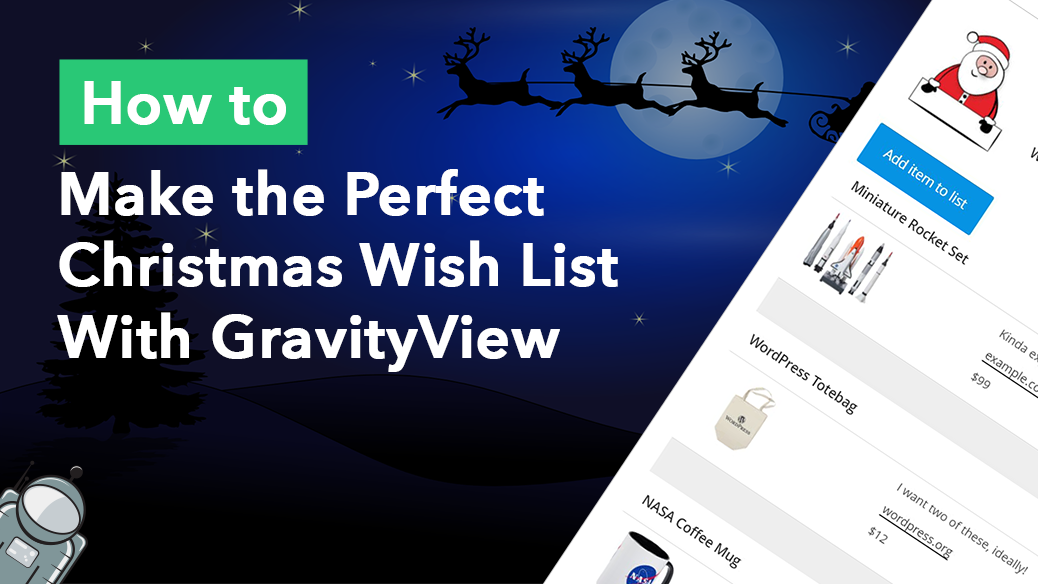
How to build the perfect Christmas wish list with GravityView
Build a shareable Christmas wish list on WordPress using Gravity Forms and GravityView. Let friends add items, mark gifts as claimed, and update their list from the front end.

How to Embed Reddit Posts Using GravityView
Display Reddit posts on your WordPress website using GravityView. Collect Reddit URLs through Gravity Forms and render them as embedded posts on any page or view.
WordPress: Display Tweets Using GravityView
Embed tweets on your WordPress website using Gravity Forms and GravityView. Collect Twitter post URLs through a form and display them as embedded posts on any page.
SEO for GravityView: The Ultimate Guide
Boost organic traffic to any GravityView app you build. This guide covers SEO best practices for directories, marketplaces, and more built with Gravity Forms and GravityView.
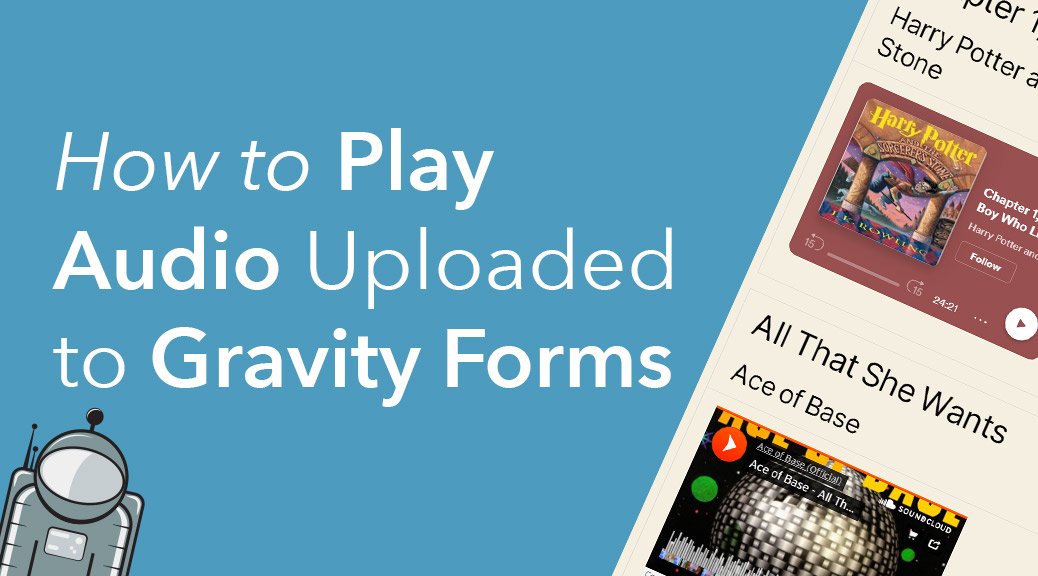
How to embed audio links from Gravity Forms submissions
Turn Gravity Forms audio URL submissions into embedded players using GravityView. Supports SoundCloud, Spotify, Mixcloud, and other audio platforms without writing code.

How to embed videos uploaded to Gravity Forms
Turn Gravity Forms video URL submissions into embedded players on the front end using GravityView. Supports YouTube, Vimeo, Dailymotion, and other popular video platforms.
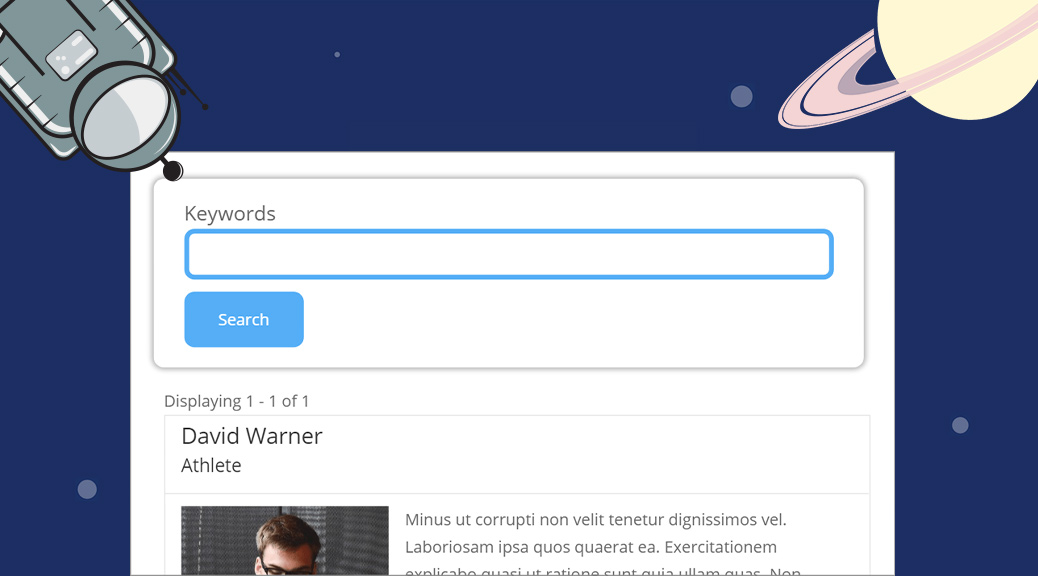
How to Style the GravityView Search Bar Widget
Style the GravityView Search Bar widget with custom CSS to match your site design. Covers adding, configuring, and styling search fields for any GravityView layout.
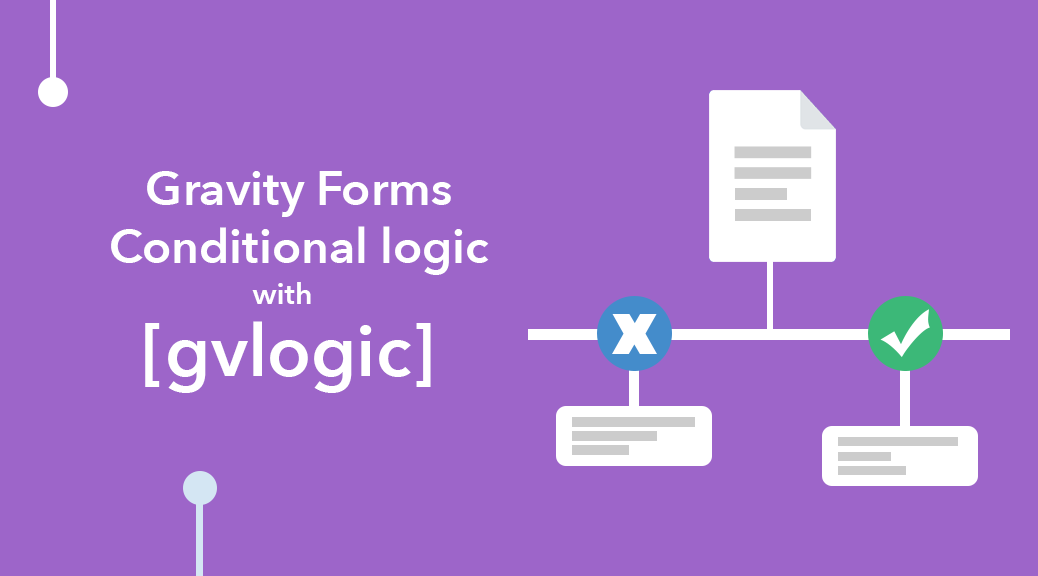
Gravity Forms: Conditional Logic Using [gvlogic]
Use the [gvlogic] shortcode to add conditional logic anywhere on your WordPress site. Supports AND/OR conditions, an [else] tag, and works in forms, confirmations, and widgets.