
Products
GravityKit is a Gravity Forms certified developer that builds powerful add-ons for Gravity Forms. We are recognized in the Gravity Forms community for our quality development and excellent support.
Our flagship plugin, GravityView, allows you to display Gravity Forms entries on the front end of your website. Our Inline Edit plugin allows you to edit Gravity Forms entries faster and more efficiently and Import Entries provides an easy way to import data from a CSV file into Gravity Forms.
Learn about all of our different products and how to use them here.

How to migrate from Caldera Forms to Gravity Forms
Caldera Forms reached end of life, making now the ideal time to migrate. This step-by-step guide moves your forms and entries to Gravity Forms without data loss or rebuilding from scratch.

How to Embed Reddit Posts Using GravityView
Display Reddit posts on your WordPress website using GravityView. Collect Reddit URLs through Gravity Forms and render them as embedded posts on any page or view.
How to upload Gravity Forms entries to FTP
Store and share Gravity Forms entry data securely over FTP without granting admin access to your site. Step-by-step guide using GravityExport to automate FTP file transfers.
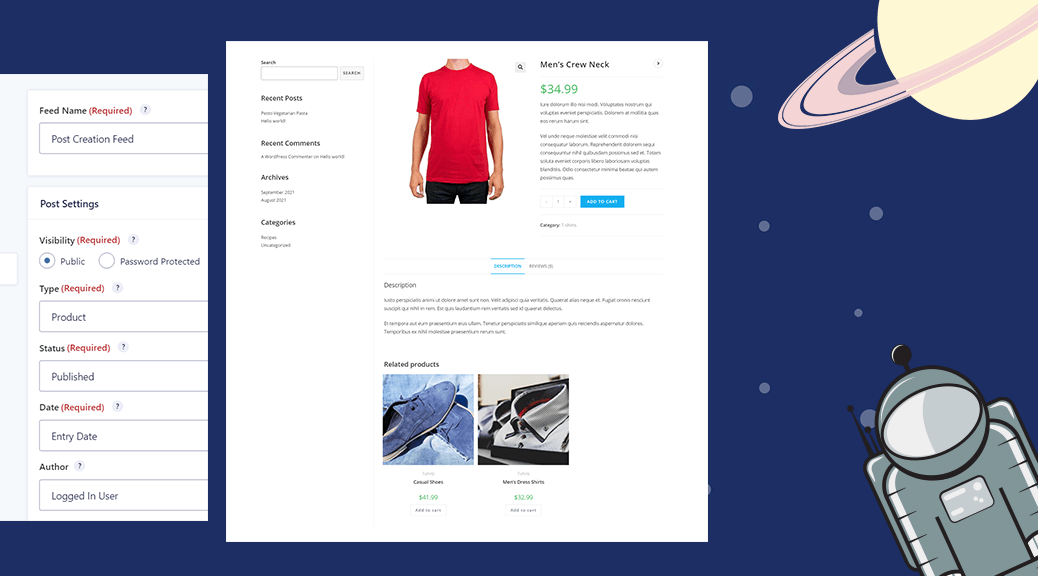
How to Import WooCommerce products to Gravity Forms
Import WooCommerce products into Gravity Forms using GravityImport and the Advanced Post Creation add-on. Step-by-step walkthrough for turning CSV data into live product listings.
Gravity Forms: Send your form data to Dropbox
Send Gravity Forms data to Dropbox for easy file sharing, backups, and team collaboration. Covers the official Dropbox add-on and GravityExport for advanced automated cloud exports.

Gravity Forms: Import entries from a CSV using conditional logic
Import entries from a CSV into Gravity Forms using conditional logic to filter by specific criteria. Step-by-step guide to the conditional import feature in GravityImport.

WordPress: Display Tweets Using GravityView
Embed tweets on your WordPress website using Gravity Forms and GravityView. Collect Twitter post URLs through a form and display them as embedded posts on any page.

SEO for GravityView: The Ultimate Guide
Boost organic traffic to any GravityView app you build. This guide covers SEO best practices for directories, marketplaces, and more built with Gravity Forms and GravityView.